Edit Word Document with OffiX
TXT / DocX Editor: Read, Write
Designed for iPhone, iPad, Mac, iPod touch
Free · In-app purchases
- Age rating4+
- CategoryBusiness
- DeveloperSerhii Borychev
- LanguagesEnglish+ 2 more
- Size52.3 MB
Links to the official App Store page
Download.org hosts no file of Edit Word Document with OffiX. The button opens its official App Store page, published by Serhii Borychev. Listing last checked on Nov 12, 2026.
Screenshots

About
Take your productivity to the next level with OffiX — the ultimate all-in-one tool for document editing and management. Whether you need to create a new document, edit existing files, or convert documents into various formats, OffiX has got you covered!
Key Features (Available with Subscription):
WORD DOCUMENT EDITOR
Create, edit, and format Word documents with rich text customization.
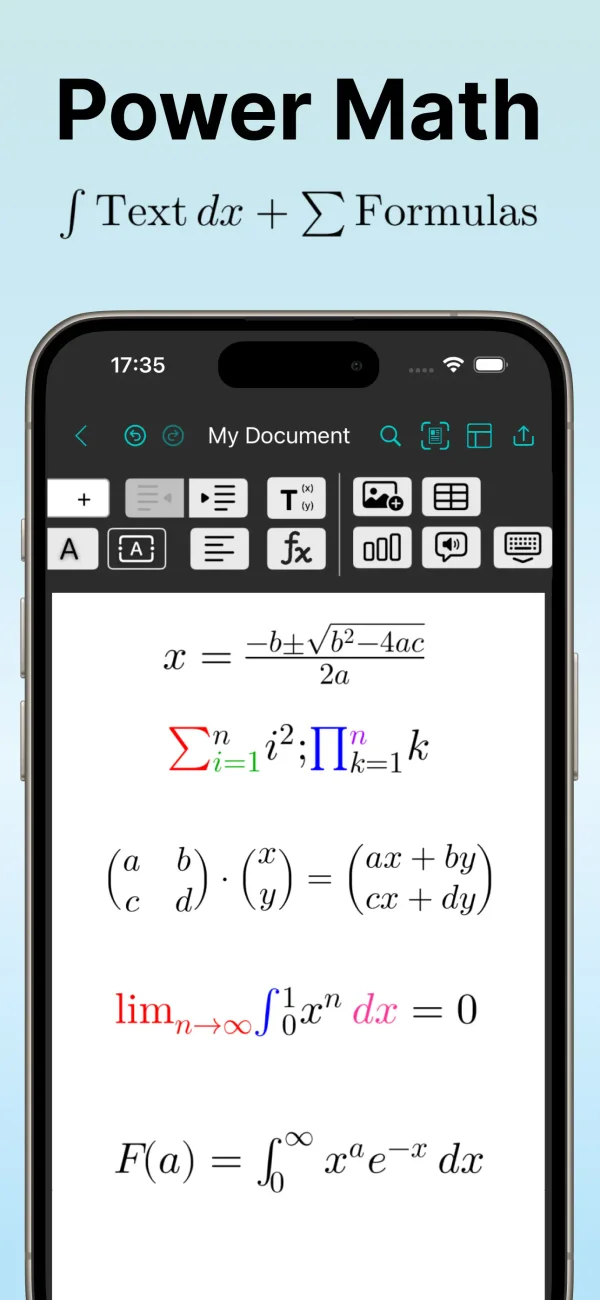
MATH FORMULAS
Easily create complex mathematical expressions in Word documents.
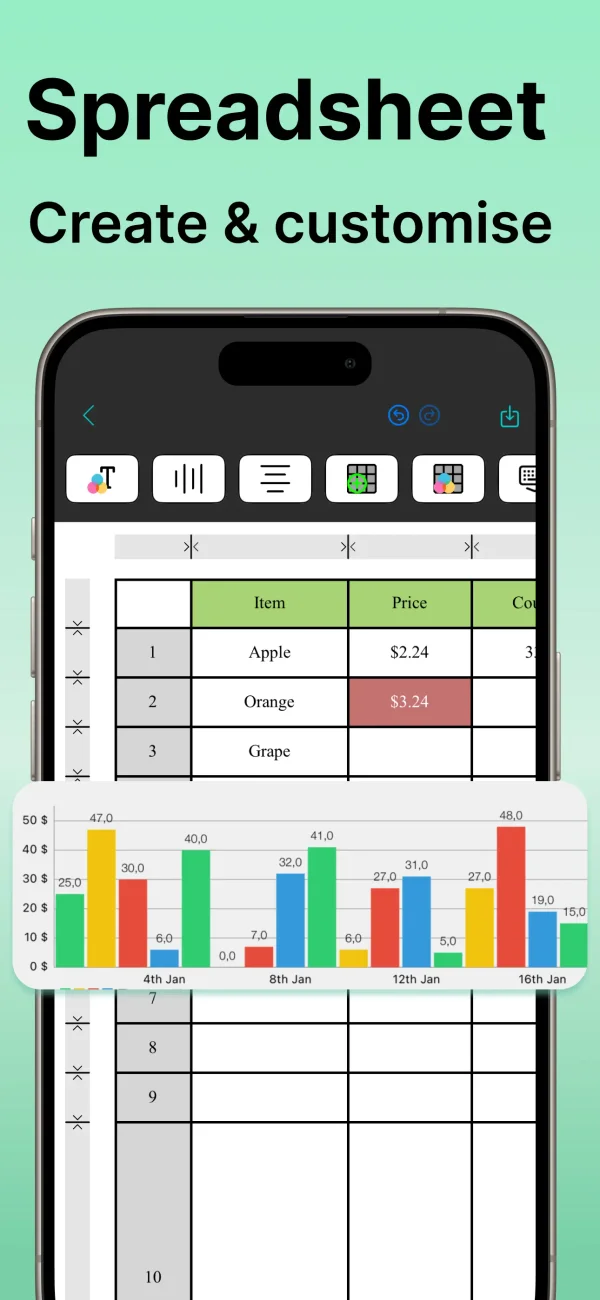
SPREADSHEET & CHARTS
Build, edit, and visualize data with integrated spreadsheets and dynamic charts.
PDF TOOLS
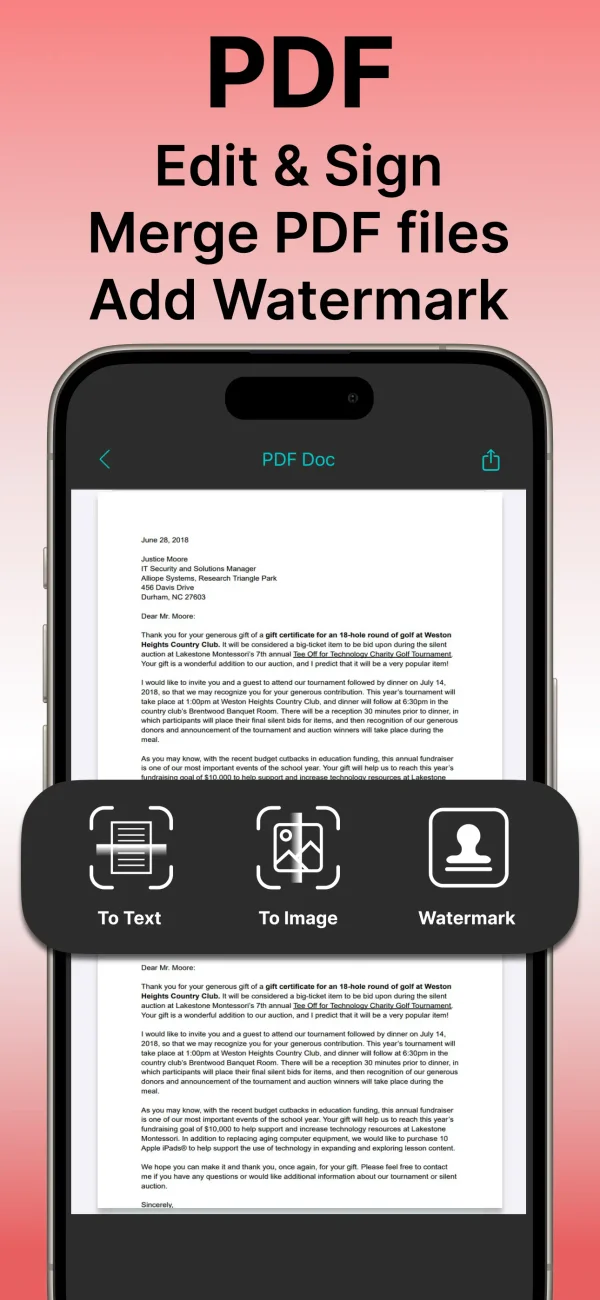
Convert Word documents to PDF, merge multiple PDFs, add watermarks, and even convert PDFs to text or images.
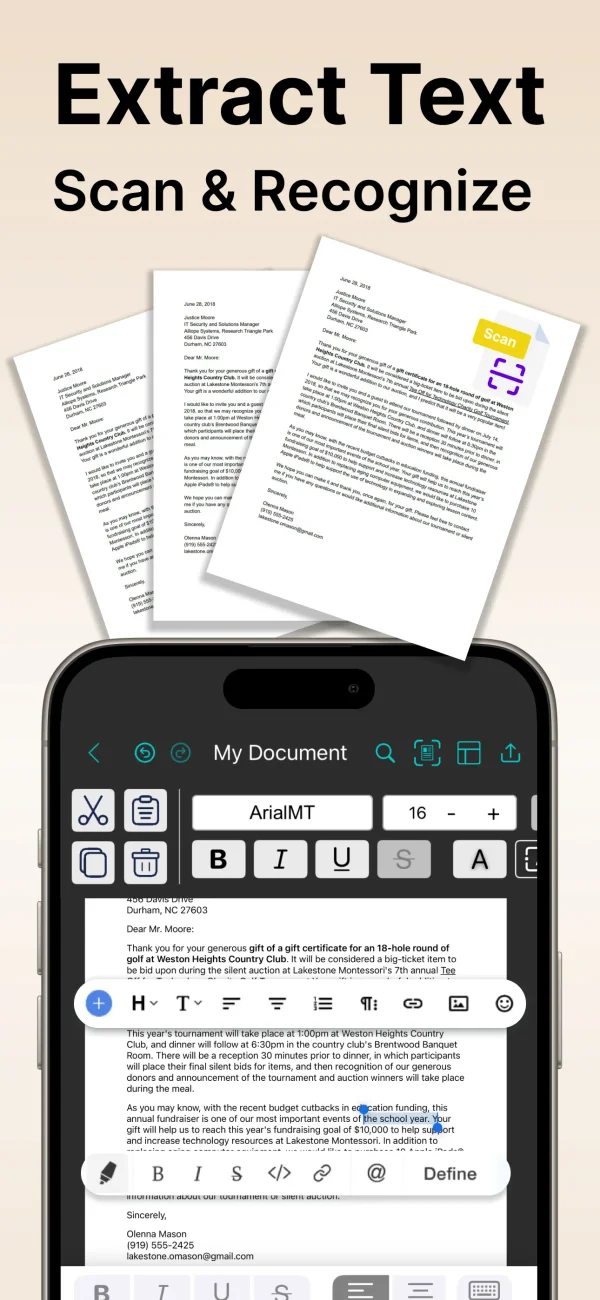
OCR (Optical Character Recognition)
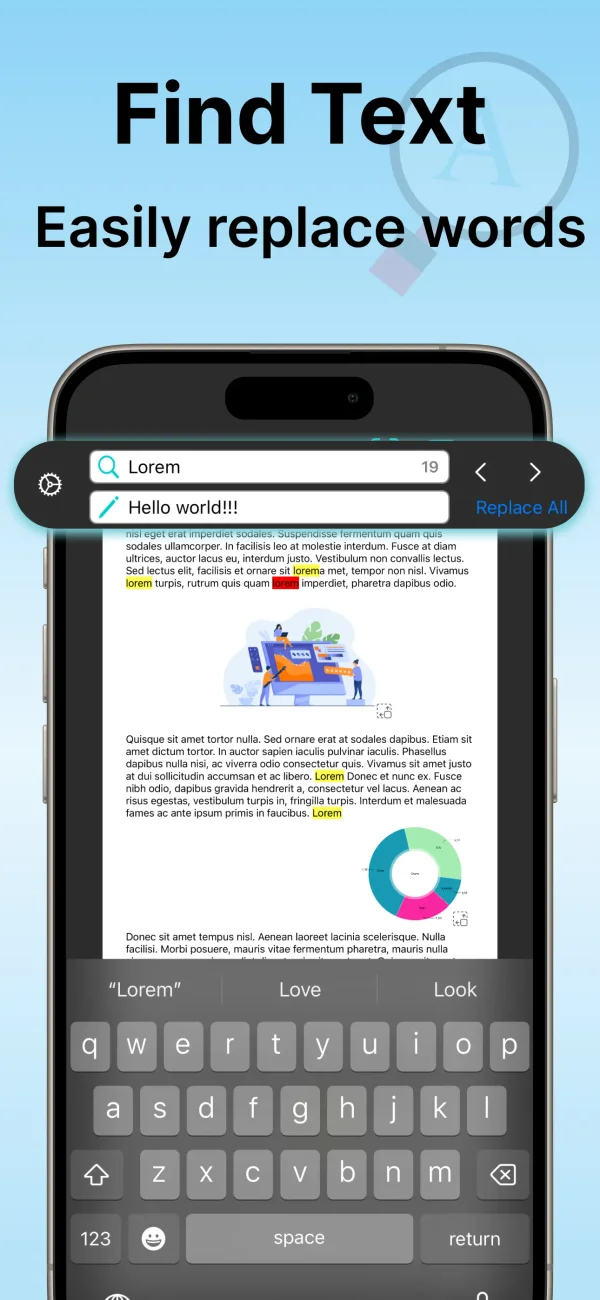
Extract and edit text from scanned documents and images.
IMAGE EDITING
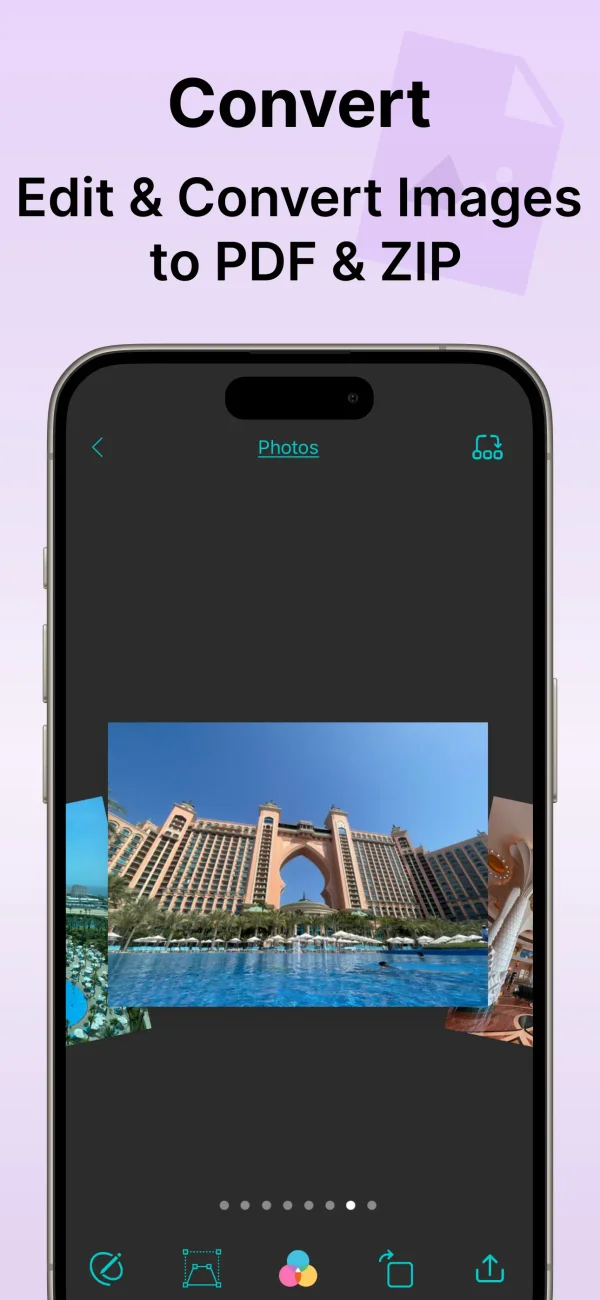
Apply filters, transform images, and enhance visuals directly within the app.
SCANNING & SIGNATURES
Scan physical documents, add digital signatures, and save them as PDFs.
FILE COMPRESSION & ARCHIVING
Organize your files by compressing them into ZIP archives.
CLOUD INTEGRATION
Seamlessly share and save your documents with Google Drive.
Why Choose OffiX?
With an intuitive interface and powerful features, Office X is designed to simplify your workflow and supercharge your productivity. Whether you’re a student, a professional, or anyone in between, this app makes handling documents a breeze.
Download OffiX today and transform the way you work with documents!
Start your free trial and experience the benefits of editing documents, anytime, anywhere. Subscription options: $6.99/week, $29.99/year. These prices are for US. Pricing in other countries may vary and actual charges may be converted to your local currency depending on the country of residence.
The subscription will automatically renew unless turned off in your iTunes Account Settings at least 24 hours before the current period ends. You can go to your iTunes Account settings to manage your subscription and turn off auto-renew. Your iTunes Account will be charged when the purchase is confirmed. If you subscribe before your free trial ends, the rest of your free trial period will be forfeited as soon as your purchase is confirmed.
OffiX is an independent application and is not affiliated with, endorsed by, or in any way officially connected to Microsoft Corporation. Microsoft Word, Excel, and other Microsoft products are trademarks or registered trademarks of Microsoft Corporation. OffiX simply provides tools to view, edit, and manage documents compatible with DOCX and other common formats.
Terms: https://sites.google.com/view/paperwork-terms-and-conditions/
Privacy: https://sites.google.com/view/paperwork-privacy-policy/
What’s new
Version 1.5.4 · Sep 7, 2026
Updated UX;
Fixed issues;
App privacy
What Serhii Borychev declares on the App Store about how this app handles data.
-
Data not linked to you
May be collected but is not linked to your identity.
- Usage data
- Diagnostics
Privacy practices may vary, for example with the features you use or your age.
Information
- Seller
- Serhii Borychev
- Category
- Business
- Version
- 1.5.4
- Updated
- Sep 7, 2026
- Released
- Mar 16, 2025
- Size
- 52.3 MB
- Requires
- iOS 15.6 or later
- Age rating
- 4+
- Price
- Free
- In-app purchases
- Yes
- Languages
- English, Russian, Ukrainian
- Copyright
- © Serhii Borychev 2026
You might also like
-
 Docx Editor & Create DocumentCreate & Edit DOCX Documents
-
 Word Documents - Office ReaderProductivity
-
 Office Word : Document EditorRead, Create & Edit Docs Files
-
 AI Paraphraser: Rephrase AppRewrite text, fix grammar fast
-
 Smart Printer Scan & Print AppPDF Scanner & Doc Master Pro
-
 Scanner Images to PDF AppScan Photos to Text Files
-
 Text to Speech: Listen AIAI Audio & Text Converter
-
 Sign Documents: Hand SignerDigital Signature Maker. PDF
-
 Word Document: Edit Docs,ShareRead & Edit Office Word Docs
-
 Word Editor: DOCX DocumentsDocX Editor: Write & Edit Word