Editioz: Video Editor
Offline video maker
Designed for iPhone, iPad, Mac, iPod touch
Free · In-app purchases
- Age rating4+
- CategoryPhoto & Video
- DeveloperIOZ LIMITED LIABILITY COMPANY
- LanguagesEnglish
- Size67.4 MB
Links to the official App Store page
Download.org hosts no file of Editioz: Video Editor. The button opens its official App Store page, published by IOZ LIMITED LIABILITY COMPANY. Listing last checked on Nov 22, 2026.
Screenshots

About
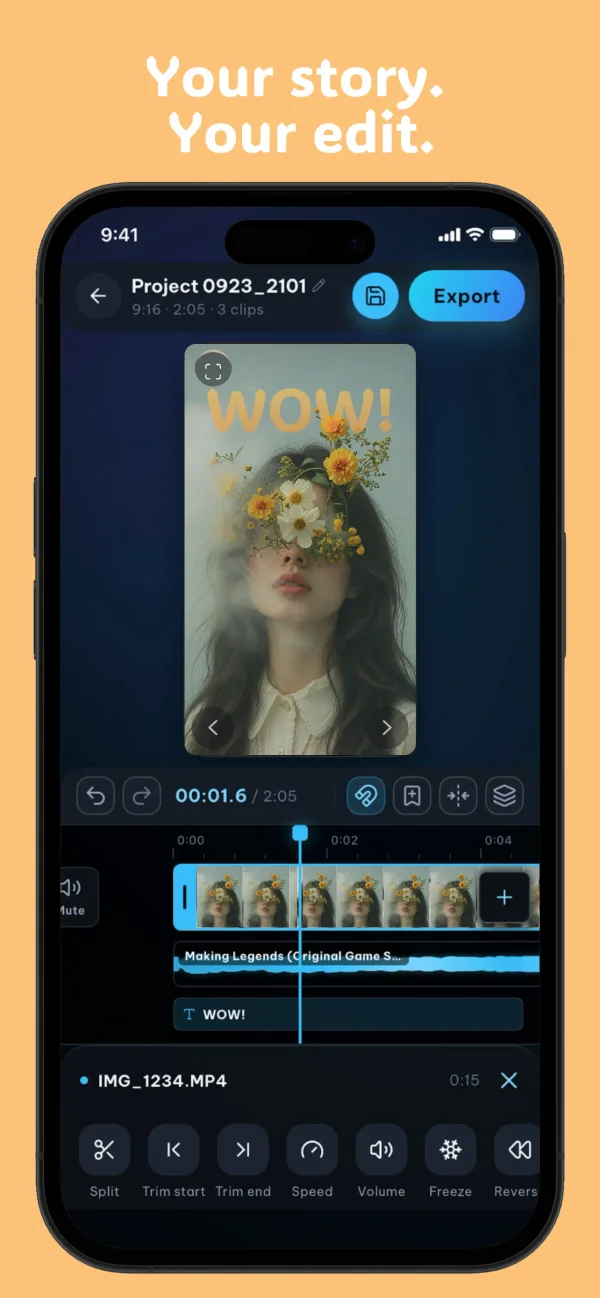
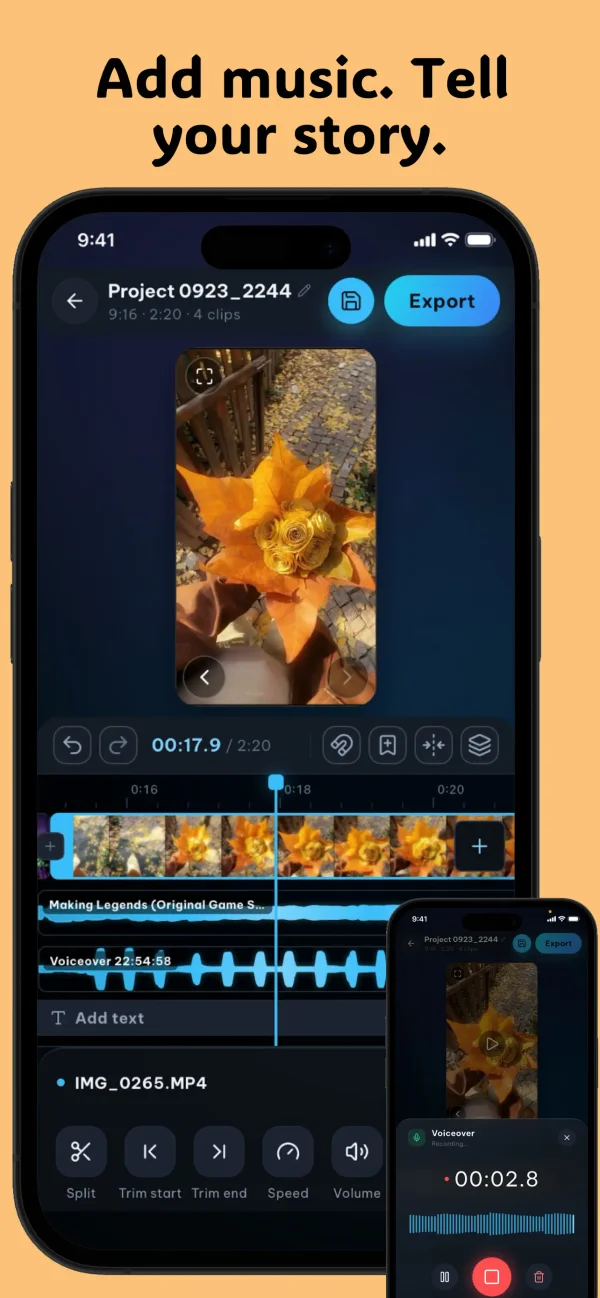
Create and edit videos offline with Editioz. Work with clips saved on your device, build your story on a layered timeline, and export without uploading your media for processing.
No account required.
EDIT YOUR WAY
• Trim, split, combine, and rearrange videos and photos.
• Adjust playback speed and create speed curves.
• Reverse clips or turn a moment into a freeze frame.
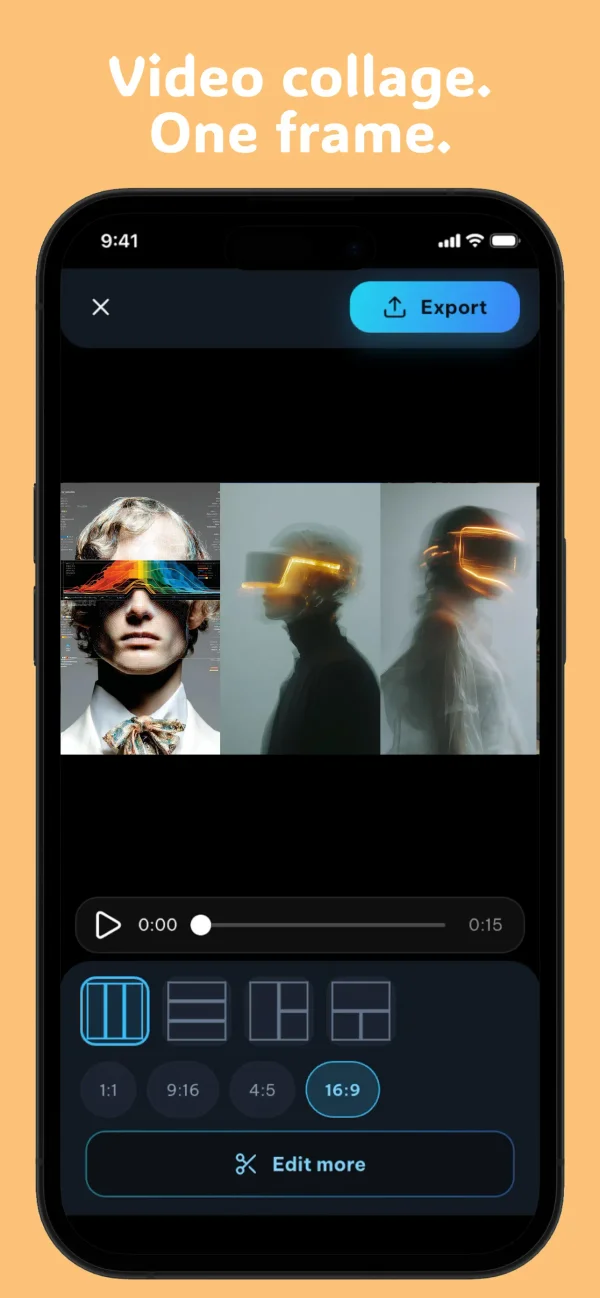
• Crop, rotate, flip, and change your project's aspect ratio.
• Undo and redo edits as you work.
BUILD YOUR LOOK
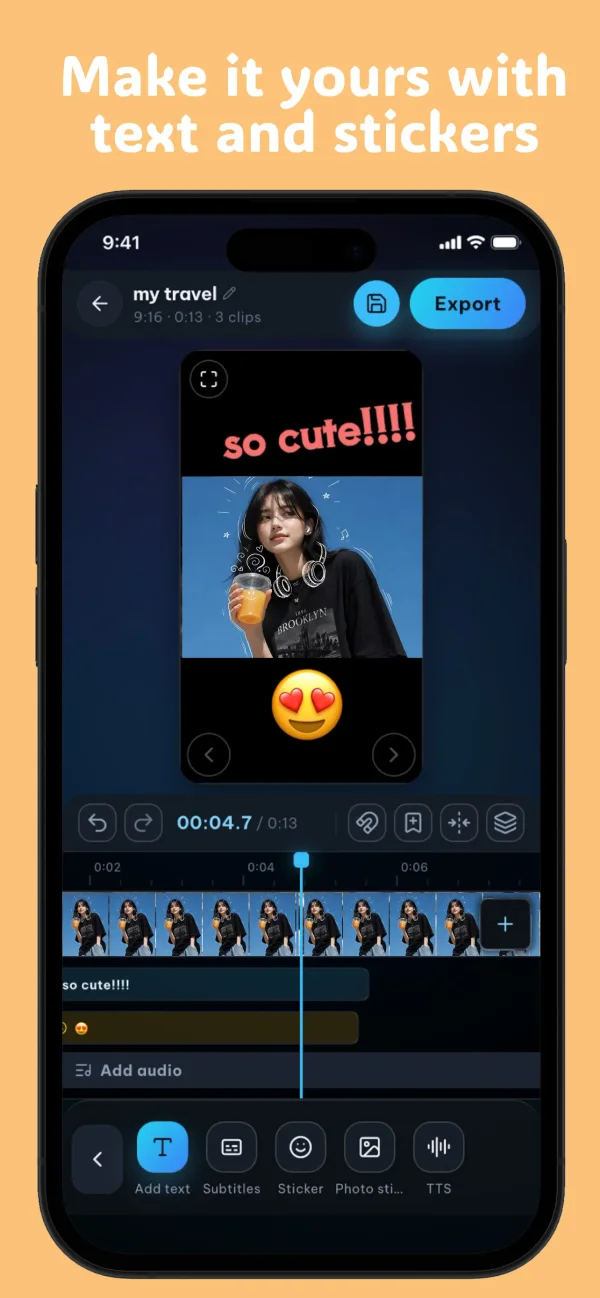
• Layer videos, photos, text, and stickers.
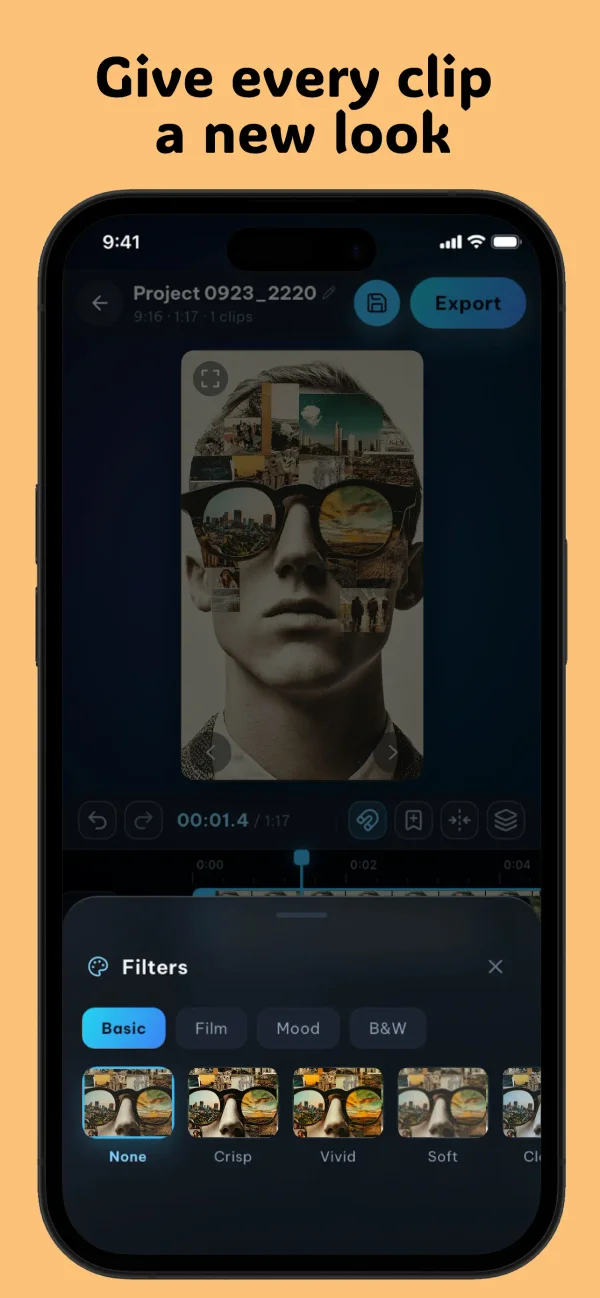
• Apply filters and adjust brightness, contrast, and color.
• Add transitions, visual effects, and text animations.
• Fine-tune your composition with masks, chroma key, and keyframes.
MAKE IT SOUND RIGHT
• Import audio and record voiceovers.
• Adjust volume, mute clips, or detach audio from video.
• Add sound effects and fade audio in or out.
• Lower background audio around voiceovers.
START QUICKLY
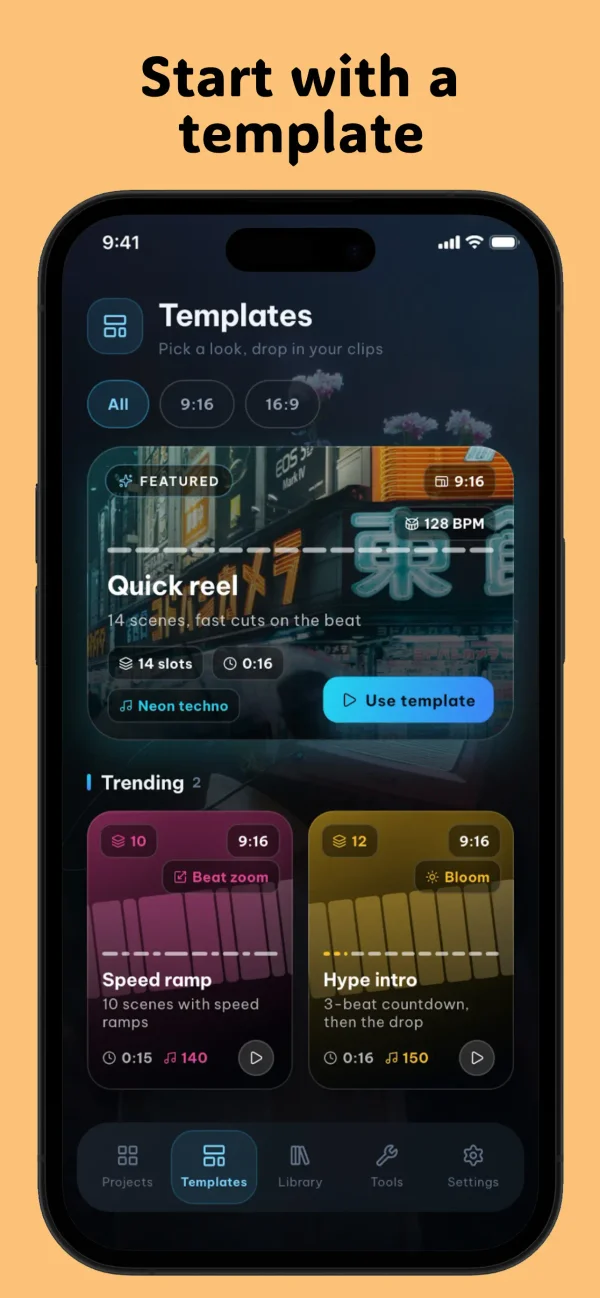
• Create a project from a template.
• Combine clips or split a video into equal parts.
• Extract a video frame as a photo.
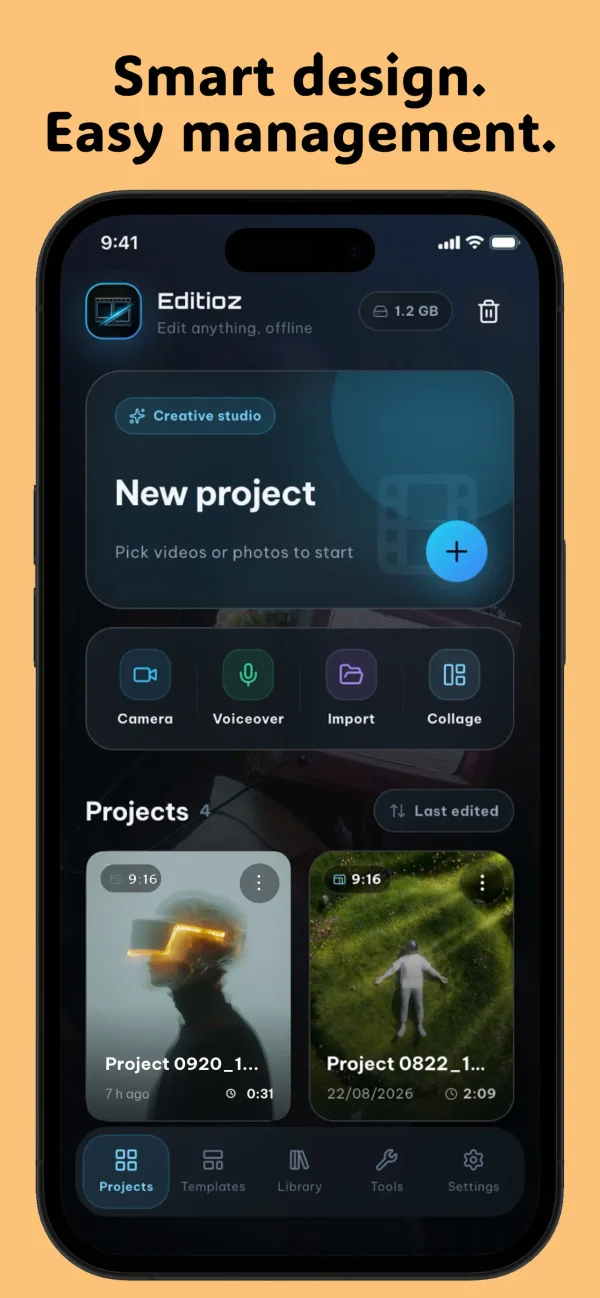
• Save projects and return to them later.
EXPORT ON YOUR DEVICE
• Export MP4 videos, GIFs, PNG sequences, or audio.
• Choose resolution, frame rate, and quality.
• Export without a required watermark.
• Save your finished work and share when you're ready.
OFFLINE EDITING
Use media stored on your device and the included fonts to edit offline. Additional fonts require an internet connection to download before offline use. Media stored only in the cloud must first be downloaded to your device.
Terms of Use: https://www.apple.com/legal/internet-services/itunes/dev/stdeula/
Privacy Policy: https://ioz.vn/privacy-policy.html
What’s new
Version 1.1.0 · Nov 19, 2026
Editioz now shows ads to stay free, with an optional Premium plan that removes them. Also fixes Extract Frame and clip badges on very short clips.
App privacy
What IOZ LIMITED LIABILITY COMPANY declares on the App Store about how this app handles data.
-
Data used to track you
May be used to track you across apps and websites owned by other companies.
- Identifiers
-
Data linked to you
May be collected and linked to your identity.
- Purchases
- Identifiers
- Usage data
- Diagnostics
- Other data
-
Data not linked to you
May be collected but is not linked to your identity.
- Location
- Usage data
- Diagnostics
Privacy practices may vary, for example with the features you use or your age.
Information
- Seller
- IOZ LIMITED LIABILITY COMPANY
- Category
- Photo & Video
- Version
- 1.1.0
- Updated
- Nov 19, 2026
- Released
- Oct 4, 2026
- Size
- 67.4 MB
- Requires
- iOS 15.0 or later
- Age rating
- 4+
- Price
- Free
- In-app purchases
- Yes
- Languages
- English
- Copyright
- © 2026 IOZ
You might also like
-
 Iriora: AI Photo CleanerFind Duplicates, Free Space
-
 PIM CAM: Instant Film CameraRetro Filters, Selfies, Prints
-
 Clydris – Video & Photo BlurBlur faces & plates in videos
-
 LumiclipiaPhoto / Video Editor
-
 HEIC Photo Converter ProConvert HEIC to JPG or PNG
-
 Aire SubtitleOn-device subtitles for video
-
 Polola: simple photo editorPresets, grain & soft tones
-
 ChirpCam - Pet & Baby CameraPhoto & Video
-
 ترجمة الفيديوهاتPhoto & Video
-
 ProperImage: HEIC, WebP to JPGPhoto Compressor, EXIF Cleaner