
Egg Timer: Kitchen Timers
Several timers, one loud alarm
Designed for iPhone, iPad
- Age rating4+
- CategoryProductivity
- Developerjunhong baek
- LanguagesEnglish+ 3 more
- Size5.5 MB
Links to the official App Store page
Download.org hosts no file of Egg Timer: Kitchen Timers. The button opens its official App Store page, published by junhong baek. Listing last checked on Nov 14, 2026.
Screenshots
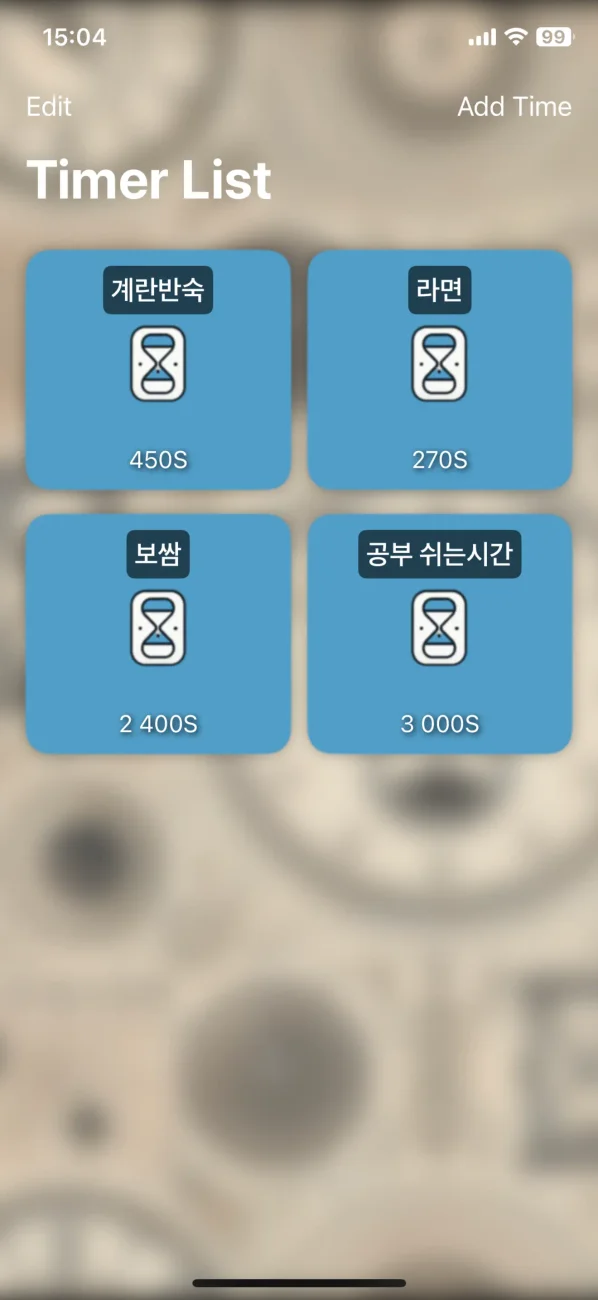
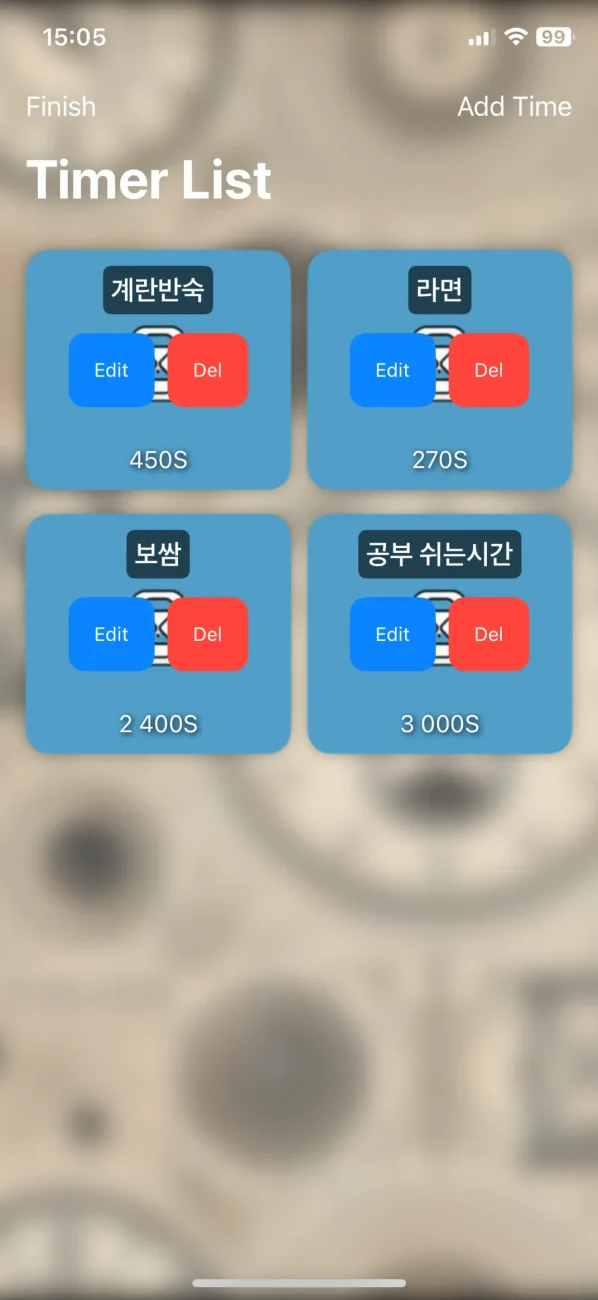
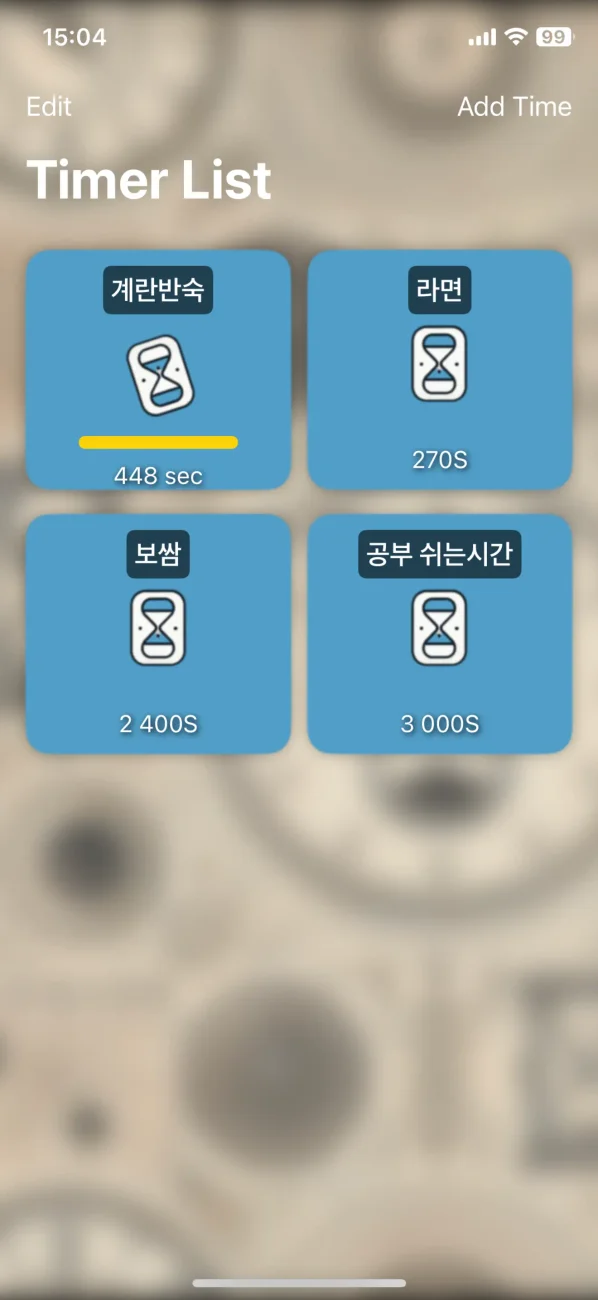
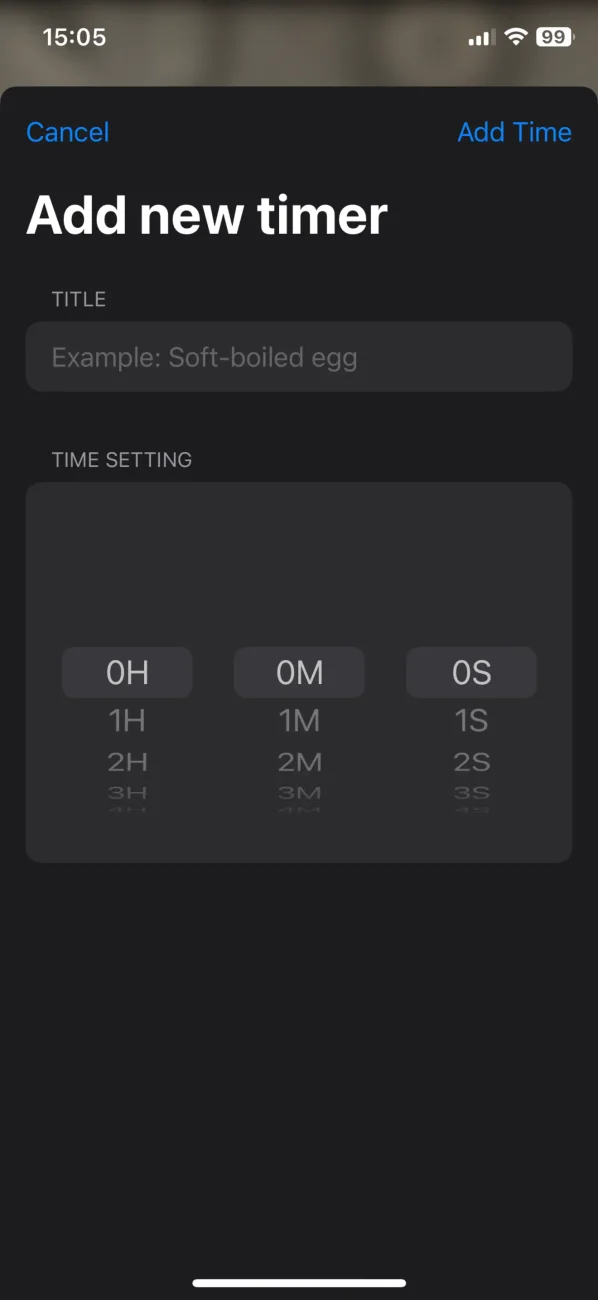
About
Several timers at once, and an alarm you won't miss.
One egg is boiling, the ramen goes in two minutes later, and the tea has to come
out before either. A single timer is never enough, and an alarm that beeps once
is easy to miss from the next room.
■ As many as you need, side by side
Every timer is a card. Tap one to start it, tap it again to pause, and tap the
arrow to send it back to the beginning. Each card counts down on its own, with a
ring that fills so you can tell at a glance how much is left.
■ An alarm that keeps ringing
When a timer ends it does not beep once and give up. The alarm repeats until you
confirm you heard it, and it sounds even when the silent switch is on — a kitchen
timer that ends quietly is no use at all. Close the app or lock the phone and the
notification takes over, so it still reaches you.
■ The clock keeps running when the app does not
Timers are anchored to the moment they will finish, not to a countdown the app
has to keep ticking. Leave the app, lock the phone, even force-quit it — come
back and the remaining time is still right.
■ Ready the moment you install it
Four timers are already there: soft-boiled egg, hard-boiled egg, ramen and tea.
Change any of them, duplicate one, or add your own with a name, a length and an
icon.
■ iPhone and iPad
Both are supported, laid out for each screen rather than stretched to fit.
■ About the ad
There is one banner at the bottom of the list. No full-screen ads, ever — nothing
interrupts a timer. If you decline tracking, the app works exactly the same.
Available in English, Korean, Japanese and Simplified Chinese.
What’s new
Version 1.2 · Sep 11, 2026
The alarm no longer slips past you, and every screen has been rebuilt.
■ Alarm
· It repeats until you confirm it, instead of beeping once and giving up
· It sounds even when the silent switch is on
· Close the app or lock the phone and the notification takes over
· Leave the app, or force-quit it, and the remaining time is still right
■ Design
· Each card fills a ring as it counts down, so a glance is enough
· Times now read as 40:00 instead of 2 400S
· Starting a timer puts a reset button on the card
· Edit, duplicate and delete from the ⋯ button on a card
· The hour, minute and second wheels are no longer cut off
· Run several timers side by side
■ Also
· iPad is supported
· Japanese and Simplified Chinese added
App privacy
What junhong baek declares on the App Store about how this app handles data.
-
Data used to track you
May be used to track you across apps and websites owned by other companies.
- Identifiers
-
Data linked to you
May be collected and linked to your identity.
- Location
- Identifiers
- Usage data
-
Data not linked to you
May be collected but is not linked to your identity.
- Diagnostics
Privacy practices may vary, for example with the features you use or your age.
Information
- Seller
- junhong baek
- Category
- Productivity
- Version
- 1.2
- Updated
- Sep 11, 2026
- Released
- Feb 19, 2025
- Size
- 5.5 MB
- Requires
- iOS 17.0 or later
- Age rating
- 4+
- Languages
- English, Japanese, Korean, Simplified Chinese
- Copyright
- © 2024 ZombieBanana Inc.
You might also like
-
 Multi Timer: Focus & RoutinesProductivity Timer & Stopwatch
-
 Timebox PacerFlexible timeboxing
-
 SIMTA: Visual TimerHomework & Test Countdown
-
 ModoiumTest Smarter, Launch Faster
-
 Pomodoro Timer: Stay FocusedLock In - Crush Tasks
-
 Simple Timer & StopwatchLive Activity & Big Display
-
 TelePlus: Manage Dual TelegramChannel, Group, Theme, Sticker
-
 Work/BreakStay in the flow