Electrical Layout Designer
Design, Build & Simulate
Designed for iPhone, iPad
Free · In-app purchases
- Age rating4+
- CategoryProductivity
- DeveloperYuhsiu Lai
- LanguagesEnglish
- Size237.8 MB
Links to the official App Store page
Download.org hosts no file of Electrical Layout Designer. The button opens its official App Store page, published by Yuhsiu Lai. Listing last checked on Nov 17, 2026.
Screenshots

About
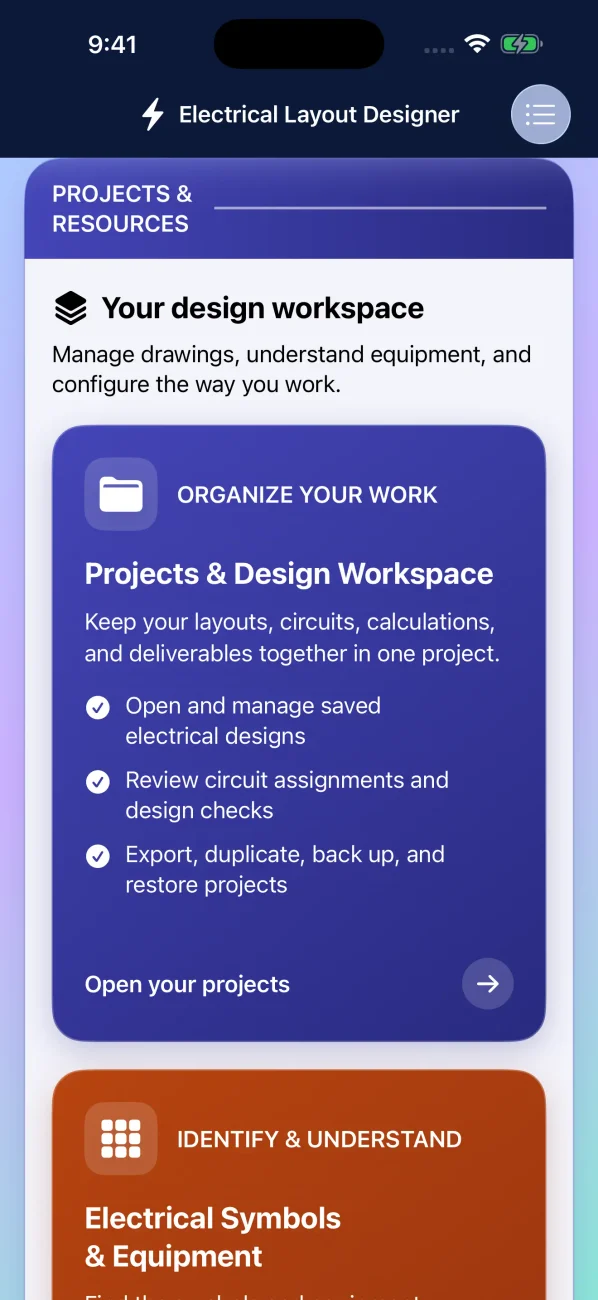
Plan electrical projects, explore calculations, and build practical skills on iPhone and iPad. Electrical Layout Designer brings floor-plan drafting, engineering tools, simulations, guided practice, and illustrated references into one workspace for engineers, electricians, technicians, and students.
FREE DOWNLOAD, ONE-TIME FULL ACCESS
Browse the home dashboard free. Opening a tool or project requires the Full Access in-app purchase. One purchase unlocks every feature; there is no subscription. Customers who previously purchased the paid app retain full access at no additional charge. Restore Purchases is available on the unlock screen.
DESIGN & DOCUMENT
• Create residential, commercial, and industrial projects with a guided wizard.
• Import a PDF floor plan or choose an included practice plan.
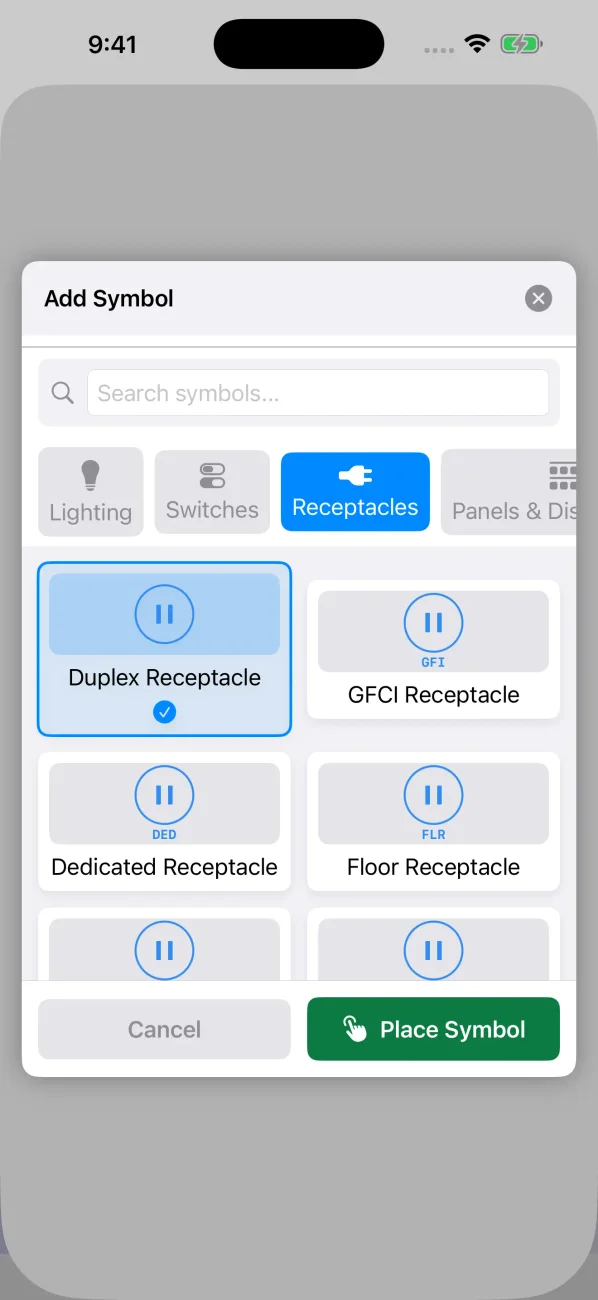
• Place electrical symbols, assign circuits, measure distances, and adjust drawing scale.
• Preview a suggested device layout based on available room geometry and project inputs, then review and edit it.
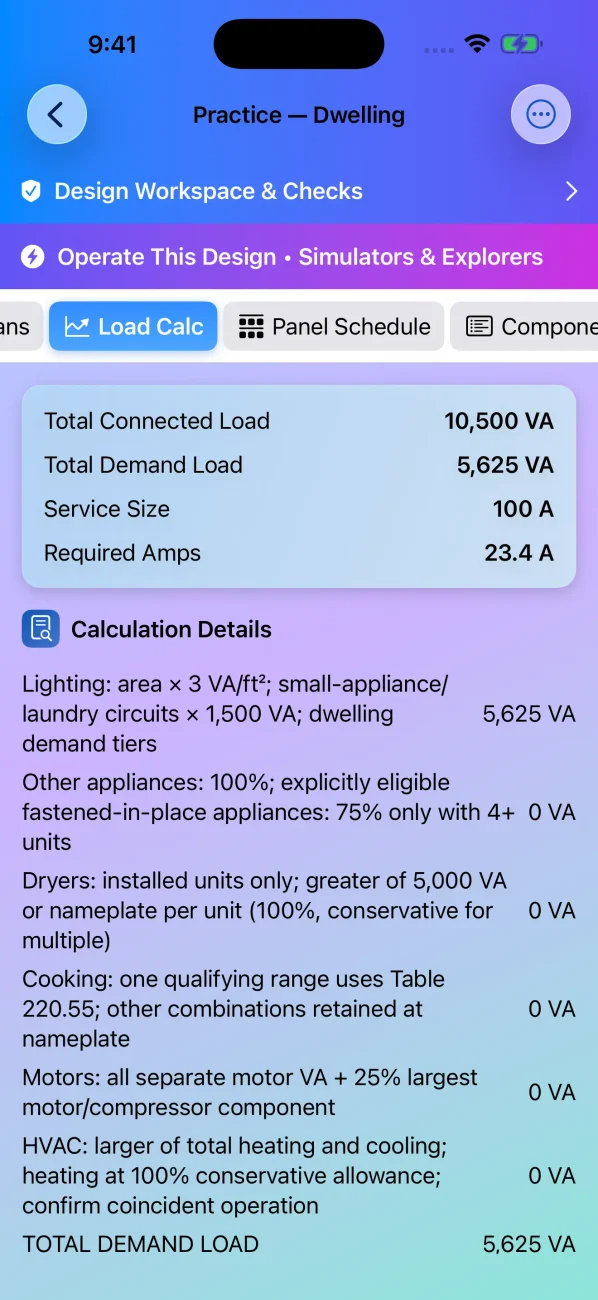
• Generate planning load calculations and panel schedules with stated assumptions.
• Export drawings, schedules, and calculations as PDF or CSV; back up and restore projects.
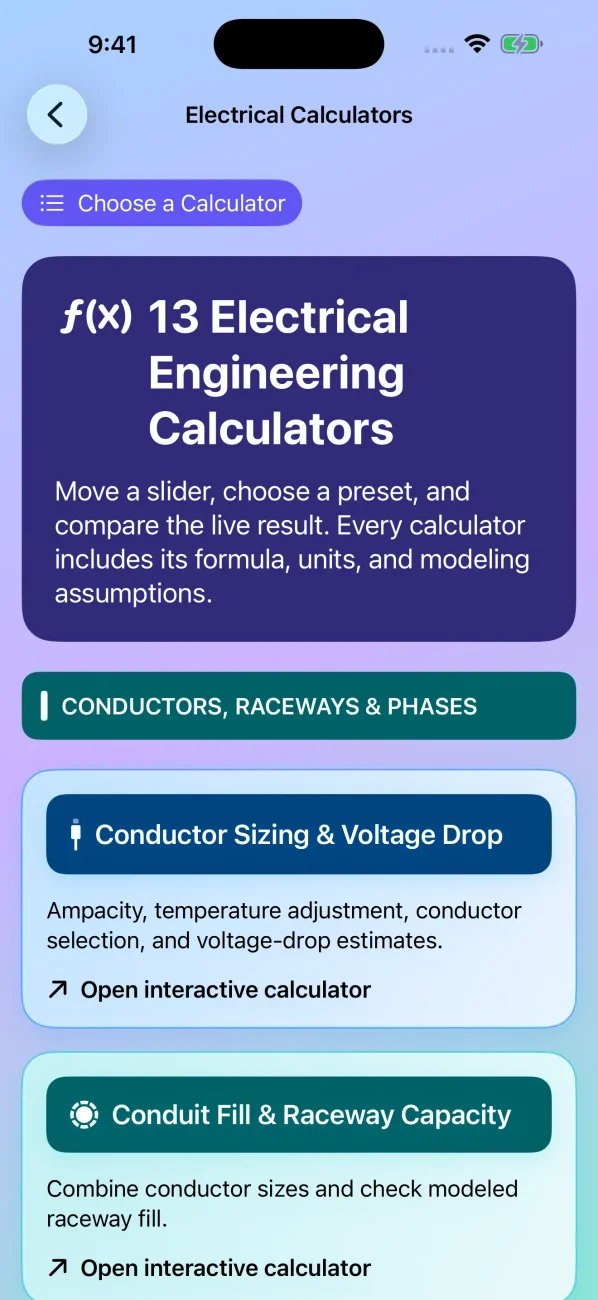
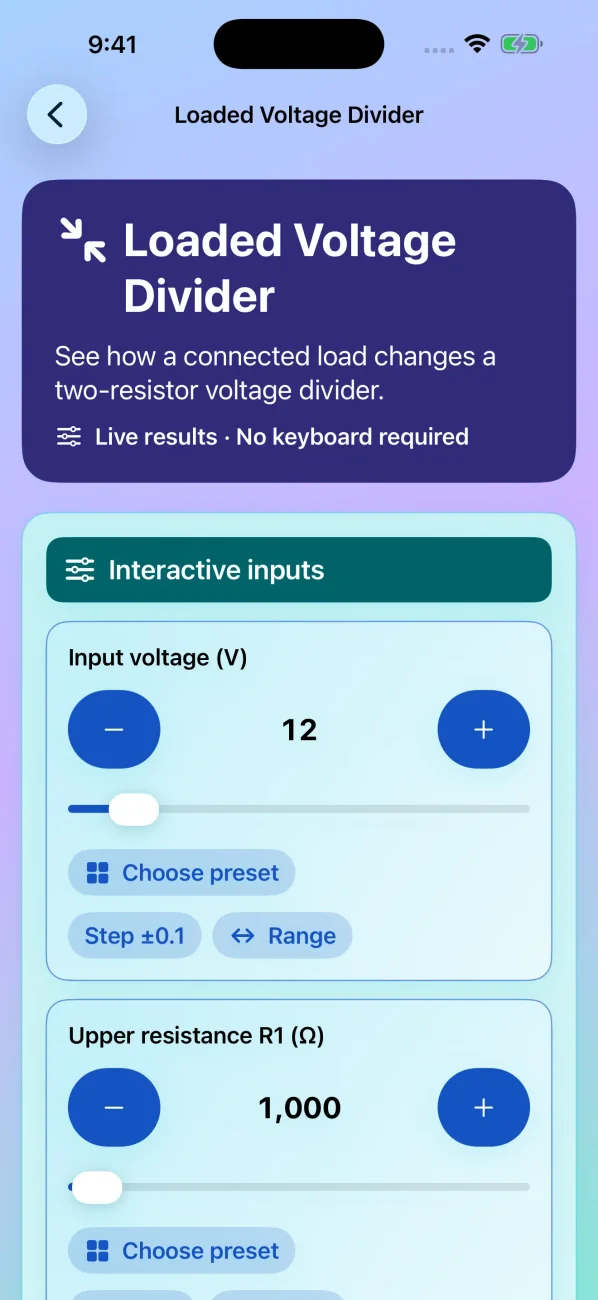
13 INTERACTIVE CALCULATORS
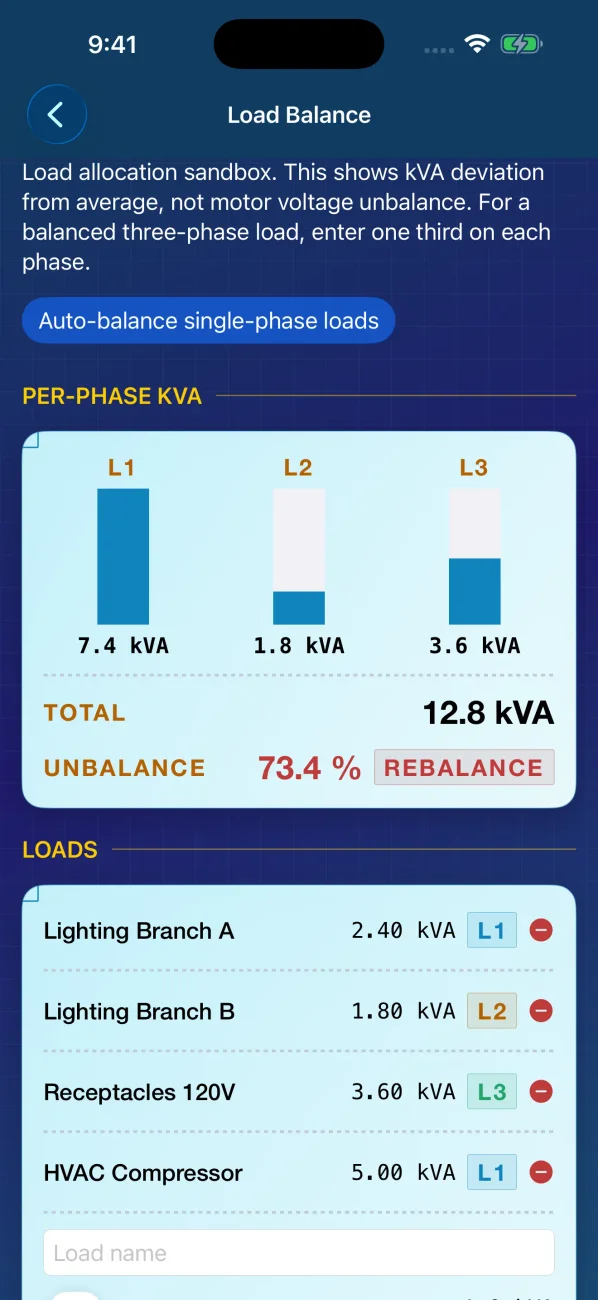
Explore conductor sizing and voltage drop, conduit fill, phase load balance, Ohm’s law and DC power, AC power and line current, transformer currents and fault estimates, power-factor correction, motor current and input power, energy use and operating cost, battery sizing and runtime, loaded voltage dividers, parallel resistance with branch currents, and series RLC impedance and resonance.
Sliders, presets, menus, and step controls let you compare inputs and see results immediately.
SIMULATE & PRACTICE
Explore electrical behavior through interactive labs and guided engineering projects. Start with sample building inputs and floor plans to learn the workflow without uploading your own drawing.
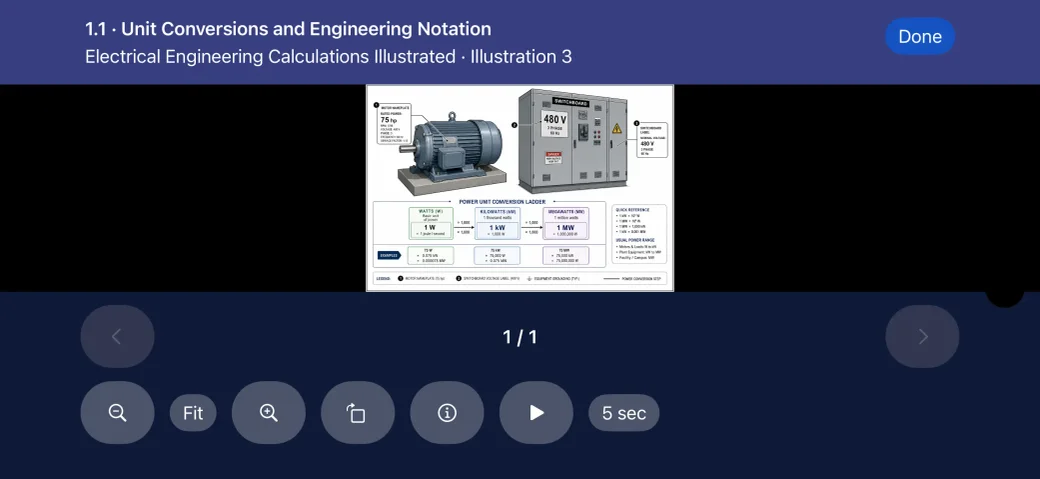
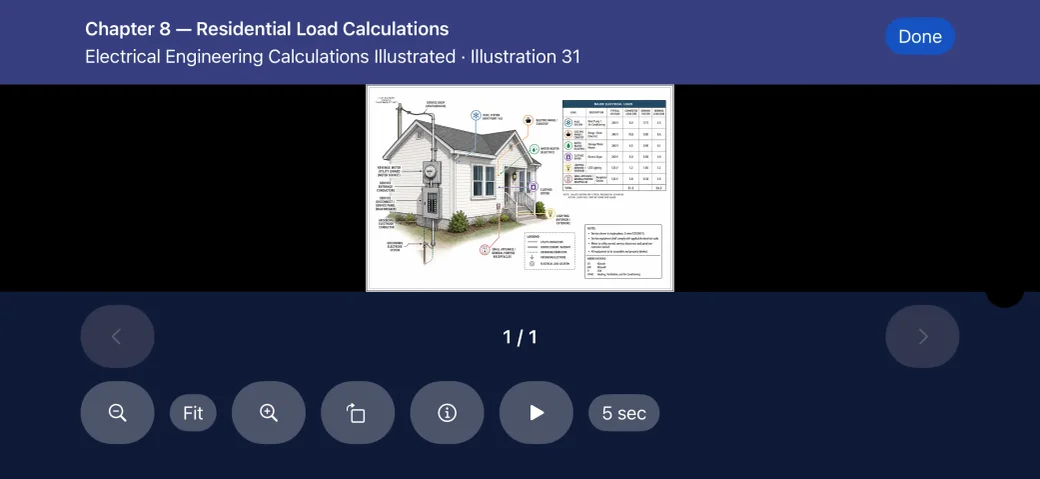
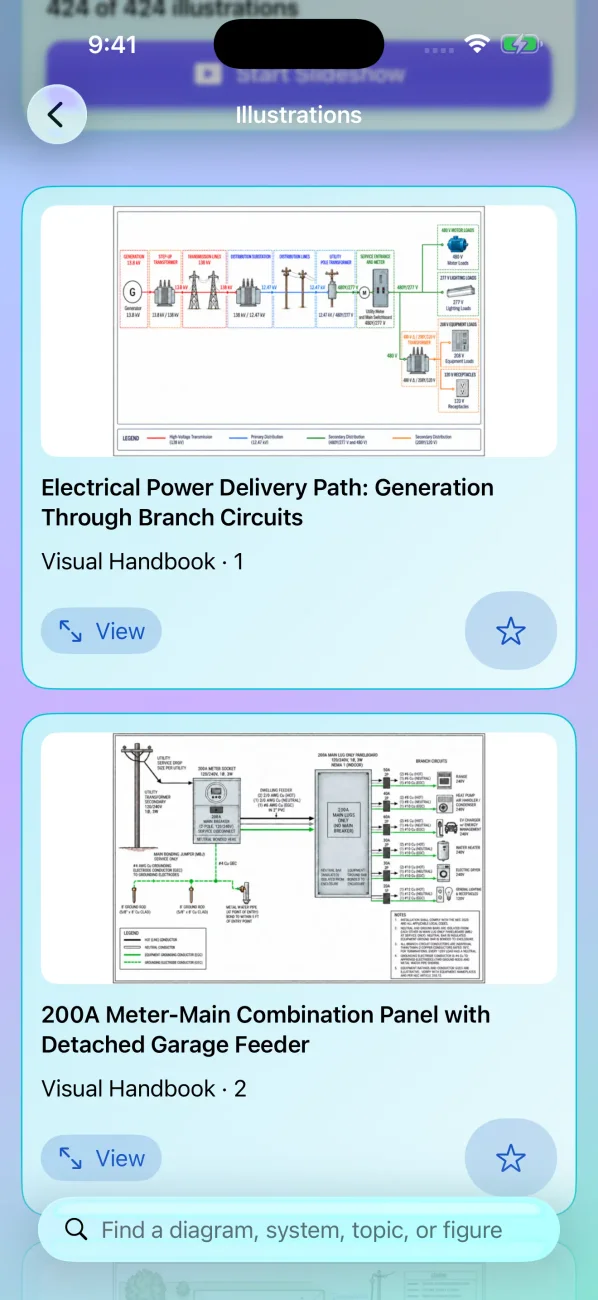
424 ELECTRICAL ILLUSTRATIONS
Browse both illustrated reference collections as thumbnails. Search, filter by topic, save favorites, and open full-screen drawings with zoom, rotation, captions, previous/next navigation, and timed slideshow playback. Illustrations are included for offline viewing.
A WORKSPACE THAT SCALES
Vibrant sections, readable text, responsive cards, and native iPhone and iPad controls make the tools easy to explore. Your projects stay on your device. An internet connection is needed for purchases and restoration; the design tools and included learning content work offline.
Calculations and suggested layouts support planning and learning. Review inputs, assumptions, adopted codes, local requirements, equipment data, and site conditions before applying results to a real installation.
What’s new
Version 3.0 · Nov 16, 2026
Version 3.0 expands your electrical design and learning workspace.
• Free home dashboard preview with a one-time Full Access purchase. Existing paid customers keep full access.
• 13 interactive engineering calculators with sliders, presets, and live results.
• 424 electrical illustrations with thumbnail browsing, search, favorites, zoom, rotation, and slideshow viewing.
• Sample floor plans and guided practice projects.
• Suggested device layouts with preview, editing, and undo support.
• Expanded simulations and engineering explorers.
• More colorful screens, clearer text, and improved project, calculation, schedule, backup, and export workflows.
App privacy
What Yuhsiu Lai declares on the App Store about how this app handles data.
-
Data not collected
The developer does not collect any data from this app.
Privacy practices may vary, for example with the features you use or your age.
Information
- Seller
- Yuhsiu Lai
- Category
- Productivity
- Version
- 3.0
- Updated
- Nov 16, 2026
- Released
- Apr 10, 2026
- Size
- 237.8 MB
- Requires
- iOS 17.0 or later
- Age rating
- 4+
- Price
- Free
- In-app purchases
- Yes
- Languages
- English
- Copyright
- © 2026 iTech Tools
You might also like
-
 PlainBoard: Sketch PadNo clutter. Just draw.
-
 HagerWork Hard Play Hard
-
 SurveyorpadIt's like putting pen to paper
-
 Weston WorksProductivity
-
 Spkr - Article To PodcastRead less. Listen more.
-
 Convert Picture to PdfJpeg,jpg,heic photo convertor
-
 Interaxo FieldProductivity
-
 Ampora - NEC Electrician AIElectrical Code & Calculators
-
 Chief As-BuiltScan & Create As-Built Models
-
 Electric circuit calculatorElectronics Calculators