Elements - Aesthetic Widgets
Lock Screen, StandBy & CarPlay
Designed for iPhone, iPad
Free · In-app purchases
- Age rating4+
- CategoryUtilities
- DeveloperTouseef Hassan Nasir
- LanguagesEnglish+ 6 more
- Size119.0 MB
Links to the official App Store page
Download.org hosts no file of Elements - Aesthetic Widgets. The button opens its official App Store page, published by Touseef Hassan Nasir. Listing last checked on Nov 23, 2026.
Screenshots

About
Aesthetic widgets that match — because you designed them that way.
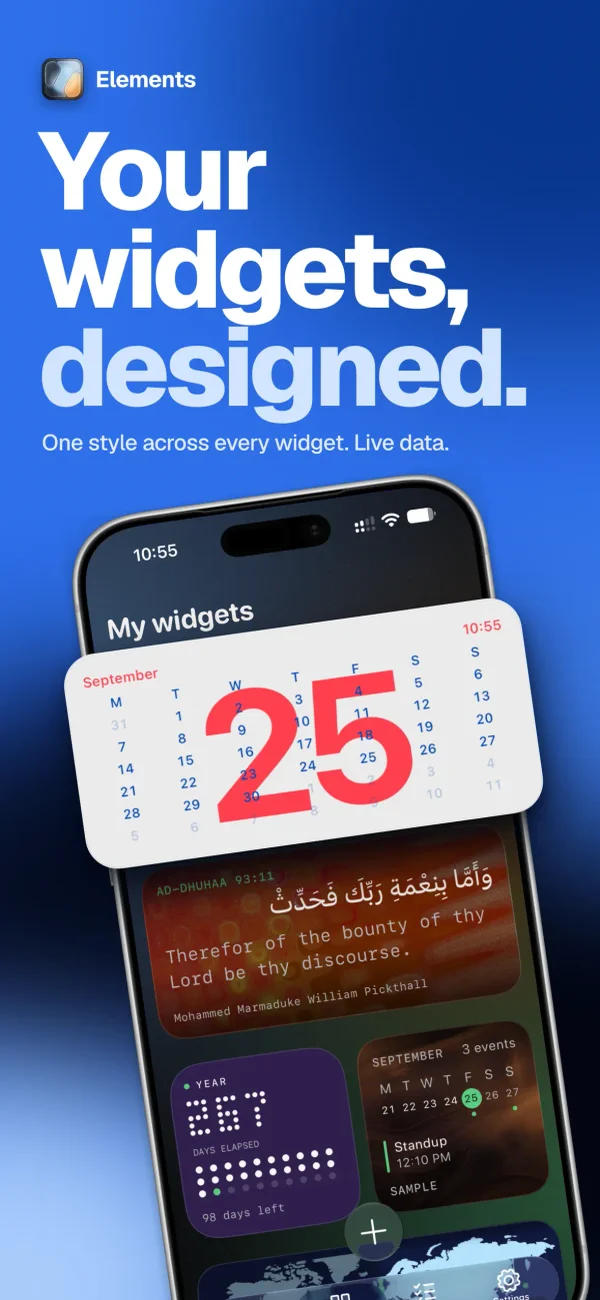
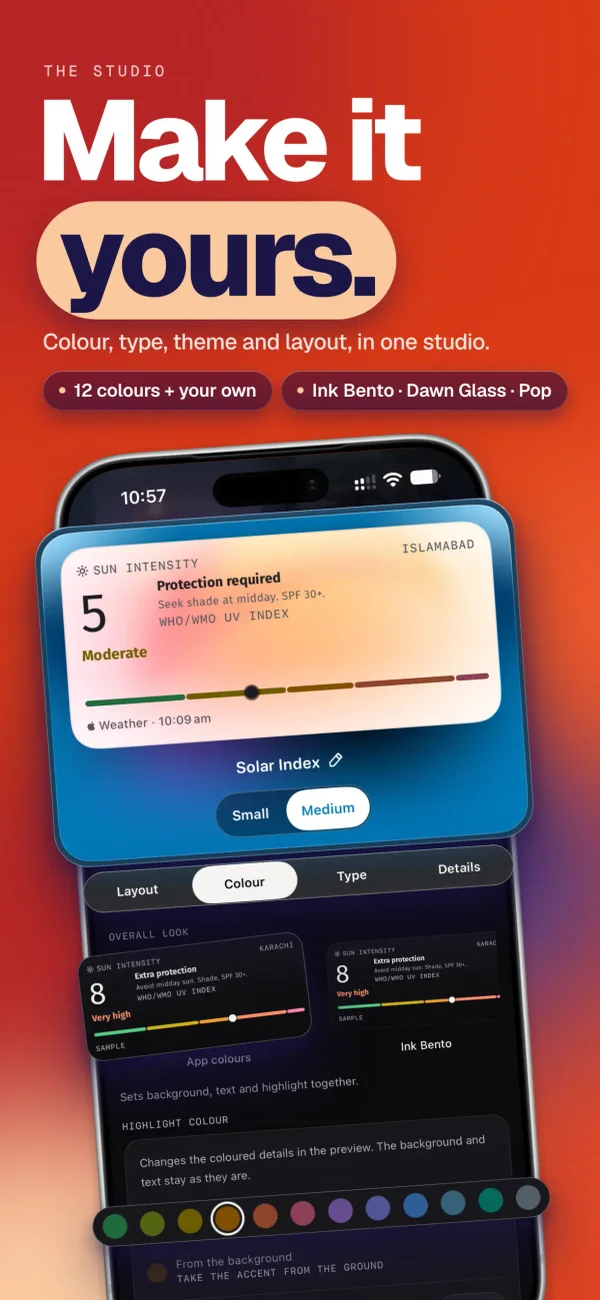
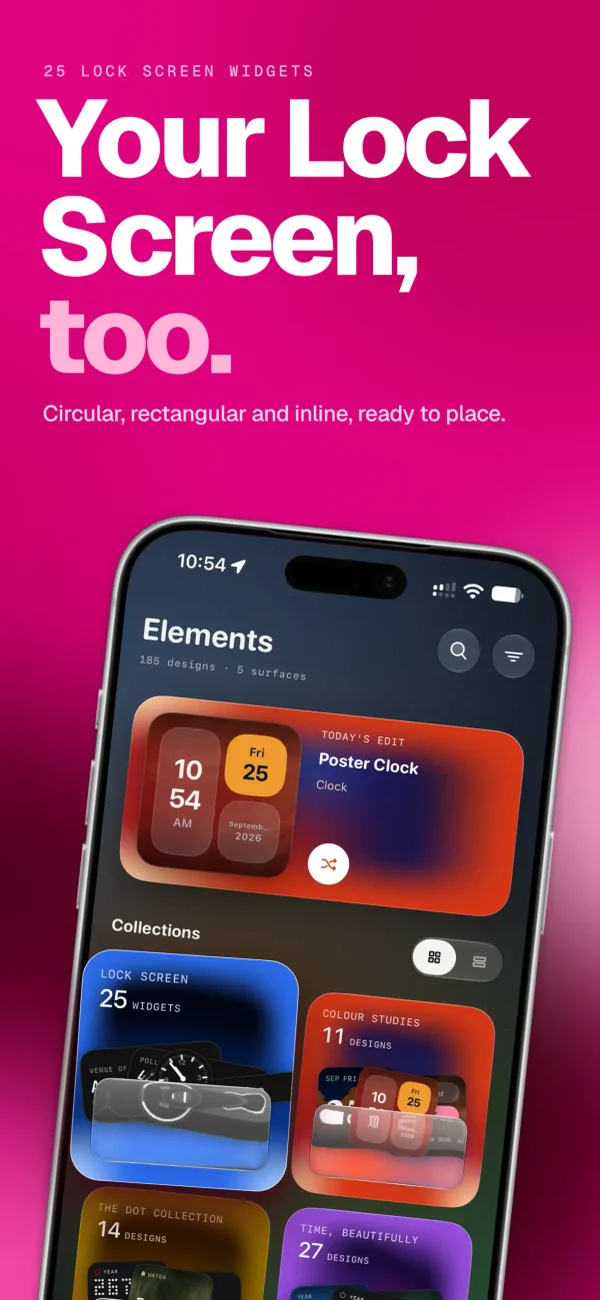
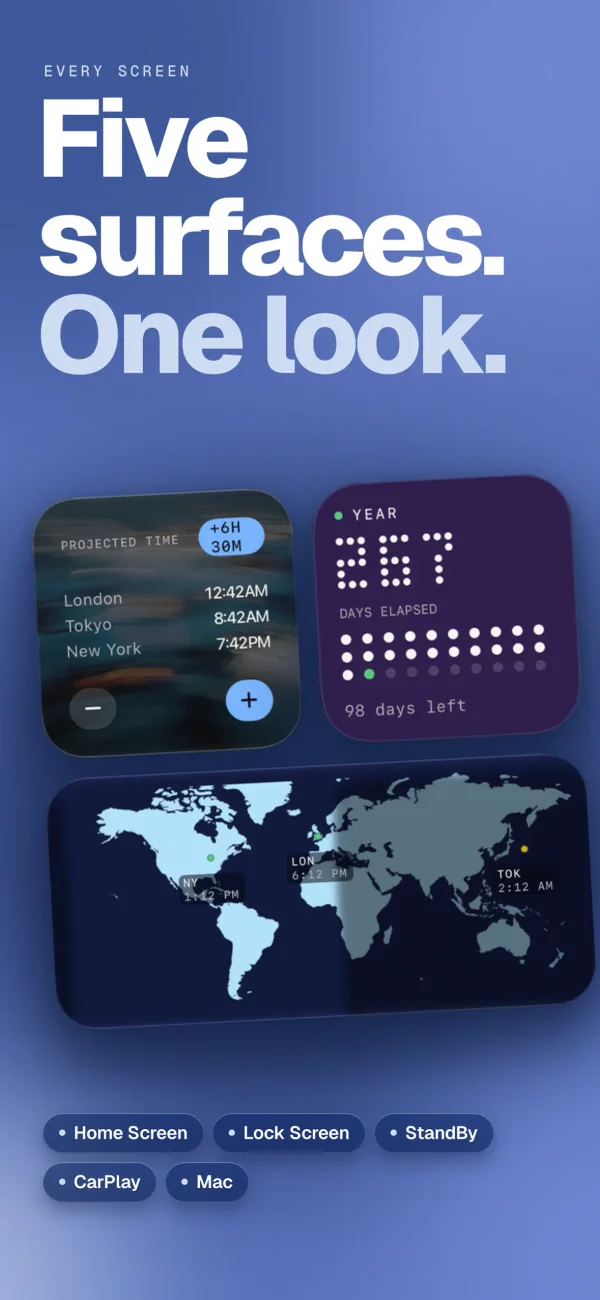
Elements is a design system for widgets: set the typeface, the accent, the background and the density once, and 33 kinds of widget wear it — on the Home Screen, the Lock Screen, StandBy, CarPlay, and on your Mac.
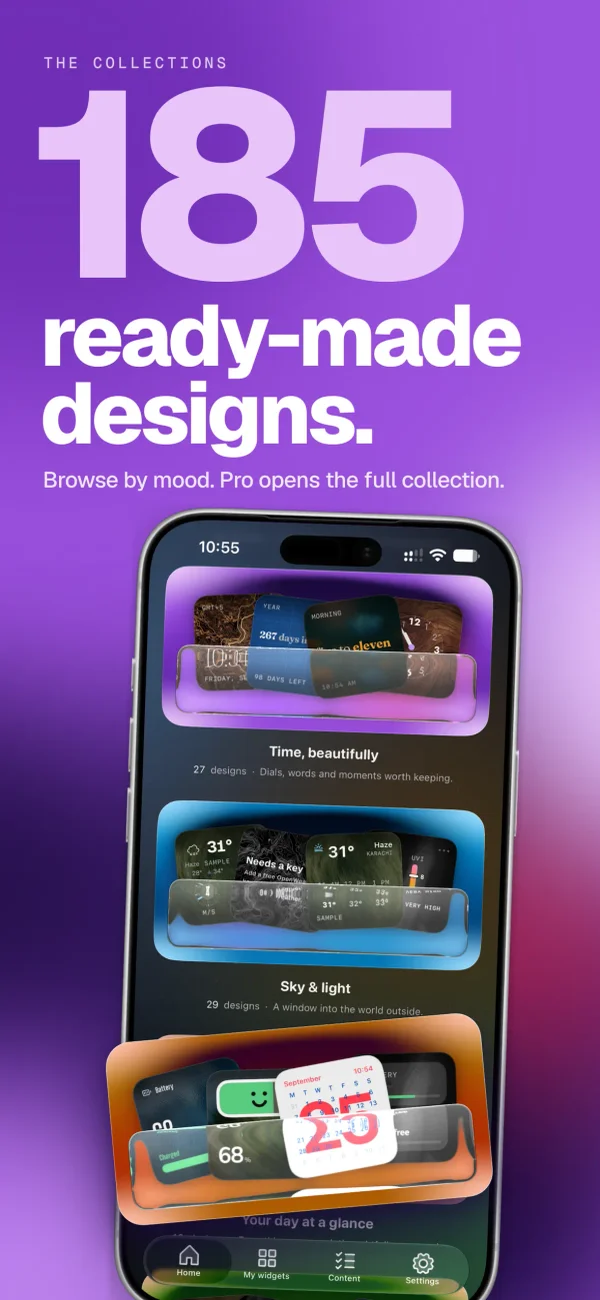
173 designed faces. 267 backgrounds, 118 of them photographs. 80 colour sets, 12 accent colours, or your own. 218 finished looks you can apply in one tap and then keep tweaking.
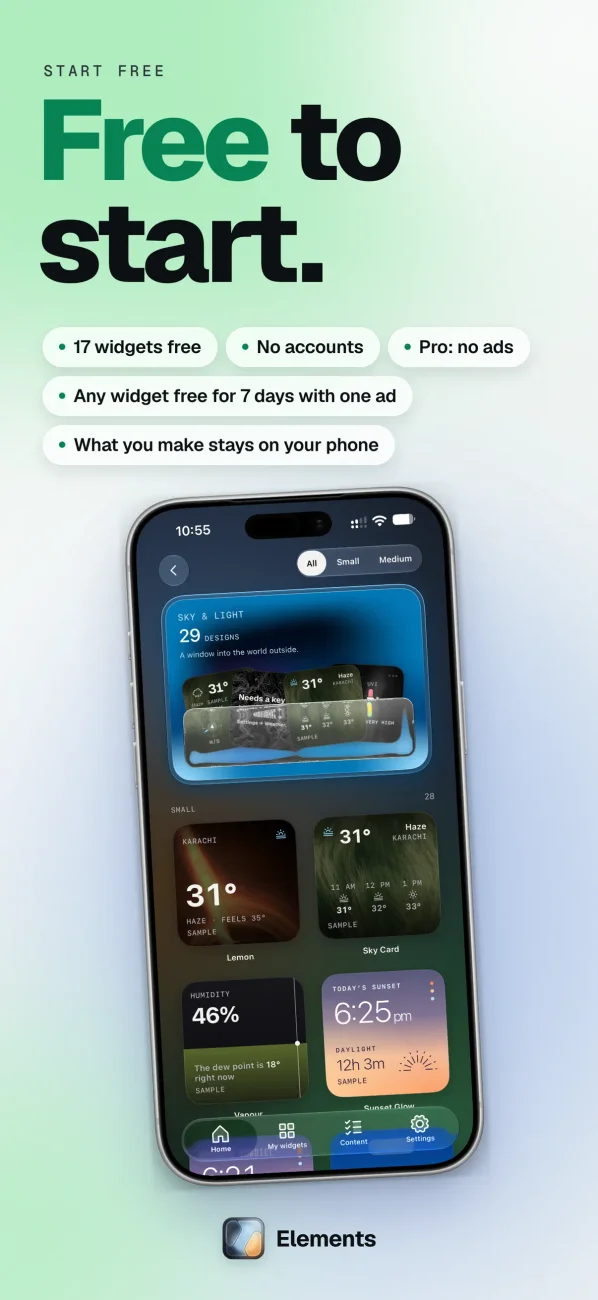
17 KINDS FREE, THE REST ONE AD AWAY
Clock, weather, next event, calendar, battery and storage, world clock, countdown, days since, dots, today, sunrise and sunset, moon, prayer times, quote, word of the day, verse of the day and a groceries list are free to place and keep. Every other widget is free for 7 days after one short ad, as often as you like. Elements Pro removes the ads and unlocks everything for good.
WIDGETS THAT KNOW SOMETHING
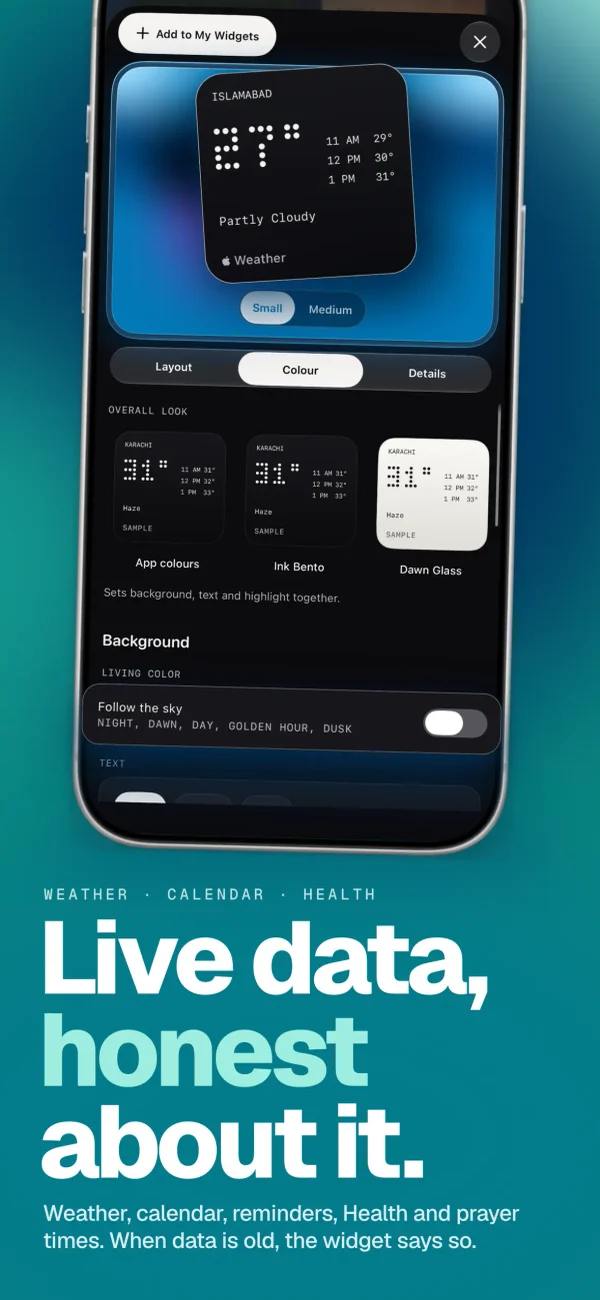
• Weather written as a sentence — "31° now, feels 35°. Haze till 6pm."
• Your next event, your month at a glance, and how long until the next thing
• A groceries list you tick off from the Home Screen
• Steps, distance and sleep, read from Health
• Sunrise, sunset, the moon's phase, and how much daylight you lost since yesterday
• Prayer times, computed on device from five published methods
• Currency at the day's published reference rate
• Analog dials, world clocks, countdowns, a verse, a word, your own feeds
CUT OUT A SUBJECT AND STICK IT ON YOUR SCREEN
Pick a photo and Elements lifts the subject out of it. Size it, turn it, give it a paper edge, and let the widget rotate through your shelf.
MINI-APPS YOU FILL YOURSELF
Habits you check off. Tallies you count. Subscriptions with renewal reminders. A focus timer. A fasting window. Places, moments, quotes and words of your own. Readings your Shortcuts write into. A canvas you compose from blocks. Habits and tallies keep their streaks and totals, and all of it stays on your phone.
FED BY YOUR SHORTCUTS
Your automations can write straight into a widget: a reading, a habit, a counter, a canvas block. State how often your shortcut runs and the widget will say "as of 9:41" when it misses — a stale number never poses as a fresh one.
CORRECT, OR IT TELLS YOU WHY
The most common complaint about widgets is that they go stale, blank or wrong. Every widget knows how fresh its data is and says so. Every failure is named — "no location fix", "offline", "not allowed" — instead of one shrug. Widget Health shows what actually reloaded today.
PROGRESS WITHOUT PRESSURE
Streaks, totals and a small celebration when you reach a goal — and you can switch celebrations off. No streak repairs to buy, no leaderboards, and no red marks for a day you missed.
THREE THEMES, LIGHT AND DARK
Ink Bento, Dawn Glass and Pop. Each design can pin its own theme and light/dark, so one widget stays dark while another follows your phone.
PRIVACY
Calendar, Reminders, Health and everything you type stay on your device. Health access is read-only and the widget extension never touches it. Weather sends your location, or a place you pin, to Apple for a forecast; a few widgets fetch public data such as exchange rates or feeds you add. There are no accounts.
The free version shows ads from Google AdMob. Ads are personalised only if you allow tracking when asked; otherwise they are less personal. In the UK and EU you choose in a consent form, and can change it any time in Settings. Elements Pro has no ads.
ELEMENTS PRO
Every widget, every face, every photograph and colour set, the bundled typefaces and icon styles, unlimited saved designs, and no ads. Yearly, monthly or a one-time lifetime purchase. Subscriptions renew automatically unless cancelled at least 24 hours before the end of the period; manage or cancel them in your Apple Account settings.
Privacy policy: https://thesolanalabs.com/elements/privacy/
Terms of use: https://www.apple.com/legal/internet-services/itunes/dev/stdeula/
What’s new
Version 2.3 · Nov 20, 2026
Many more screens are now translated into German, Spanish, French, Japanese, Korean and Chinese: onboarding, Home, the design studio, every mini-app, the permission prompts and Settings
Our App Store page is now in those languages too
New in 2.2, in case you missed it:
Bold calendars: big poster-style dates, the time with the date, a Hijri calendar, and several months at once
The block calendar now comes in small
Prayer Times: three new designs, including a clock dial and a lit arch window
Verse of the Day: a short daily dhikr
iPad: an Extra Large calendar with six months, the time or a poster
App privacy
What Touseef Hassan Nasir declares on the App Store about how this app handles data.
-
Data used to track you
May be used to track you across apps and websites owned by other companies.
- Location
- Identifiers
- Usage data
-
Data not linked to you
May be collected but is not linked to your identity.
- Purchases
- Location
- Identifiers
- Usage data
- Diagnostics
Privacy practices may vary, for example with the features you use or your age.
Information
- Seller
- Touseef Hassan Nasir
- Category
- Utilities
- Version
- 2.3
- Updated
- Nov 20, 2026
- Released
- Sep 11, 2026
- Size
- 119.0 MB
- Requires
- iOS 26.0 or later
- Age rating
- 4+
- Price
- Free
- In-app purchases
- Yes
- Languages
- English, French, German, Japanese, Korean, Simplified Chinese, Spanish
- Copyright
- © @ The Solana Labs 2026
You might also like
-
 WakeRally: Mission AlarmA little push out of bed
-
 PickUp - Package Code ManagerScan codes & pickup reminders
-
 BlurBefore - Redact & PixelateHide faces, IDs & QR codes
-
 Time Grid: Life in DotsProgress Widgets at a Glance
-
 FreshKeep-Save your groceriesFood Expiry Tracker
-
 FlipMate: Flip & Desk ClockWidgets, Photos & Focus Timer
-
 Photo Cleaner:AI Smart CleanupDelete Duplicates, Save Space
-
 ClusterSwipe: free up spaceSwipe to delete photos
-
 Moye - Markdown ReaderMarkdown from AI, for humans
-
 DocScopeMulti-Format Document Viewer