- Age rating4+
- CategoryBusiness
- DeveloperELO Digital Office
- LanguagesEnglish+ 2 more
- Size7.6 MB
Links to the official App Store page
Download.org hosts no file of ELO QuickScan. The button opens its official App Store page, published by ELO Digital Office. Listing last checked on Nov 12, 2026.
Screenshots

About
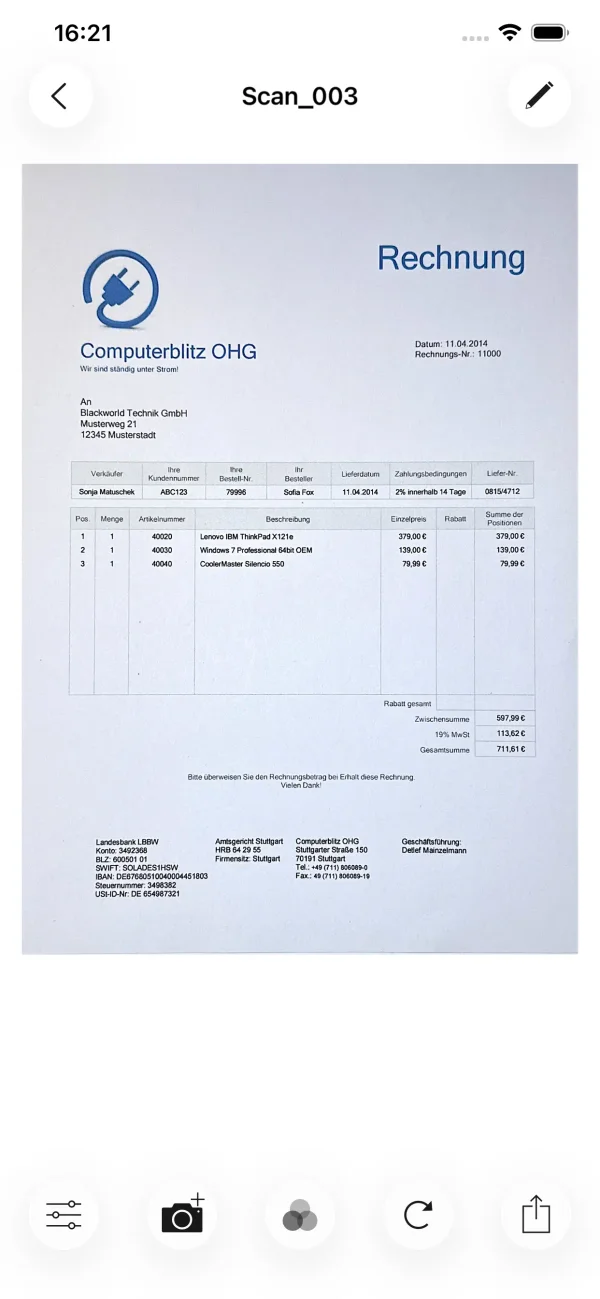
The ELO QuickScan application captures and scans documents from a smartphone to other applications. The app is a convenient way for users to work with documents while they are on the move.
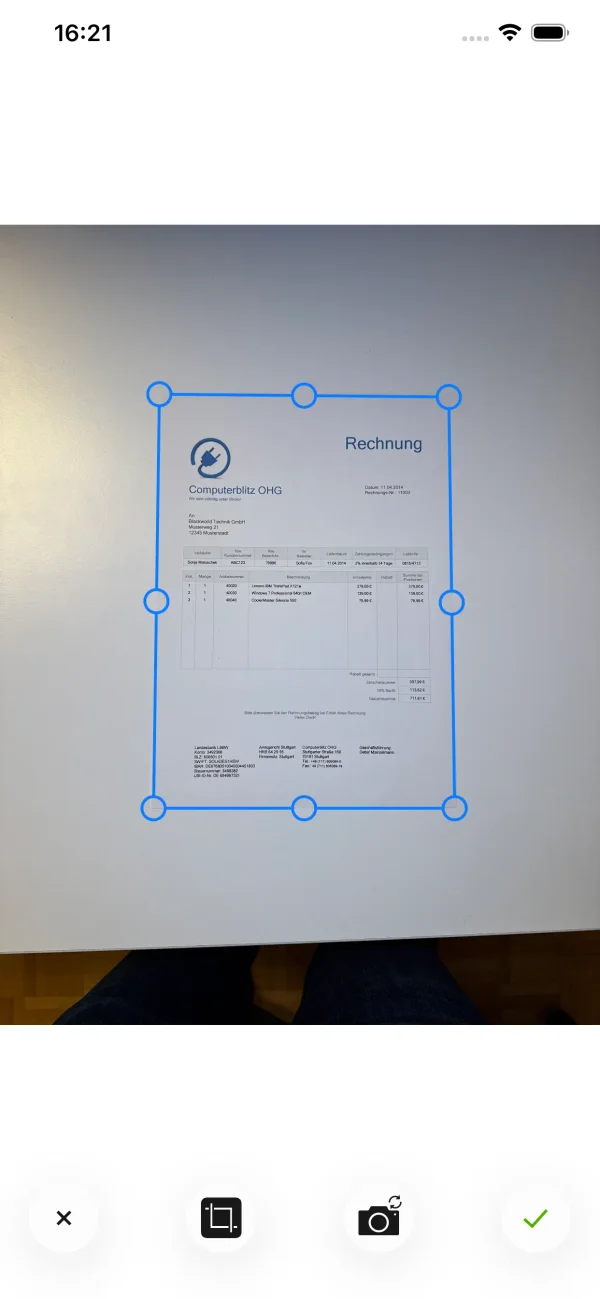
ELO QuickScan applies automatic image recognition to deliver sharp scans. Special image processing algorithms automatically detect edges and crop images, producing optimum results. The user is also able to make minor adjustments if required.
And, since the app does not require an Internet connection, capturing documents in offline mode isn't a problem either.
ELO QuickScan features at a glance:
• Mobile document capture
• Automatic image recognition and border detection
• Automatic image enhancement
• Transfer multiple documents at once
• Optimization of captured documents
What’s new
Version 12.01.000 · Dec 10, 2025
Bugfixes
App privacy
What ELO Digital Office declares on the App Store about how this app handles data.
-
Data not collected
The developer does not collect any data from this app.
Privacy practices may vary, for example with the features you use or your age.
Information
- Seller
- ELO Digital Office GmbH
- Category
- Business
- Version
- 12.01.000
- Updated
- Dec 10, 2025
- Released
- Oct 12, 2017
- Size
- 7.6 MB
- Requires
- iOS 16.6 or later
- Age rating
- 4+
- Price
- Free
- Languages
- English, French, German
- Copyright
- © 2025 ELO Digital Office GmbH