
- Age rating4+
- CategoryEntertainment
- DeveloperMitchell Moss
- Size2.0 MB
Links to the official App Store page
Download.org hosts no file of EmojiPinKeyboard. The button opens its official App Store page, published by Mitchell Moss. Listing last checked on Nov 18, 2026.
Screenshots
About
EmojiPinKeyboard is the fastest way to reach your favorite emoji on any iPhone or iPad.
FEATURES
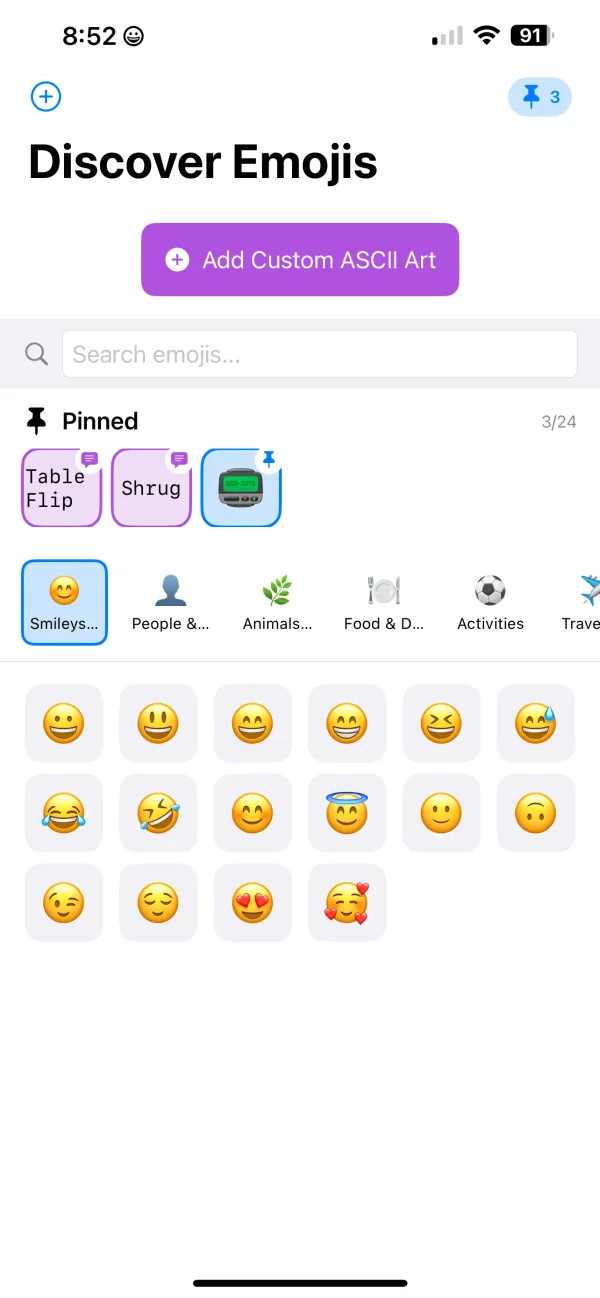
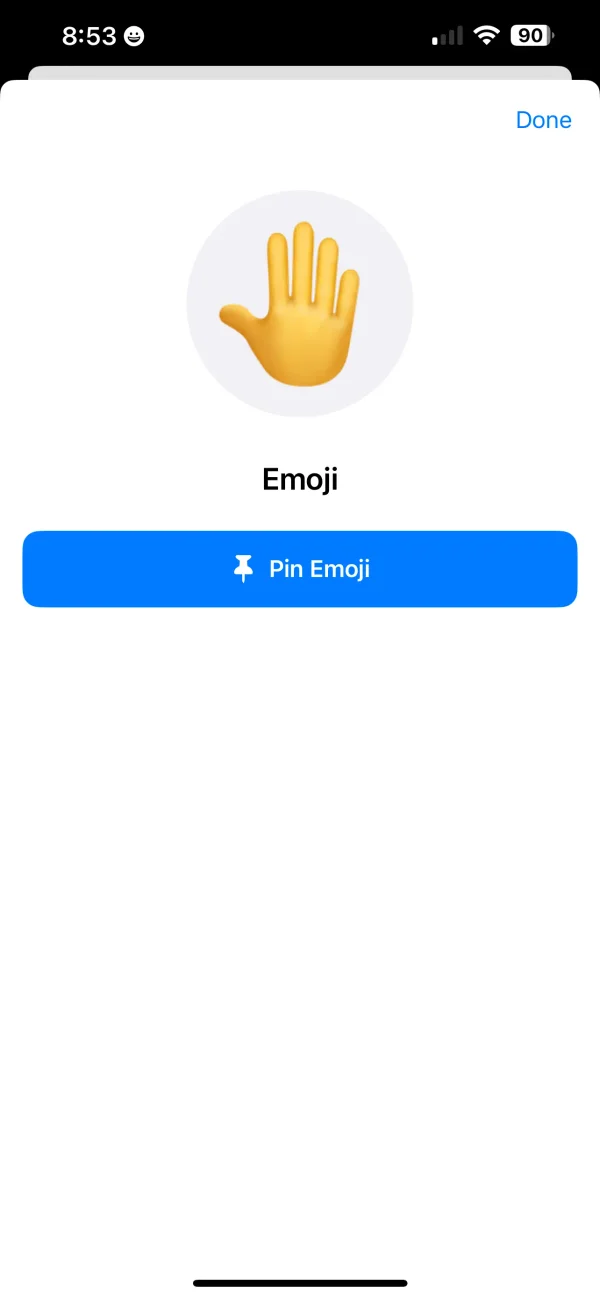
• One tap to pin an emoji to your Favorites bar
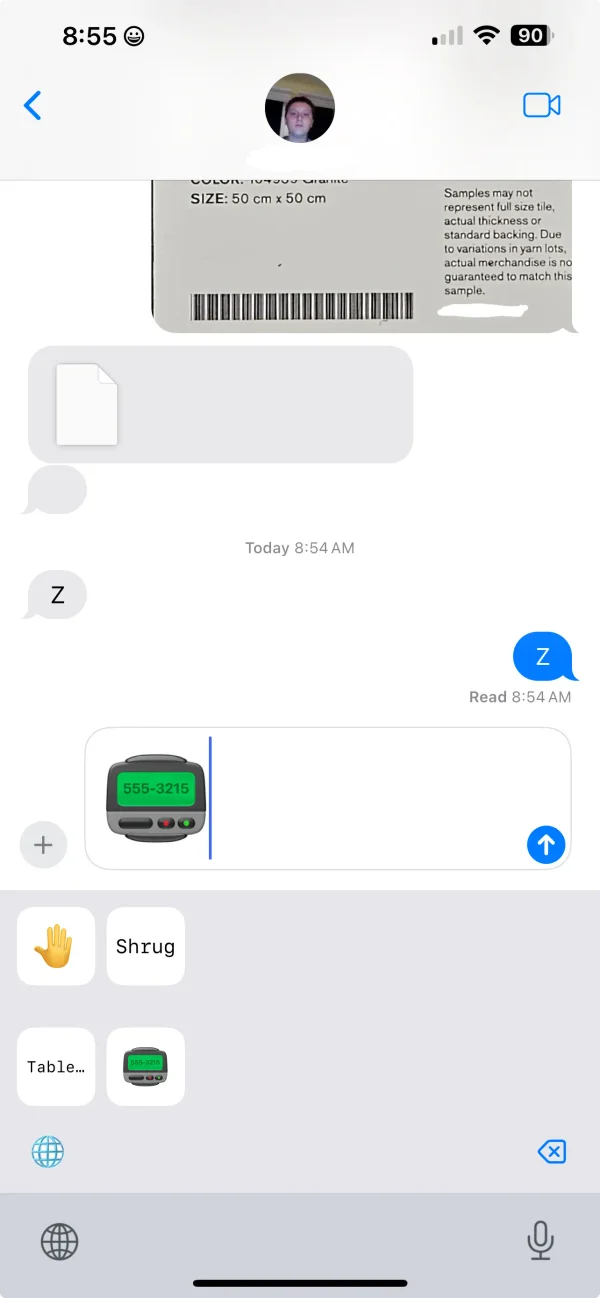
• Favorites stay fixed above Recents so you never waste time scrolling
• Works in every app that uses the standard keyboard
• Smart search finds any emoji by name or keyword
• Zero data collection. We do not store or transmit keystrokes.
HOW TO START
1. Install the app and open Settings
2. Go to General > Keyboard > Keyboards > Add New Keyboard
3. Select EmojiPinKeyboard
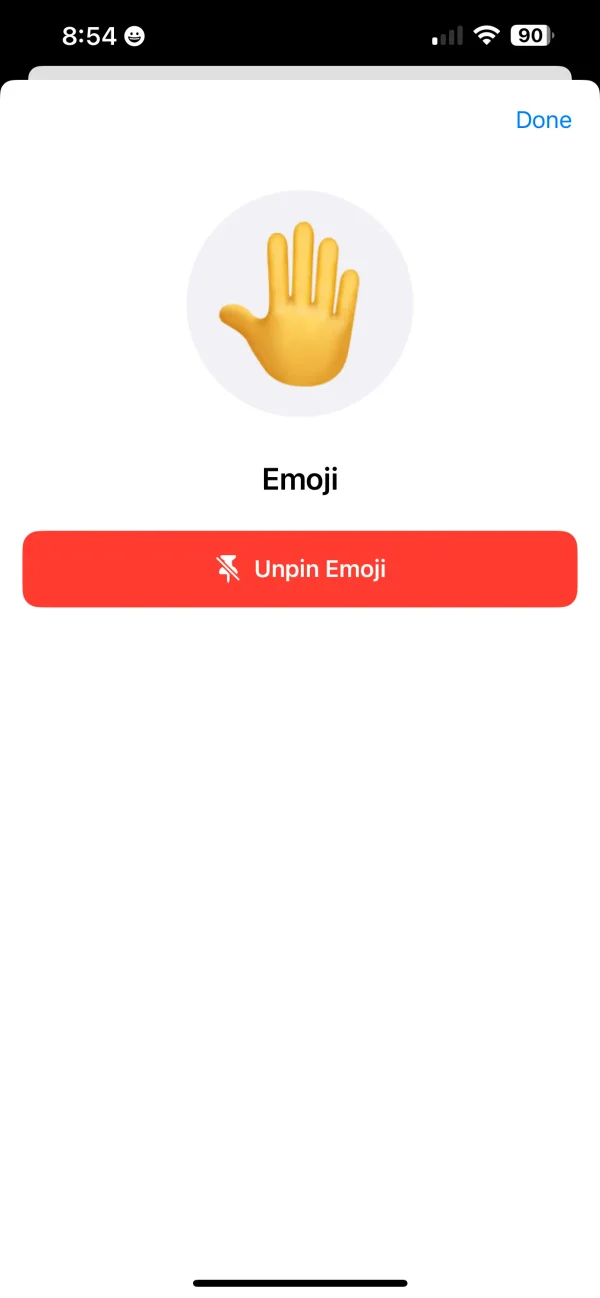
4. While typing, switch to EmojiPinKeyboard, long-press any emoji, and choose Pin
IDEAL FOR
• Power texters who reuse the same reactions all day
• Social media managers
• Anyone who prefers typing to hunting for icons
Download EmojiPinKeyboard today and make your messages faster and more fun.
App privacy
What Mitchell Moss declares on the App Store about how this app handles data.
-
Data not collected
The developer does not collect any data from this app.
Privacy practices may vary, for example with the features you use or your age.
Information
- Seller
- Mitchell Moss
- Category
- Entertainment
- Version
- 1.0
- Updated
- Jun 23, 2025
- Released
- Jun 23, 2025
- Size
- 2.0 MB
- Requires
- iOS 15.0 or later
- Age rating
- 4+
- Price
- Free
- Copyright
- © LM LABS
You might also like
-
 Future Start TextingEntertainment
-
 Spirit Beast ARScan, Summon, Capture
-
 Emoji Color: Cool Emojis & ArtEmoticons, Smileys & Symbols
-
 Emoji.ly: Emoji fun moji mergeEmoji Merge : Mix & Match All
-
 Combine Emoji - Layered EmojiCreate and send Layered Emojis
-
 Noami: AI CompanionChat, voice & AI photos
-
 AIME: AI Character CompanionCharacters, Posts & Stories
-
 Emoji Maker: Fun Moji GameCreate, Play, Share Emoji Fun!
-
 Emoji Mixer: Sticker MakerCombine & Play Brain Games
-
 AMoji emoticons - StickersEmoji and sticker