
- Age rating9+
- CategoryProductivity
- DeveloperANSHO PALS LIMITED
- LanguagesEnglish
- Size6.1 MB
Links to the official App Store page
Download.org hosts no file of Ensor — Your Prompt, Your Data. The button opens its official App Store page, published by ANSHO PALS LIMITED. Listing last checked on Nov 22, 2026.
Screenshots


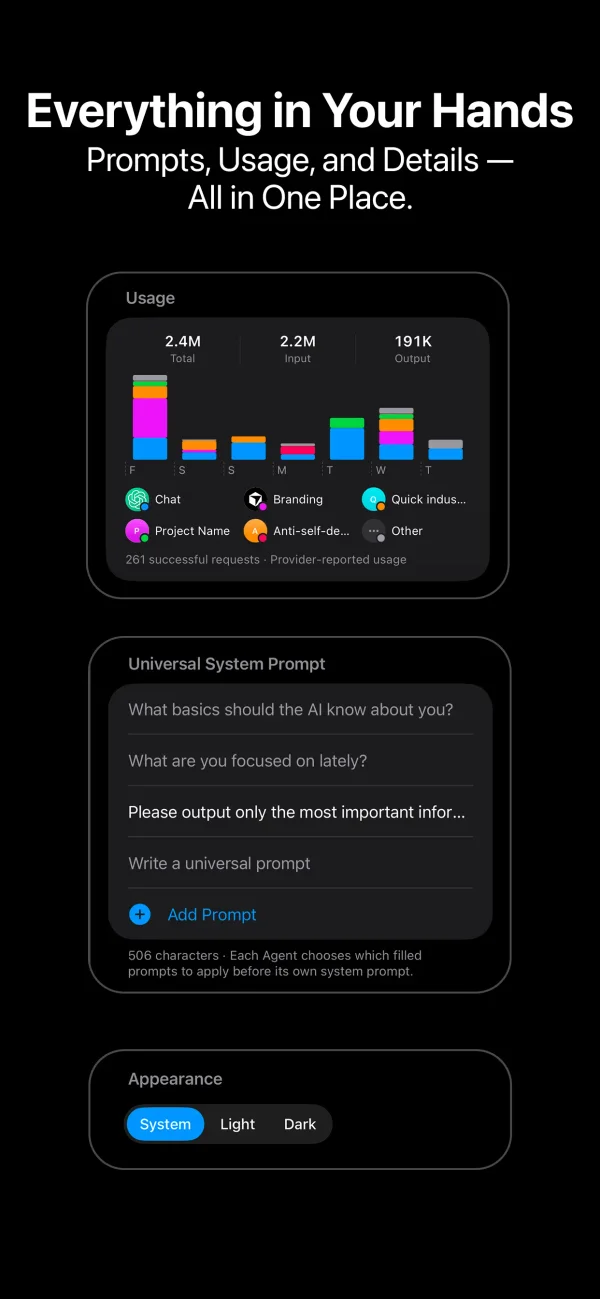
About
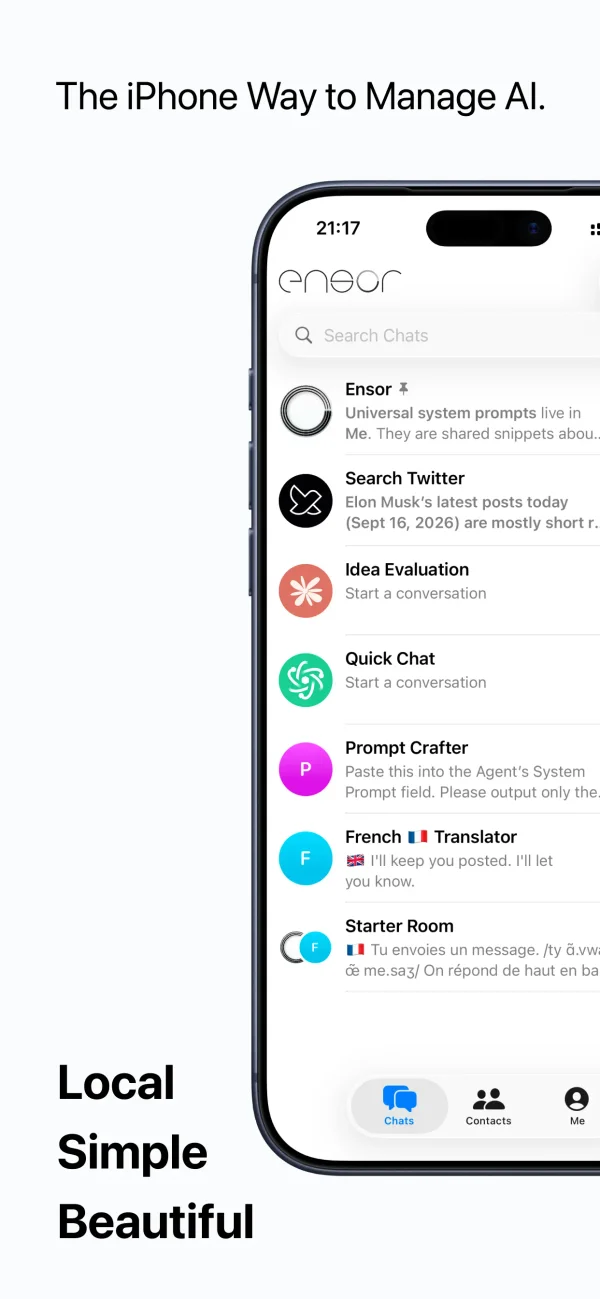
AI, the iPhone Way
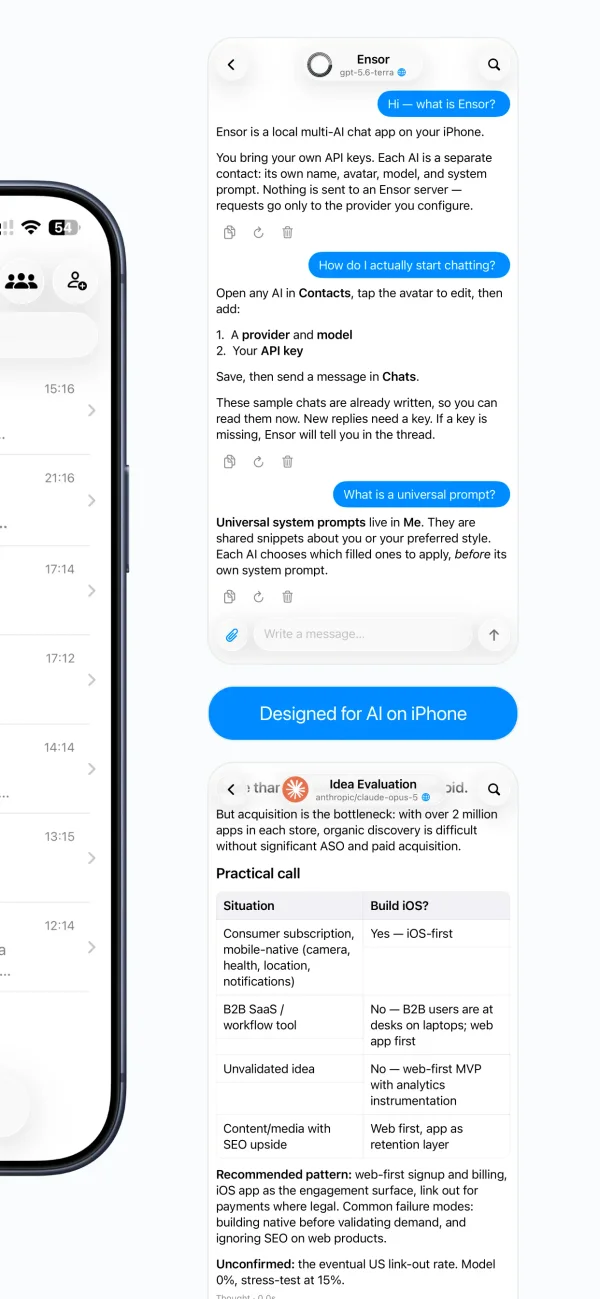
Ensor is a native iPhone app for managing and talking to your AI.
Instead of starting from a blank chat and pasting the same prompt again and again, give each AI a name, a role, and a purpose. Your prompts become AI contacts you can return to anytime.
One AI, One Purpose
Create dedicated AIs for writing, research, coding, translation, planning, or anything else. Each AI keeps its own personality, model, prompt, and conversations.
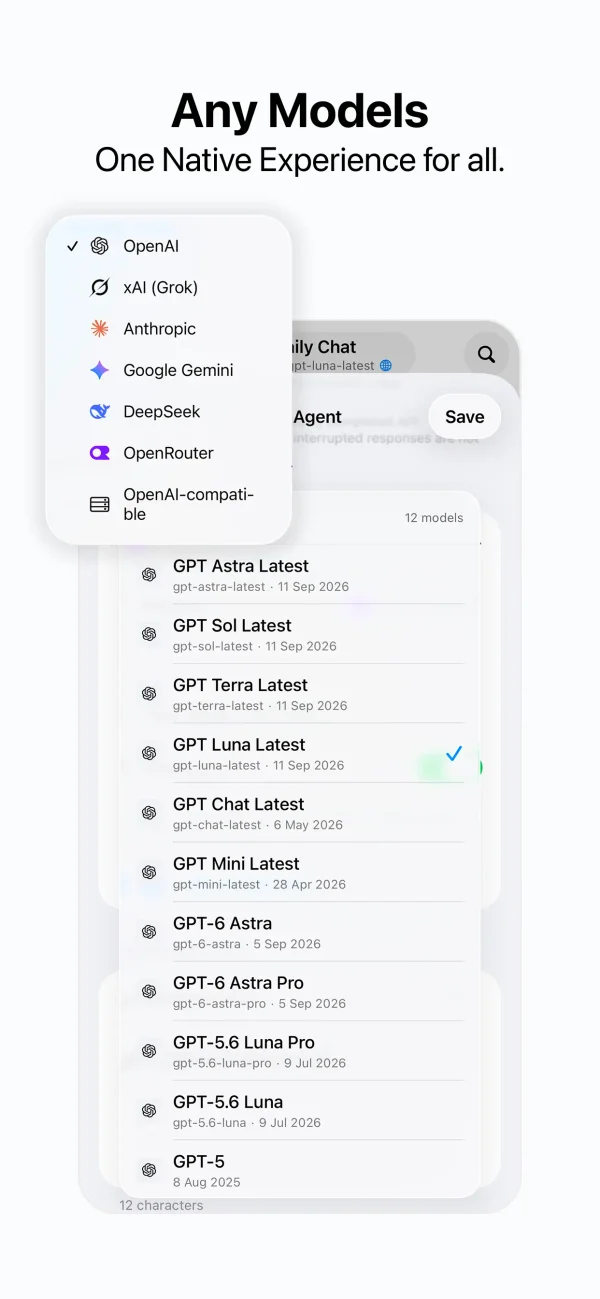
Any Model, One Native Experience
Connect directly to supported AI providers using your own API keys. Use different models in one familiar iPhone experience.
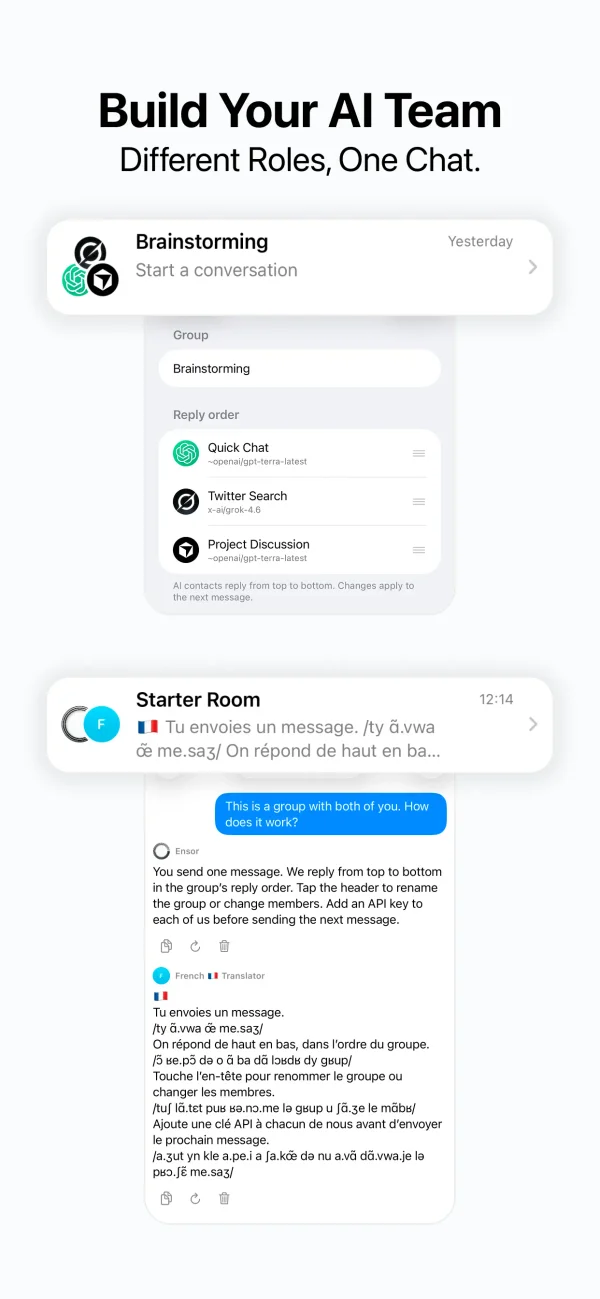
One Chat, Many Minds
Bring 2–5 AIs into the same conversation. Give each one a different role and let them respond together.
Prompts, Ready When You Are
Manage reusable prompts and personal instructions in one place. Set them once and use them across the AIs you choose.
Local by Default
Your chats, prompts, settings, and usage history are stored on your iPhone. API keys are kept securely in Apple Keychain.
When you send a message, it goes directly to the AI provider you selected. Ensor does not operate a server that receives your conversations.
Built for iPhone
A focused, native interface designed around the way you already use your iPhone — simple, personal, and familiar.
No Ensor account. No Ensor cloud. Your AI, your way.
Supported providers and model capabilities may vary. API usage and charges are billed by the provider you connect to.
What’s new
Version 1.1.4 · Nov 20, 2026
Your contacts can reply with a picture. Pick an image model, send a message, and the picture shows up in the chat.
It works with:
• OpenAI image models, including gpt-image and DALL·E
• OpenRouter image models, including ones that only draw
• Gemini image models, and OpenRouter chat models that can answer with text and a picture
On OpenRouter, attach a photo and the image model can use it as a reference.
Also new:
• Search the model list. The picker looks through that provider’s models, not only the short suggested set.
• Inject app instructions, in Me. Leave it on, and Ensor keeps adding its formatting and group-chat notes. Turn it off, and only your own prompts go out: your Universal Prompts, the contact’s system prompt, and the group prompt. Ensor asks before you turn it off.
Fixes:
• Some image-only models failed with “model does not exist.” They now draw.
• Test Connection counts a returned picture as a successful reply.
• Image requests wait longer, so slower models don’t time out.
App privacy
What ANSHO PALS LIMITED declares on the App Store about how this app handles data.
-
Data not linked to you
May be collected but is not linked to your identity.
- User content
Privacy practices may vary, for example with the features you use or your age.
Information
- Seller
- ANSHO PALS LIMITED
- Category
- Productivity
- Version
- 1.1.4
- Updated
- Nov 20, 2026
- Released
- Sep 21, 2026
- Size
- 6.1 MB
- Requires
- iOS 17.0 or later
- Age rating
- 9+
- Price
- Free
- Languages
- English
- Copyright
- © Ansho Pals Limited
You might also like
-
 OpenChat ConnectPrivate on-device, or BYOK
-
 Oriveo: Multi-Model AI ChatVoice & images, no API key
-
 LLMConnect: AI Chat ClientAll LLM Models in One App
-
 Cherry Studio - AI WorkstationAI Chat & Multimodel Assistant
-
 Pal Chat - AI Chat ClientPowerful AI chat playground
-
 OpenCat - AI Chat, Agent, MCPPrivacy-First Multi-Model AI
-
 Open MinisYour Private On-Device Agent
-
 Locally AI by LM StudioLocal & Private AI Assistant
-
 Google AI Edge GalleryPrivate, Fast, Offline AI
-
 PocketPal AIProductivity