
Enter Space
Bring Your Cloud Files Closer!
Designed for iPhone, iPad, Mac
Free · In-app purchases
- Age rating4+
- CategoryProductivity
- DeveloperBlaine Miller
- LanguagesEnglish+ 8 more
- Size268.4 MB
Links to the official App Store page
Download.org hosts no file of Enter Space. The button opens its official App Store page, published by Blaine Miller. Listing last checked on Nov 22, 2026.
Screenshots



About
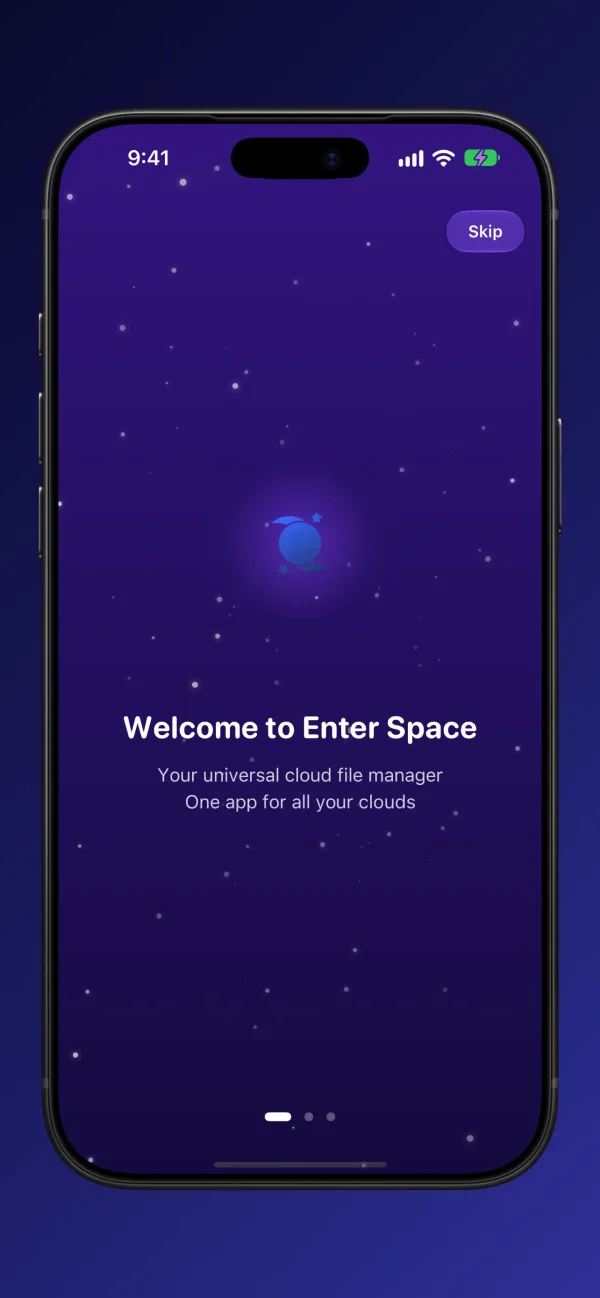
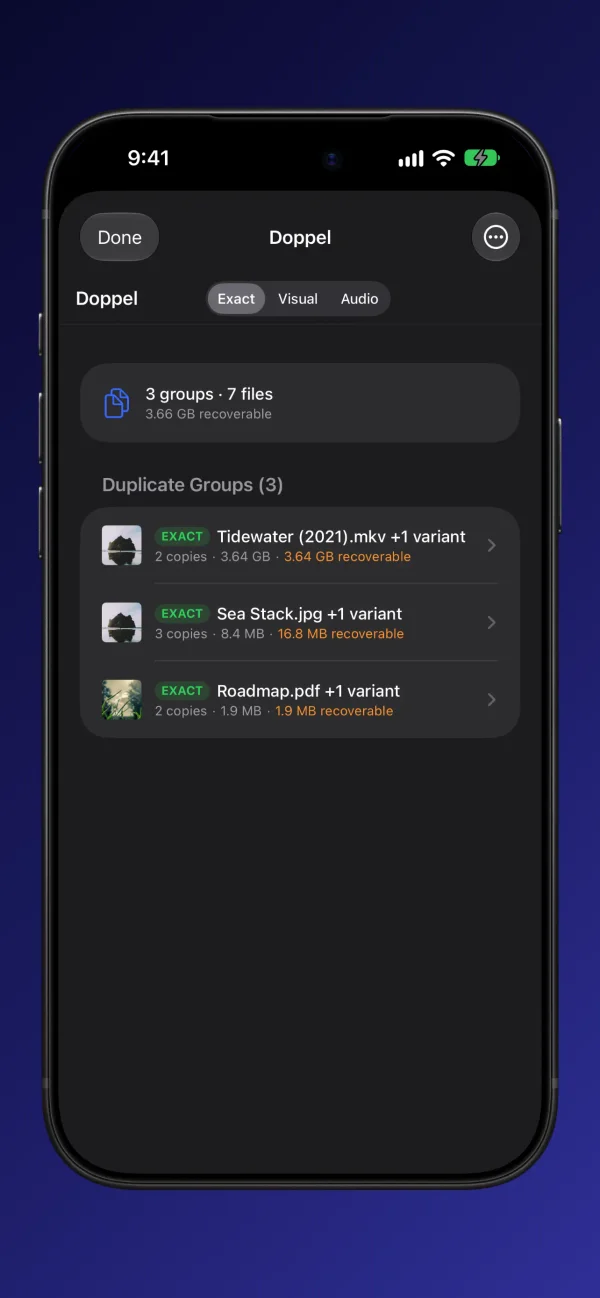
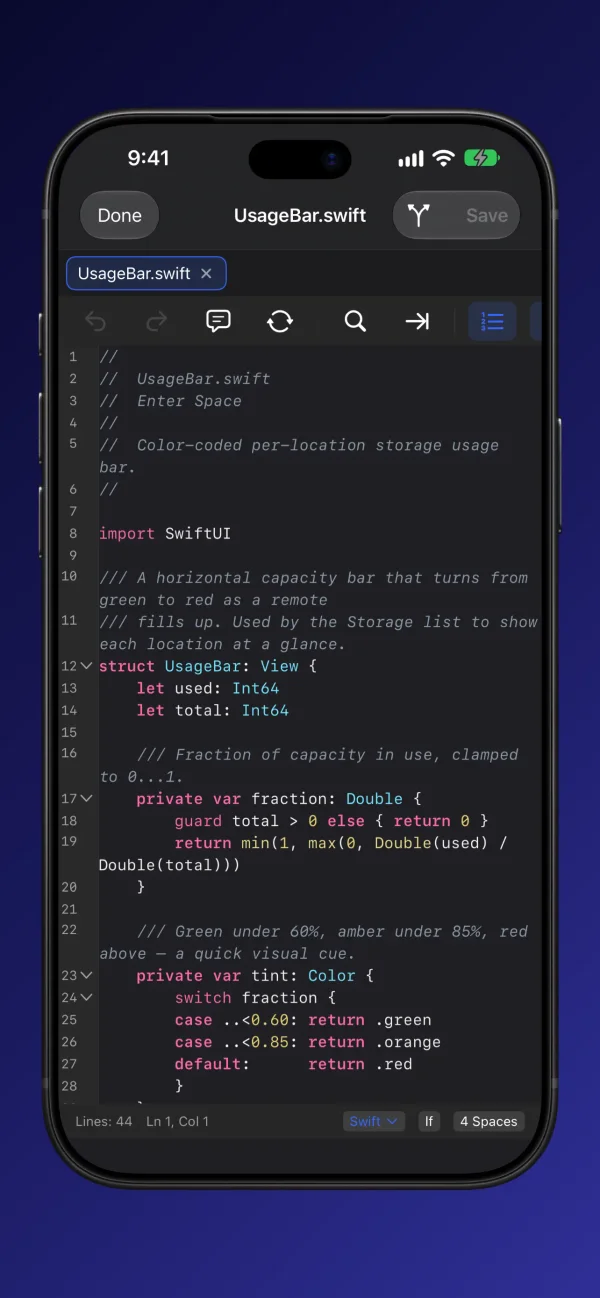
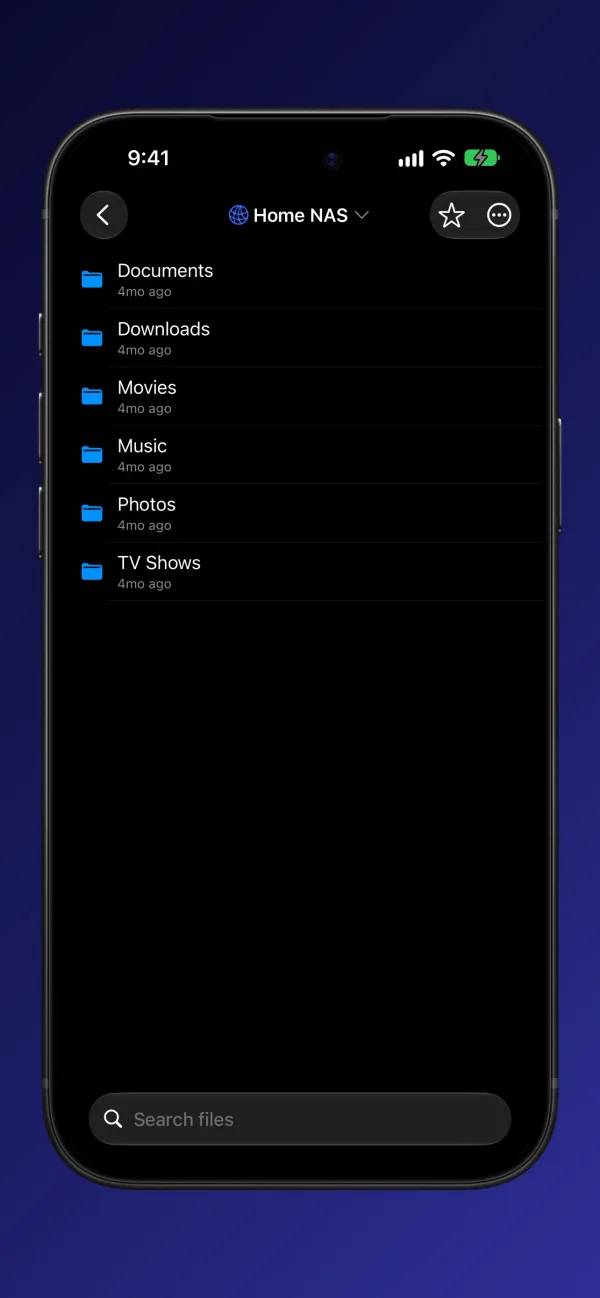
Enter Space connects your cloud storage accounts to your Apple devices and folds them into Files / Finder so they feel native — and ships a v5 toolkit to actually USE that storage well: a duplicate finder with image, video & audio similarity, a storage analyzer, and a code editor with a real git client.
One app for iPhone, iPad, Mac, Apple TV & Apple Watch.
SUBSCRIPTION REQUIRED
Enter Space needs an in-app purchase to use: a Monthly or Yearly auto-renewing subscription, or a one-time Lifetime purchase. Every feature described below is included with any of them; nothing is sold separately. New subscribers start with a free trial, and Family Sharing is supported.
THE V5 TOOLKIT
• Doppel Duplicate Finder — find exact or visually & audibly similar images, videos, and audio on any remote. Bulk Keep / Keep None / Invert, rule-based winners, persisted hash cache so re-scans are instant.
• Space Inspector — ncdu-style storage analyzer: drill into folders by cumulative size, multi-select bulk delete, QuickLook anywhere in the tree.
• Code Editor + Git — multi-tab syntax-highlighting editor with a full git side-panel (stage, commit, branch, merge, pull, push, stash, revert), SSH Key Manager, token store, Git Mirror local clones, and HTML / Markdown live preview.
CORE FEATURES
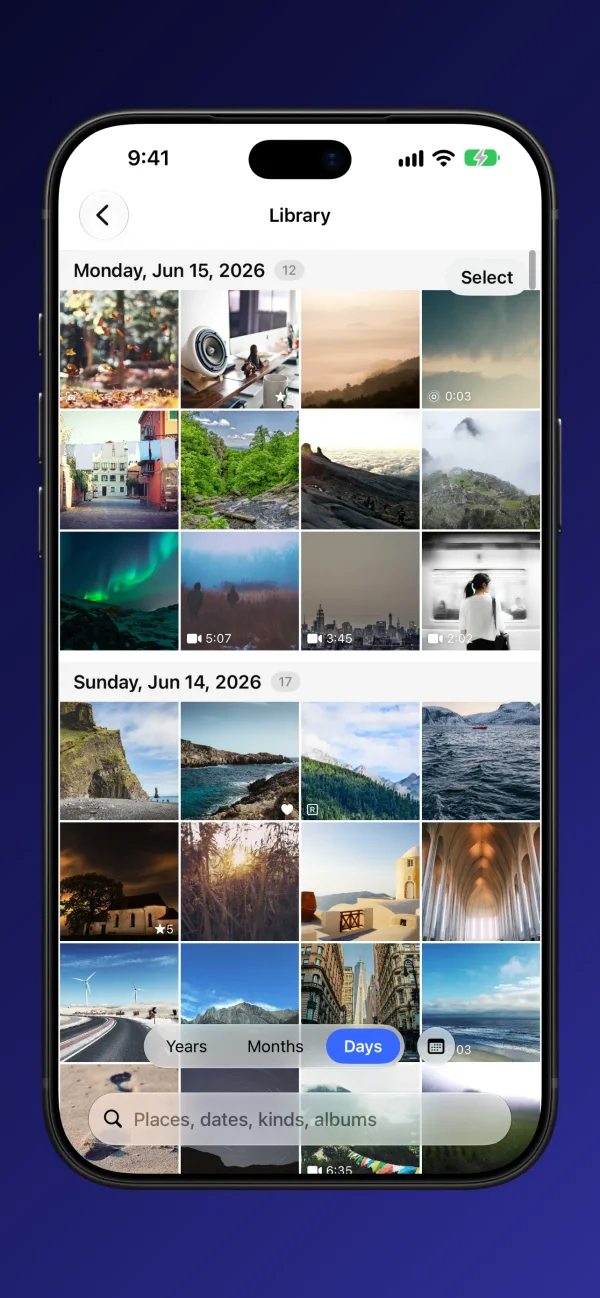
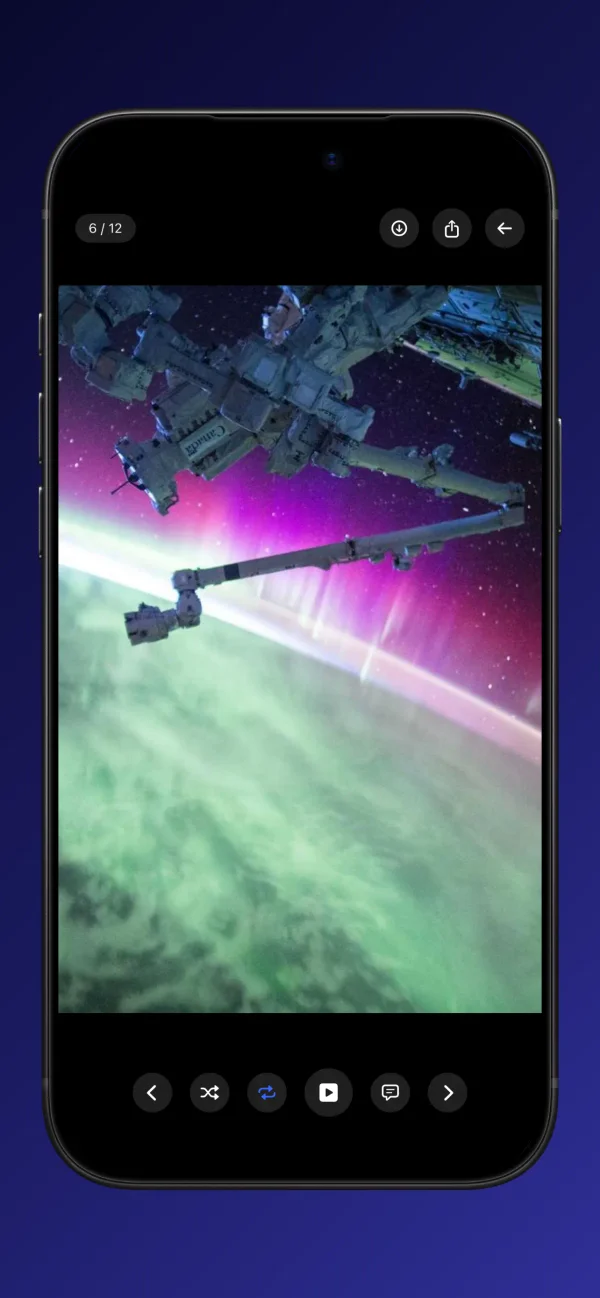
• Built-in Media Gallery for photos, audio and video as a slideshow. 360° video supported by swipe-to-pan.
• File Locking and File Versioning on any supported connection.
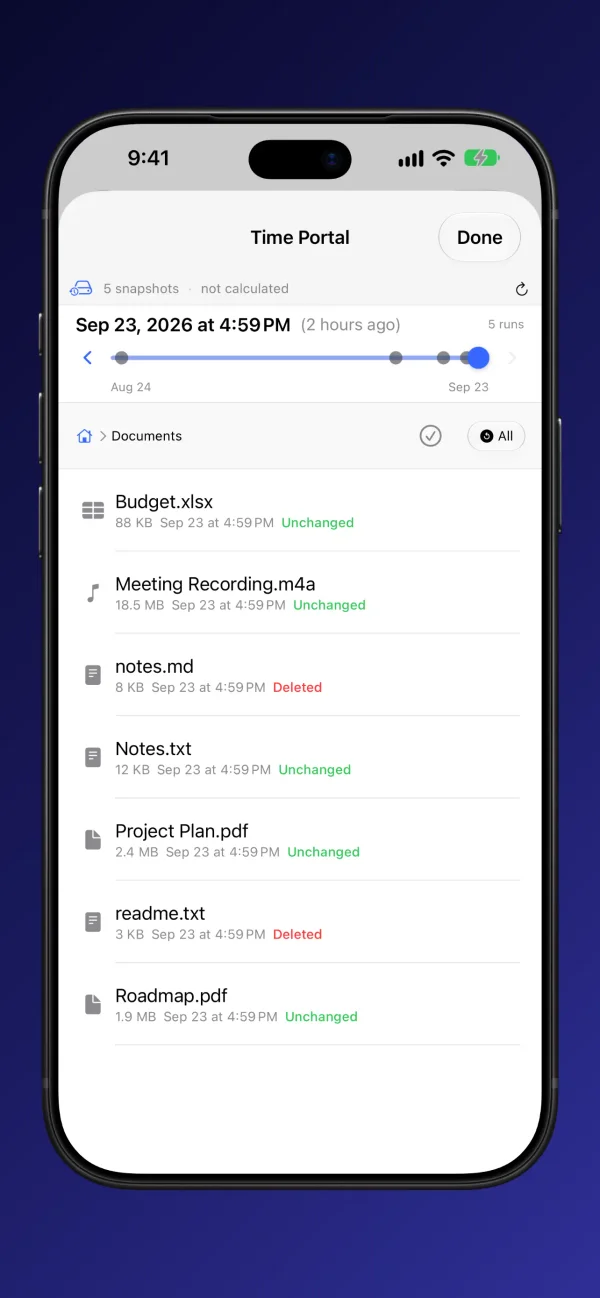
• Time Portal — point-in-time restoration of any file or folder.
• Quick public-link sharing for providers that support it.
• Read / write across all configured remotes.
• Rename many files at once — select two or more, choose Rename All, and build the new names from a pattern ({name}, a {n} counter, {ext}) or find & replace, with a live old → new preview that flags collisions before anything is touched.
• Encrypt / decrypt on the fly. Create Aliases for fast access to any folder on any cloud.
• Widgets for iPhone, iPad & Mac — Photo Slideshow, Storage Dashboard, Bandwidth and Sync Status — plus a used/free capacity bar on every storage location.
NATIVE FILES INTEGRATION
• Spotlight Index, Time Machine Backup, Download / Evict via the File Provider Service.
• Mac: a file system extension can mount your remotes as a real volume that Finder and Terminal see — switch a remote on or off and the volume updates in place.
• In-app remote file browsing, local bookmarks, cross-remote file ops.
• Accepts files from other apps via the share sheet and Open With.
AUTOMATION
• Schedule sync tasks (copy, move, sync, bisync, photos backup) with rich triggers — including App Intents.
• Run Now from the context menu — last-in-wins, no waiting on the queue.
SUPPORTED CLOUDS
Dropbox, Google Drive, Microsoft OneDrive, pCloud, Box, Mega, Microsoft Azure Files, Microsoft Azure Blob Storage, Backblaze B2, Amazon S3-compatible storage, Google Cloud Storage, and many more rclone backends.
PROTOCOLS
FTP, SSH / SFTP, HTTP, WebDAV, SMB / Samba.
Built on the open-source rclone project. You can drop in an rclone.conf to configure any backend rclone supports. You choose which remotes appear in Files / Finder.
SECURITY
A local web server with a rolling password runs on the device for local-only communication. External traffic uses each provider's standard secure protocol. SSH keys live in iCloud Keychain and ride between your devices.
PRIVACY
Enter Space facilitates connections to YOUR cloud accounts. We don't host storage, we collect zero usage data, and there's no telemetry. All file transfers go directly from your device to your cloud, through rclone running locally on your device. Tested heavily but you accept responsibility for any data loss. Use at your own risk.
Privacy Policy: https://wemiller.com/privacy
Terms of Use (EULA): https://www.apple.com/legal/internet-services/itunes/dev/stdeula/
What’s new
Version 7.7.0 · Nov 17, 2026
Version 7.7.0
• New: wildcard search. Tap Wildcard under the search field to add a *, then choose what each one matches: any characters, letters, numbers, letters and numbers, or your own pattern. Every * is its own numbered chip you can tap to set separately.
• New: streamed music keeps playing when the app is in the background or the screen is locked, and skipping and scrubbing from the lock screen work.
• New: search results can be selected like any other files. Touch and hold a row and choose Select, then copy, cut, move or delete them from the bar at the bottom.
• New: Select All, Select None and Invert Selection in the remote files menu, and touch-and-hold a selection circle then drag to select everything you pass.
• Fixed: the Optimizing for Apple Watch task no longer stays in the Dynamic Island when it cannot finish.
• Fixed: a custom wildcard pattern that was slow to evaluate could freeze search and close the app.
• Fixed: the files menus no longer jump back to the top while they are open.
App privacy
What Blaine Miller declares on the App Store about how this app handles data.
-
Data not collected
The developer does not collect any data from this app.
Privacy practices may vary, for example with the features you use or your age.
Information
- Seller
- Blaine Miller
- Category
- Productivity
- Version
- 7.7.0
- Updated
- Nov 17, 2026
- Released
- Jun 15, 2025
- Size
- 268.4 MB
- Requires
- iOS 26.0 or later
- Age rating
- 4+
- Price
- Free
- In-app purchases
- Yes
- Languages
- English, French, German, Italian, Japanese, Korean, Portuguese, Simplified Chinese, Spanish
- Copyright
- © 2026 Blaine Miller
You might also like
-
 Rclone GUIEncrypted multi-cloud client
-
 Habit Tracker - HabitGateApp Blocker, Streaks & Focus
-
 ReaderViewRead Web, PDF, Video, Podcasts
-
 Brio: Daily Planner, Todo ListTime Block & ADHD Organizer
-
 Capio: Work Log & PlannerPrivate Standup, Focus Journal
-
 PromptKit - AI Prompt ManagerSave Templates, Manage Library
-
 EasyMD - MD reader & editorMarkdown、HTML、LaTeX、Mermaid
-
 倒班日历-排班表轮班值班助手Productivity
-
 波子记单自媒体日程助理 商单之王
-
 Calculator Box:All-in-one clac100+features and easy to use