
- Age rating4+
- CategoryProductivity
- DeveloperVAS Latvijas valsts radio un televīzijas centrs
- LanguagesEnglish+ 1 more
- Size13.3 MB
Links to the official App Store page
Download.org hosts no file of eParakstsLV. The button opens its official App Store page, published by VAS Latvijas valsts radio un televīzijas centrs. Listing last checked on Nov 15, 2026.
Screenshots
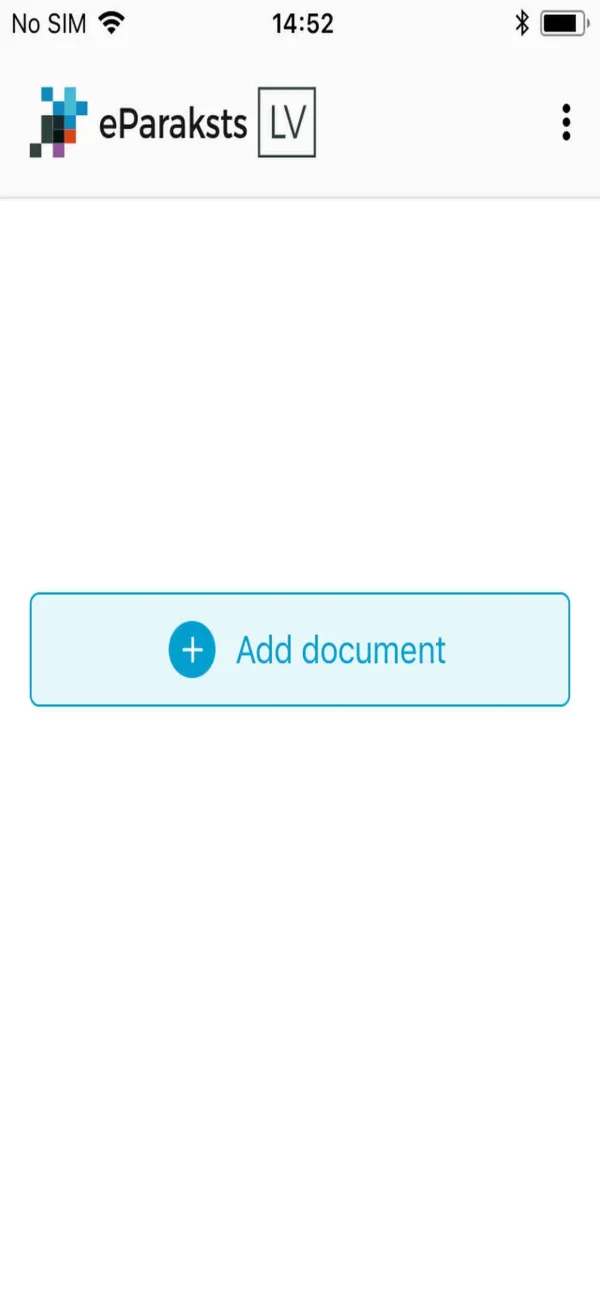

About
The developer has not provided this text in your language.
LV:
Mobilā lietotne eParakstsLV nodrošina dokumentu parakstīšanu viedierīcē ar drošu elektronisku parakstu, kā arī jau parakstītu dokumentu pārbaudi. Lai parakstītu dokumentus lietotnē eParakstsLV, ir jāiegūst lietotne eParaksts mobile un jāizveido eParaksta parole un PIN kods.
Sākot dokumenta parakstīšanu, lietotnē ir jāapliecina identitāte, ievadot e-Identitātes PIN, ko izmanto lietotnē eParaksts mobile. Kad e-Identitāte apliecināta, varēsi dokumentu eParakstīt, ievadot eParaksta paroli.
Parakstītu dokumentu vari nosūtīt adresātam e-pastā, kā arī viedtālrunī pieejamās lietotnēs vai noglabāt sev ērtākajā datņu apmaiņas servisā.
ENG:
Mobile application eParakstsLV allows signing documents with a safe electronic signature on a smart device, as well as verification of already signed documents. To sign document in the application app, you need to apply for the eParaksts mobile app and create signature password and PIN.
When signing the document, you will verify your identity by entering the e-Identity PIN used in the eParaksts mobile app. After verifying the identity, you can sign the document by entering e-signature password.
The signed document can be sent to the addressee in an e-mail as well as via applications on the smart device, and the document can also be saved in a file transfer service most convenient to the user.
RU:
Мобильное приложение eParakstsLV обеспечивает подписание документов с помощью безопасной электронной подписи в смарт-устройстве, а также проверку уже подписанных документов.Чтобы подписать документы в приложении eParakstsLV, вам необходимо получить мобильное приложение eParaksts и создать пароль электронной подписи и PIN-код.
Для подписания документа, в приложении необходимо удостоверить свою личность, введя PIN-код э-Идентичности, используемый в приложении eParaksts mobile. После удостоверения личности можно подписать документ с помощью электронной подписи, введя пароль электронной подписи.
Подписанный документ можно отправить адресату по электронной почте, а также с помощью имеющихся в смартфоне приложений или сохранить, воспользовавшись наиболее удобным для себя сервисом для обмена файлами.
What’s new
Version 1.2.0 · May 27, 2026
Lietojamības uzlabojumi
App privacy
What VAS Latvijas valsts radio un televīzijas centrs declares on the App Store about how this app handles data.
-
Data not collected
The developer does not collect any data from this app.
Privacy practices may vary, for example with the features you use or your age.
Information
- Seller
- Latvijas Valsts radio un televizijas centrs, AS
- Category
- Productivity
- Version
- 1.2.0
- Updated
- May 27, 2026
- Released
- Aug 31, 2018
- Size
- 13.3 MB
- Requires
- iOS 16.6 or later
- Age rating
- 4+
- Price
- Free
- Languages
- English, Latvian
- Copyright
- © 2025 VAS Latvijas valsts radio un televīzijas centrs
You might also like
-
 Qticket AppNo more standing in lines!
-
 112 LatvijaProductivity
-
 Omniva MobileProductivity
-
 GetaPro.lvProductivity
-
 eDocReaderProductivity
-
 Yandex Disk secure storageFiles & media cloud storage
-
 MOI UAEMinistry of Interior, UAE
-
 Bluink eID-Me Digital IDDigital ID & Verification
-
 Proton Drive: Cloud StorageDocs, photos & file manager
-
 Yandex MailSecure inbox for work & life