- Age rating4+
- CategoryMusic
- DeveloperDONGWOOK LEE
- LanguagesEnglish+ 2 more
- Size41.3 MB
Links to the official App Store page
Download.org hosts no file of Epic Ear. The button opens its official App Store page, published by DONGWOOK LEE. Listing last checked on Nov 13, 2026.
Screenshots

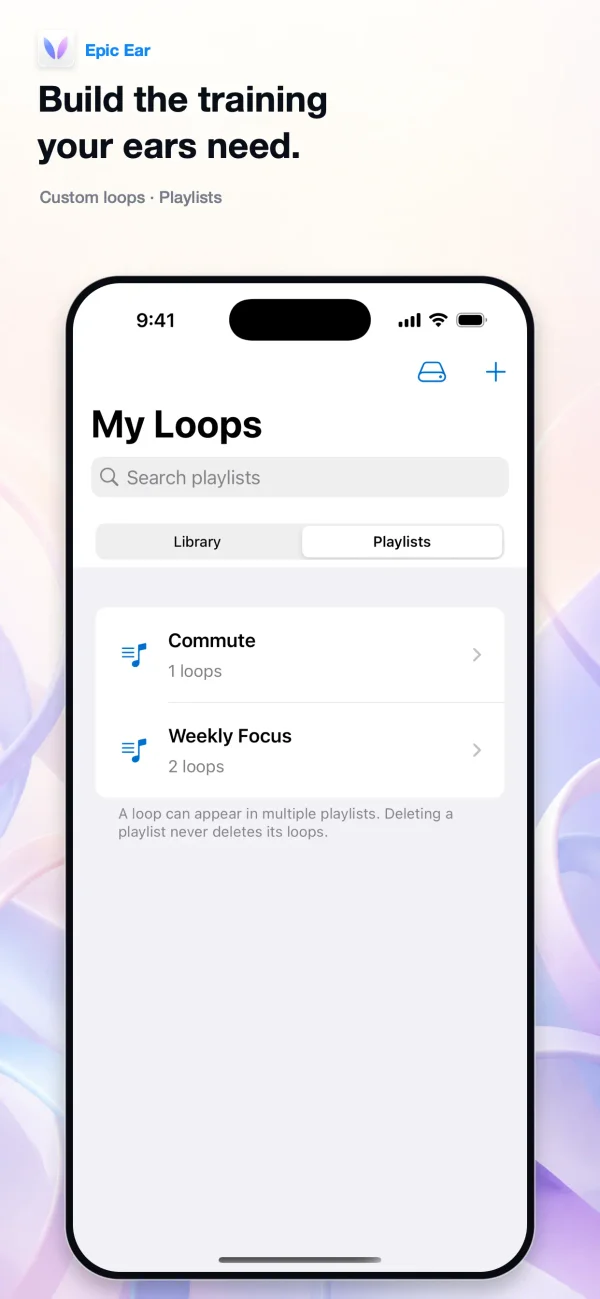

About
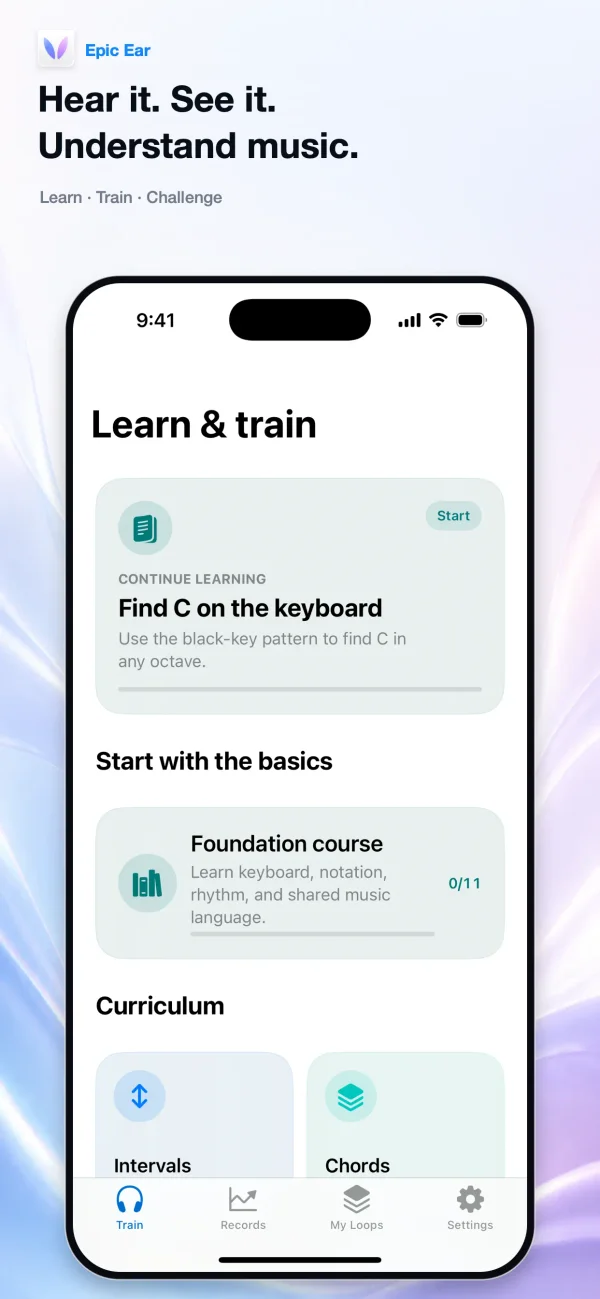
Epic Ear connects listening, notation, and the piano keyboard in one music-learning experience.
Go beyond repeating sounds. See what you heard on the staff, find it on the keyboard, and build musical understanding with your ears, eyes, and hands.
Start even if you are new to music
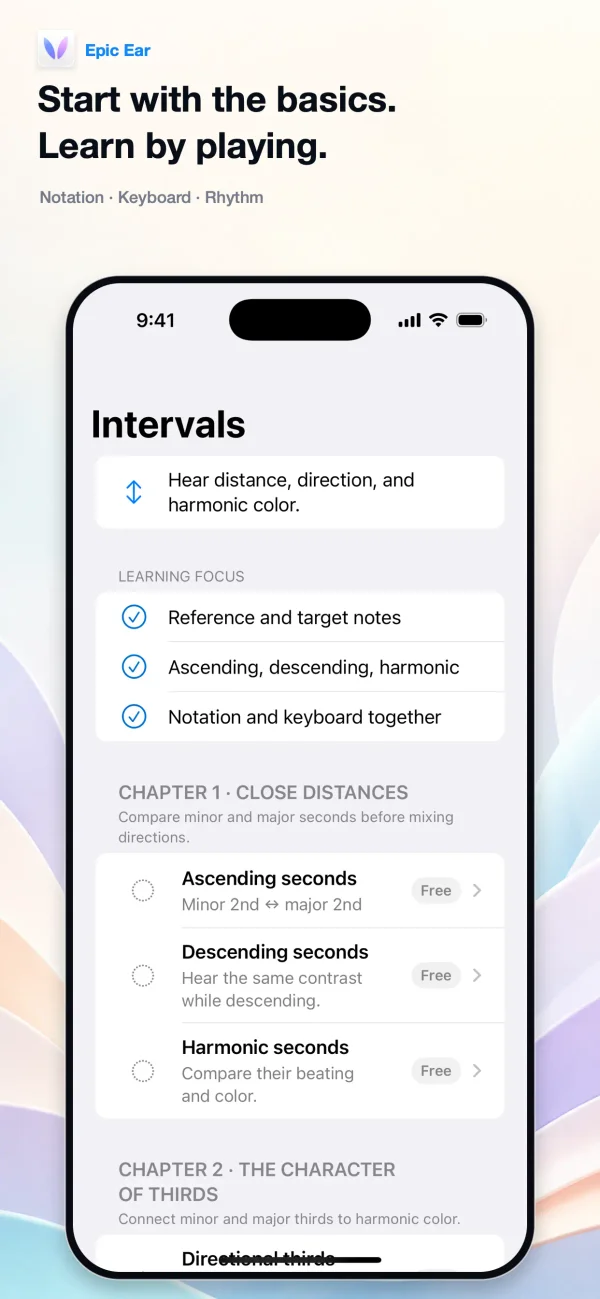
Learn the staff, clefs, note names, rhythm, intervals, chords, progressions, and scales step by step. Guided scenes combine clear explanations with listening and hands-on interaction.
Learn → Practice → Challenge
• Learn: understand each concept through visual, interactive lessons.
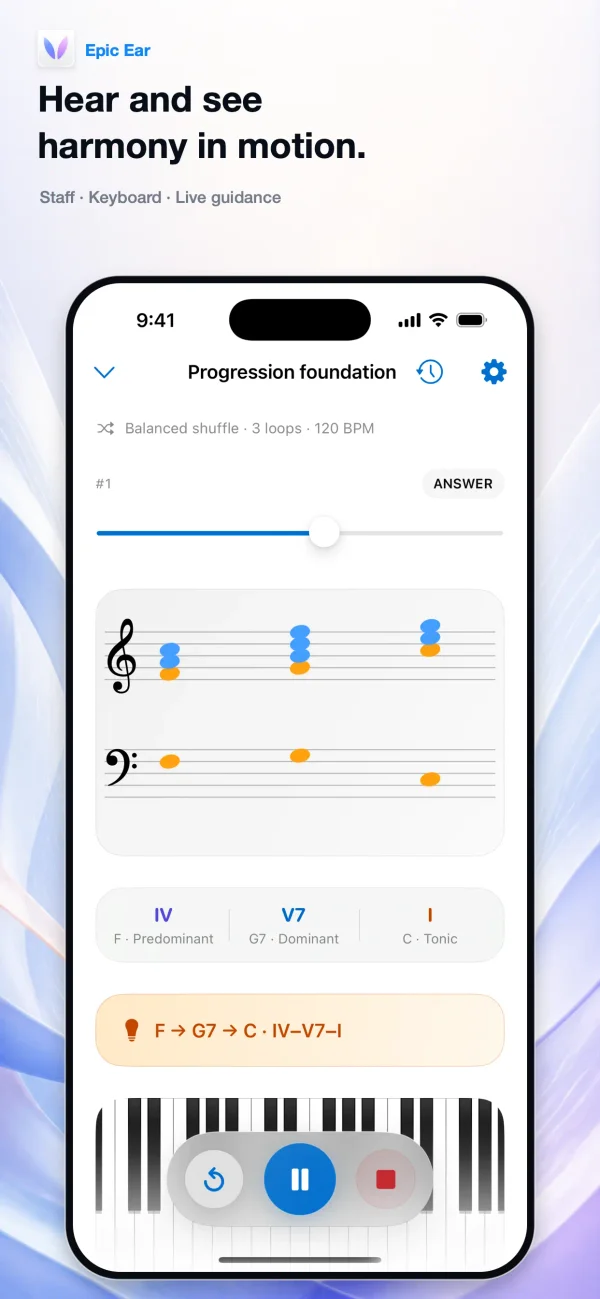
• Practice: repeat complete listening loops with reference sounds, piano, metronome, and spoken guidance.
• Challenge: answer by ear, reveal the notation and keyboard, then play the answer yourself.
Intervals, chords, progressions, and scales
Four official curricula take you from foundations to advanced material. During training, notes on the staff and keys on the keyboard animate with the actual sound. Pause to inspect, replay the current loop, or move through the timeline.
Build training around your goals
Choose musical materials and playing styles to create custom training loops. Organize them in folders, add the loops you need to playlists, and keep listening across the app.
See your progress
Track challenge attempts, all-time and recent accuracy, mastery, challenge activity days, and challenge streaks. Long-term milestones unlock playful collectible trophies and animated celebrations.
Explore freely in Playground
Play the keyboard and explore the relationships between sound, notation, intervals, and chords at your own pace.
Included for free
• The complete Fundamentals course
• Interval Chapters 1–4
• Chord Chapters 1–3
• Progression Chapters 1–3
• Scale Chapters 1–3
• Playground
• Two custom training loops
Epic Ear Pro unlocks the remaining official curriculum and unlimited custom loop creation and playback. If Pro ends, additional loops are never deleted; they remain safely stored in an inactive state.
More features
• Adjustable tempo, master volume, and per-track sound balance
• Background playback with Lock Screen and Control Center controls
• English, Korean, and Japanese
• VoiceOver keyboard navigation and Dynamic Type support
• No separate account required
Privacy Policy: https://drfranken.net/apps/EpicEar/privacyPolicy_en.html
Terms of Use: https://www.apple.com/legal/internet-services/itunes/dev/stdeula/
What’s new
Version 2.1 · Sep 8, 2026
Version 2.1 makes the learning flow clearer and more hands-on:
• The beginner keyboard lesson is shorter and introduces the real keyboard earlier.
• Listening examples must be played before moving on.
• Interval comparison requires listening to both sounds.
• Curriculum details explain recommended foundations without blocking access.
• Layouts adapt more cleanly to larger text sizes.
• Progress, lesson IDs, and existing learning records remain compatible.
App privacy
What DONGWOOK LEE declares on the App Store about how this app handles data.
-
Data not collected
The developer does not collect any data from this app.
Privacy practices may vary, for example with the features you use or your age.
Information
- Seller
- DONGWOOK LEE
- Category
- Music
- Version
- 2.1
- Updated
- Sep 8, 2026
- Released
- Apr 2, 2026
- Size
- 41.3 MB
- Requires
- iOS 17.6 or later
- Age rating
- 4+
- Price
- Free
- In-app purchases
- Yes
- Languages
- English, Japanese, Korean
- Copyright
- © 2026 drfranken
You might also like
-
 Pulse - MetronomeMetronome w/ timing exercises
-
 Cadence music playerStream your own music.
-
 BARBARA the MetronomeMixed Meters & More
-
 Tune Beats : Brain PuzzleBoost Focus & Memory
-
 Absolute PitchEar training at a real piano
-
 CombustorTime bending resonator effect
-
 MIDI Piano & Guitar ChordsMusic
-
 Vinyl Music Player - OrbitAlbums, Records & Widgets
-
 WavepocketPocket synth, tape & drums
-
 ChordMaster: Learn & TrainChords, Songs & Ear Training