
Epros Web Browser
Smart Browsing, Your Way
Designed for iPhone, iPad, Mac, iPod touch
Free
- Age rating17+
- CategoryUtilities
- DeveloperCHRISTOPHER LEIGH PROSSER
- Size5.6 MB
Links to the official App Store page
Download.org hosts no file of Epros Web Browser. The button opens its official App Store page, published by CHRISTOPHER LEIGH PROSSER. Listing last checked on Nov 20, 2026.
Screenshots
About
A powerful, distraction-free web browser built for iPhone, iPad, and Mac — with intelligent features and powerful tools that adapt to how you actually browse.
SMART BROWSING TOOLS
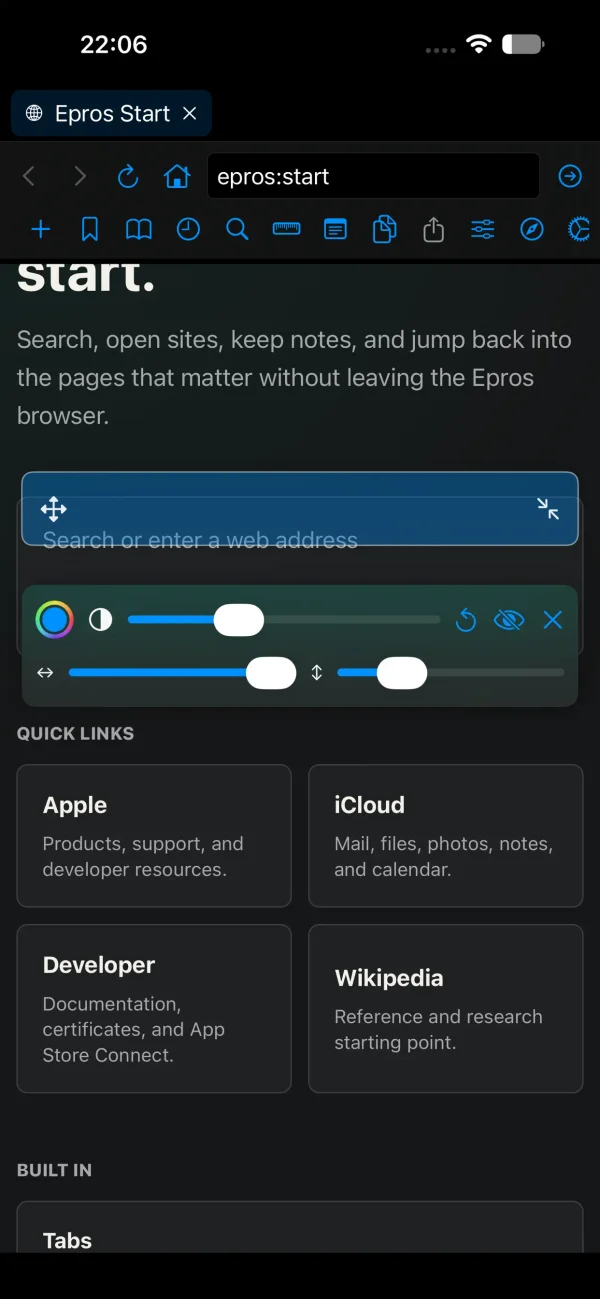
* Reading Ruler — Overlay a customisable highlight strip across any webpage to keep your eyes focused while reading long articles. Adjust the colour, height, and opacity to suit your preference. On Mac it follows your cursor automatically; on iPhone and iPad simply drag it wherever you need it.
* Page Complexity Translator — Powered by AI, instantly rewrite any webpage in the style that works best for you. Choose from Child-Friendly, GCSE Level, Professional, Technical, or Quick Summary with a single tap.
* Mood-Based Theme Engine — Set a mood manually — Focus, Study, Relax, or Gaming — or let Auto Mode shift the colour theme based on the time of day.
* Conversation Trails — View your browsing history as a story, showing how a research session unfolded from your first search to the last page you visited.
READING & ACCESSIBILITY
* Focus Mask and page dimming
* Clean reader view and readable-width controls
* Page zoom and text sizing
* Colour filters and high contrast
* Hide images and videos
* Pause or mute media
* Reduced motion and disabled animations
* Smooth scrolling and sticky-bar removal
* Word count and reading-time estimates
* Customisable Reading Ruler with adjustable size, colour, opacity, and position
CORE BROWSER FEATURES
* Full tab management with a visual tab switcher
* Tab groups with custom names
* Drag to reorder tabs and move tabs between groups
* Duplicate tabs and open new windows
* Three built-in search engines — Google, Bing, and DuckDuckGo
* Smart address bar for URLs and web searches
* Live address-bar updates and website favicons
* Bookmarks stored locally with a dedicated bookmarks manager
* Local browsing history
* Built-in notes with notes that persist between launches
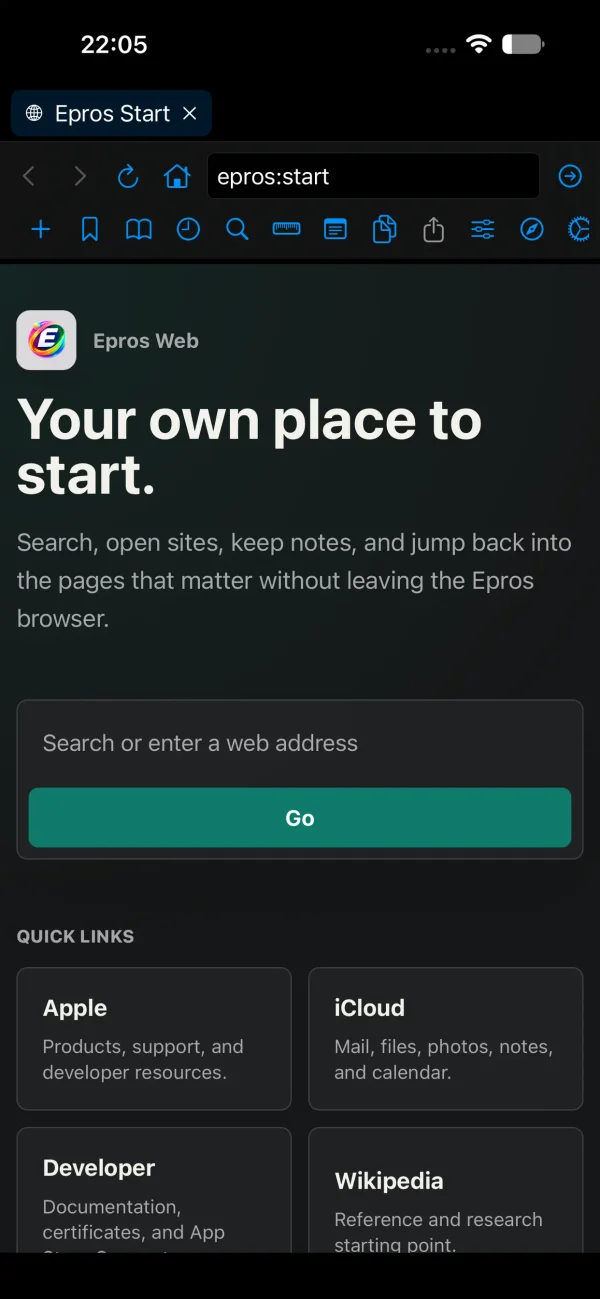
* Customisable start page with your own website shortcuts
* epros: internal pages for history, notes, and What’s New
* Split view with adjustable ratios, pane swapping, and floating panes
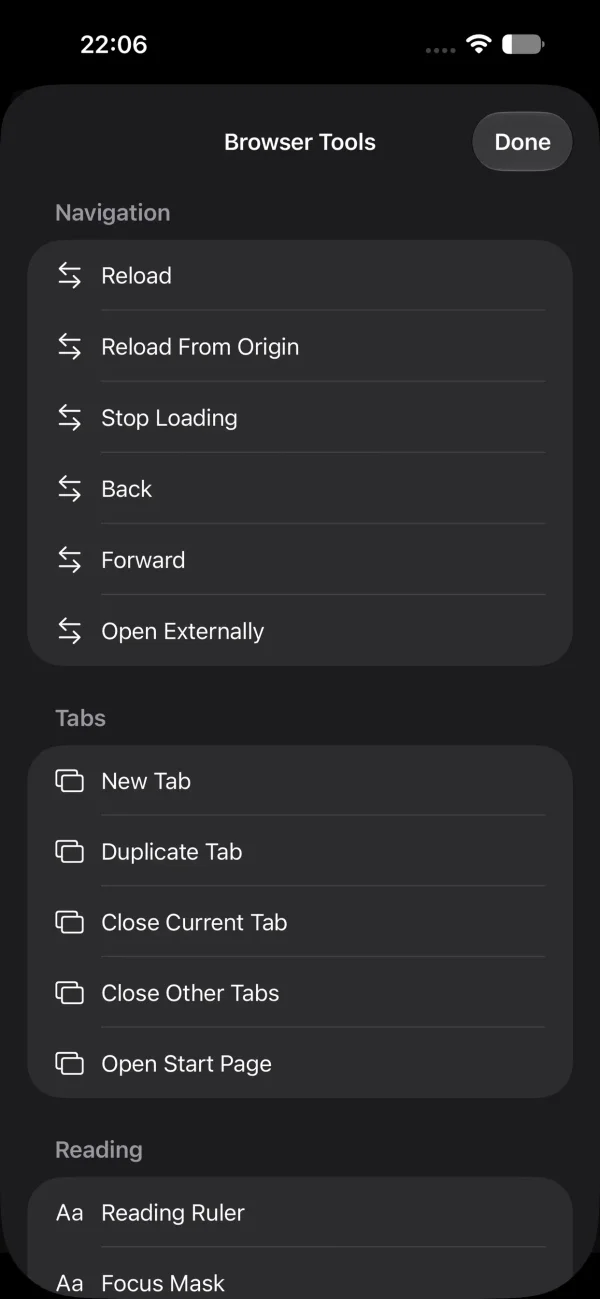
* Back, forward, reload, stop loading, and Find in Page
* Print webpages and copy URLs, titles, or Markdown links
* Open webpages externally when needed
* Configurable toolbar with pinned tools
DOWNLOADS & SESSIONS
* Built-in Download Manager
* Configurable download history retention
* Automatic local tab-session restoration
* Restores tab order, active tabs, names, and tab groups
* Crash-safe session saving with rolling backups
MAC FEATURES
* Compact browser interface
* Scrolling tab strip for large numbers of tabs
* macOS menu-bar controls for Tabs, Tab Groups, Windows, and Tools
* Keyboard shortcuts including Ctrl-R for reload
* Continuity support for supported web URLs
* Dedicated controls for bookmarks, notes, reading tools, printing, and more
iOS FEATURES
* Compact tab switcher with website titles, favicons, and page previews
* Drag to reorder tabs
* Close individual tabs directly from the tab switcher
* iOS Settings shortcut for choosing Epros as your default browser where supported
* Rotation and iPhone/iPad layout improvements
PRIVACY & LOCAL STORAGE
Your bookmarks, history, notes, tabs, tab groups, settings, downloads, and pinned tools are stored locally on your device.
Epros does not require an account or cloud sync to use these features.
What’s new
Version iOS App Version 2.0 · Sep 23, 2026
* Improved browser interface and tab management
* Bookmarks and browsing history
* Local notes
* Customisable start page shortcuts
* New tab groups and split view
* Improved downloads and download manager
* Reading and accessibility tools
* Customisable browser toolbar
* Improved iPhone and iPad layouts
* Improved macOS menus and controls
* Tabs and settings now restore after closing or restarting the app
* Various bug fixes and stability improvements
App privacy
What CHRISTOPHER LEIGH PROSSER declares on the App Store about how this app handles data.
-
Data not collected
The developer does not collect any data from this app.
Privacy practices may vary, for example with the features you use or your age.
Information
- Seller
- CHRISTOPHER LEIGH PROSSER
- Category
- Utilities
- Version
- iOS App Version 2.0
- Updated
- Sep 23, 2026
- Released
- Aug 7, 2026
- Size
- 5.6 MB
- Requires
- iOS 15.0 or later
- Age rating
- 17+
- Price
- Free
- Copyright
- © 2026 Epros Apps
You might also like
-
 Scry.exe - the retro browserRetro Terminal Web Browser
-
 Shimmer BrowserYour web browser, your way
-
 The Browser - Private AIUtilities
-
 Single Tab - Private BrowserHide location, auto-wipe
-
 VanBrowser: Private BrowserThe web browser with no AI.
-
 Secure Private Web BrowserIncognito Privacy Surfing Hub
-
 Private Browser: LoopiusSimple & Fast Web Browser
-
 Private Browser: Safe & SecureAd Blocker & Private Browsing
-
 BrowsAI-Agent Web BrowserA mobile alternative to Manus
-
 Private Browser: Secure WebFast & Safe Incognito Browser