
- Age rating4+
- CategoryBusiness
- DeveloperTSA Group Delft bv
- LanguagesEnglish
- Size635.0 KB
Links to the official App Store page
Download.org hosts no file of ESA DMPL Authenticator. The button opens its official App Store page, published by TSA Group Delft bv. Listing last checked on Nov 17, 2026.
Screenshots
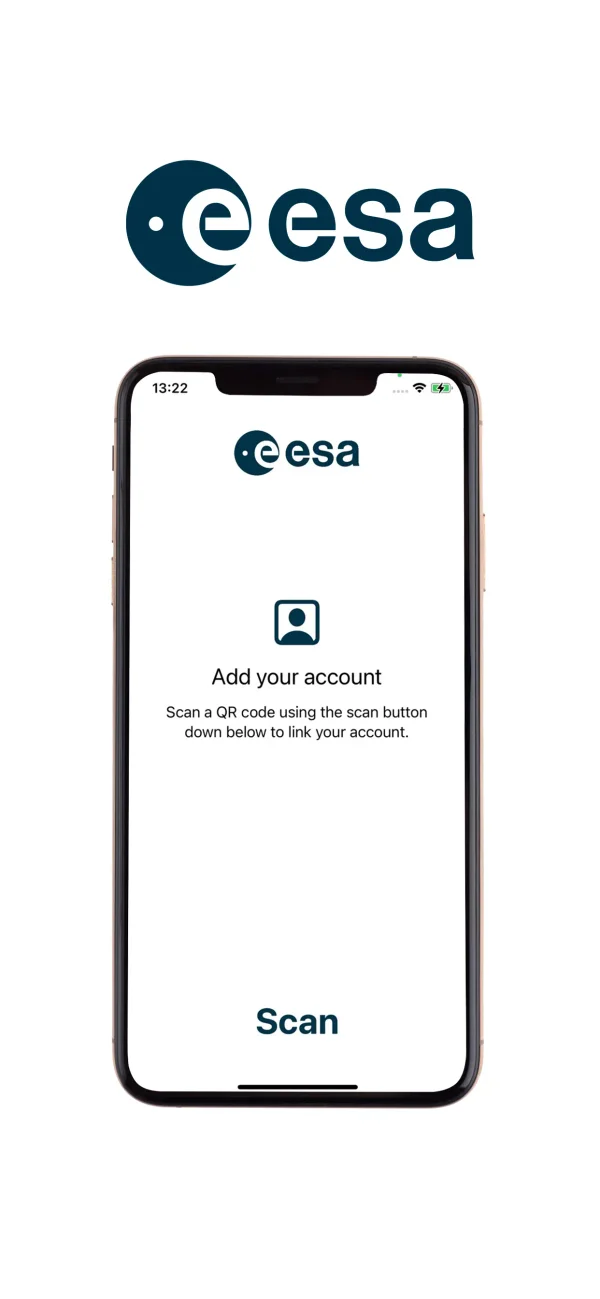
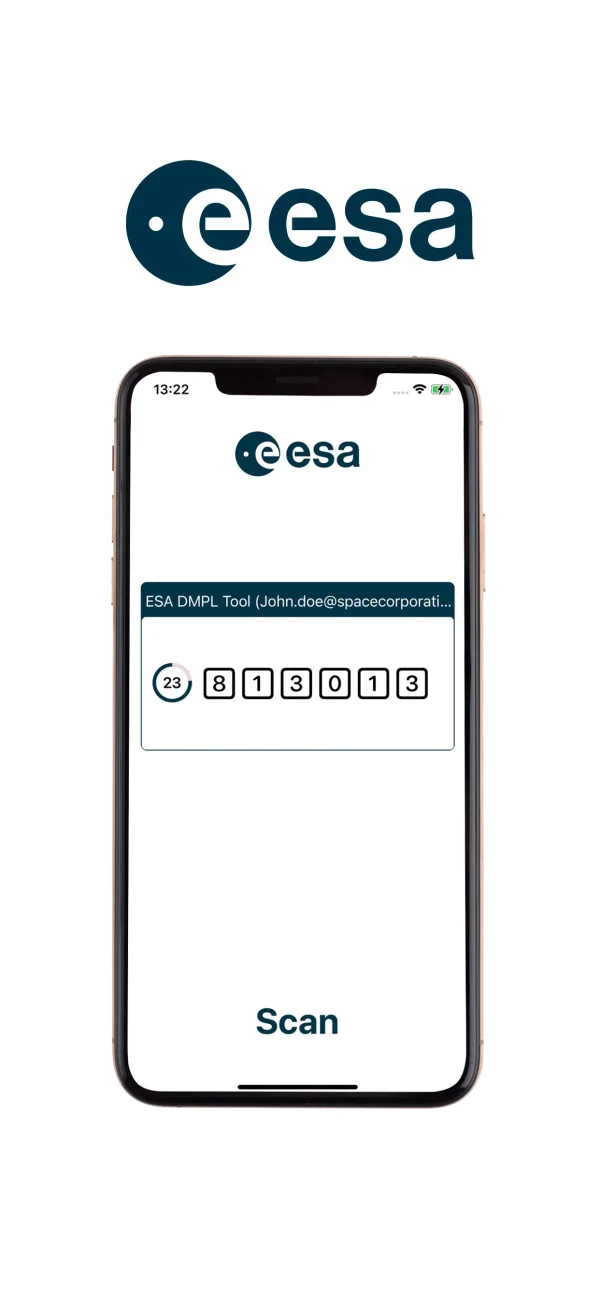
About
Two-step authentication helps to protect you by making it more difficult for someone else to sign in to the ESA DMPL Tool (web version) with your DMPL Tool account.
- Use the built-in QR code scanner to link the ESA DMPL Tool Authenticator app to your DMPL Tool account
- After entering your password to login to the DMPL Tool (web version) you’ll be asked to enter the Time-based One-Time Password (OTP) generated by the app to verify your identity
- Each OTP code is randomly generated. The countdown timer shows you how long the code is valid.
- The app doesn’t require you to be connected to a network and won’t drain your battery.
Note: you must have a ESA DMPL Tool account to use this app and have OTP Authentication enabled. Please contact the DMPL Tool Administrator should you require further instructions.
What’s new
Version 1.4 · Sep 25, 2026
Performance enhancements, security updates and compatibility optimizations.
App privacy
What TSA Group Delft bv declares on the App Store about how this app handles data.
-
Data not collected
The developer does not collect any data from this app.
Privacy practices may vary, for example with the features you use or your age.
Information
- Seller
- TSA Group Delft B.V.
- Category
- Business
- Version
- 1.4
- Updated
- Sep 25, 2026
- Released
- May 17, 2022
- Size
- 635.0 KB
- Requires
- iOS 15 or later
- Age rating
- 4+
- Languages
- English
- Copyright
- © TSA Group Delft bv
You might also like
-
 FindShot: Screenshot LibrarySearch text, organize & redact
-
 Agave WorldWideAgave Assets Investment
-
 Cast & Crew ListsManage contacts & availability
-
 Script BreakdownsTag scene elements
-
 AssuranceNMBusiness
-
 Scenarist: Script WriterProfessional Screenwriting
-
 AugviewAR for Asset Management
-
 iFinance 5Personal Finance Management
-
 FPA PublicationsFinance
-
 Field of View CalculatorBusiness