
eScanner: PDF Scanner & Editor
Scan Documents to PDF & Sign
Designed for iPhone, iPad, iPod touch
Free · In-app purchases
- Age rating4+
- CategoryBusiness
- DeveloperARK Studio LLC
- LanguagesEnglish+ 9 more
- Size116.0 MB
Links to the official App Store page
Download.org hosts no file of eScanner: PDF Scanner & Editor. The button opens its official App Store page, published by ARK Studio LLC. Listing last checked on Nov 27, 2026.
Screenshots

About
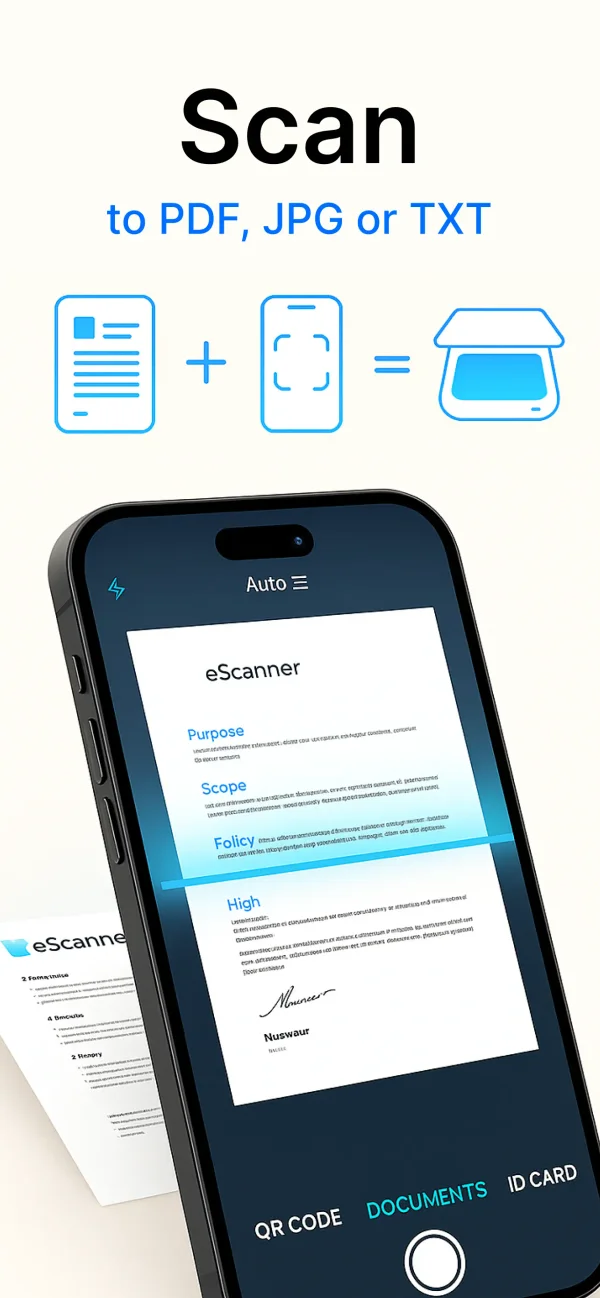
Transform your iPhone or iPad into a powerful and portable PDF scanner with eScanner, the ultimate scanner app for all your needs. Instantly scan documents to PDF or JPG. Our advanced AI tools, OCR technology, and robust editing features make it the perfect scanner for professionals, students, and anyone on the go.
Whether you need to scan work files, handwritten notes, receipts, or IDs, eScanner delivers professional-quality results in seconds. This versatile doc scanner and PDF creator simplifies your paperwork, allowing you to manage documents efficiently from your mobile device. It's the ideal solution for anyone looking for a reliable scanner to PDF and a comprehensive document management tool.
Top Features of our PDF Document Scanner:
High-Quality Scanning: Use our scanner app of charge to scan documents with precision. The auto-detect pages feature and batch mode make it easy to scan single or multiple pages, turning your device into a high-speed doc scanner.
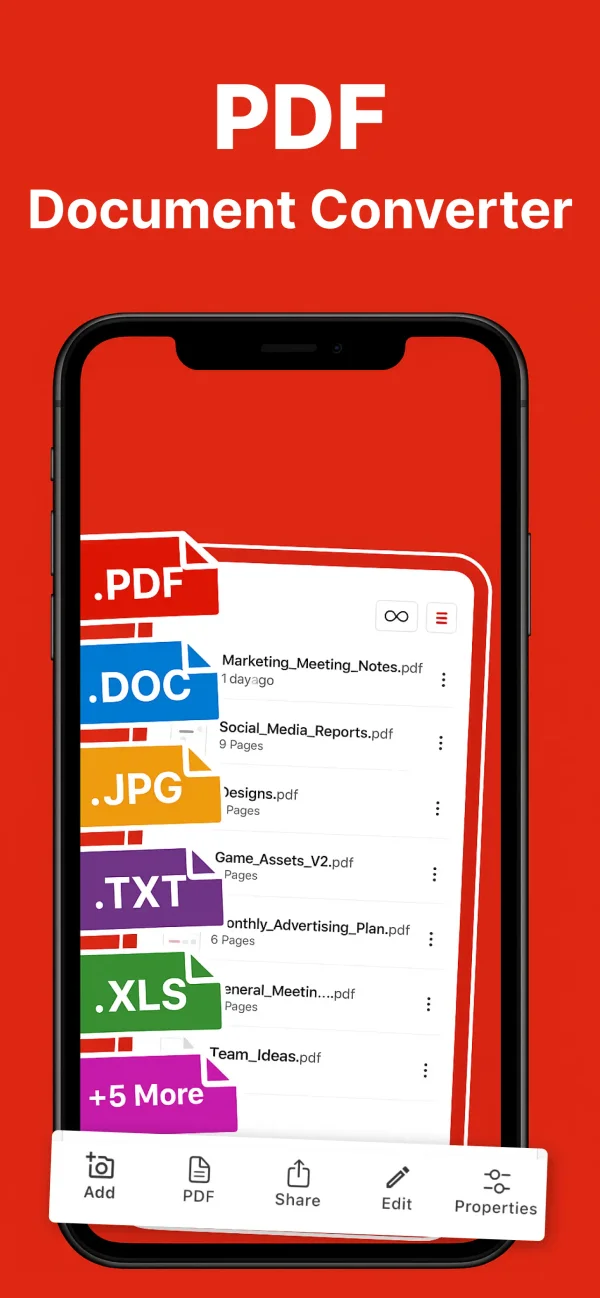
Create PDF Files: Functioning as a PDF creator and PDF maker of charge, you can instantly convert your scans. Turn any pic to pdf or convert photos to PDF seamlessly. Create professional PDF documents with just a few taps.
Advanced AI Enhancement: Our scanner app utilizes smart cropping and straightening for perfect scans every time. Apply color filters, reduce noise, and clean up backgrounds for crystal-clear results. This makes it a superior scanner of technical hassles.
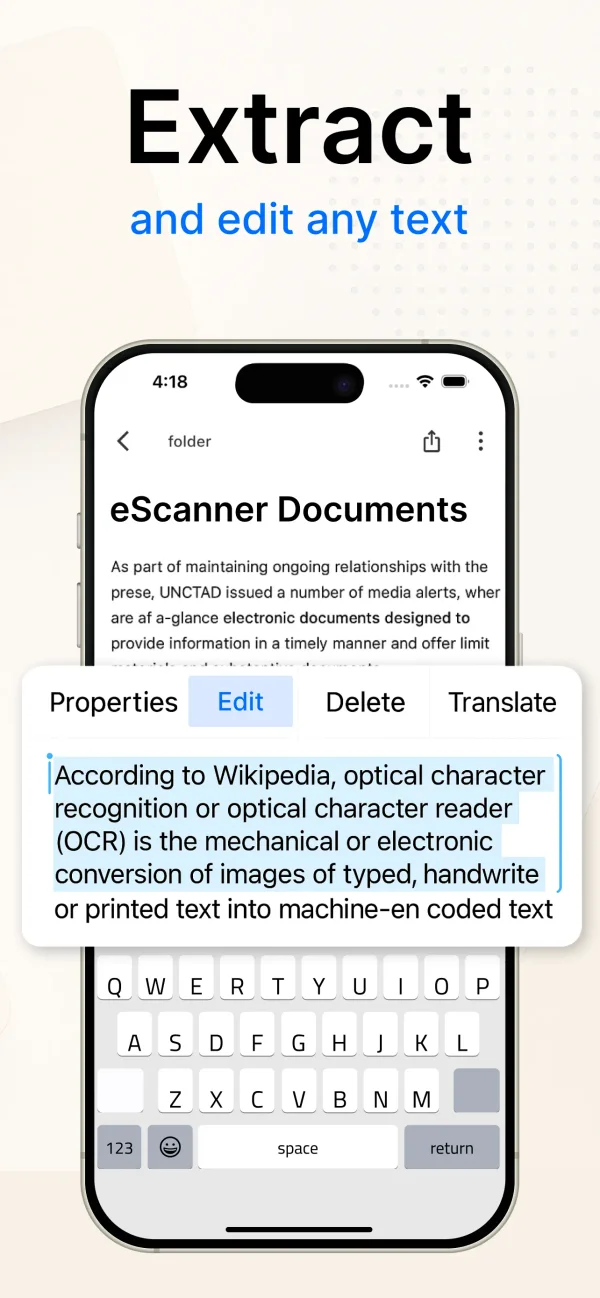
OCR (Text Recognition): Extract text directly from your scans with our powerful OCR tool. This feature, supporting over 20 languages, allows you to export text to TXT, DOC, or a searchable PDF, making it an intelligent scan to pdf solution.
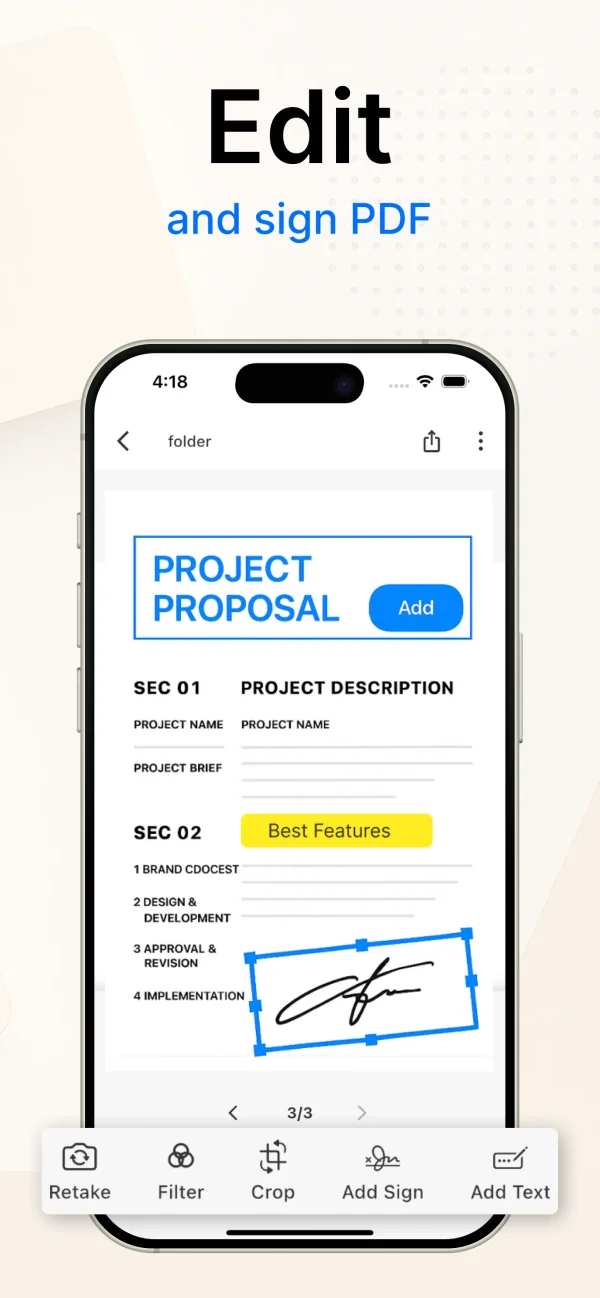
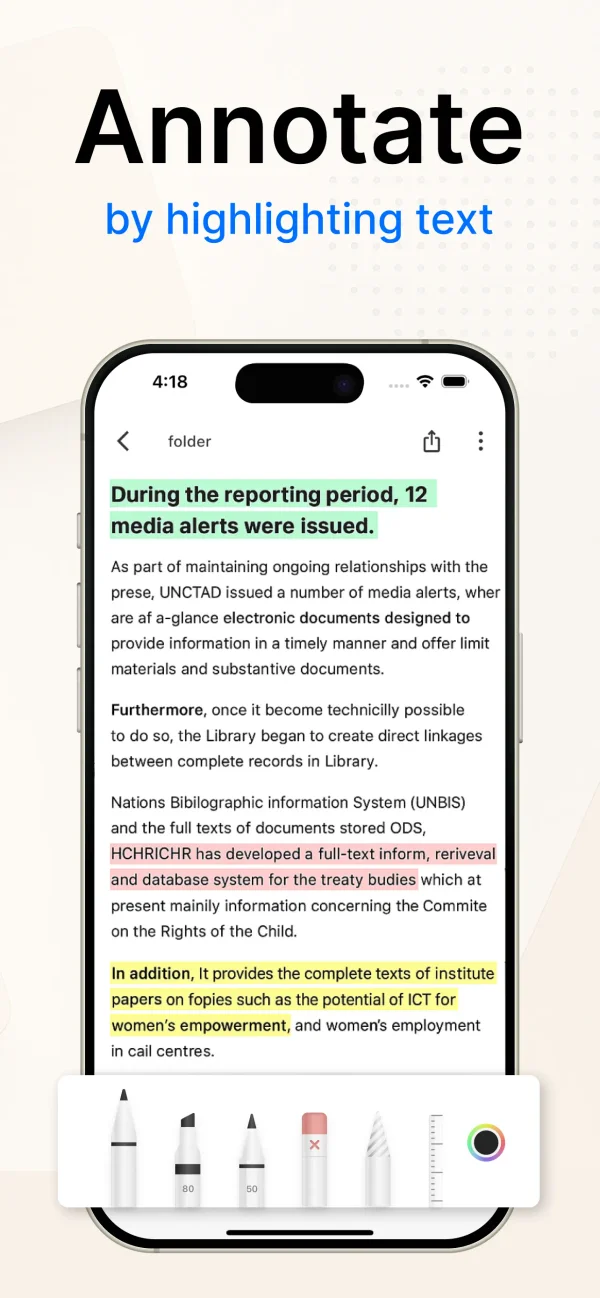
Edit PDF & Add Signatures: Easily edit PDF files by adding annotations, highlighting text, or redacting sensitive information. Use the signature maker to add a digital signature or an image of your signature to any document.
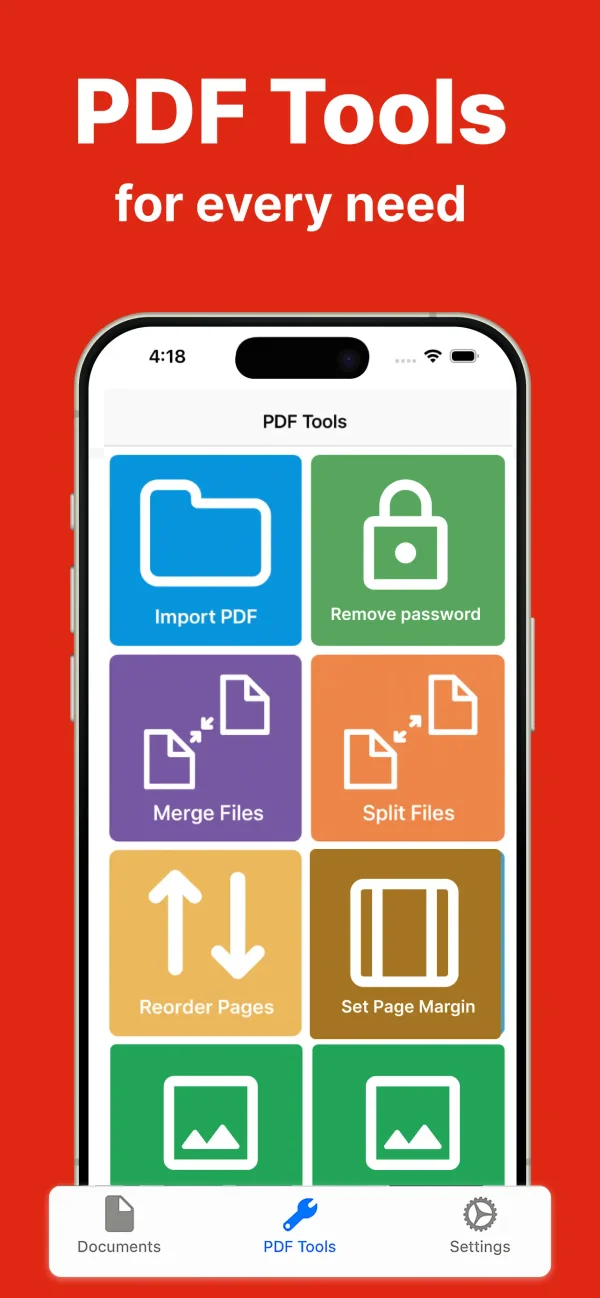
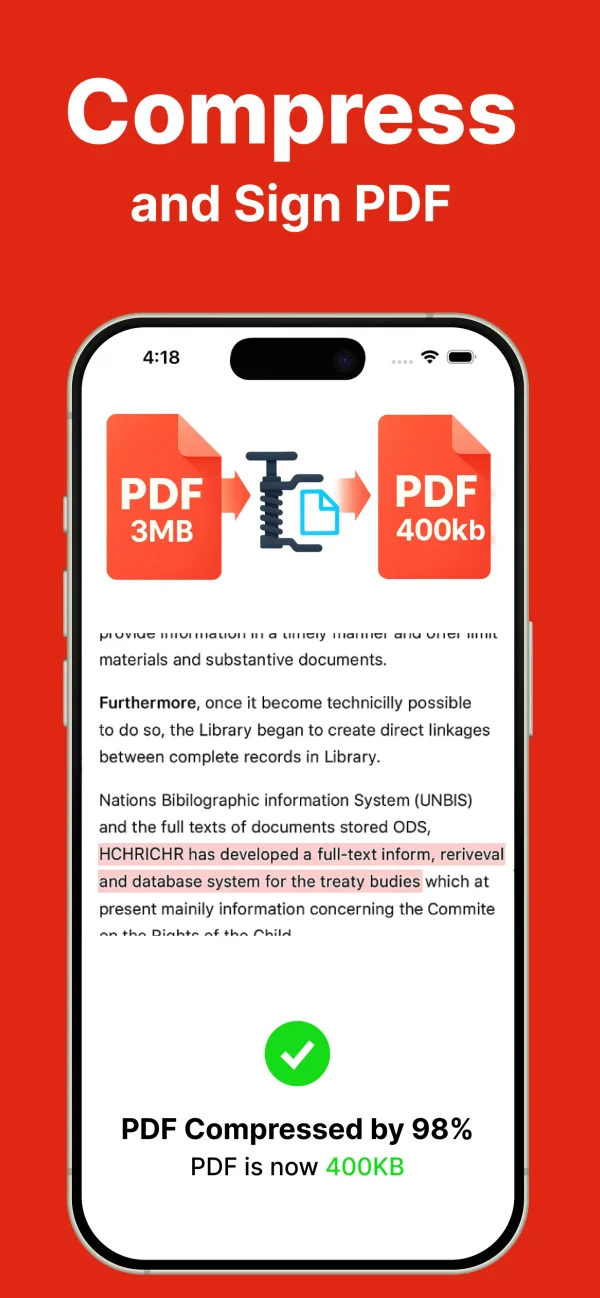
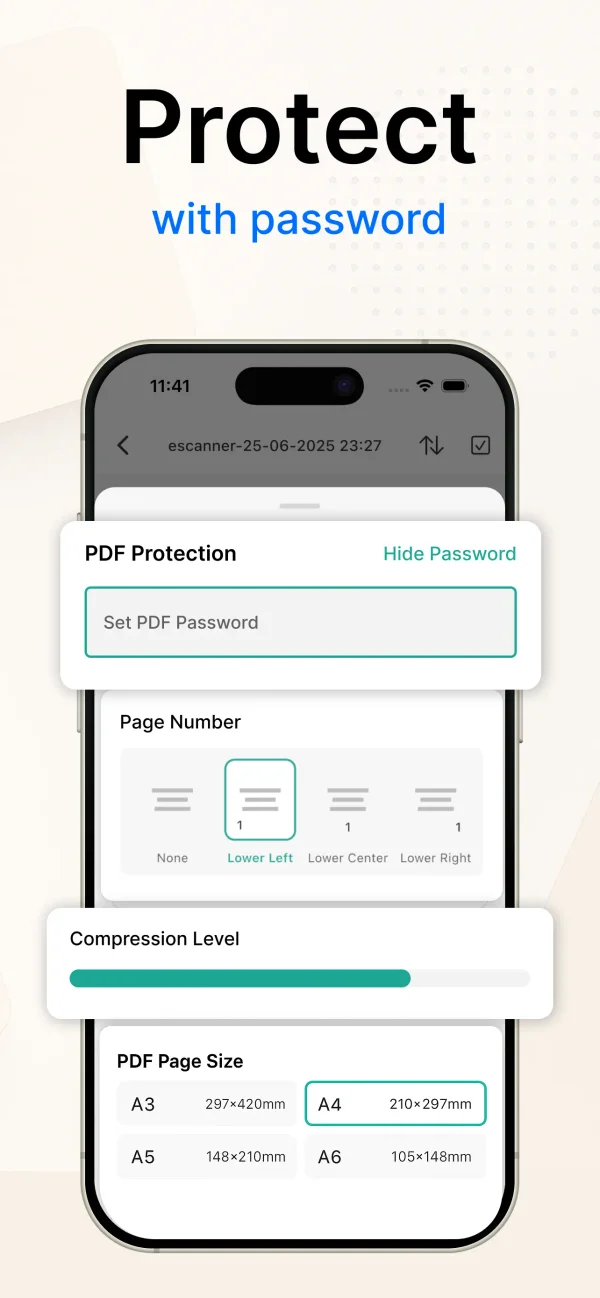
File Management & Compression: Organize your scans in folders, merge or split files, and add page numbers or watermarks. Use the built-in PDF compressor to reduce file sizes and compress PDF documents for easy sharing without losing quality.
Effortless Sharing & Exporting: Share your scanned documents via Email, iCloud, Google Drive, Dropbox, WhatsApp, and more. Our scanner app features ensure you can send your files anywhere, anytime.
Create ID card scan copies easily with front and back scanning.
Create ID photo with on device AI. Various photo sizes are available for studio quality photo making.
eScanner Pro:
Unlock the full potential of your mobile device with eScanner Pro. A subscription gives you unlimited scans, advanced OCR capabilities, enhanced export options, and cloud synchronization. Experience the power of a premium PDF scanner from limitations.
Payment will be charged to your App Store account upon purchase confirmation. Subscriptions automatically renew unless canceled at least 24 hours before the end of the current period. You can manage or cancel your subscription at any time through your App Store account settings.
Support: techtiq.app@gmail.com
Privacy Policy: https://sites.google.com/view/pdfscannerappterms/privacy-policy
Terms of Use: https://sites.google.com/view/pdfscannerappterms/terms-of-use
What’s new
Version 2.2.1 · Aug 3, 2026
Take your scanning to the next level! This update puts more power in your hands.
ID card scans: Scan and share your id cards, license, passports now available!
ID photo maker: On device AI powering ID photo maker with all the global sizes. Snap and print.
fixes: Fixed minor issues and improved performance
Update eScanner pdf document scanner today and let us know what you think!
App privacy
What ARK Studio LLC declares on the App Store about how this app handles data.
-
Data used to track you
May be used to track you across apps and websites owned by other companies.
- Identifiers
-
Data linked to you
May be collected and linked to your identity.
- Purchases
- Identifiers
- Usage data
- Diagnostics
Privacy practices may vary, for example with the features you use or your age.
Information
- Seller
- ARK Studio LLC
- Category
- Business
- Version
- 2.2.1
- Updated
- Aug 3, 2026
- Released
- Jul 3, 2025
- Size
- 116.0 MB
- Requires
- iOS 15.6 or later
- Age rating
- 4+
- Price
- Free
- In-app purchases
- Yes
- Languages
- English, French, German, Italian, Japanese, Korean, Simplified Chinese, Spanish, Traditional Chinese, Vietnamese
- Copyright
- © arkstudiollc
You might also like
-
 PDFs: Merge & SplitWatermark, Lock & Unlock PDF
-
 PDFy: The PDF Converter ApрConvert Picture, Word, & eSign
-
 PicPDF: Convert picture to pdfPhoto, jpg, jpeg, png and more
-
 Invoice Generator - InvofyCreate & Send Invoices Fast
-
 OCR Image AI - Photo to TextPicture to Text - Scan Text
-
 AI Detector & Humanizer・Undetectable AI - BypassGPT
-
 Daily Planner: PlanelleRoutine & Focus Tasks
-
 Scan photo translator gotranslator scanner translate
-
 Bubble Level - Spirit ToolWaterpas, wasserwage, уровень
-
 bypassgpt & undetectable aihuman ai humanizer