
- Age rating4+
- CategoryUtilities
- DeveloperPHILIP BRANDES
- LanguagesEnglish
- Size1.5 MB
Links to the official App Store page
Download.org hosts no file of EV Play Auto-Mate. The button opens its official App Store page, published by PHILIP BRANDES. Listing last checked on Nov 12, 2026.
Screenshots

About
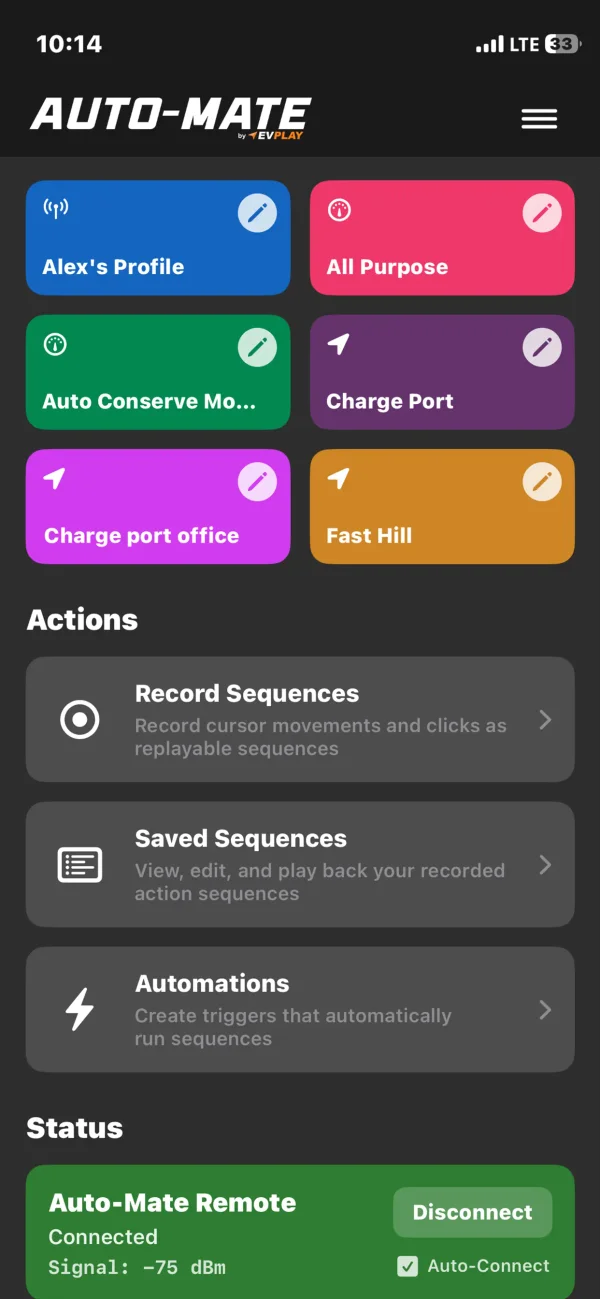
Introducing EV Play Auto-Mate, the revolutionary new way to create on-screen automations for your Rivian® electric vehicle. Quickly and easily automate simple or complex tasks — like switching drive modes on the highway, opening the charge port at home, or adjusting climate settings — all hands-free. Record any touch sequence once, set your triggers, and let Auto-Mate handle the rest every time you drive! With Auto-Mate’s intuitive recording mode, simply tap through any sequence of screen interactions — switching drive modes, adjusting climate settings, navigate drive modes — and save it. From that point on, Auto-Mate can replay those exact actions whenever the conditions you define are met.
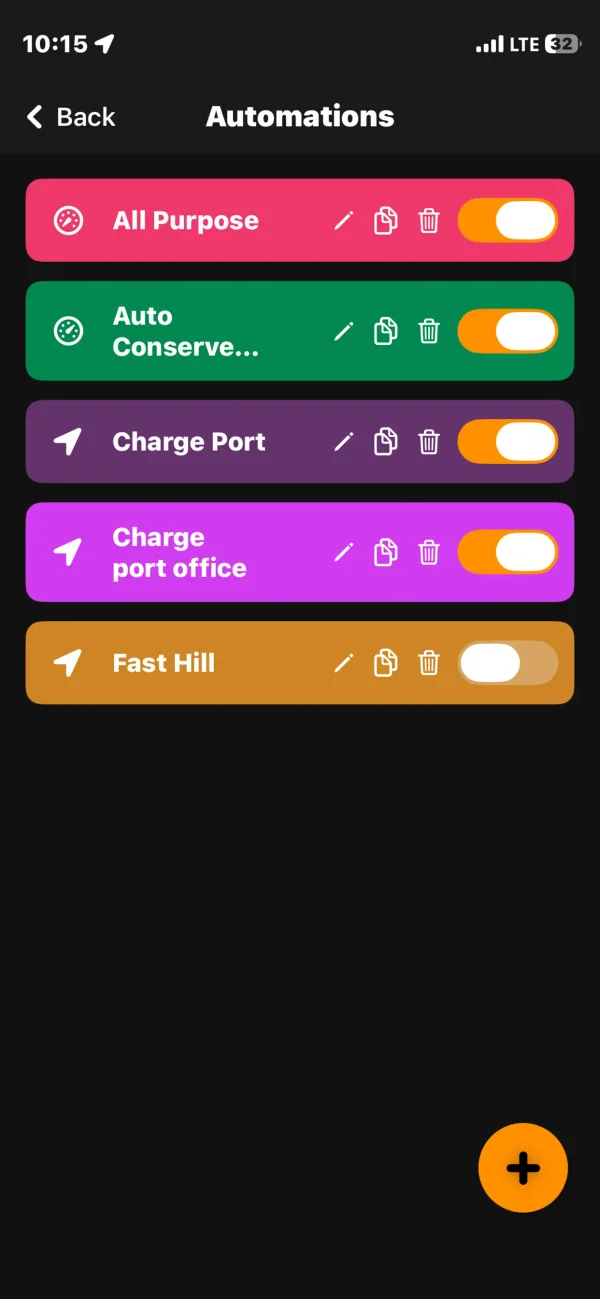
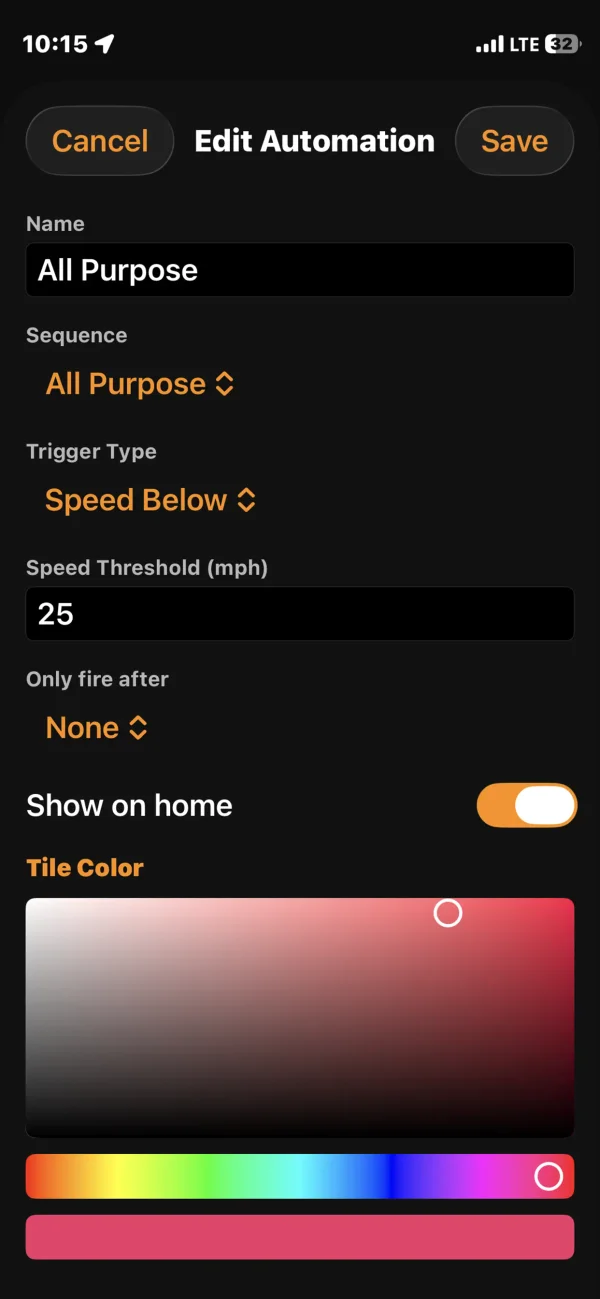
Pulling onto the highway? Automatically switch between All-Purpose and Conserve Modes. Arriving home? Open your garage and charge port without lifting a finger. Your Rivian not remember a certain driver profile? With Auto-Mate you can set seat position, preferred drive mode, temperature, and more, as soon as you get in the vehicle! Fine-tune triggers with speed qualifiers, fire-once logic, and cooldown timers so automations run exactly when you need them and never when you don’t.
Designed with the Rivian driver in mind, EV Play’s Auto-Mate puts everything at your fingertips: a manual touchpad for direct cursor control, color-coded home screen tiles for one-tap manual sequences, and a full automation editor with live preview. Once configured, Auto-Mate runs quietly in the background — no screen required. The compact hardware device draws minimal power and pairs instantly over Bluetooth whenever you get in the vehicle.
What’s new
Version 1.2 · Apr 22, 2026
Bug fixes; added the ability to re-arrange home screen automation tiles.
App privacy
What PHILIP BRANDES declares on the App Store about how this app handles data.
-
Data not collected
The developer does not collect any data from this app.
Privacy practices may vary, for example with the features you use or your age.
Information
- Seller
- PHILIP BRANDES
- Category
- Utilities
- Version
- 1.2
- Updated
- Apr 22, 2026
- Released
- Apr 21, 2026
- Size
- 1.5 MB
- Requires
- iOS 17.0 or later
- Age rating
- 4+
- Price
- Free
- Languages
- English
- Copyright
- © 2026 Amprocity, LLC
You might also like
-
 SofaPilot – TV RemoteWi-Fi Control & Widgets
-
 DTENAI Notes & Meeting Follow-Ups
-
 TireLabTire and wheel calculator
-
 Auto Repair : FixMyCarCar Diagnostics & Repair Guide
-
 CCCFPDUtilities
-
 SolDial for PowerwallSolar, Battery & EV Automation
-
 DashOneSmart Dashboards for Your Home
-
 VoltHub - EVChargingUtilities
-
 BP & Sugar TrackerMonitor & Manage Health Trends
-
 Auto Parts Identifier: PartsIQIdentify cables & car repair