
- Age rating4+
- CategoryFinance
- DeveloperArpit Shukla
- LanguagesEnglish
- Size51.3 MB
Links to the official App Store page
Download.org hosts no file of EvenOut: Split & Settle Up. The button opens its official App Store page, published by Arpit Shukla. Listing last checked on Nov 23, 2026.
Screenshots
About
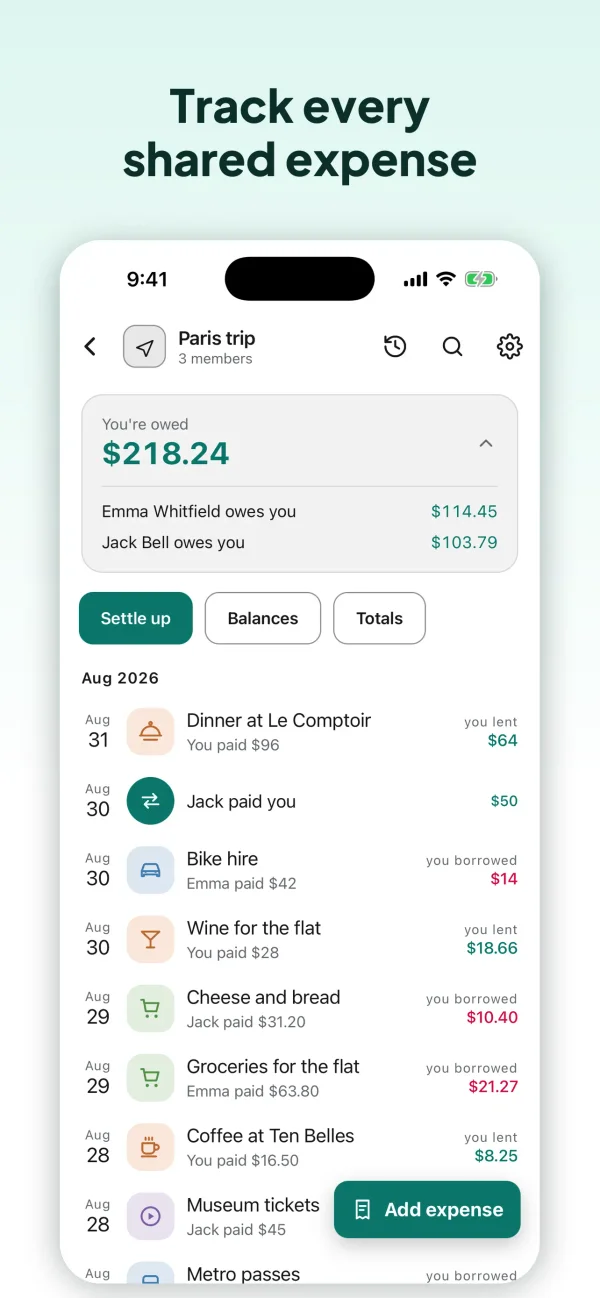
EvenOut keeps track of who paid for what and works out what everyone owes — for trips, flatshares, dinners, or a single bill between two people.
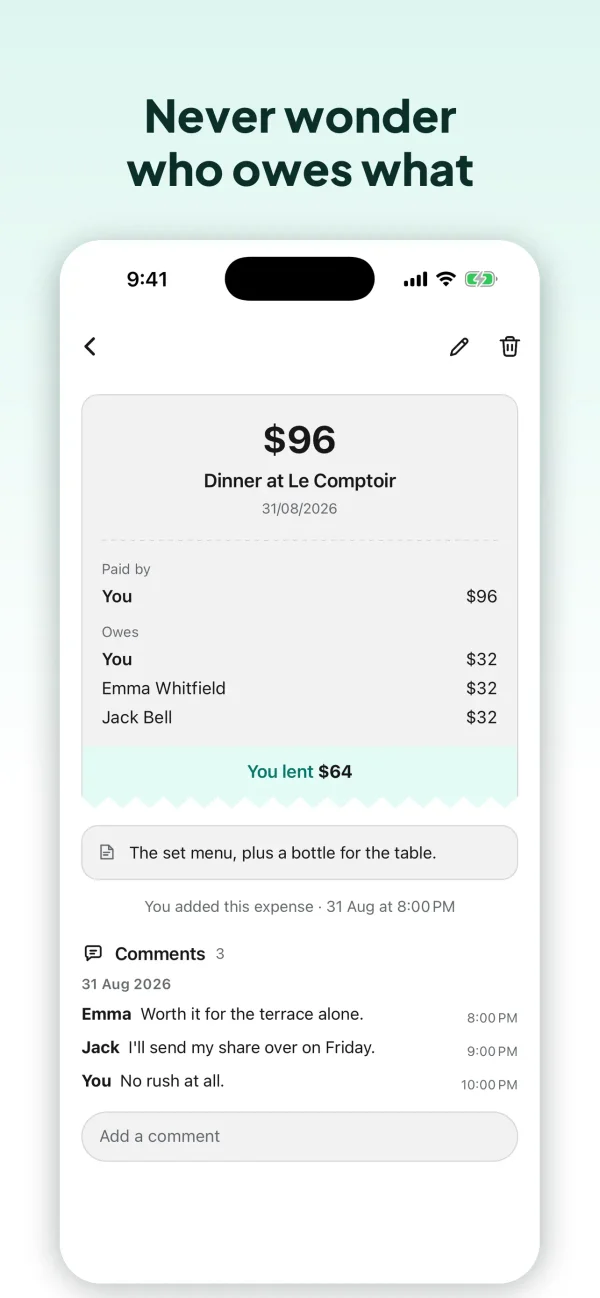
Add an expense, choose who it was for, and each person's share is worked out to the last cent. Balances update as you go, and when it's time to settle up the app shows exactly which payments clear them.
- EVERY FEATURE, FREE
No subscription, no ads, no pro tier, no feature waiting behind a paywall. Currency conversion, spending charts, search, comments, categories, offline access — all of it is simply the app.
- NO LIMITS
Add as many expenses as you like, today and every day. As many groups, as many people, as much history as you want to keep. Nothing counts down and nothing interrupts you to upgrade.
- SPLIT IT ANY WAY
Equally, by exact amounts, by percentage, by shares, or with individual adjustments. More than one person can pay for the same expense — a bill covered half in cash and half on a card is one entry, not two.
- SETTLING UP, WITHOUT THE AWKWARDNESS
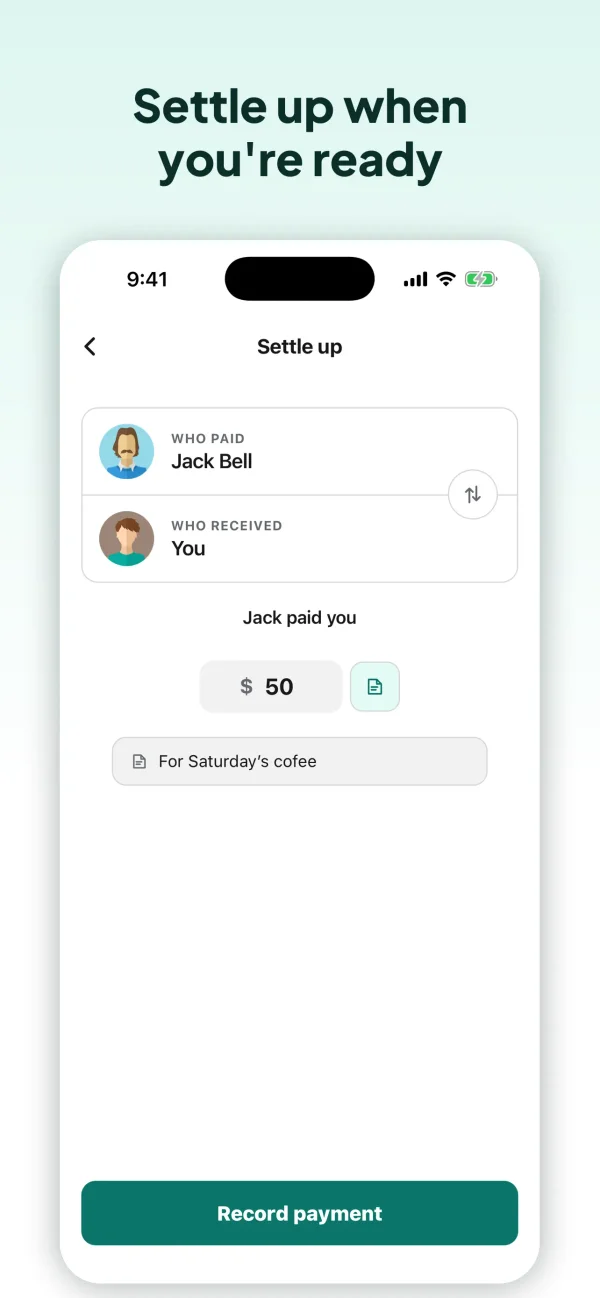
See exactly who should pay whom. Turn on Simplify Debts and the group clears in as few transfers as possible — five people and ten small debts become two payments. Leave it off and every debt stays where it was made. Pay however you already pay each other, then record it: everyone's balance updates at once, and everyone sees the same numbers.
- CHARTS THAT SHOW THE TREND
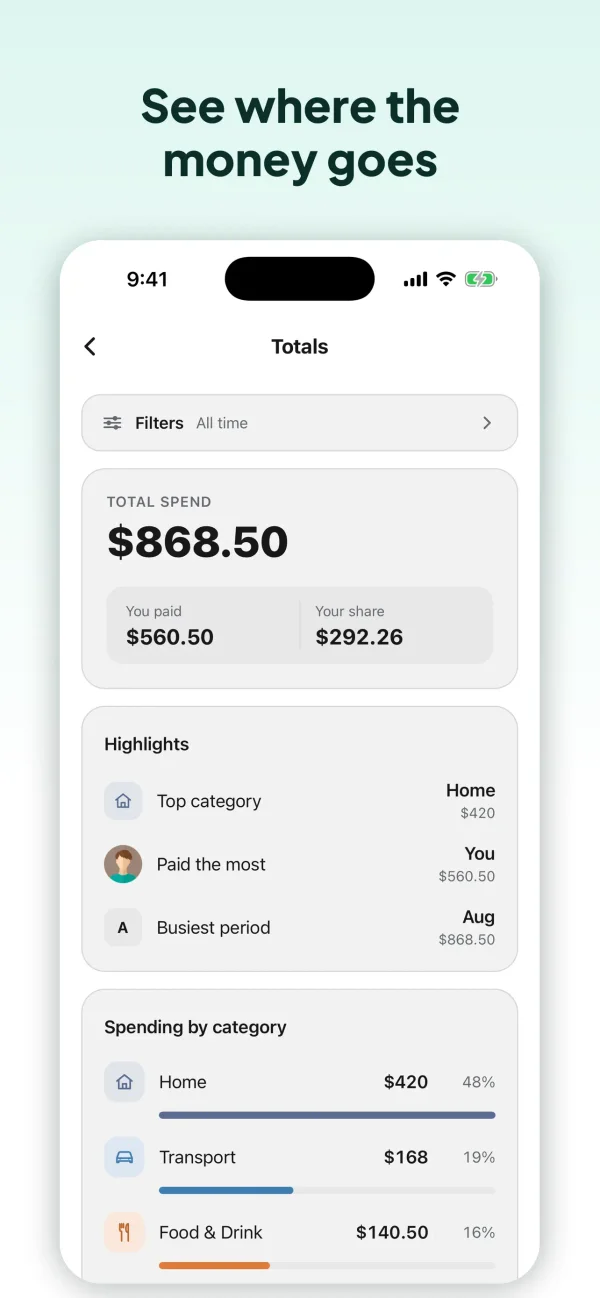
Open any group and see where its money actually went — the biggest expenses, spending by category, month by month, and who paid the most. A per-member breakdown shows what each person paid alongside what each person's share came to.
- YOUR SPENDING, ACROSS EVERYTHING
One view for every group and every one-off split: what you have been spending on, by category, by group, and over time. This month, this year, or all of it.
- SPLIT IN ANY CURRENCY
One group can hold as many currencies as it needs — flights booked in euros, dinner split in dollars, rent paid in rupees, all side by side. Balances are kept per currency, so you see what you owe in each instead of one blended figure. Want a single number? One tap shows an approximate total in your own currency, and the amounts you entered stay exactly as they were.
- WORKS WITH NO SIGNAL
Add expenses on a plane, in a basement, halfway up a mountain. Everything saves to your phone straight away and syncs when you're back — no spinner, no waiting for a server, and two people adding expenses at once never conflict.
- GROUPS, OR JUST THE TWO OF YOU
A flat, a trip, a supper club, or one coffee between two people. Groups are optional, so you can share a cost with someone without setting anything up first — and a friendship isn't a two-person group, it's every shared cost between you, wherever it happened.
- NOTHING HAPPENS QUIETLY
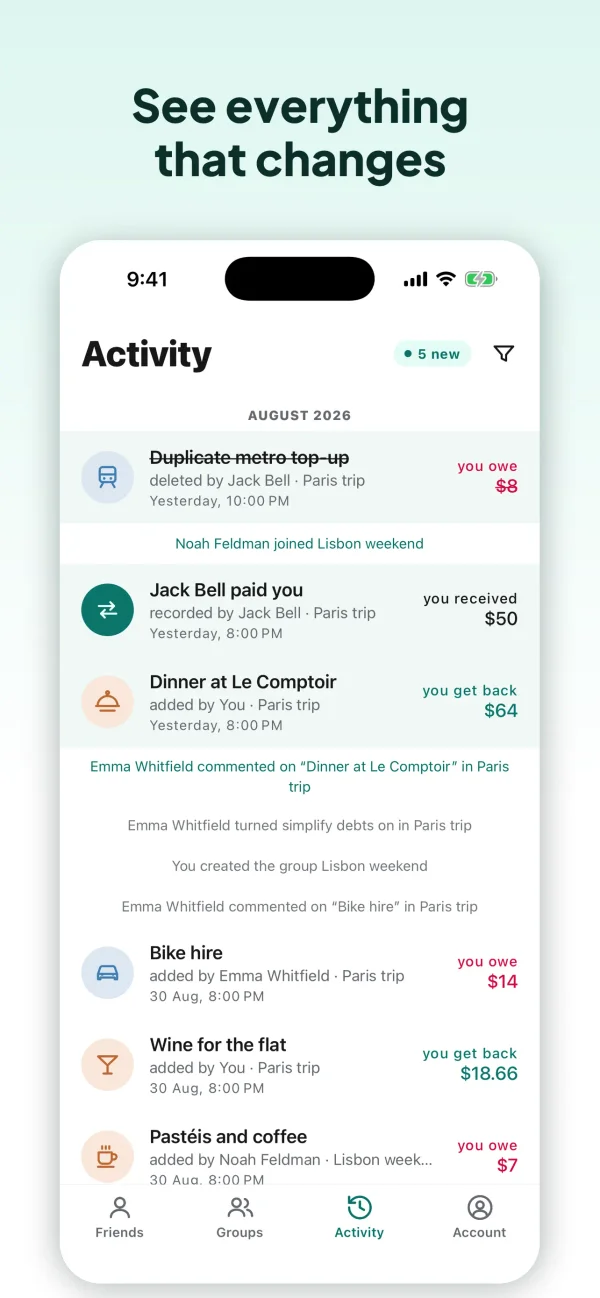
Every expense, edit, payment and comment lands in a shared activity feed. If somebody changes an amount, you'll know. If somebody settles up, you'll know. No silent edits, no quiet corrections, no "I'm sure I paid you back".
- ASK ABOUT ANYTHING
Comment on an expense and ask right where the number is, instead of starting a group chat about it.
- FIND IT LATER
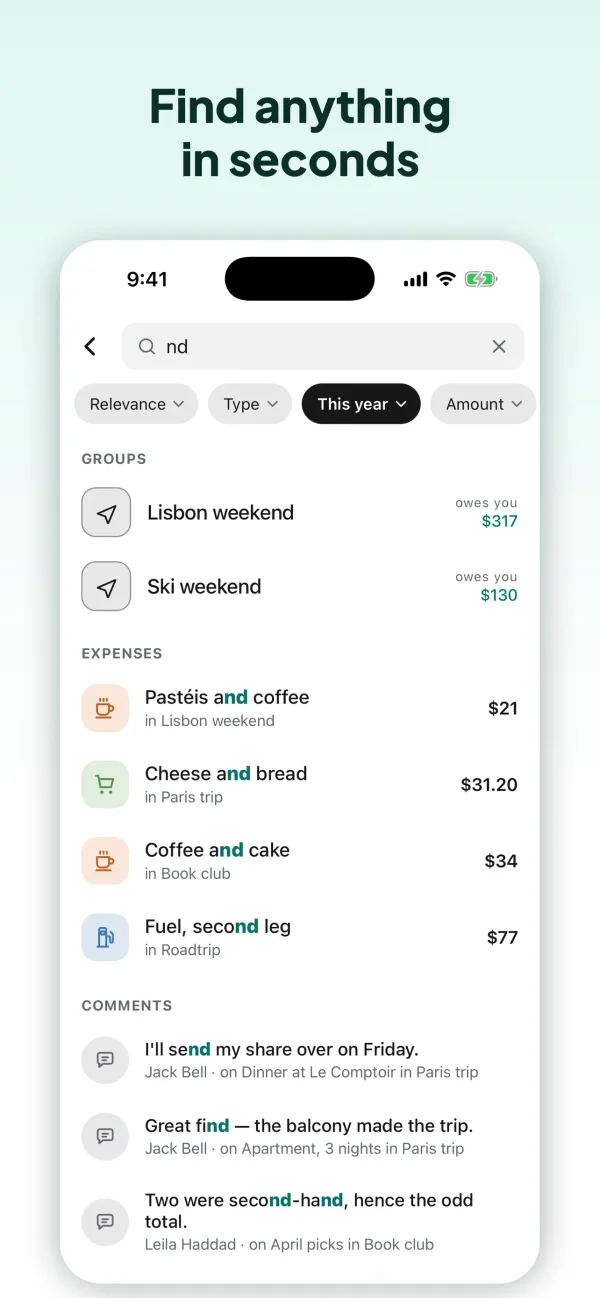
Search across everything — by name, person, group, amount or date. That dinner in March, the one Priya paid for, the entry with "airport" in it: all a few keystrokes away.
- CLEAN, AND QUICK TO USE
The figure you opened the app for is the first thing on the screen; the detail sits underneath if you want it. Native controls and gestures throughout, light and dark themes, and no clutter between you and the number you came for.
EvenOut records what people owe each other. It does not move money, hold funds, or connect to your bank.
Terms of Use: https://evenout.money/terms
Privacy Policy: https://evenout.money/privacy
What’s new
Version 1.8.0 · Nov 21, 2026
• Select and copy any part of an expense's note or description.
• Links in a note open in your browser with a tap.
• Take yourself off an expense someone else added outside a group: the app shows what changes before you confirm.
• Your appearance, default currency and app lock settings come back if you reinstall the app.
App privacy
What Arpit Shukla declares on the App Store about how this app handles data.
-
Data linked to you
May be collected and linked to your identity.
- Financial info
- Contact info
- User content
- Identifiers
- Usage data
- Diagnostics
Privacy practices may vary, for example with the features you use or your age.
Information
- Seller
- Arpit Shukla
- Category
- Finance
- Version
- 1.8.0
- Updated
- Nov 21, 2026
- Released
- Sep 24, 2026
- Size
- 51.3 MB
- Requires
- iOS 16.4 or later
- Age rating
- 4+
- Languages
- English
- Copyright
- © 2026 Arpit Shukla
You might also like
-
 EvenOutGroup Expenses & Social Bets
-
 Let's Settle Up: Split BillsSplit bills & shared expenses
-
 Split Group Expenses - SquaraSettle Up & Track Shared Bills
-
 Finny: know your FIRE AgeSEBI Regd. Investment Advisory
-
 ScallopOne balance. 52+ currencies.
-
 Settl: Split Bills by VoiceGroup Expenses & Receipt Scan
-
 Expense Tracker SimpleNo Account, No Clutter.
-
 SMCEasyTradeFinance