
EvenSteven: Split Bill Expense
Scan receipts, split, settle
Designed for iPhone, iPad
In-app purchases
- Age rating4+
- CategoryFinance
- DeveloperMohit Kumar Singh
- LanguagesEnglish+ 1 more
- Size58.9 MB
Links to the official App Store page
Download.org hosts no file of EvenSteven: Split Bill Expense. The button opens its official App Store page, published by Mohit Kumar Singh. Listing last checked on Nov 18, 2026.
Screenshots


About
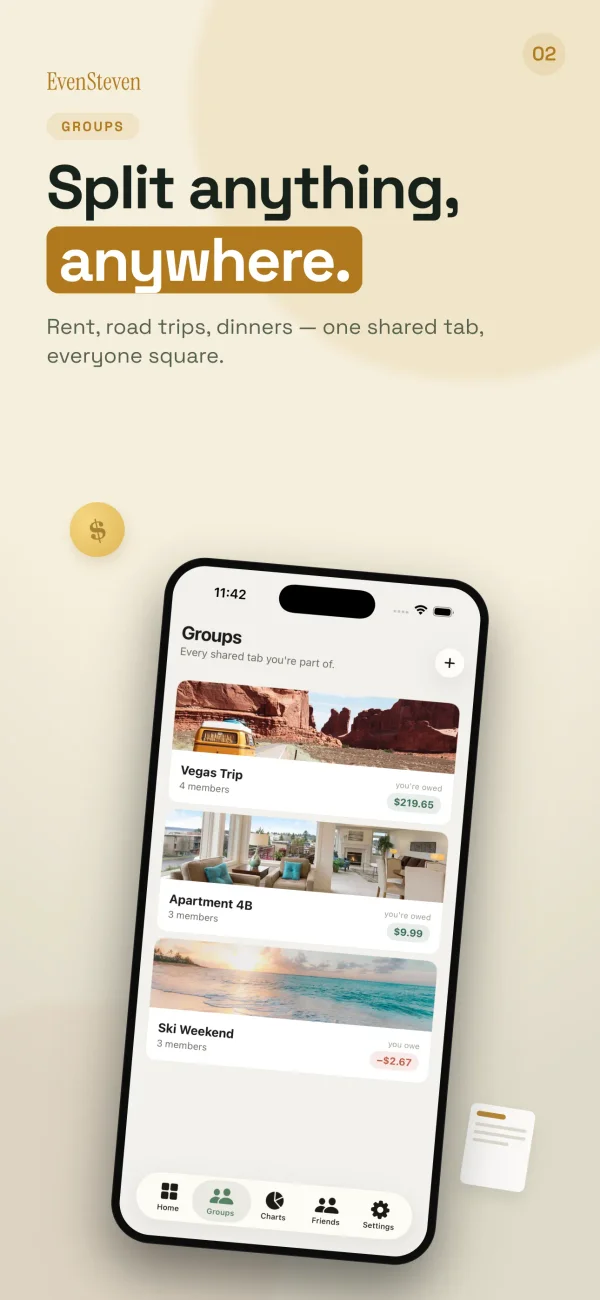
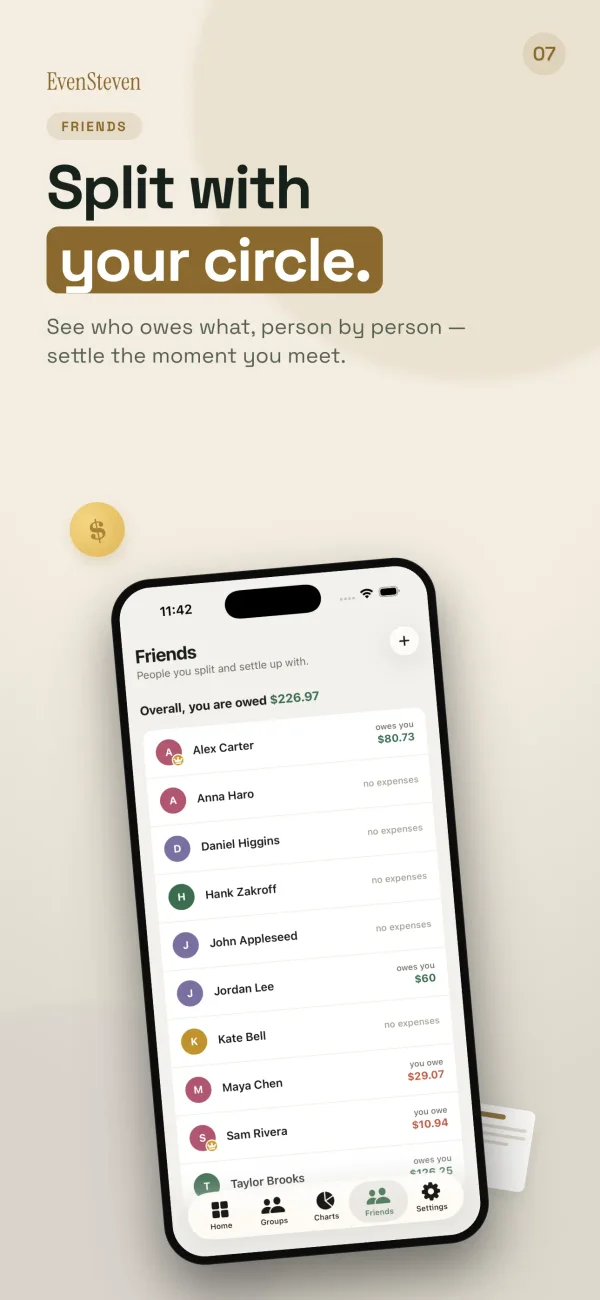
Sharing money with people you like shouldn't feel like a chore. EvenSteven keeps every shared expense fair, clear, and drama-free — rent with roommates, a weekend trip, or dinner with friends. See exactly who owes who, and settle up in seconds.
SETTLE UP HOW YOU ALREADY PAY
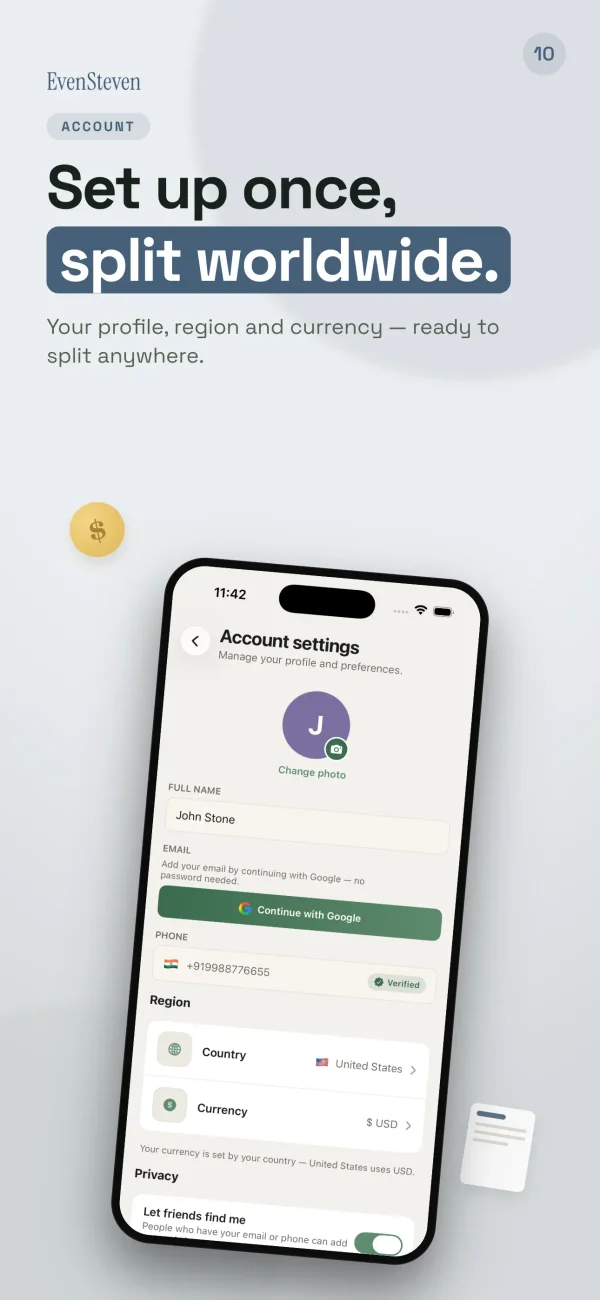
Venmo, Cash App, Zelle, PayPal, Wise, UPI, Pix, Interac, PayID, PayNow, PromptPay, Bizum, MB WAY, DuitNow, and SEPA bank transfer. Tap to pay with the amount already filled in, or scan a QR code with the amount baked right in. 15 payment methods across 40+ countries — EvenSteven shows the ones that work where you are.
SCAN, DON'T TYPE
Snap a photo of any receipt and EvenSteven reads it for you — merchant, total, and every line item — then tidies it up automatically. Got a few bills for one outing? Add them all to a single expense. No manual entry.
SPLIT IT YOUR WAY
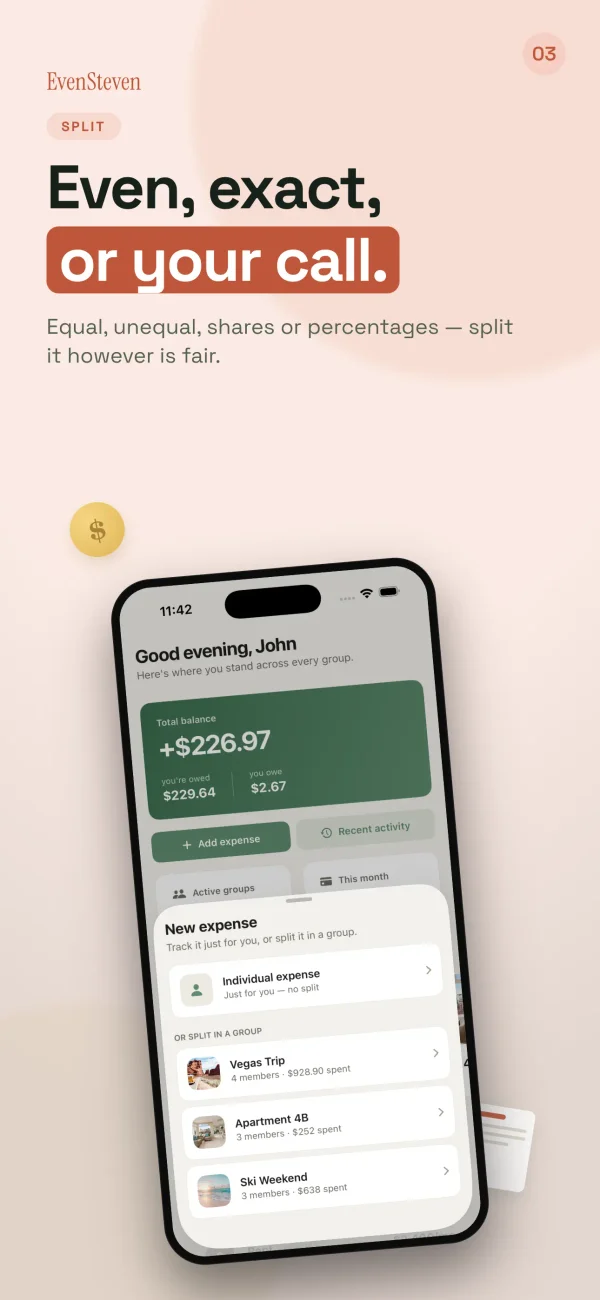
Divide evenly, by exact amounts, or item-by-item straight from a scanned receipt. Everyone pays for exactly what they had.
ADD ANYONE IN A TAP
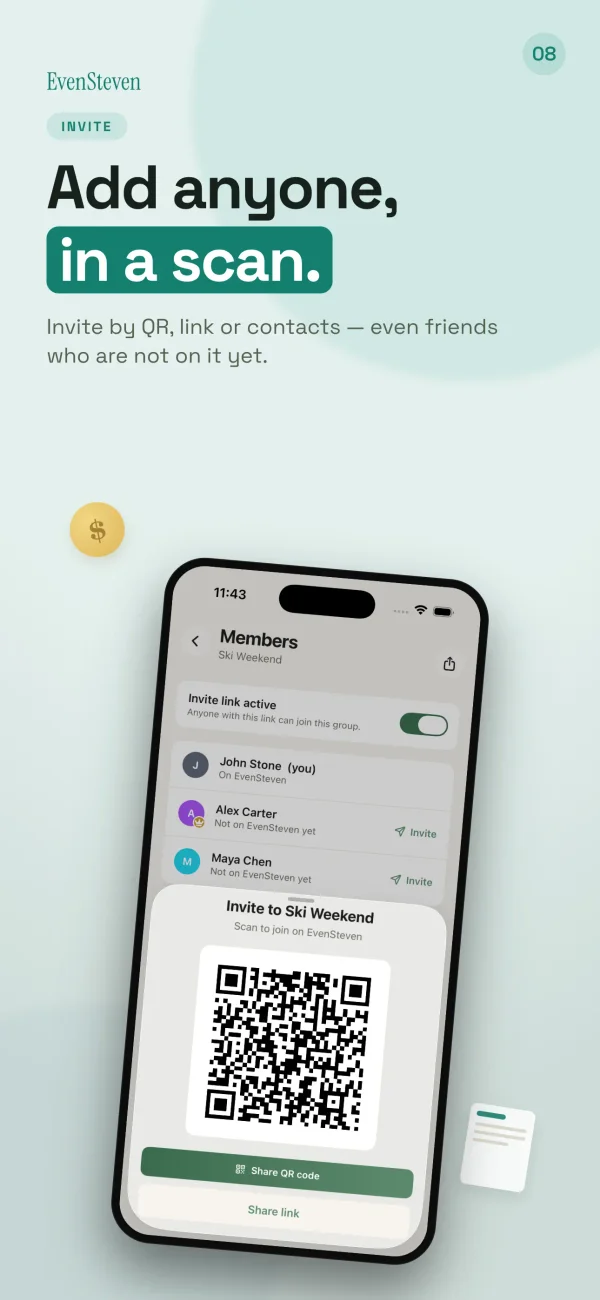
Invite people to a group with a QR code or a shareable link, or add them straight from your contacts — even friends who aren't on EvenSteven yet.
SWITCHING? BRING YOUR DATA
Import a backup or a CSV in a few taps. Export anytime as a PDF report, CSV spreadsheet, or full JSON backup — your data stays yours.
SUBSCRIPTIONS THAT SPLIT THEMSELVES
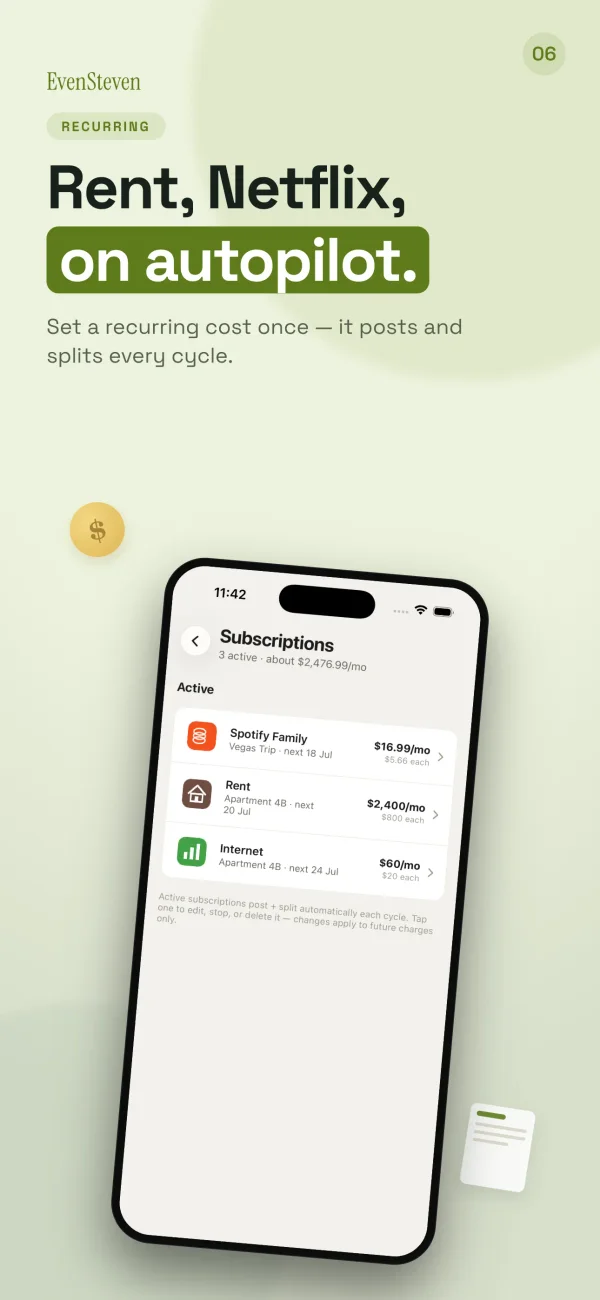
Netflix, rent, the wifi bill — set it once and EvenSteven posts and splits it every cycle. No reminders, no monthly chasing. Edit, pause, or stop anytime.
ALWAYS KNOW WHERE YOU STAND
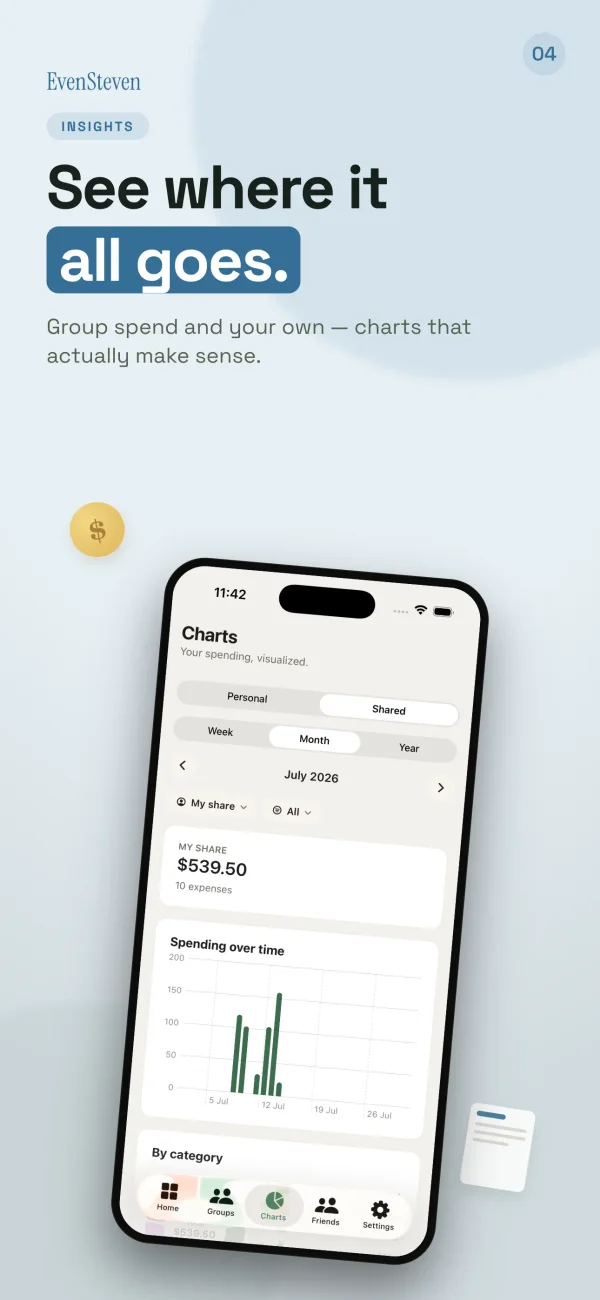
A live balance across every group, spending charts that show where your money goes — for the whole group and for you personally — and an activity feed so nothing slips through.
MAKE IT YOURS
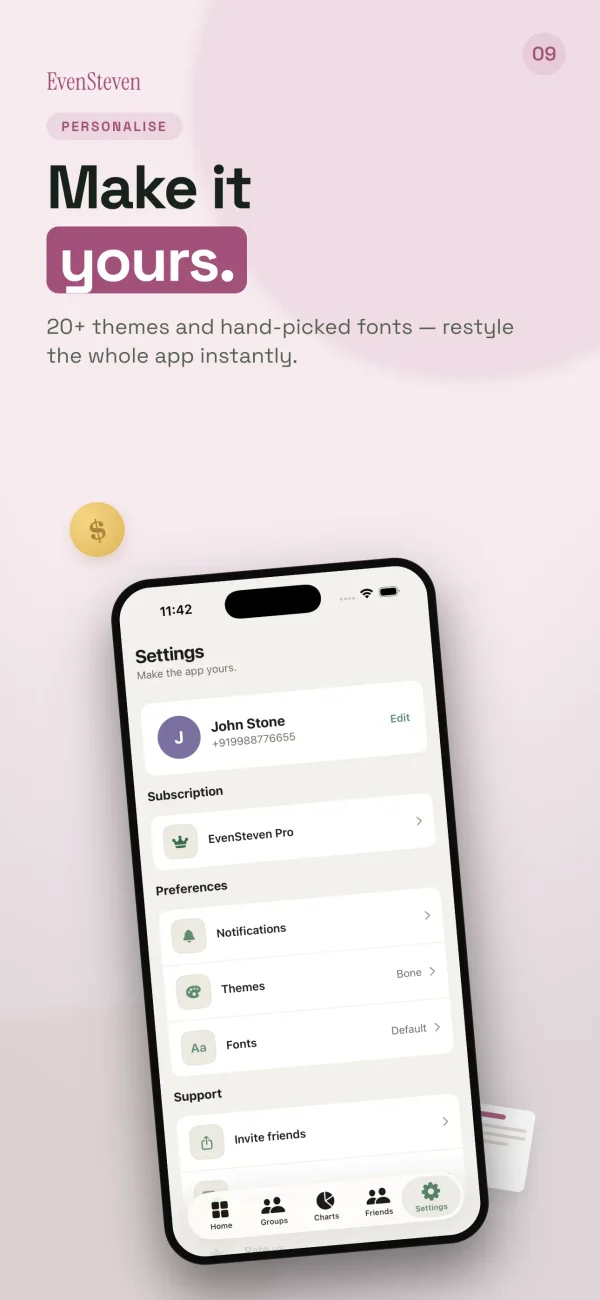
Pick from a range of themes and fonts and restyle the whole app in a tap.
EVENSTEVEN PRO
The essentials are free. Go Pro to unlock unlimited expenses, unlimited groups, and every premium feature. Choose a Monthly or Yearly plan — or claim the limited Founding Member plan while spots last.
BUILT TO JUST WORK
Fast, offline-friendly, and synced across your devices. Add an expense on the bus; it's there when you get home.
Get everyone square — the easy way. Download EvenSteven.
EvenSteven Pro is an auto-renewing subscription. It renews automatically unless you cancel at least 24 hours before the end of the current period. Manage or cancel anytime in your App Store account settings.
Privacy Policy: https://avioratech.com/EvenSteven/privacy/
Terms of Service: https://avioratech.com/EvenSteven/tnc/
What’s new
Version 1.0.2 · Aug 1, 2026
Get paid your way — now in more countries — plus export and import your data.
• More ways to get paid — add Pix (Brazil), bank transfer/IBAN across Europe, PayNow (Singapore), PromptPay (Thailand), DuitNow (Malaysia), Interac (Canada), PayID (Australia), Bizum (Spain), MB WAY (Portugal), and Wise — alongside UPI, PayPal, Venmo, Cash App, and Zelle.
• Scan to pay the exact amount — Pix, PayNow, PromptPay, and European bank transfers now show a QR with the amount already filled in.
• Redesigned "Ways to get paid" — your saved methods as quick tiles, plus clear, specific guidance if a handle doesn't look right.
• Export your data — share a clean PDF report, a CSV spreadsheet, or a full JSON backup from Account settings. Charts can now export a PDF too.
• Import your data — bring in a backup or a CSV in a few taps, right from Home.
• Smarter expense icons — the right category icon appears as you type (type "shop" and you'll see Shopping).
• Plus reliability fixes across groups, friends, and settle-up.
Thanks for using EvenSteven!
App privacy
What Mohit Kumar Singh declares on the App Store about how this app handles data.
-
Data linked to you
May be collected and linked to your identity.
- Purchases
- Contact info
-
Data not linked to you
May be collected but is not linked to your identity.
- Contact info
- Contacts
- User content
- Usage data
- Diagnostics
Privacy practices may vary, for example with the features you use or your age.
Information
- Seller
- Mohit Kumar Singh
- Category
- Finance
- Version
- 1.0.2
- Updated
- Aug 1, 2026
- Released
- Jul 17, 2026
- Size
- 58.9 MB
- Requires
- iOS 26.0 or later
- Age rating
- 4+
- In-app purchases
- Yes
- Languages
- English, Hindi
- Copyright
- © @2026 Mohit Kumar Singh
You might also like
-
 Money Insight: Expense TrackerExpense, Budget & Bill Tracker
-
 Split Bit - Share ExpensesFinance
-
 SharePay: Split Bills&ExpensesShared Expenses Made Simple
-
 HomeSum: Budget & ExpensesBudgets, bills & savings
-
 SumSpend - Budget TrackingTrack expenses, store receipts
-
 SUM+= Simple Expense TrackerMinimalist, fast, beautiful
-
 iSumTrack money, numbers and time
-
 ICICI Pension FundFinance