
EvenTab
Split bills, track expenses
Designed for iPhone, iPad, iPod touch
In-app purchases
- Age rating4+
- CategoryFinance
- DeveloperLadly Media FZ-LLC
- LanguagesEnglish
- Size94.2 MB
Links to the official App Store page
Download.org hosts no file of EvenTab. The button opens its official App Store page, published by Ladly Media FZ-LLC. Listing last checked on Nov 15, 2026.
Screenshots

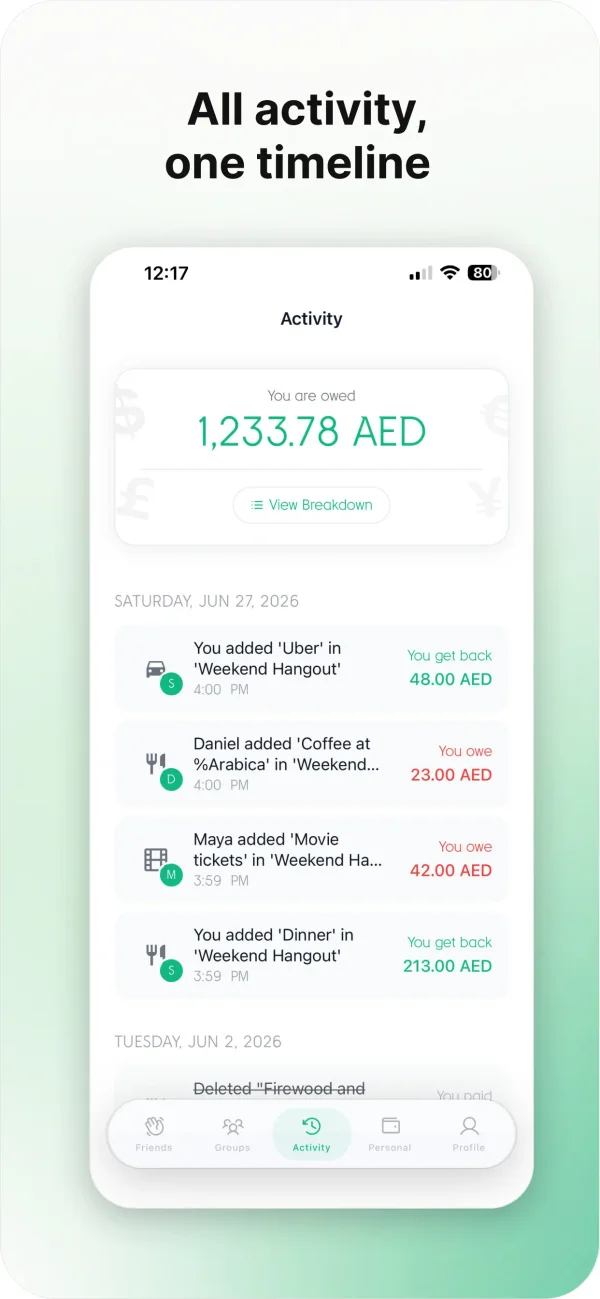
About
EvenTab brings shared expenses and personal spending into one clear, organized place.
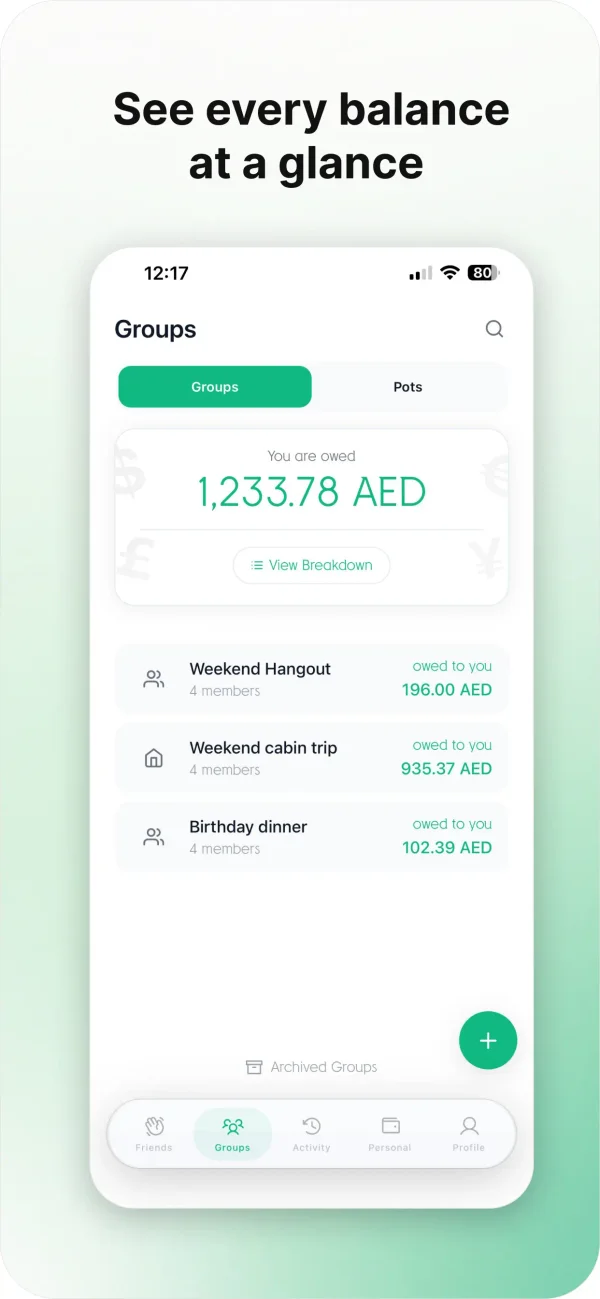
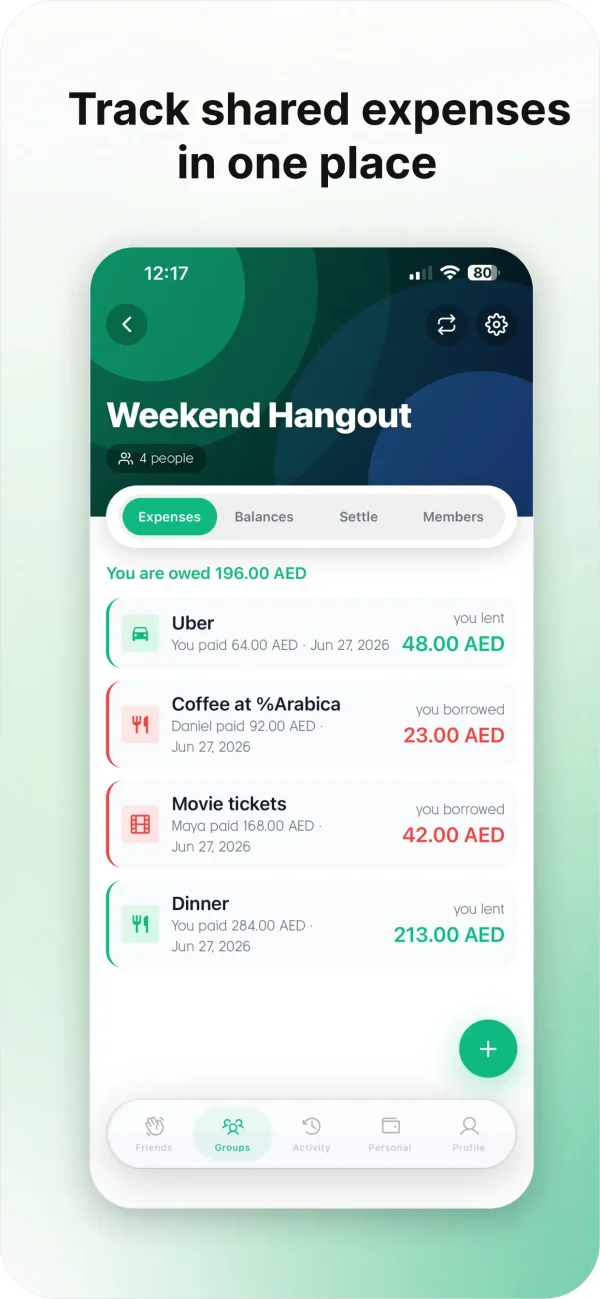
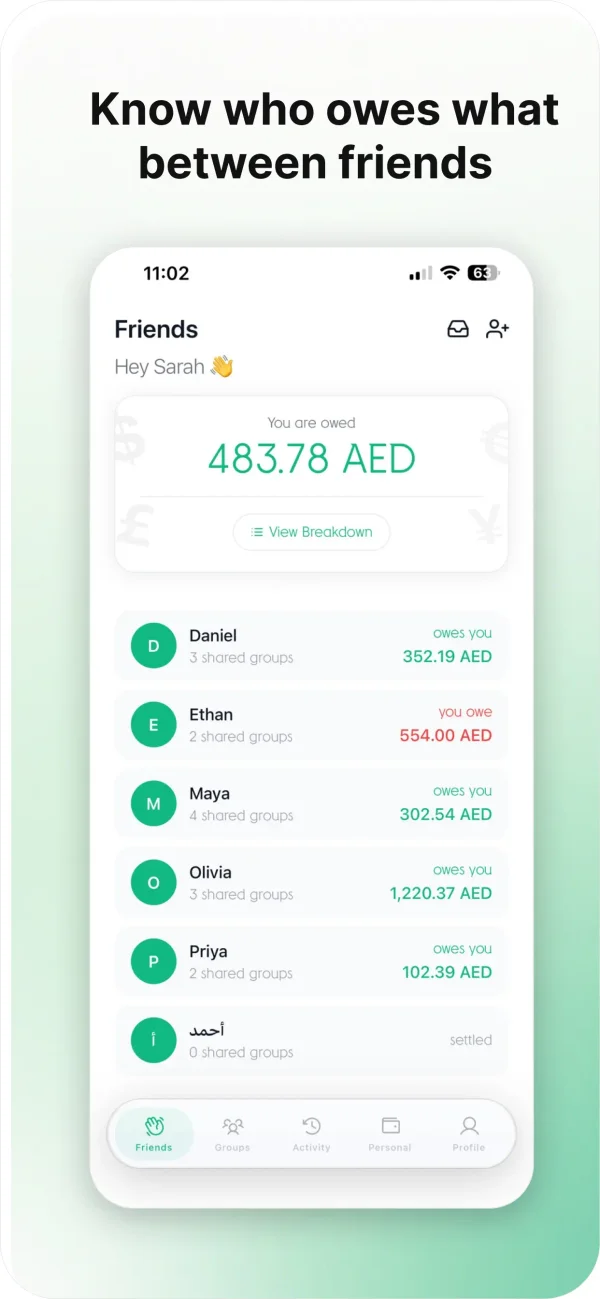
Create groups for trips, roommates, family, events, dinners, subscriptions, and everyday shared costs. Add expenses, choose who paid, split equally or with custom amounts, and see who owes what without spreadsheets or awkward math. EvenTab also suggests the simplest way to settle up.
Getting everyone in is easy. Add people as you create a group, by name or by email invite, even if they aren't on EvenTab yet. Add friends by QR code, or split one-on-one without making a group.
Scan receipts with AI instead of typing them in. Take a photo or choose one from your library, and EvenTab reads the merchant, date, total, tax, and line items, then lets you split the bill item by item. You review everything before it's saved. Scanning is optional and available in groups. Images you scan are sent to Google's Gemini AI service to read the details. Every account includes 5 free scans, and Pro includes unlimited scans.
Groups can do more than one-off expenses. Set up recurring group expenses for shared subscriptions, rent, bills, or regular costs, and keep everyone's balances up to date over time. Each group uses one currency, and your overall balance brings your groups together in your default currency.
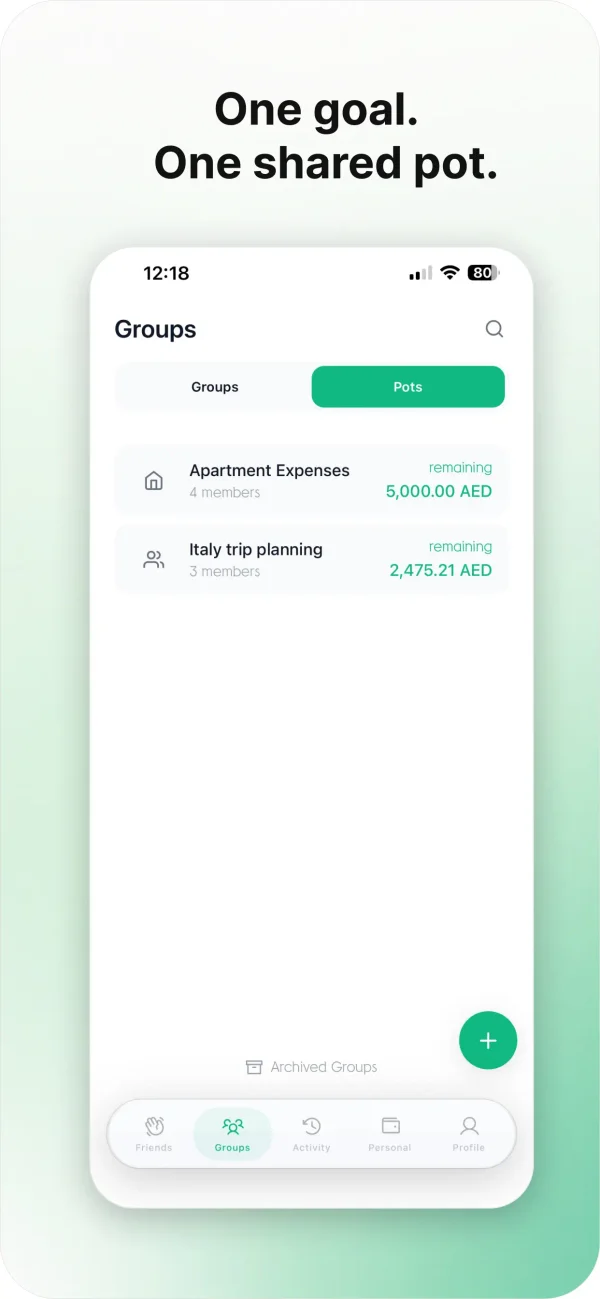
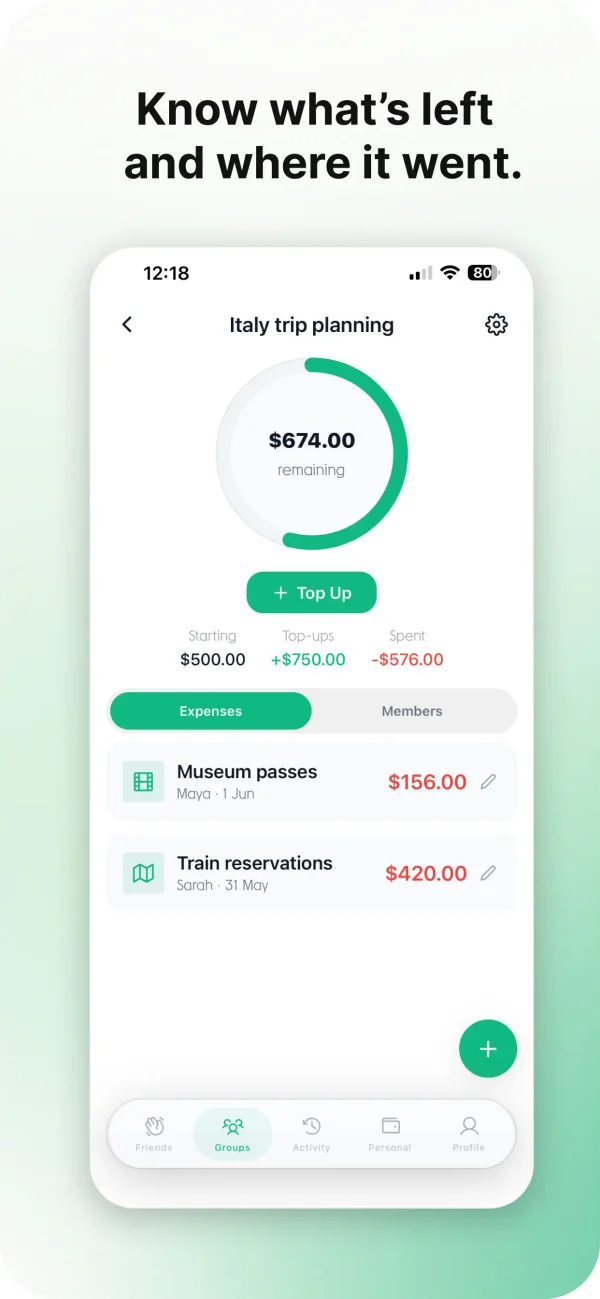
For shared goals, use Pots. Create a group pot for a vacation, gift, household fund, event, or any shared target. Members can contribute, track progress, and see the current balance together. Pots also accept expenses in other supported currencies and convert them automatically.
EvenTab also connects group spending to your personal finances. When you pay for or participate in a group expense, you can log your own share to Personal so your private spending view stays accurate. For recurring group expenses, you can choose to auto-log your share to Personal where supported.
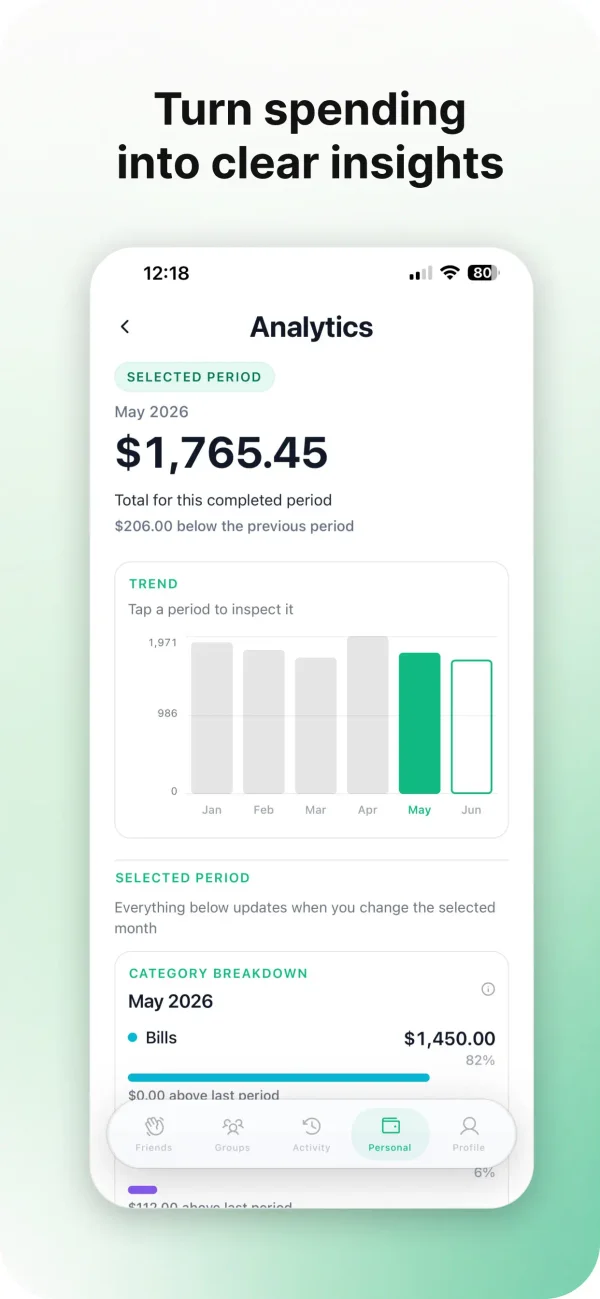
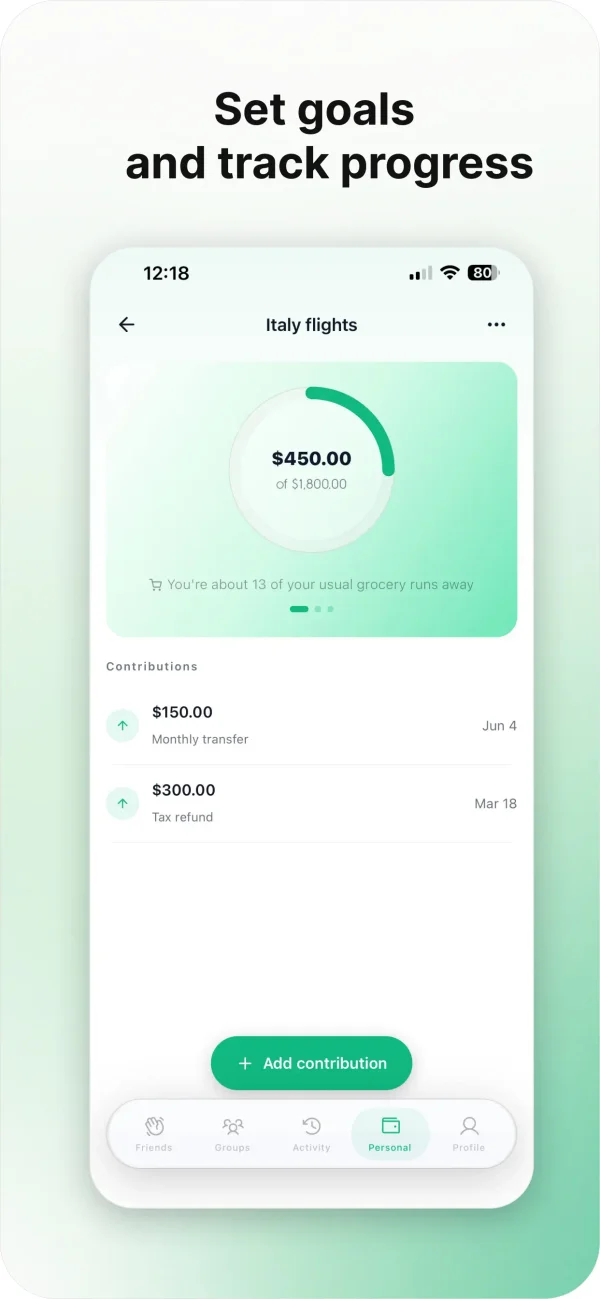
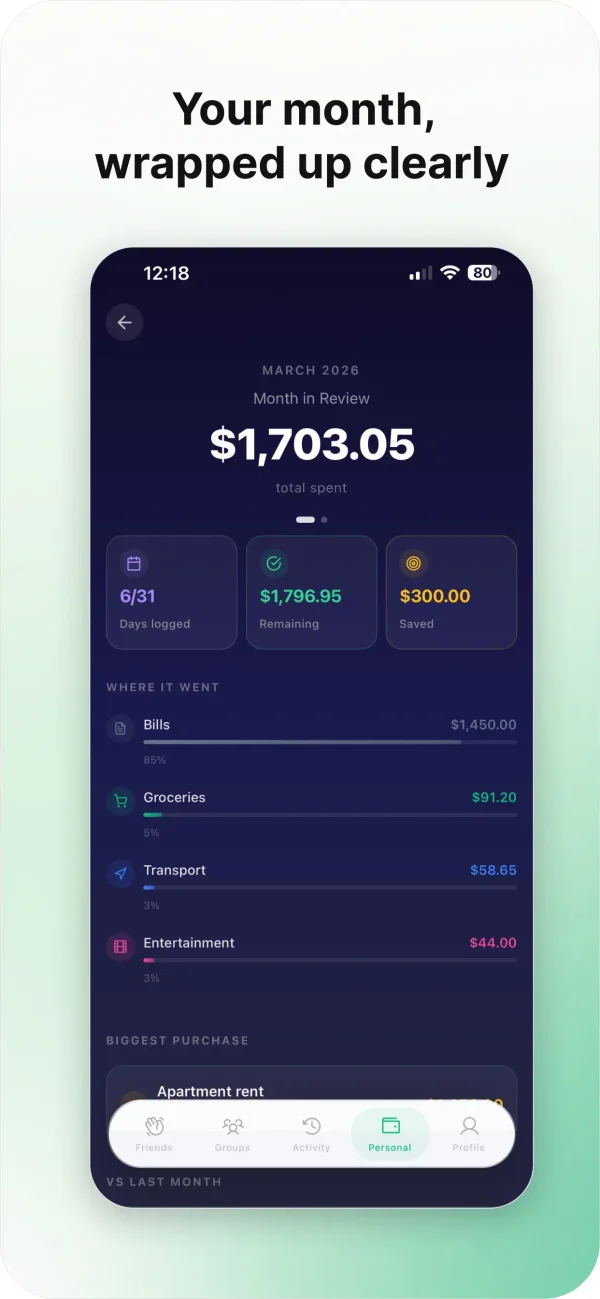
In Personal, track your own spending, budgets, recurring expenses, subscriptions, monthly trends, and savings goals. Log contributions toward goals, review where your money is going, and keep your personal finances separate from your shared groups.
What you can do with EvenTab:
• Create shared expense groups
• Add people by name or invite them by email
• Add friends by QR code
• Split one-on-one with a friend
• Scan receipts with AI and split them by item
• Split expenses equally or with custom amounts
• Track who paid and who owes what
• Record settlements made outside the app
• Attach receipt images to expenses
• Set up recurring group expenses
• Auto-log eligible recurring group shares to Personal
• Create shared Pots for group goals
• Add expenses to Pots in other supported currencies
• Import a group from a Splitwise CSV export
• Track personal expenses and budgets
• Manage recurring personal expenses and subscriptions
• Set personal savings goals and log contributions
• Review monthly spending insights
• Get notified about new expenses and settlements
• Use the app in English or Arabic, in light or dark mode
• Sign in with email, Google, or Apple
EvenTab Pro adds unlimited receipt scans, 12 months of spending analytics, unlimited goals and projections, PDF and CSV exports, and unlimited custom categories.
EvenTab is designed for real life: shared dinners, weekend trips, rent, groceries, group gifts, travel plans, recurring subscriptions, and all the small costs that are easy to forget.
EvenTab is not a bank or payment processor. It does not hold funds, move money, or connect to your bank account. Payments and settlements happen outside the app; EvenTab helps you keep the ledger clear.
Privacy Policy: https://eventab.app/privacy
Terms of Use (EULA): https://eventab.app/terms
What’s new
Version 1.0.8 · Nov 1, 2026
Inviting people to a group just got much easier:
• Add people by name or email while you create a group
• See who hasn't joined yet and re-send their invite
• Accepting an invite takes you straight into the group
• Clearer messages when joining a group doesn't work
Plus performance and reliability improvements.
App privacy
What Ladly Media FZ-LLC declares on the App Store about how this app handles data.
-
Data linked to you
May be collected and linked to your identity.
- Purchases
- Financial info
- Contact info
- User content
- Identifiers
- Usage data
- Diagnostics
-
Data not linked to you
May be collected but is not linked to your identity.
- Diagnostics
Privacy practices may vary, for example with the features you use or your age.
Information
- Seller
- Ladly Media FZ-LLC
- Category
- Finance
- Version
- 1.0.8
- Updated
- Nov 1, 2026
- Released
- Jul 6, 2026
- Size
- 94.2 MB
- Requires
- iOS 15.1 or later
- Age rating
- 4+
- In-app purchases
- Yes
- Languages
- English
- Copyright
- © 2026 Ladly Media
You might also like
-
 SAI MONEYSmart finance & cheque tracker
-
 PennyBird: Expense TrackerPrivate Budget, Bill Splitter
-
 Nema : Budget & Money TrackerAI Debt Plan, Bills & Savings
-
 Expenses: Bill & Trip SplitterBudgets, Loans & Subscriptions
-
 Saldoo - Shared ExpensesSplit bills & save together
-
 WeBudget: Budget PlannerShared Expenses, Money Tracker
-
 KaudalFair household finances
-
 Spending SmarterTrack, Budget, Save Together
-
 SplyncShared Budget & Expense Splits
-
 Moneymate - Expense TrackerBudget Planner & Money Tracker