EventTick: Event Countdown
Countdown widgets for big days
Designed for iPhone, iPad, iPod touch
Free · In-app purchases
- Age rating4+
- CategoryLifestyle
- DeveloperLior Zukman
- LanguagesEnglish
- Size32.4 MB
Links to the official App Store page
Download.org hosts no file of EventTick: Event Countdown. The button opens its official App Store page, published by Lior Zukman. Listing last checked on Nov 18, 2026.
Screenshots
About
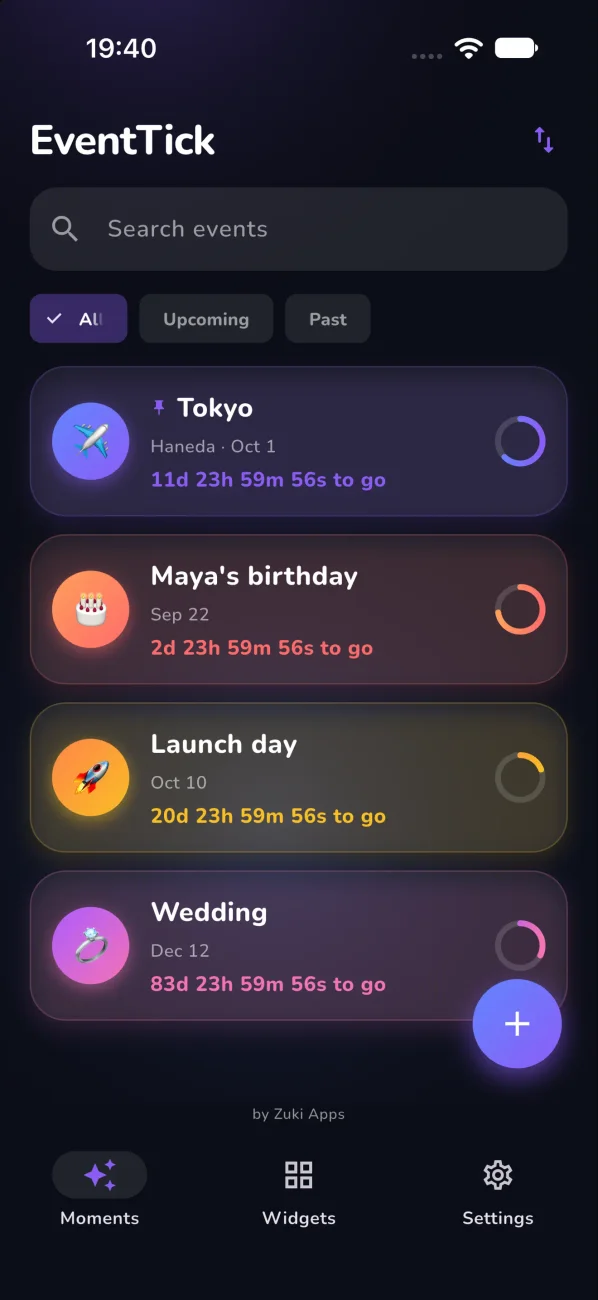
EventTick is a countdown for the days you cannot wait for — trips, birthdays, weddings, launches, and everything in between.
Name a moment, pick a date and a color, and watch days, weeks, or a live ring count down. Put it on your Home Screen so the wait stays in view without opening the app.
LIVE COUNTDOWNS
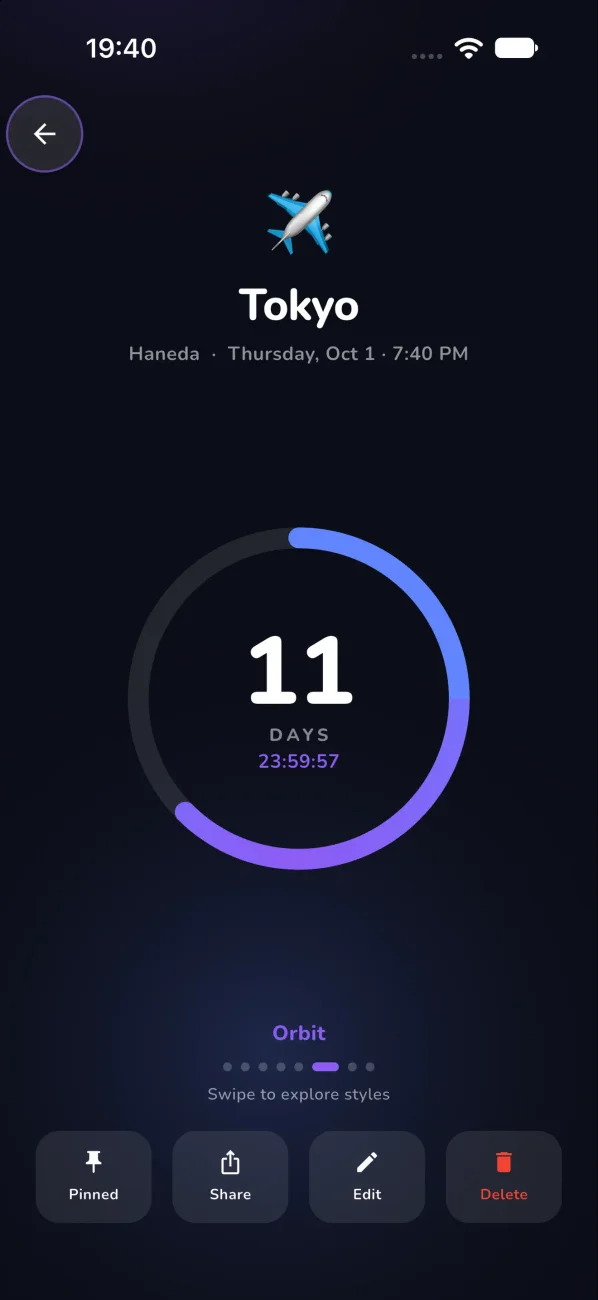
Eight styles: Breaking Down, Total Days, Weeks & Days, Months & Days, The Big Number, Orbit, Momentum, and Immersive. Numbers update every second.
HOME SCREEN WIDGETS
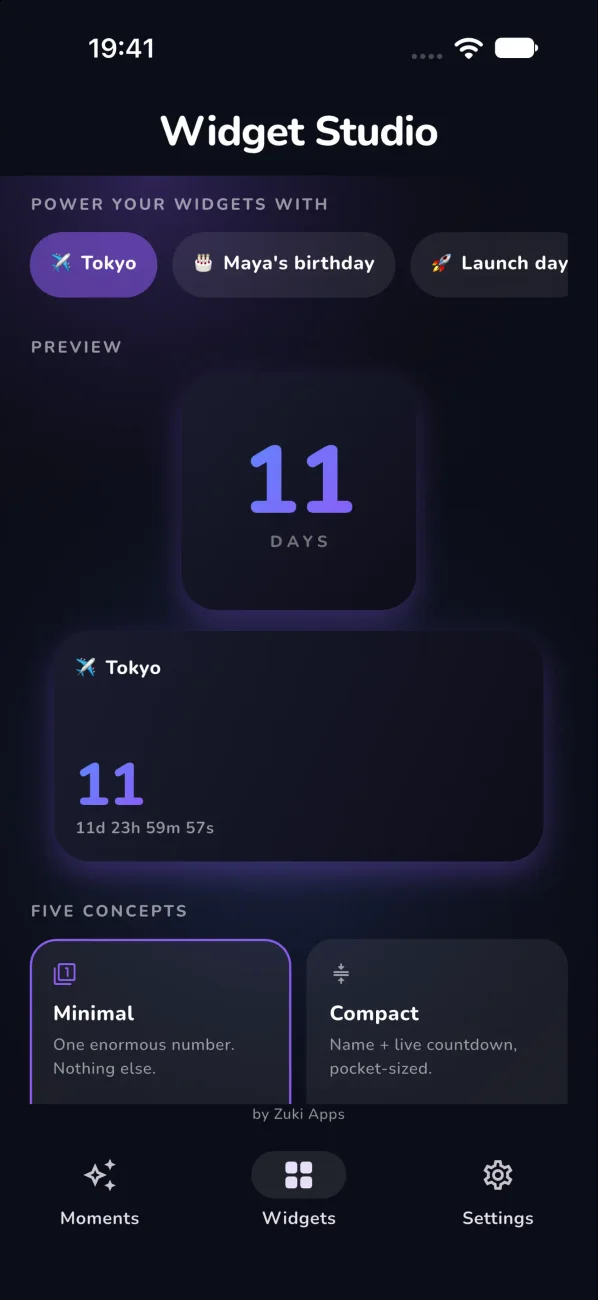
Pin a countdown on iPhone. Check the next big day at a glance.
YOUR LOOK
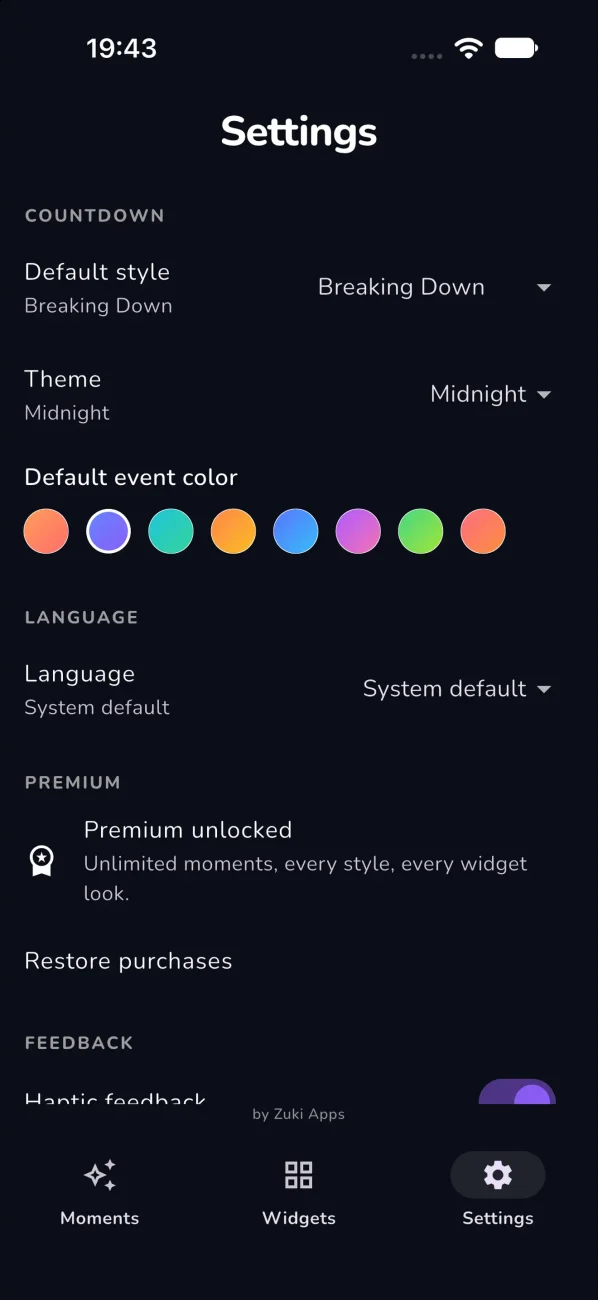
Eight accents. Midnight or Dawn. Pin, search, and reorder the moments that matter.
TWELVE LANGUAGES
English, Spanish, French, German, Italian, Portuguese, Russian, Japanese, Korean, Simplified Chinese, Hebrew, and Arabic.
PRIVATE BY DESIGN
No account. Your events stay on your device. Crash and usage diagnostics go to Firebase so we can keep the app stable.
FREE AND PREMIUM
Free includes up to 3 events, three countdown styles, four colors, two widget looks, and optional ads (banner + occasional interstitial). EventTick Premium is a one-time purchase (not a subscription): unlimited events, every style and widget look, and no ads. Restore from Settings with your Apple ID.
Download EventTick and start counting down.
What’s new
Version 0.9.3 · Sep 30, 2026
Home Screen widgets keep counting with the app closed, and the type stays light so you can read it on the dark widget.
This update
Live remainder on every look — Watch, seven-segment LED, Split, Board, Minimal, Compact, Circular, Elegant, and Full. Larger numerals. Choose the event each widget shows.
Add a widget
Touch and hold an empty area of the Home Screen. Tap Edit, then Add Widget. Search EventTick. Open EventTick once after you add it so it can read your events.
Private
Events stay on this iPhone. No account required.
App privacy
What Lior Zukman declares on the App Store about how this app handles data.
-
Data used to track you
May be used to track you across apps and websites owned by other companies.
- Location
- Identifiers
- Usage data
- Diagnostics
-
Data linked to you
May be collected and linked to your identity.
- Purchases
- Location
- Identifiers
- Usage data
- Diagnostics
Privacy practices may vary, for example with the features you use or your age.
Information
- Seller
- Lior Zukman
- Category
- Lifestyle
- Version
- 0.9.3
- Updated
- Sep 30, 2026
- Released
- Sep 22, 2026
- Size
- 32.4 MB
- Requires
- iOS 15.0 or later
- Age rating
- 4+
- Price
- Free
- In-app purchases
- Yes
- Languages
- English
- Copyright
- © 2026 Zuki Apps
You might also like
-
 Sinced - Anniversary CountdownDays Since & Until + Widgets
-
 Matthew Henry Commentary ·Offline Matthew Henry Comment
-
 HomePass for HomeKit & MatterCode Storage & Backup
-
 Tornado WIFI 3Lifestyle
-
 Nomi: AI Companion with a SoulConfidant Girlfriend Boyfriend
-
 Outside: Countdown for CouplesDays Until Wedding, Trip, LDR
-
 LoveLab: Zodiac Sign HoroscopeAstrology ⋅ Compatibility Test
-
 Home + SecurityCameras, Detectors and Alarms.
-
 TagHalal: Halal Food ScannerHaram ingredients & additives
-
 UDS AppUDS - points and cashback