
- Age rating4+
- CategoryUtilities
- DeveloperJan Litjens
- LanguagesEnglish+ 19 more
- Size17.1 MB
Links to the official App Store page
Download.org hosts no file of Everwhen: Last Time Tracker. The button opens its official App Store page, published by Jan Litjens. Listing last checked on Nov 12, 2026.
Screenshots

About
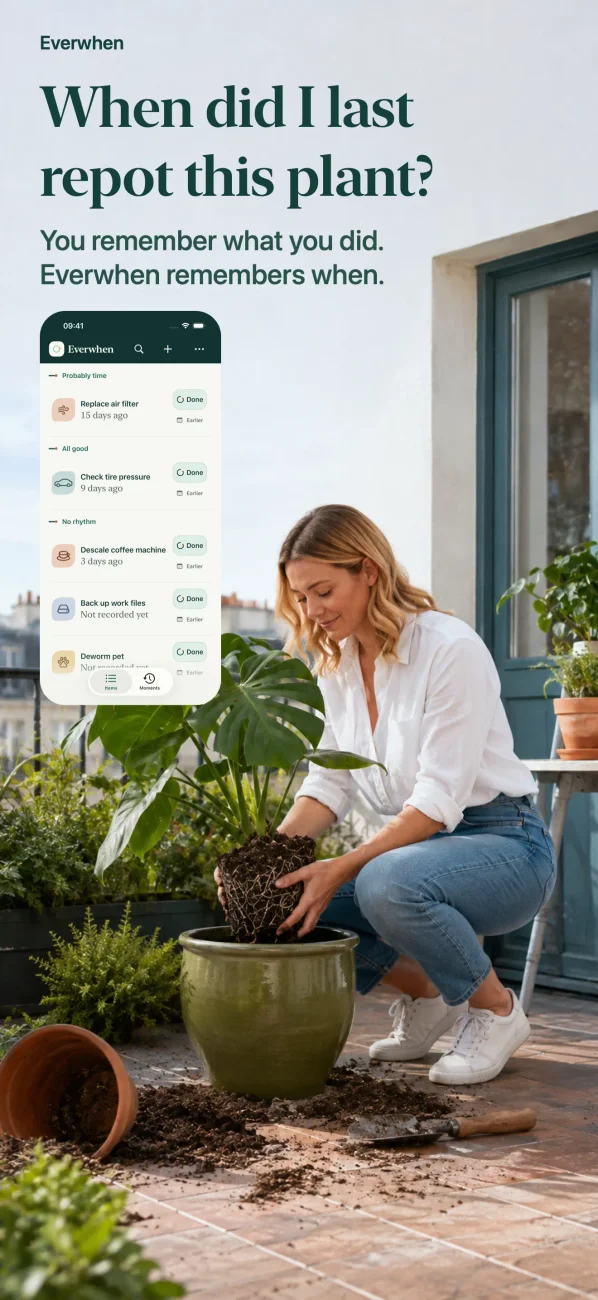
Some things do not belong on a calendar. You just need to know when they last happened.
Everwhen keeps the small, recurring facts out of your head. Replace an air filter. Water the plants. Call someone. Tap Done when it happens; the answer is waiting next time.
One clear answer
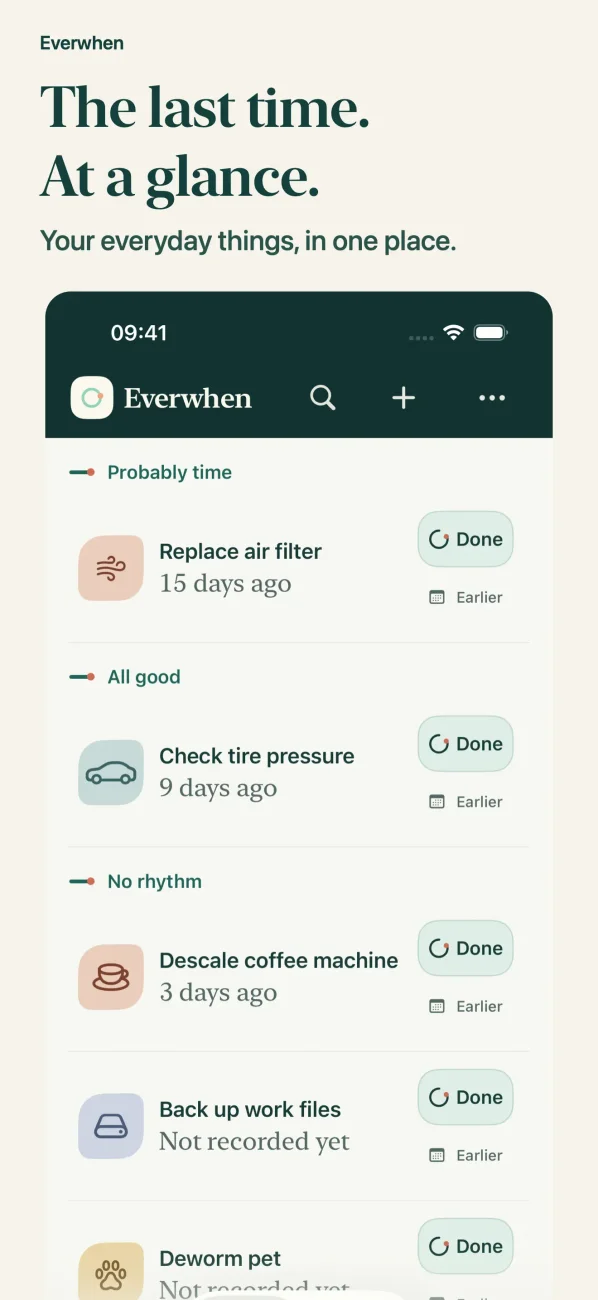
• See the last date and days since at a glance
• Log now with one tap, with Undo right there
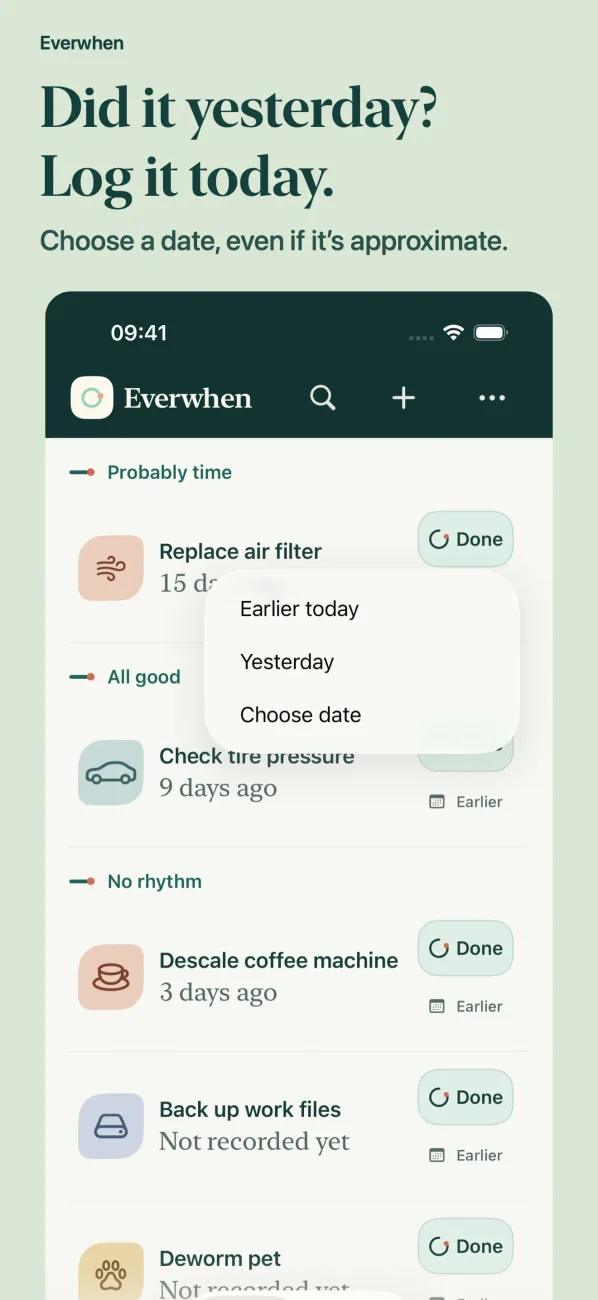
• Record earlier today, yesterday, another exact date, or an approximate date
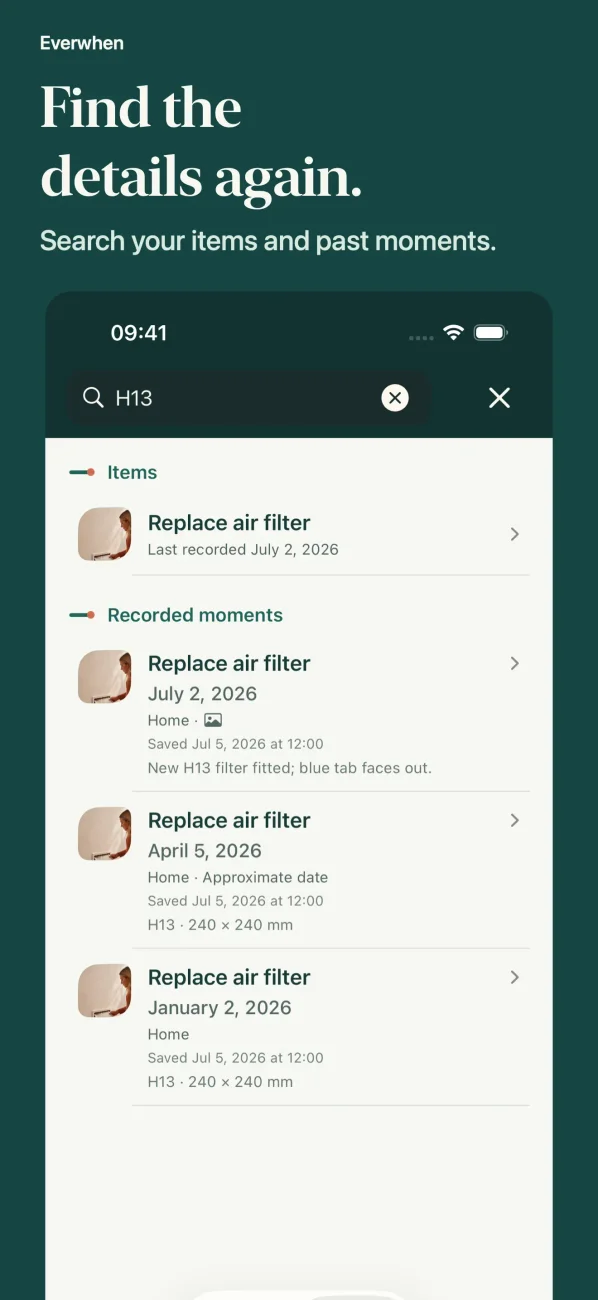
• Search the full history when one detail matters
Keep the useful context
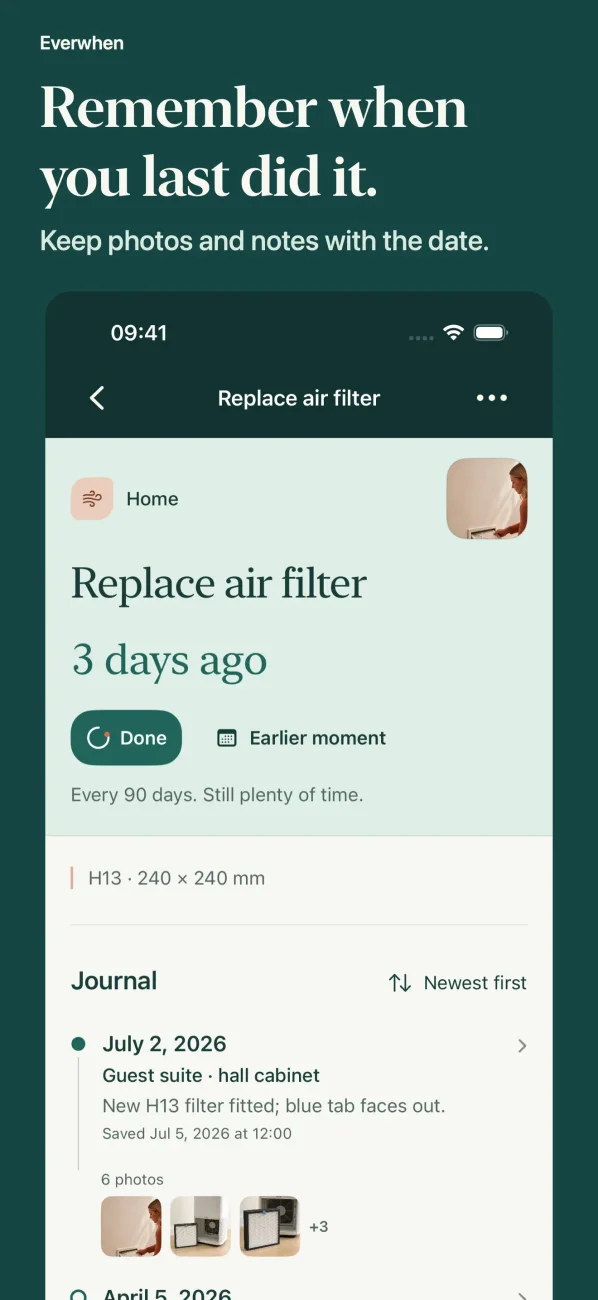
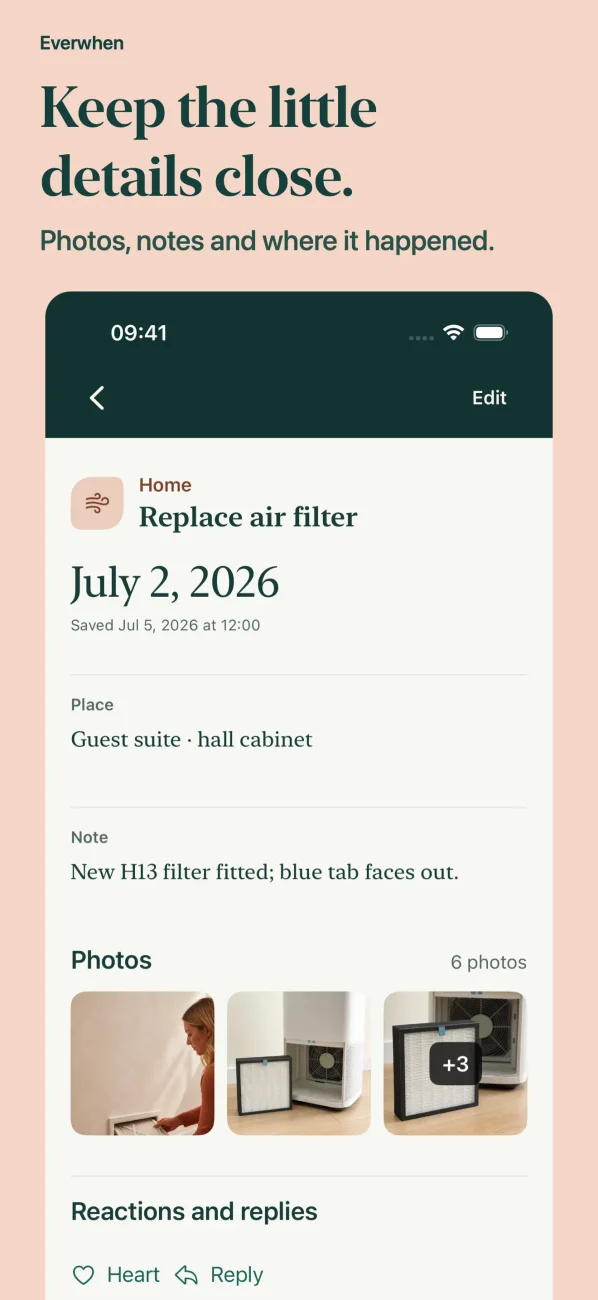
Add a note, place label, and up to six photos to a moment. Keep a reference photo or note with the item itself. Send selected photos to Everwhen from the share sheet. Your timeline stays useful without becoming a task list.
Made for real life
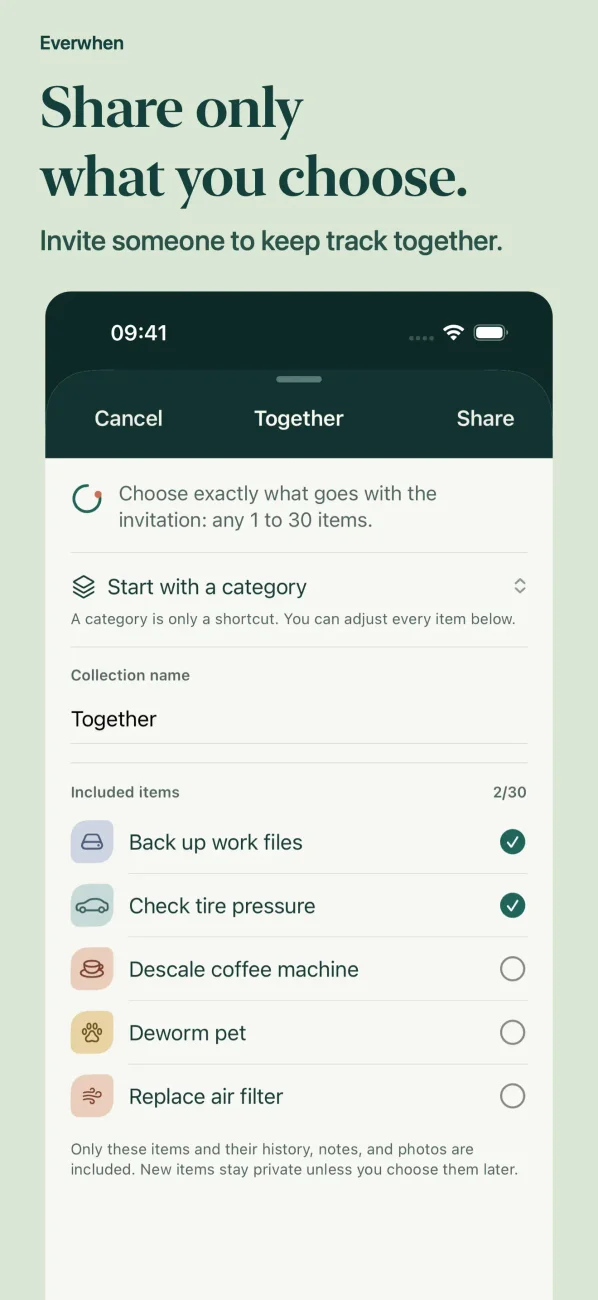
Use optional quiet reminders, Home Screen and Lock Screen widgets, Shortcuts, and Ask Everwhen. Pause a seasonal item without losing its history. Share exactly 1 to 30 chosen items through iCloud when family or household members need the same memory.
Free, private, and calm
Everything in Everwhen is free. There are no ads, subscriptions, Everwhen accounts, analytics, or tracking. Core use works offline, with iCloud available for private sync and chosen sharing. Everwhen is native on iPhone and iPad, accessible, and available in 22 languages at launch.
What’s new
Version 1.2.0 · Oct 7, 2026
Adding an item is now always one tap away, on every iPhone and at every text size. After Done, tap Add context to attach a photo or note right away, take photos with the camera, and add photos to a moment without replacing the ones already there. Record straight from a reminder, from Control Center or with the Action button, without opening the app. Share an item’s history as a PDF or spreadsheet, or a single moment as a card. Also new: “Just did it” when creating an item, “Same as last time”, a photo’s date for earlier moments, a large widget, Everwhen in Spotlight, and a long press on items and moments for quick actions. On iOS 26, people you invite through apps like WhatsApp can ask for access, and you approve.
App privacy
What Jan Litjens declares on the App Store about how this app handles data.
-
Data not collected
The developer does not collect any data from this app.
Privacy practices may vary, for example with the features you use or your age.
Information
- Seller
- Jan Litjens
- Category
- Utilities
- Version
- 1.2.0
- Updated
- Oct 7, 2026
- Released
- Aug 20, 2026
- Size
- 17.1 MB
- Requires
- iOS 18.0 or later
- Age rating
- 4+
- Languages
- English, Arabic, Dutch, French, German, Hebrew, Hindi, Indonesian, Italian, Japanese, Korean, Polish + 8 more
- Copyright
- © 2026 Everwhen
You might also like
-
 MyLizard-Recording Pet LizardUtilities
-
 Gleaning - Save Your QuotesKeep the quotes. Nothing else.
-
 Heat Exchanger PerformanceUtilities
-
 HackerbotHack Dossiers with Hackerbot
-
 Last Time Tracker: itsuburiDays Since Tracker
-
 MailsGuruUtilities
-
 最後いつやった? - Last TrackerUtilities
-
 さいごはいつ? 最後にいつやった?Utilities
-
 AllPaid – Bill TrackerPay on time, stress-free
-
 I'm Alive: Daily Check-InOne tap and family knows