
Excelsior: Time Tracker
Daily Planner & Goal Tracker
Designed for iPhone, iPod touch
Free · In-app purchases
- Age rating4+
- CategoryProductivity
- DeveloperGrachev Dmitrii
- LanguagesEnglish+ 32 more
- Size67.3 MB
Links to the official App Store page
Download.org hosts no file of Excelsior: Time Tracker. The button opens its official App Store page, published by Grachev Dmitrii. Listing last checked on Nov 20, 2026.
Screenshots



About
This app is perfect for you if:
- You want to understand where your time goes.
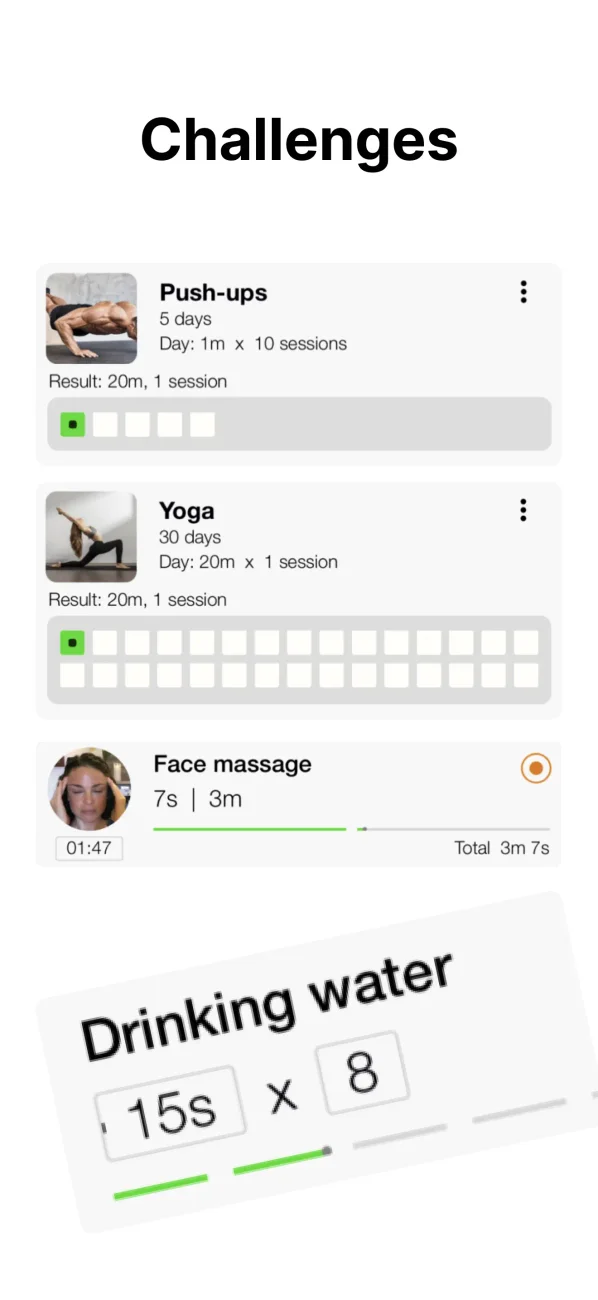
- You want to set goals and track your progress.
- You need assistance with learning or training activities.
- You want to receive reminders throughout the day about your routine.
- You want to plan any day in advance.
- You want to fall asleep quickly or relax when you’re irritated.
The first app with a no-subscription model.
One coin - one perfect day.
Coins can be earned in the app through your efforts or purchased.
Coins do not expire.
Three types of tracking:
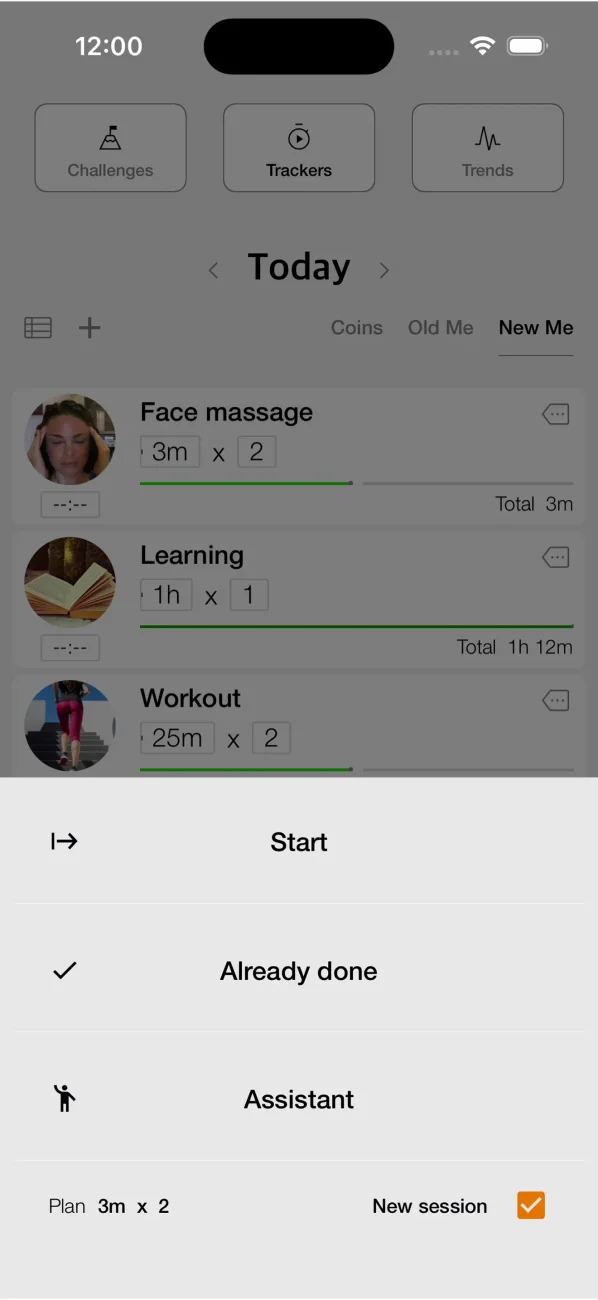
1. Stopwatch. Suitable for tasks with uncertain durations, such as “Commuting to work” or “Cleaning.”
You can set an approximate time, and the app will remind you when it’s up while continuing to count until you stop it.
If you forget to stop the stopwatch on time, you can adjust it on the fly.
2. Timer. Perfect for time restrictions.
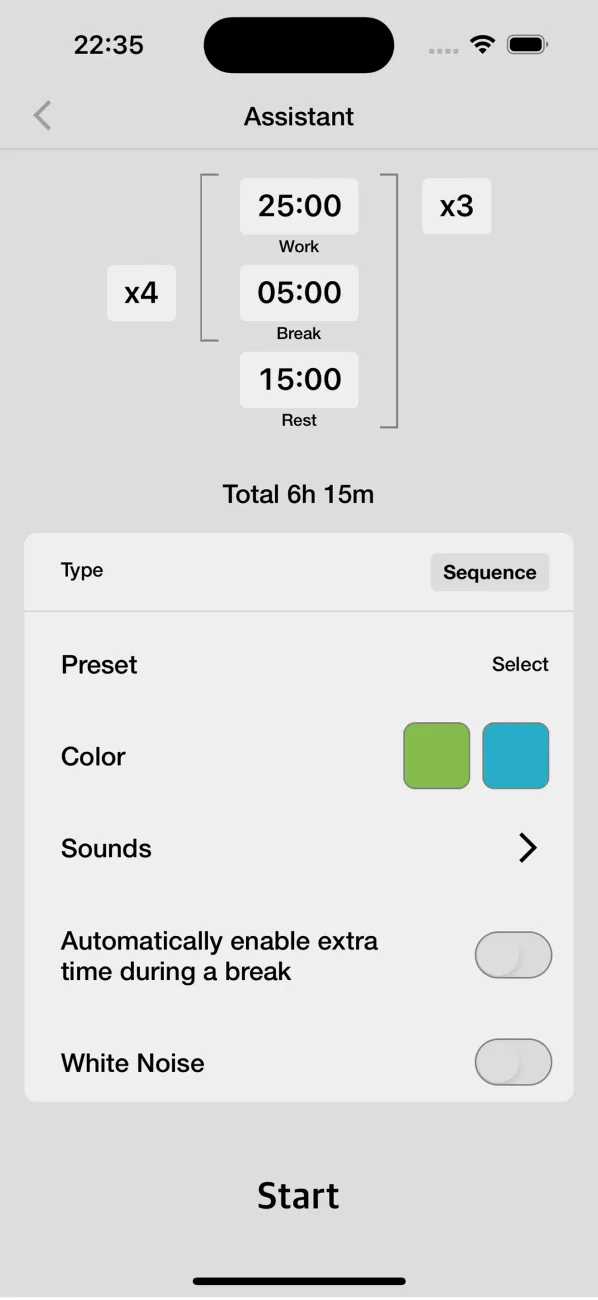
3. Interval Program. Ideal for techniques like Pomodoro, HIIT, and Tabata.
4. Manual input of start time and duration.
The app offers a rich set of analytics widgets that are always available, even if you have no coins in your account.
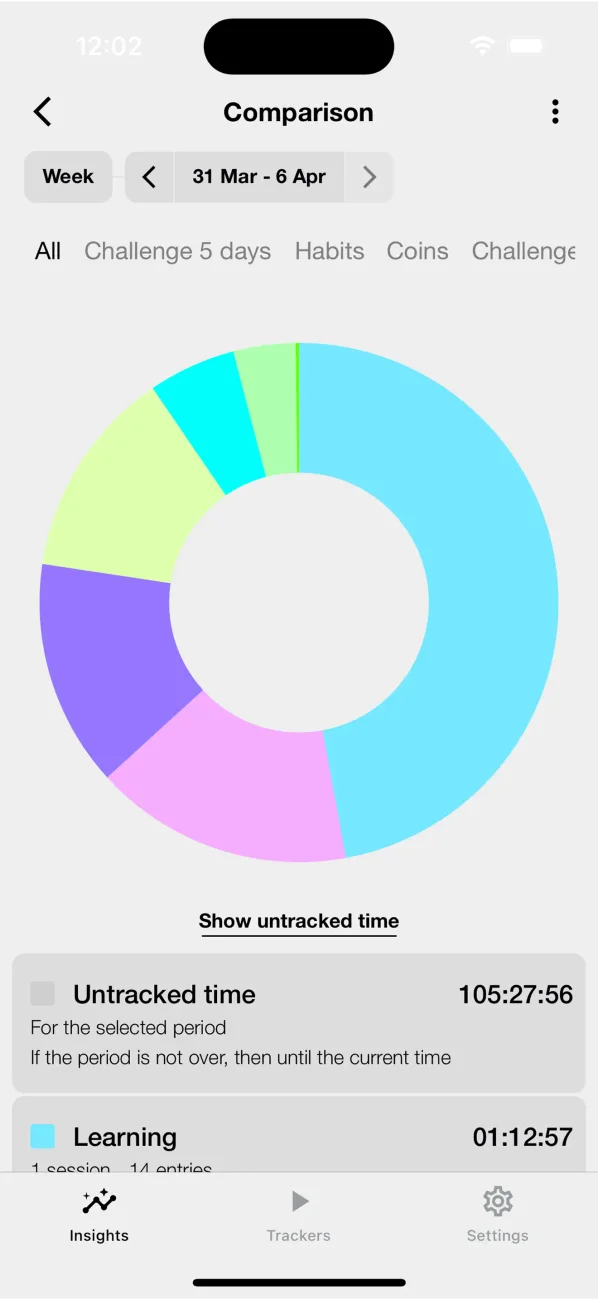
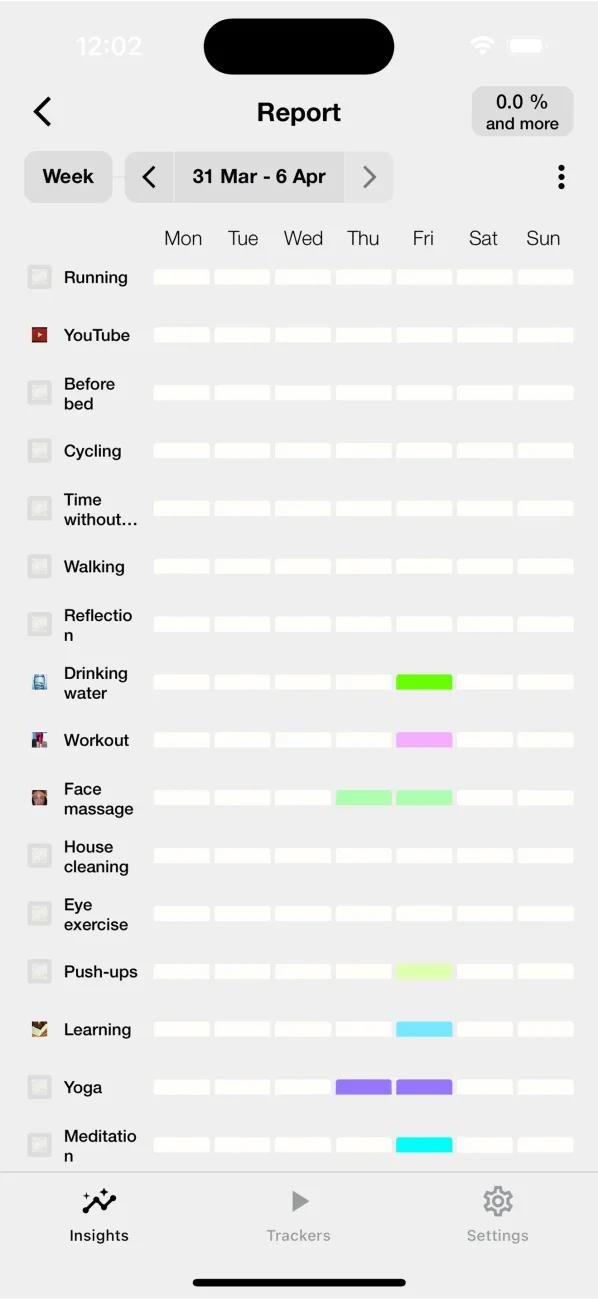
Balance Wheel, Daily Reports, Monthly and Yearly Summaries, Time-of-Day Analysis, and more.
Highly customizable sound settings for timers and interval programs.
Want ticking sounds every second? Or at the halfway mark? Or maybe voice announcements? Easy.
Plan your days in advance.
You can create day scenarios, such as “Weekdays,” “Weekends,” or “Emergency.”
Each scenario can include activities and a schedule for each.
Using scenarios allows you to quickly set up your plan for the day.
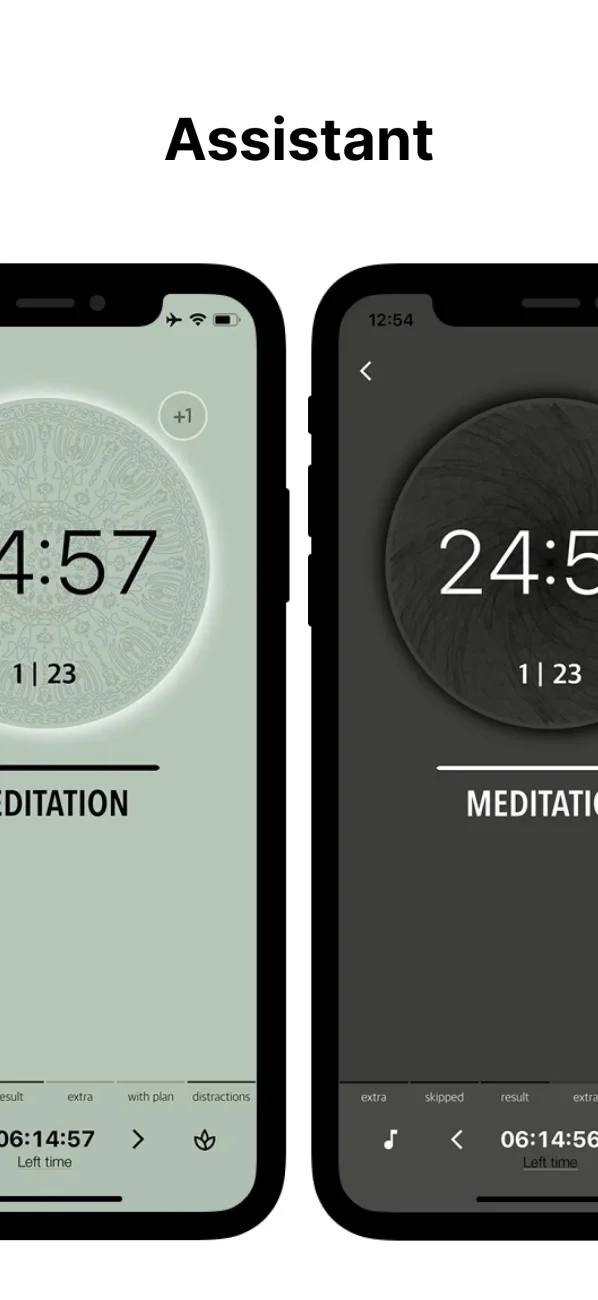
The app includes built-in activities: "Falling Asleep," "Meditation," and "Calm Down." Using vibration, they help regulate your breathing. Just follow the assistant’s instructions, and you’ll be able to fall asleep in 15 minutes, even if you don’t feel like sleeping. If you’re irritated, start the "Calm Down" activity and deeply relax.
Terms of Use: https://www.apple.com/legal/internet-services/itunes/dev/stdeula/
What’s new
Version 2.7 · Apr 15, 2025
Sleep assistant added
App privacy
What Grachev Dmitrii declares on the App Store about how this app handles data.
-
Data not collected
The developer does not collect any data from this app.
Privacy practices may vary, for example with the features you use or your age.
Information
- Seller
- Grachev Dmitrii
- Category
- Productivity
- Version
- 2.7
- Updated
- Apr 15, 2025
- Released
- Oct 4, 2024
- Size
- 67.3 MB
- Requires
- iOS 15.0 or later
- Age rating
- 4+
- Price
- Free
- In-app purchases
- Yes
- Languages
- English, Arabic, Catalan, Croatian, Czech, Danish, Dutch, Finnish, French, German, Greek, Hebrew + 21 more
- Copyright
- © 2024 Dmitrii Grachev
You might also like
-
 Apeiron AIYour AI Productivity Assistant
-
 Productivity Tools - ClarityTask Remind, Habits, Planner
-
 Flow: Voice NotesCapture and Organise Ideas
-
 Countdown Timer PlannerCountdowns events and plans
-
 Chrony: Flow into ActionCommit, Focus, Achieve
-
 Trackables.meData made beautiful
-
 ScanBigGive storage a fresh start
-
 LinkBox: Create Collect Share.Visual Bookmarks & Collections
-
 AI Keyboard - SmartBoardAI Text, Chat, Write & Ask
-
 Screen Time Control: InscreenApp Blocker, Stay Focused, CBT