
Exif Editor - DNG Metadata
Edit GPS, Date & Photo Data
Designed for iPhone, iPad, Mac
Free · In-app purchases
- Age rating4+
- CategoryPhoto & Video
- DeveloperKirill Aust
- LanguagesEnglish+ 5 more
- Size18.6 MB
Links to the official App Store page
Download.org hosts no file of Exif Editor - DNG Metadata. The button opens its official App Store page, published by Kirill Aust. Listing last checked on Nov 17, 2026.
Screenshots

About
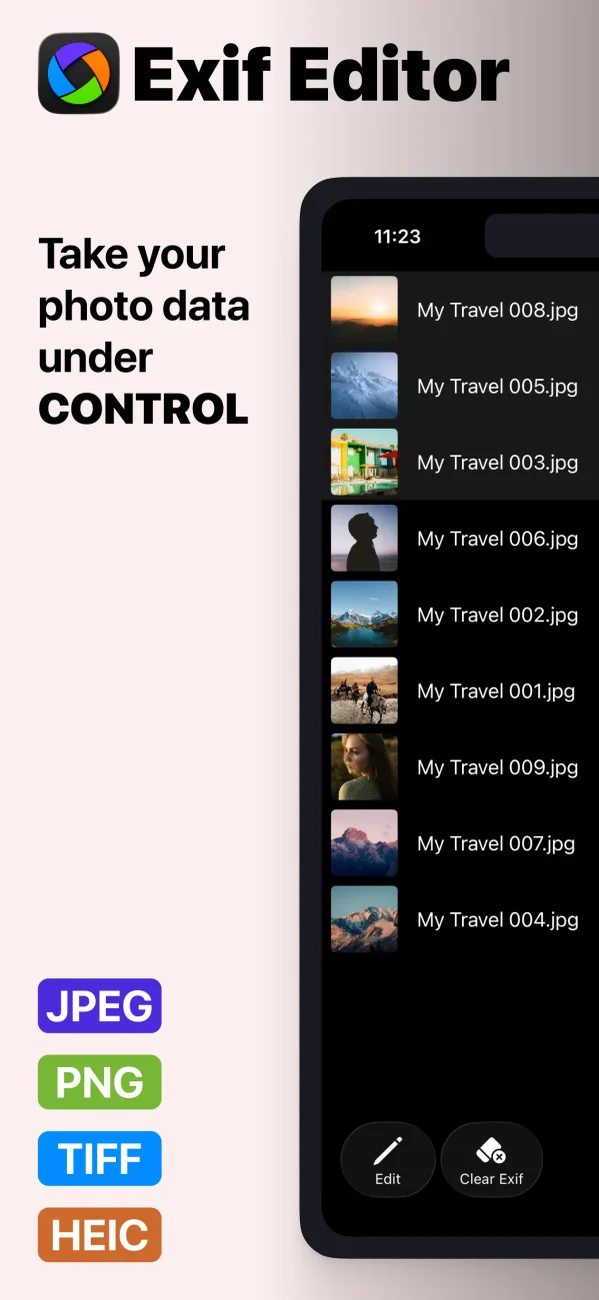
View, edit and remove photo metadata with EXIF Editor Tool. Fix photo dates, update GPS locations and add copyright information to keep your images organized and ready to share.
FIX PHOTO DATES
Set the date and time a photo was taken. Choose a custom date, use the current date, read a recognised date from the filename or use the file creation date when available. Apply the selected date source across multiple photos to save time organizing an archive.
EDIT MULTIPLE PHOTOS
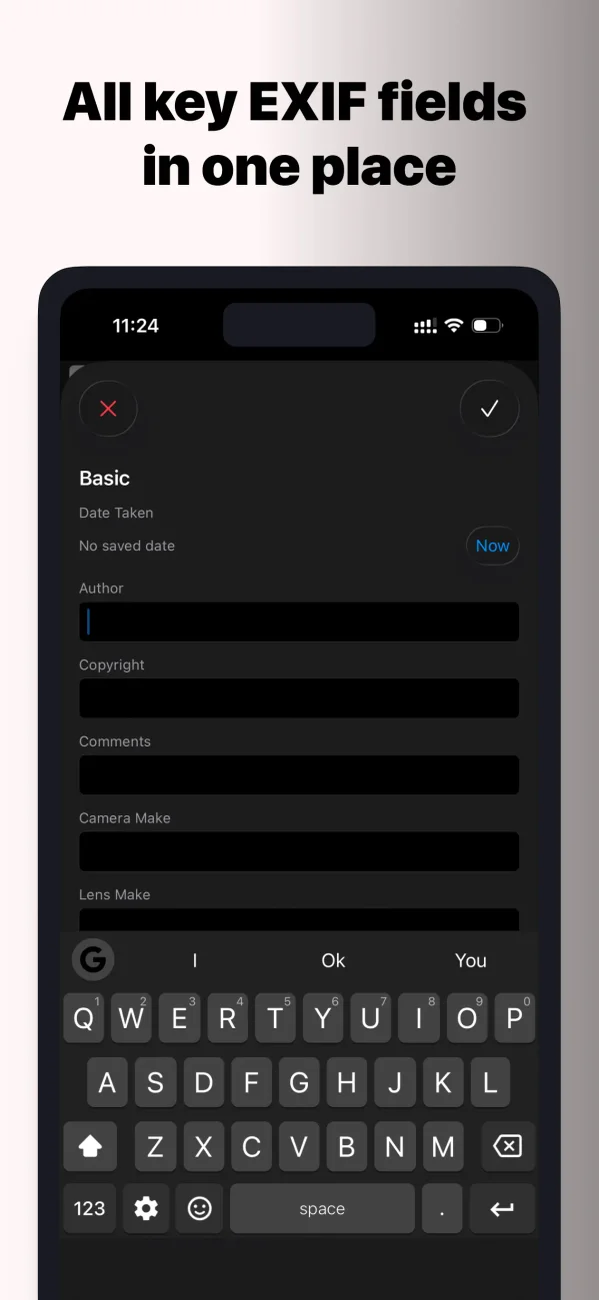
Update shared metadata across a selection of images. Apply consistent dates, locations, author details and camera information without editing every photo separately.
MANAGE GPS LOCATIONS
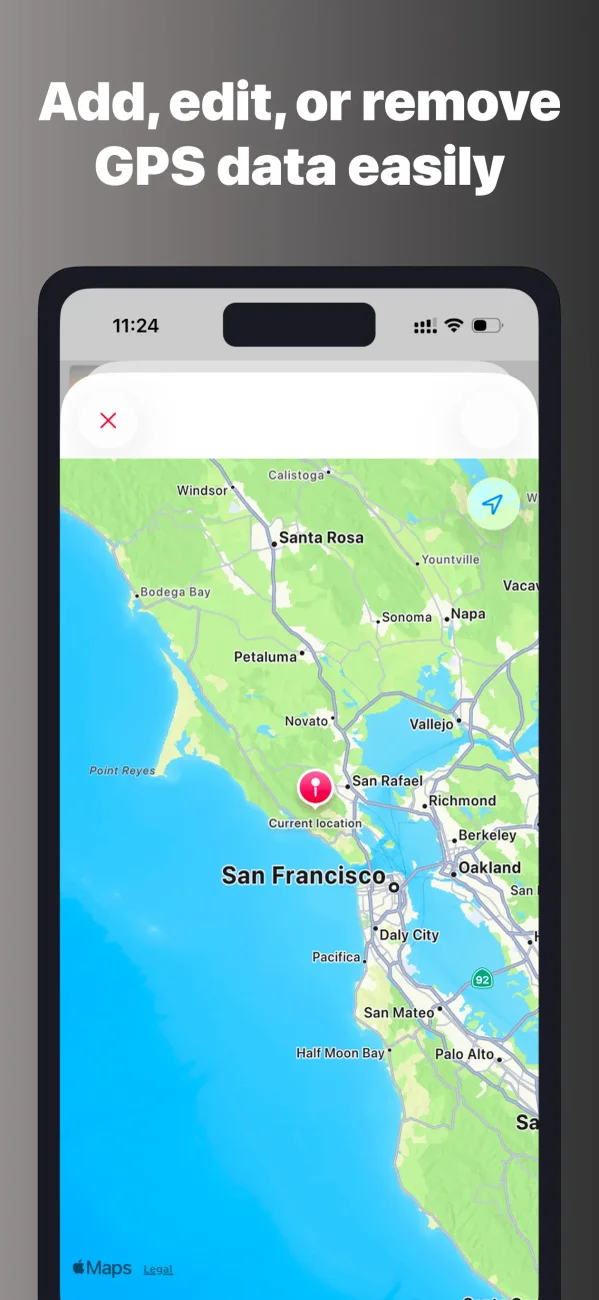
View location coordinates and choose a photo location on the map. Correct missing or inaccurate geotags in your travel photos and image collections.
ADD AUTHOR AND COPYRIGHT DETAILS
Edit author, copyright, comments, title and description. Keep useful context with your photos when preparing images for a client, a portfolio or your own archive.
EXPLORE CAMERA METADATA
View and edit camera and lens details, ISO, aperture, exposure time, focal length and white balance. Available metadata fields depend on the image format.
REMOVE METADATA BEFORE SHARING
Use the metadata removal feature to clear embedded photo information before sharing images. Review what you want to keep in the file, including dates, location and camera details.
SUPPORTED FORMATS
Work with JPEG, HEIC, PNG, TIFF and DNG images. Metadata support varies by format.
PRO FEATURES
Batch editing, metadata removal and control of the Software tag require PRO. The basic version adds an app identifier to the Software metadata tag when saving.
Bring order to your photo collection, correct missing details and take control of the information stored in your images.
Term of use: https://sites.google.com/view/exifeditortool-termsconditions/
What’s new
Version 2.3.3 · Oct 30, 2026
- Added new ways to set photo dates: from the filename or the file creation date.
- Added support for iPhone Duo.
- Fixed bugs and improved the user experience.
App privacy
What Kirill Aust declares on the App Store about how this app handles data.
-
Data not linked to you
May be collected but is not linked to your identity.
- Identifiers
- Usage data
- Diagnostics
Privacy practices may vary, for example with the features you use or your age.
Information
- Seller
- Kirill Aust
- Category
- Photo & Video
- Version
- 2.3.3
- Updated
- Oct 30, 2026
- Released
- Jul 6, 2022
- Size
- 18.6 MB
- Requires
- iOS 26.0 or later
- Age rating
- 4+
- Price
- Free
- In-app purchases
- Yes
- Languages
- English, French, German, Japanese, Russian, Simplified Chinese
- Copyright
- Copyright © 2025 Kirill Aust. All rights reserved.
You might also like
-
 EXIF StudioPhoto & Video
-
 Exif Metadata Editor - ImagesView, edit, remove metadata
-
 Exif ProView & edit photo's Metadata
-
 Exif ManagerEdit photo & video EXIF
-
 Exif Metadata Remover ViewerPhoto Date & Location Editor
-
 EXIF Metadata +View, edit photo GPS location
-
 Easy EXIF – Date & GPS EditorRemove Location & Metadata
-
 MetaSniffer Pro - EXIF & MOREEdit any metadata in pictures
-
 EXIF Editor & AI Label RemoverRemove Metadata, GPS & C2PA
-
 xMeta - Photo & Video MetadataView, Edit, Delete Metadata