
EXIF Metadata Bulk Editor Pro
Remove GPS, Date & Author Meta
Designed for iPhone, iPad
Free · In-app purchases
- Age rating4+
- CategoryPhoto & Video
- DeveloperDUMITRU BUMBU
- LanguagesEnglish+ 11 more
- Size6.2 MB
Links to the official App Store page
Download.org hosts no file of EXIF Metadata Bulk Editor Pro. The button opens its official App Store page, published by DUMITRU BUMBU. Listing last checked on Nov 7, 2026.
Screenshots


About
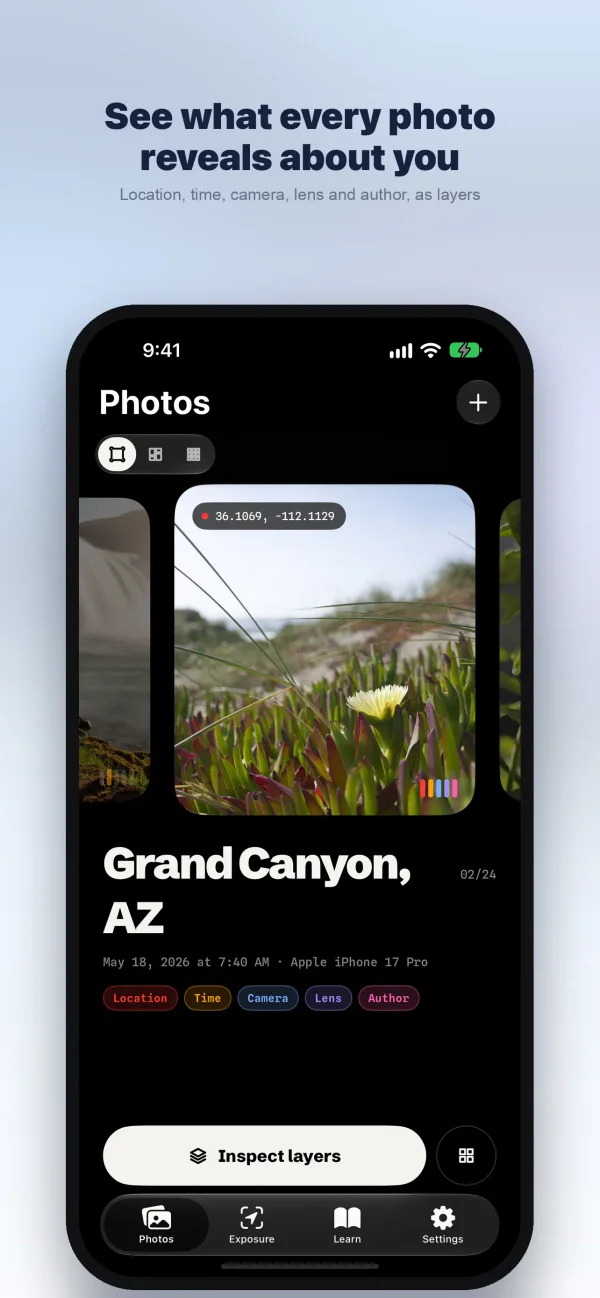
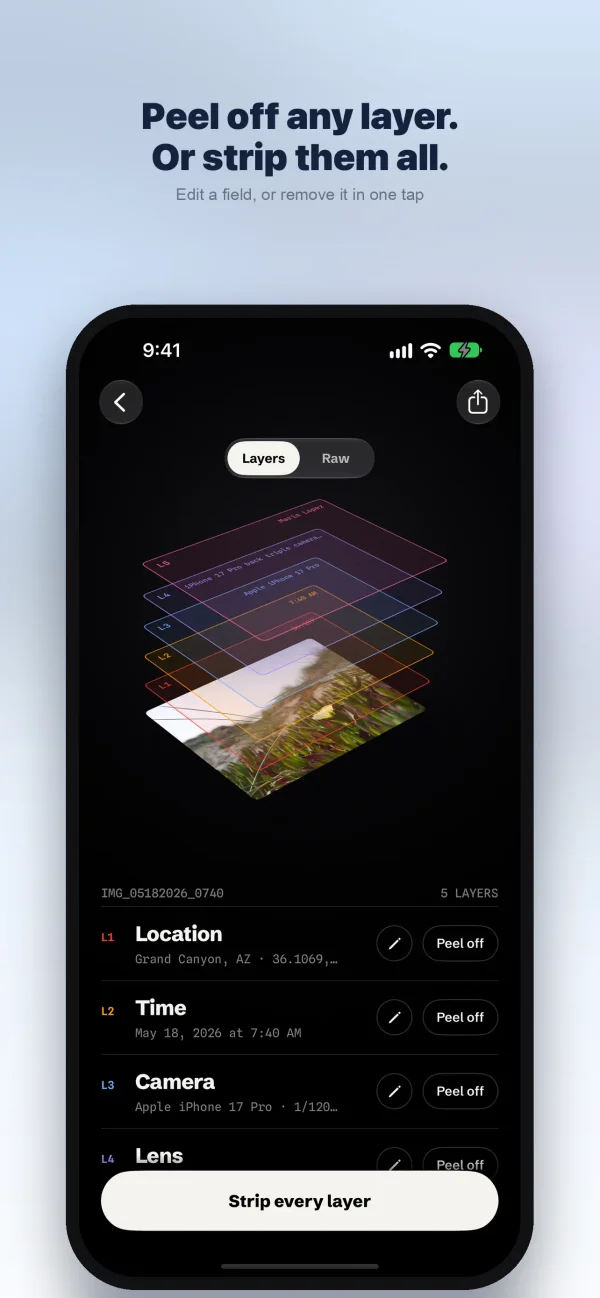
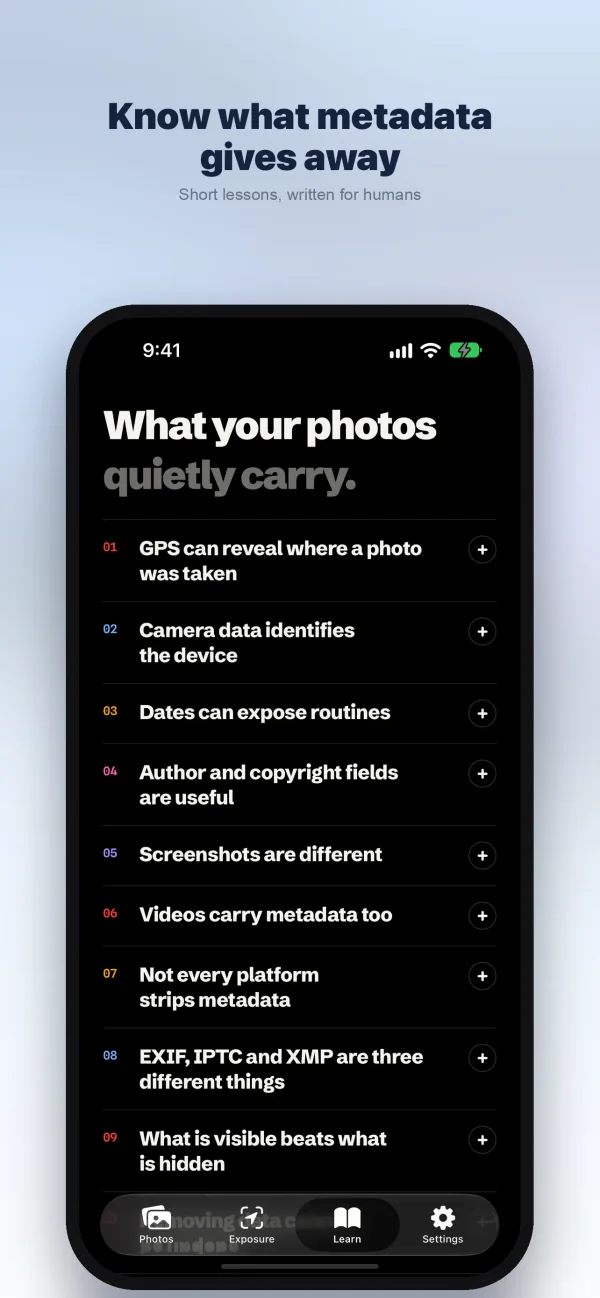
Every photo you take carries hidden data: the exact GPS location, the date and time, your device model, lens, and often your name and copyright. EXIF Pro shows it as five layers — Location, Time, Camera, Lens, Author — and lets you peel off any one, or strip them all, before a photo leaves your phone.
SEE EVERY LAYER
• Each photo shows the layers it carries; a Raw view lists every EXIF, TIFF, IPTC and GPS field
• The place a photo was taken, straight from its GPS
PEEL OFF A LAYER, OR STRIP THEM ALL
• Edit the capture date, camera, lens, author and copyright
• Move a photo to a new location, or remove the location entirely
• Strip every layer in one tap and watch the photo turn Clean
• Secure Wipe overwrites sensitive fields so they cannot be recovered
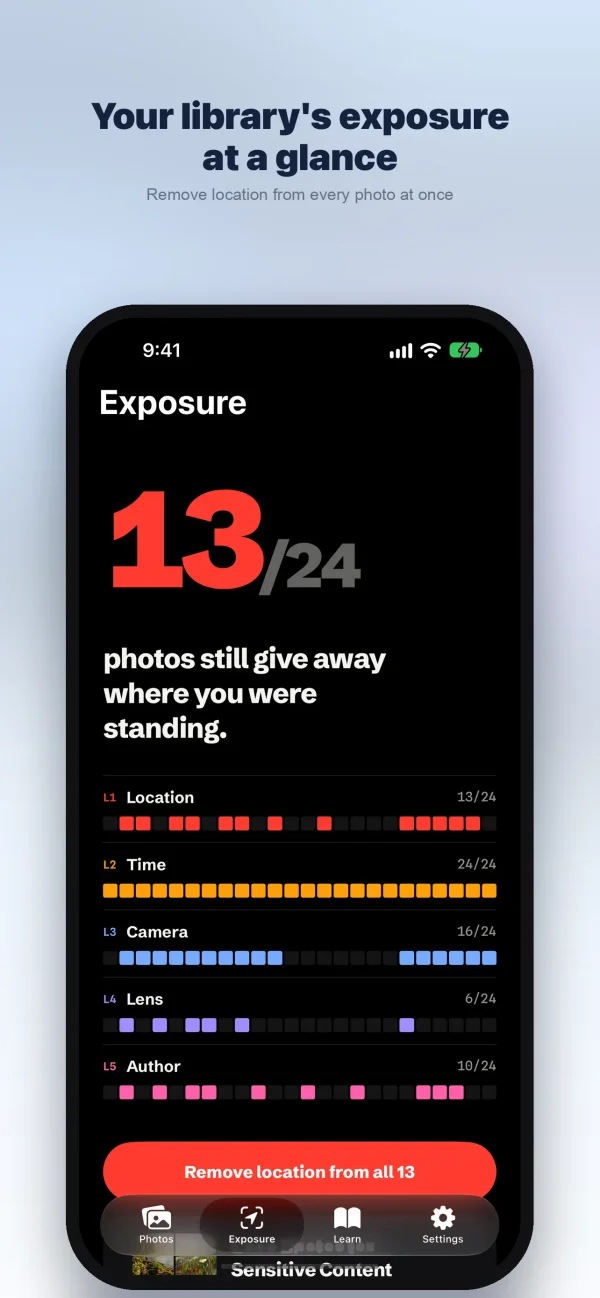
EXPOSURE, ACROSS YOUR LIBRARY
• One number tells you how many photos still give away where you were standing
• Remove location from all of them at once
• An on-device scan looks inside pictures for IDs, card numbers, passwords and faces
BULK CLEAN
• Select many photos and remove location, remove author, or strip everything in one pass
• Apply templates, set or shift dates, or copy metadata from one photo to the rest
SAVE OR SHARE
• Write a clean copy back to Photos, or share straight to Messages, Mail, AirDrop or any app
• You decide what happens to the original: keep it, delete it, or ask every time
• Copies keep full resolution and are saved at maximum quality
• Live Photos are saved as still photos
PRIVATE BY DESIGN
• Photos are processed on your iPhone or iPad and never uploaded anywhere
• No account, no ads, no third-party SDKs. Anonymous usage statistics help us improve the app; switch them off anytime in Settings
• Free to start: view everything and save your first 3 clean copies. EXIF Pro unlocks unlimited cleaning, bulk edit, Secure Wipe and the scan
Works with JPEG, HEIC and PNG. Supports VoiceOver, Dynamic Type and Reduce Motion, on iPhone and iPad.
EXIF Pro is available as a monthly or yearly subscription (auto-renewing) or a one-time lifetime purchase; prices are shown in the app and on the App Store. Payment is charged to your Apple ID at confirmation of purchase. Subscriptions renew automatically unless cancelled at least 24 hours before the end of the current period. Manage or cancel anytime in your Apple ID settings.
Terms of Use (EULA): https://www.apple.com/legal/internet-services/itunes/dev/stdeula/
Privacy Policy: https://snrgwa-bot.github.io/exifpro/privacy
What’s new
Version 1.0.1 · Oct 29, 2026
Localized App Store screenshots and small improvements.
App privacy
What DUMITRU BUMBU declares on the App Store about how this app handles data.
-
Data not linked to you
May be collected but is not linked to your identity.
- Purchases
- Usage data
- Diagnostics
Privacy practices may vary, for example with the features you use or your age.
Information
- Seller
- DUMITRU BUMBU
- Category
- Photo & Video
- Version
- 1.0.1
- Updated
- Oct 29, 2026
- Released
- Oct 21, 2026
- Size
- 6.2 MB
- Requires
- iOS 17.0 or later
- Age rating
- 4+
- Price
- Free
- In-app purchases
- Yes
- Languages
- English, French, German, Italian, Japanese, Korean, Portuguese, Romanian, Russian, Simplified Chinese, Spanish, Ukrainian
- Copyright
- © 2026 EXIF Metadata Editor Pro. All Rights Reserved.
You might also like
-
 Story Templates: AllapullaAI Photo Dump, Highlight Cover
-
 AI-Label RemoverClean photo & video metadata
-
 GPS Timestamp Camera: MarkPixMap, Geotag & Location Proof
-
 EXIF Editor & AI Label RemoverRemove Metadata, GPS & C2PA
-
 Night vision style cameraNight Mode Camera
-
 MicSwap Camera: Video RecorderMusic, Pro Audio & Microphones
-
 Video Audio Stem SplitterSeparate Instruments & Vocals
-
 CameraFTP ViewerPhoto & Video
-
 DualTake: One Take RecorderVertical & Horizontal Recorder
-
 GPS Map Video Camera: GeotagGeolocation, Date & Timestamp