Expense Tracker: Scan Receipts
Snap Bills, Track Spending
Designed for iPhone
Free · In-app purchases
- Age rating4+
- CategoryUtilities
- DeveloperPhuc Pham
- LanguagesEnglish
- Size6.6 MB
Links to the official App Store page
Download.org hosts no file of Expense Tracker: Scan Receipts. The button opens its official App Store page, published by Phuc Pham. Listing last checked on Nov 16, 2026.
Screenshots
About
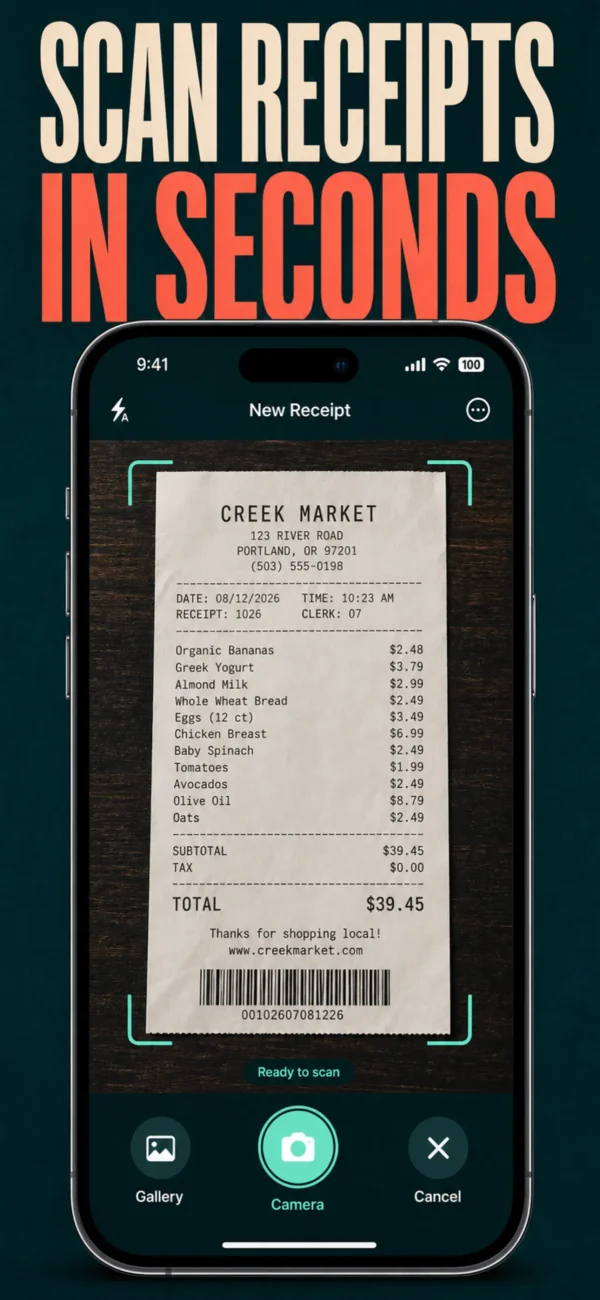
Scan a receipt photo and the total is read for you. Add the picture, confirm the amount and merchant, and every purchase is logged, categorized and ready for tax time — no spreadsheet, no shoebox, no bank login.
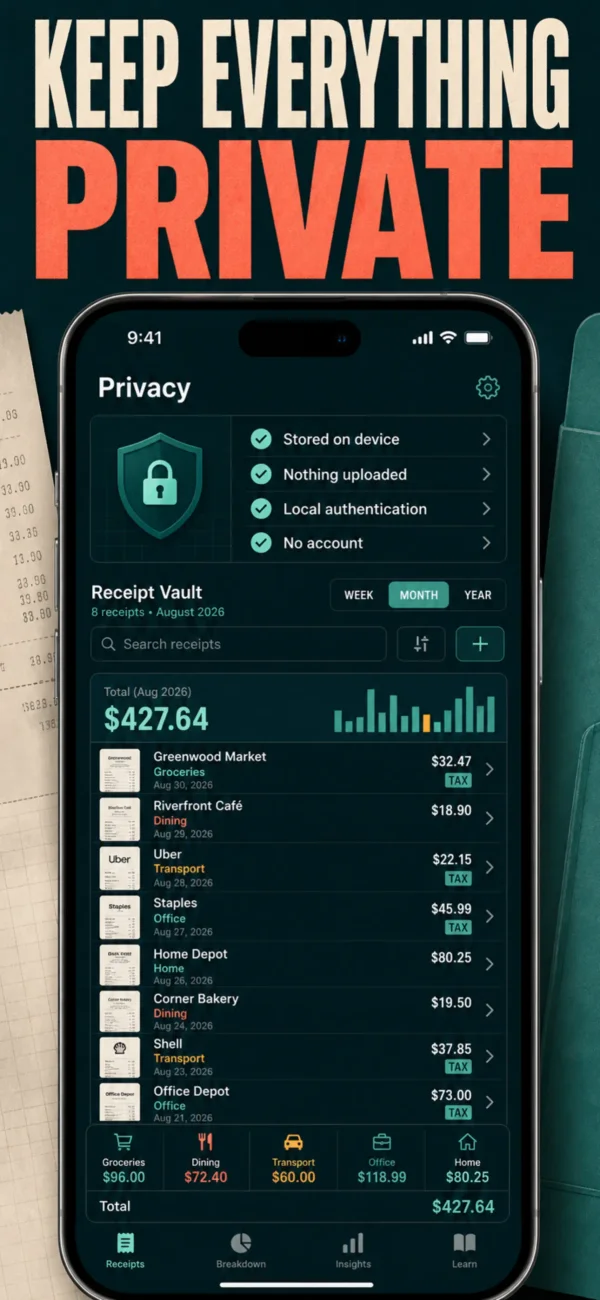
Most expense apps want your bank account. ReceiptShot only wants the paper in your hand. Text recognition runs entirely on your device — the photo, the amount and the merchant never leave your iPhone, and there is no account to create. Thermal receipts fade in weeks; a photo log lasts forever.
WHAT YOU GET
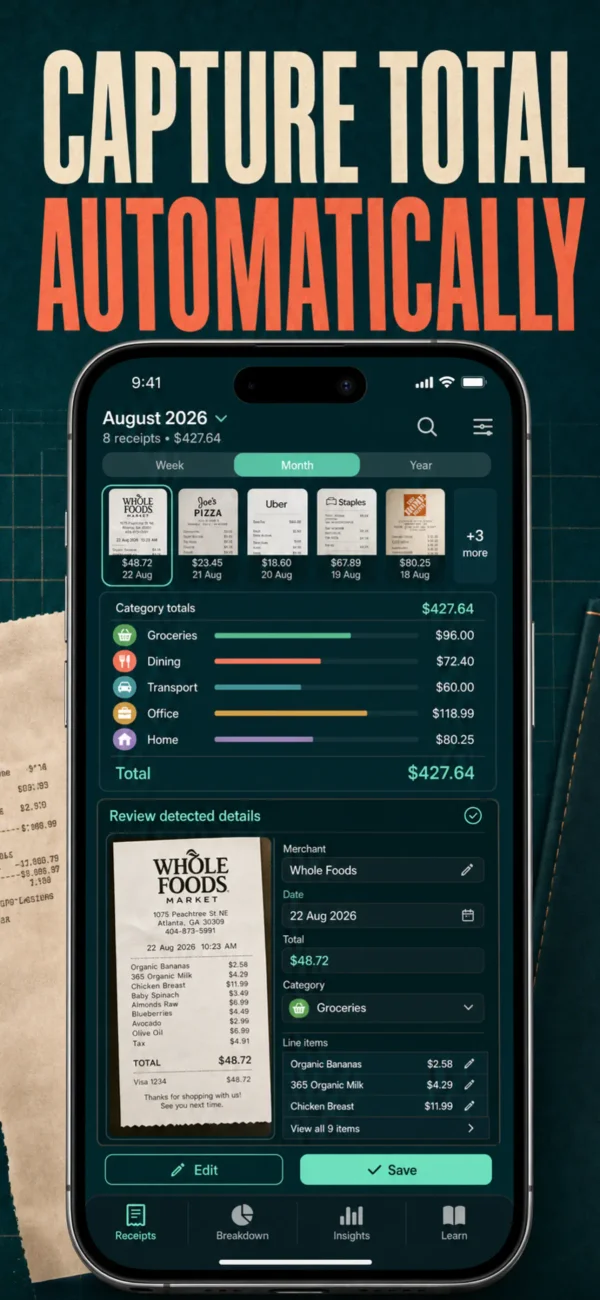
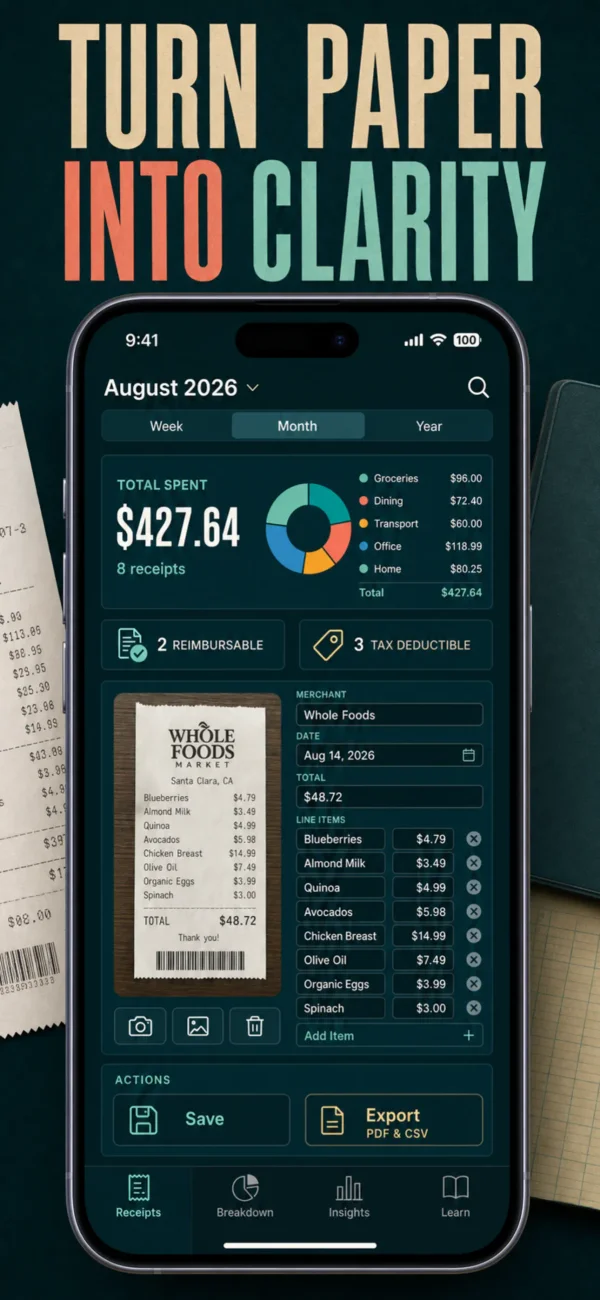
- The total filled in for you — on-device text recognition reads the amount and the merchant off the photo, and you correct it in one tap
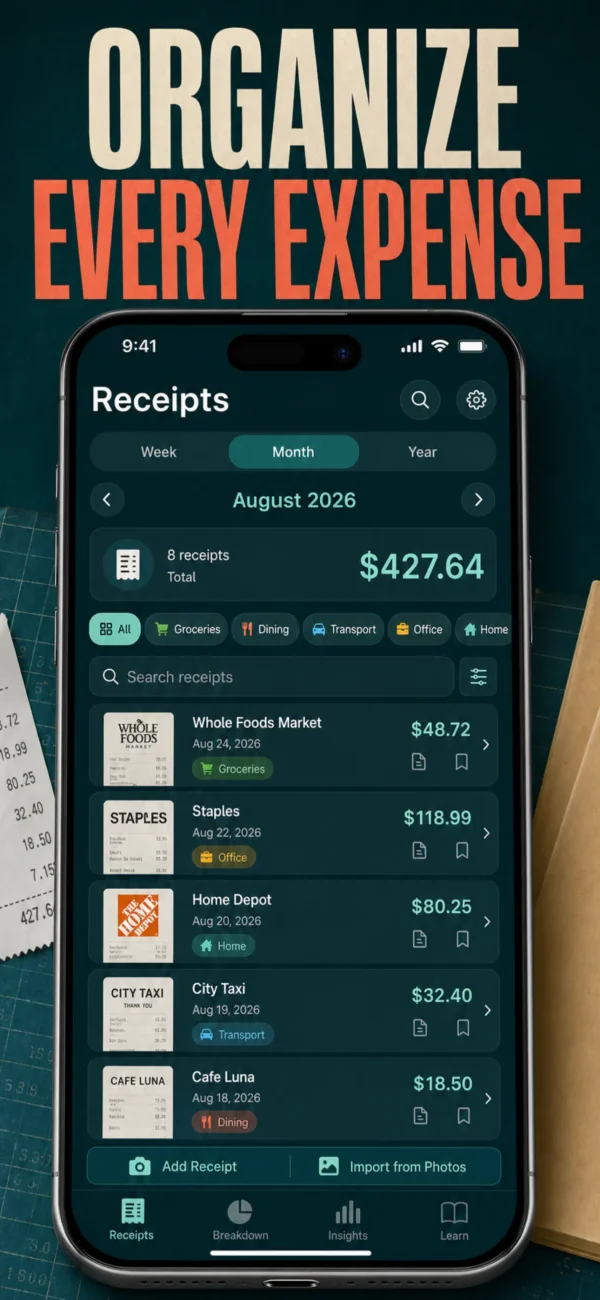
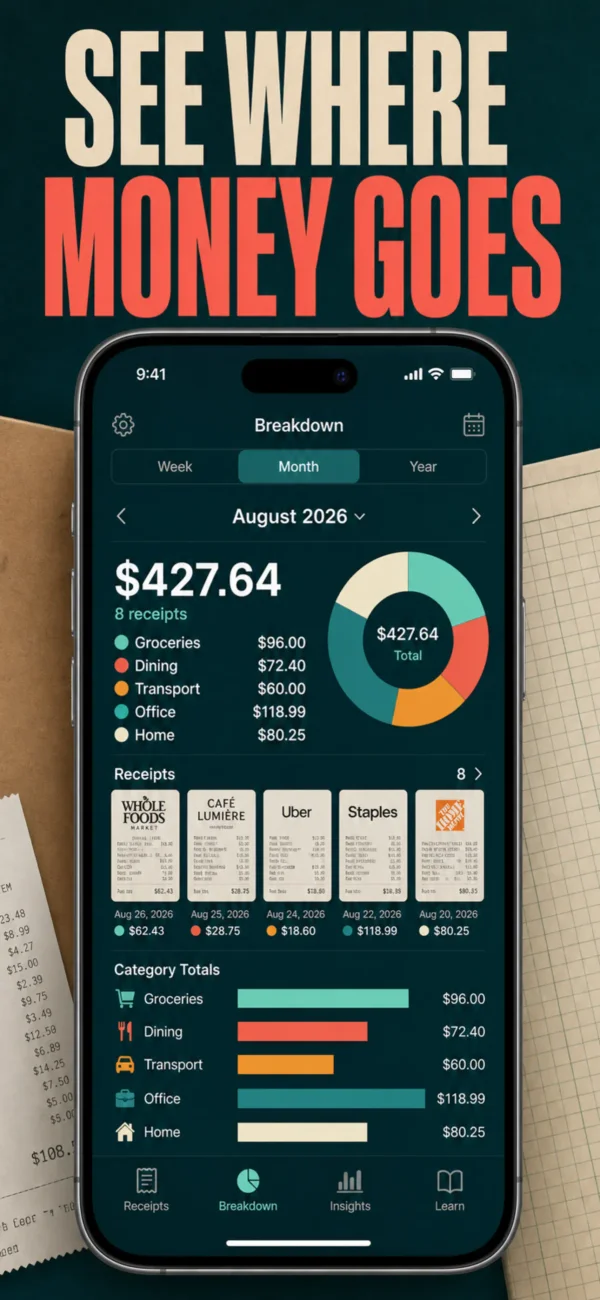
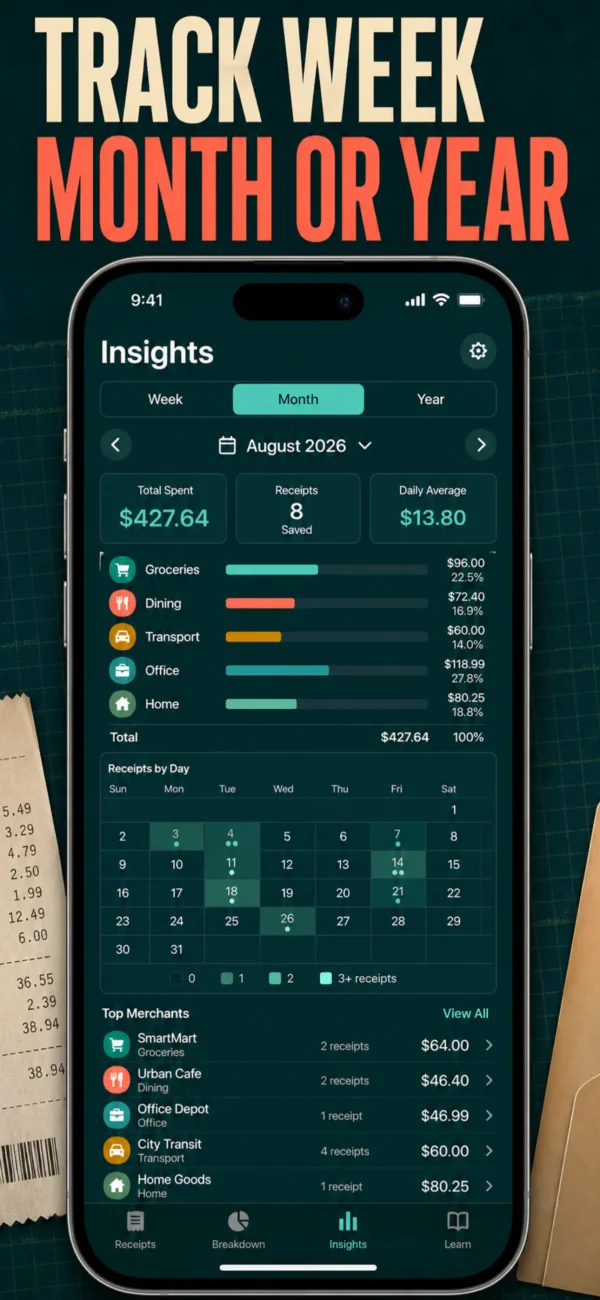
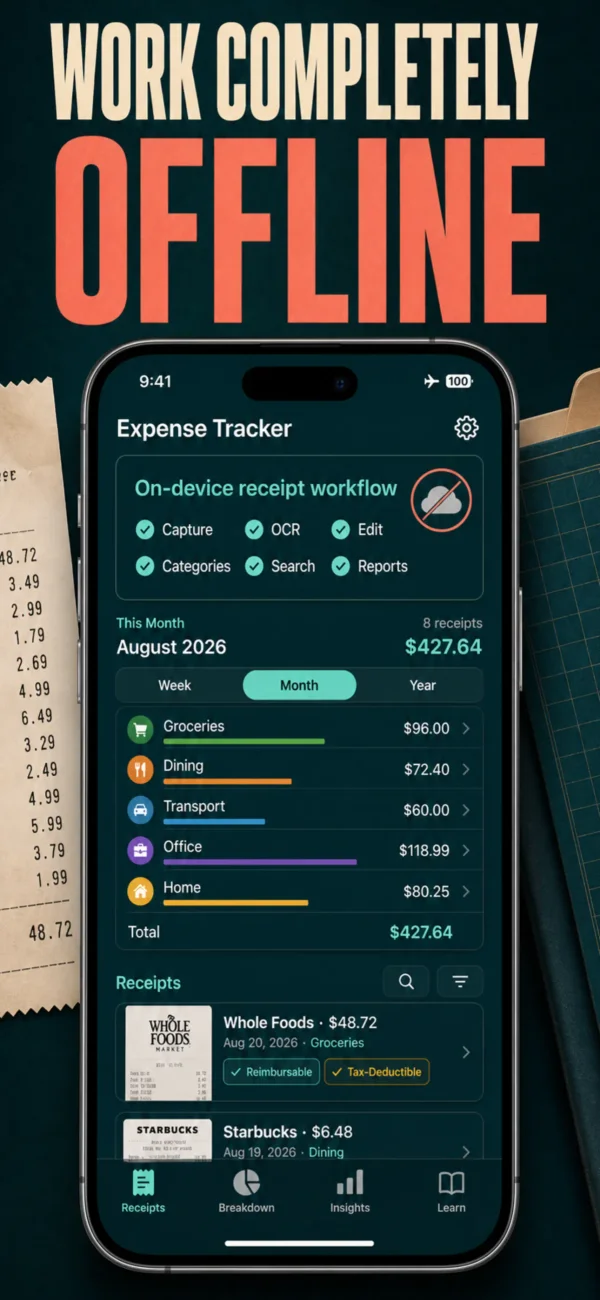
- A running total for the week, month or year, updated the second you save
- A category donut and top-merchant list that show where the money actually goes
- A six-month bar chart, your average per receipt and your biggest receipt of all time
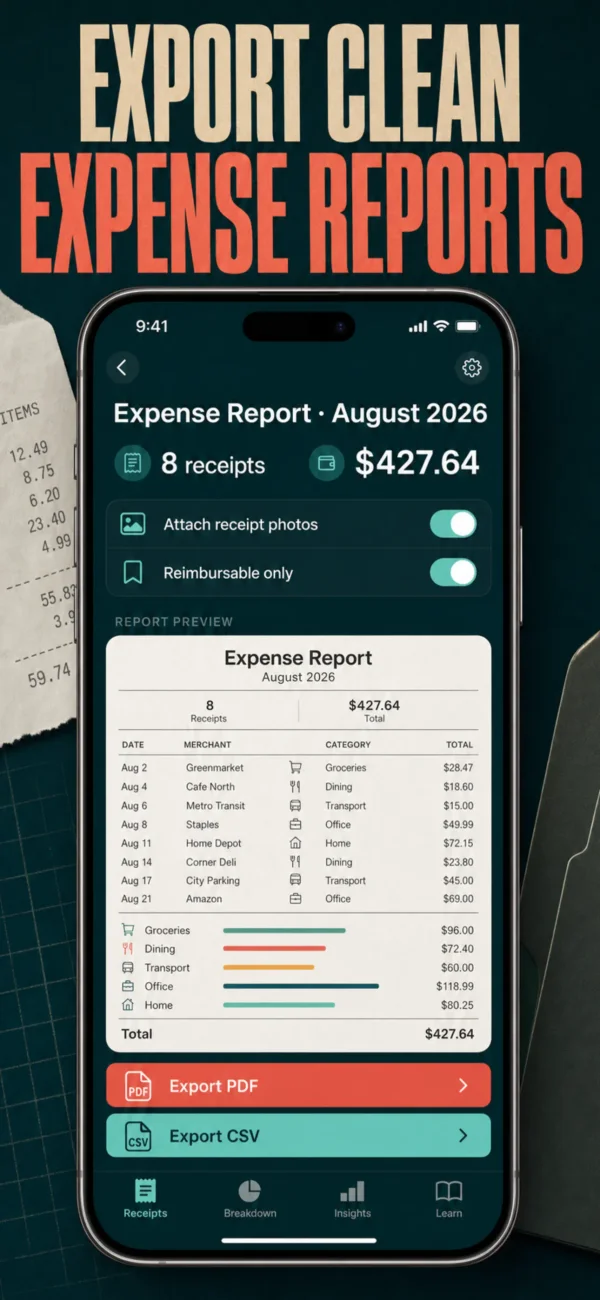
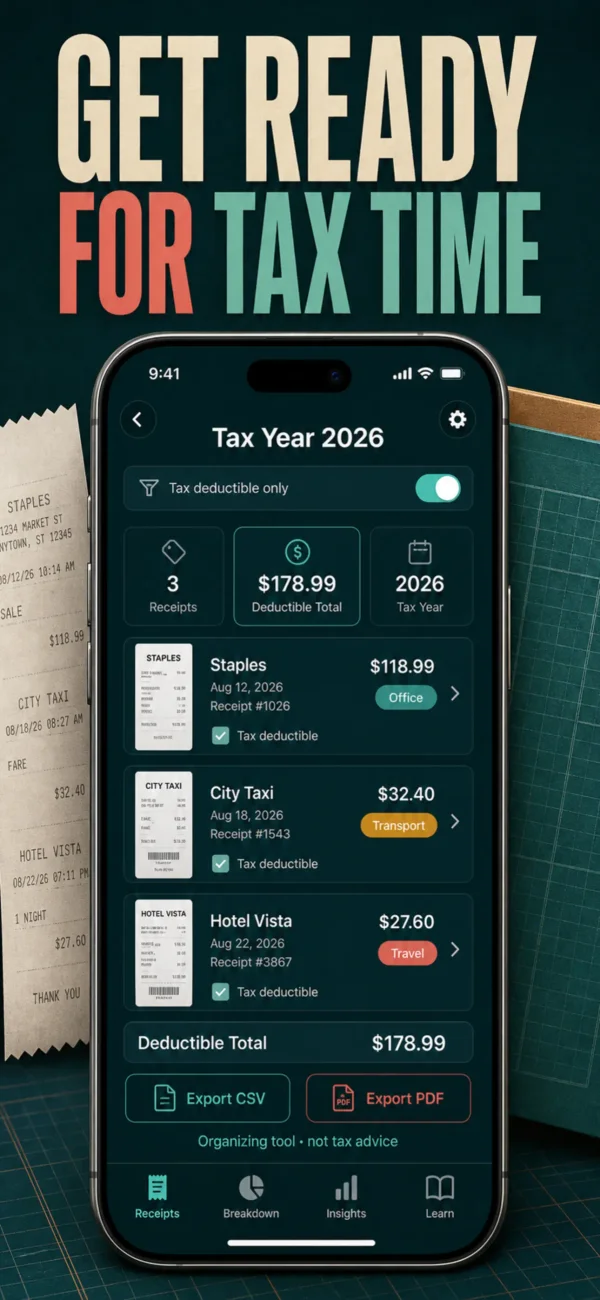
- Reimbursable flags plus a CSV export you can hand straight to payroll or your accountant
- Instant search by merchant or note, and one-tap category filters across ten expense types
PERFECT FOR
- Freelancers and contractors keeping deductible receipts through the year
- Employees who file expense reports and want the paperwork done in seconds
- Households tracking grocery, dining and transport spend without linking a bank
- Anyone whose glovebox, wallet or kitchen drawer is full of fading paper
WHY NOT JUST KEEP RECEIPT PHOTOS IN YOUR CAMERA ROLL?
A camera roll gives you a thousand unsorted images and no numbers. ReceiptShot reads the total off each one, tags it to a category, adds it to your month, and turns the pile into a chart and a CSV file. Photos alone can't be searched, totalled or exported.
PRIVACY
Everything is stored on your device. No account, no sign-up, no cloud upload, no bank connection, no ads, no tracking of your spending. Delete the app and the data goes with it.
FULL ACCESS
The free version stores up to 15 receipts. Full access removes the cap for unlimited receipts and unlocks automatic total scanning and CSV export, alongside the breakdown and insights charts. Choose a weekly subscription, a yearly subscription, or a one-time lifetime purchase — whichever suits you. Subscriptions renew automatically until cancelled in your App Store settings.
Photograph the receipt in your pocket right now and watch this month's real number appear.
Terms of Use (EULA): https://web-levi.web.app/terms
Privacy Policy: https://web-levi.web.app/privacy-policy
Questions? tphuc.work@gmail.com
What’s new
Version 1.2.0 · Aug 29, 2026
Bug fixes and performance improvements.
App privacy
What Phuc Pham declares on the App Store about how this app handles data.
-
Data not collected
The developer does not collect any data from this app.
Privacy practices may vary, for example with the features you use or your age.
Information
- Seller
- Phuc Pham
- Category
- Utilities
- Version
- 1.2.0
- Updated
- Aug 29, 2026
- Released
- May 27, 2026
- Size
- 6.6 MB
- Requires
- iOS 17.0 or later
- Age rating
- 4+
- Price
- Free
- In-app purchases
- Yes
- Languages
- English
- Copyright
- © 2026 Phuc Pham
You might also like
-
 Market ExpensesYour spending. In one place.
-
 CheckTables — Мои чекиUtilities
-
 รับจ่ายจดUtilities
-
 BugOut: Prep and TestEmergency Prep & Drill Trainer
-
 Neon Wallpaper Maker '26What Will Yours Say?
-
 GPSauge Telematik-SUITEUtilities
-
 Retiro - Retirement CountdownRetirement Calculator
-
 ImobiAppUtilities
-
 Oil & Gas CalculatorFormula-based calculations
-
 Versionamento StaraEvolução Constante