
ExpenseReportMaker & Receipts
Receipt Scan, PDF & CSV
Designed for iPhone
Free · In-app purchases
- Age rating4+
- CategoryBusiness
- Developer家宝 戴
- LanguagesEnglish+ 8 more
- Size2.5 MB
Links to the official App Store page
Download.org hosts no file of ExpenseReportMaker & Receipts. The button opens its official App Store page, published by 家宝 戴. Listing last checked on Nov 12, 2026.
Screenshots
About
Expense Report Maker helps you capture receipts, organize expenses, and build reimbursement-ready reports without turning a small admin task into a spreadsheet project. It is made for business travel, client visits, freelance work, field service, small teams, contractors, consultants, and anyone who needs a clear record of what was spent, when it happened, and which project or category it belongs to.
An active subscription is required to use Expense Report Maker. After subscribing, you can record expenses, scan receipts, organize reports, and export your data when needed.
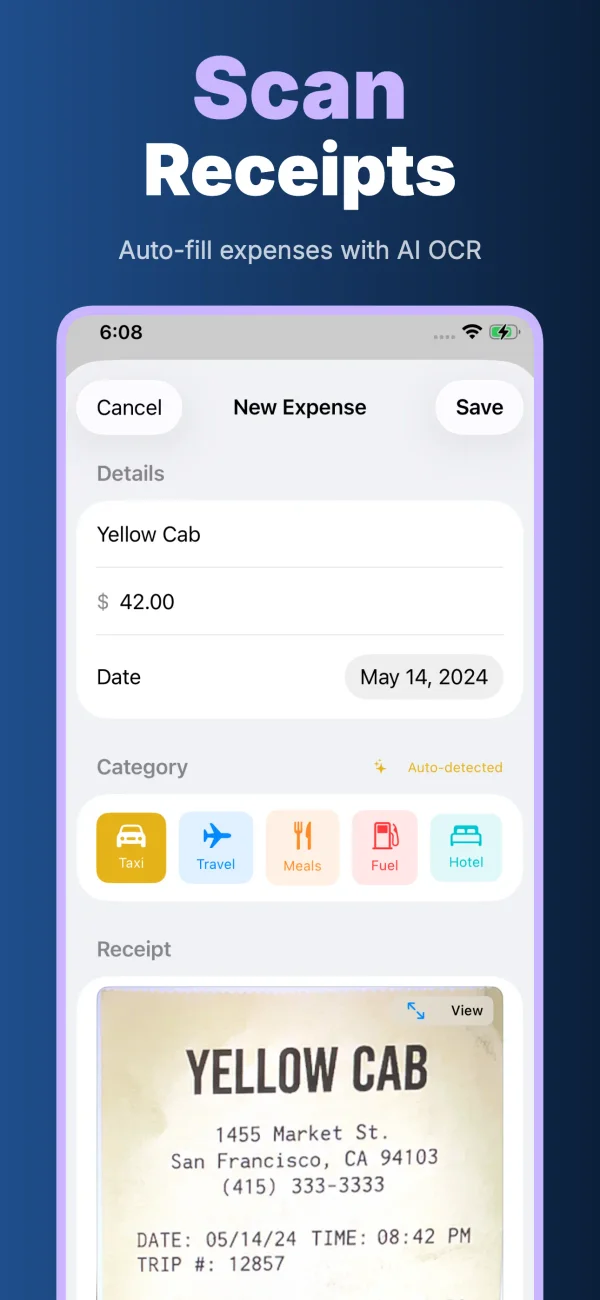
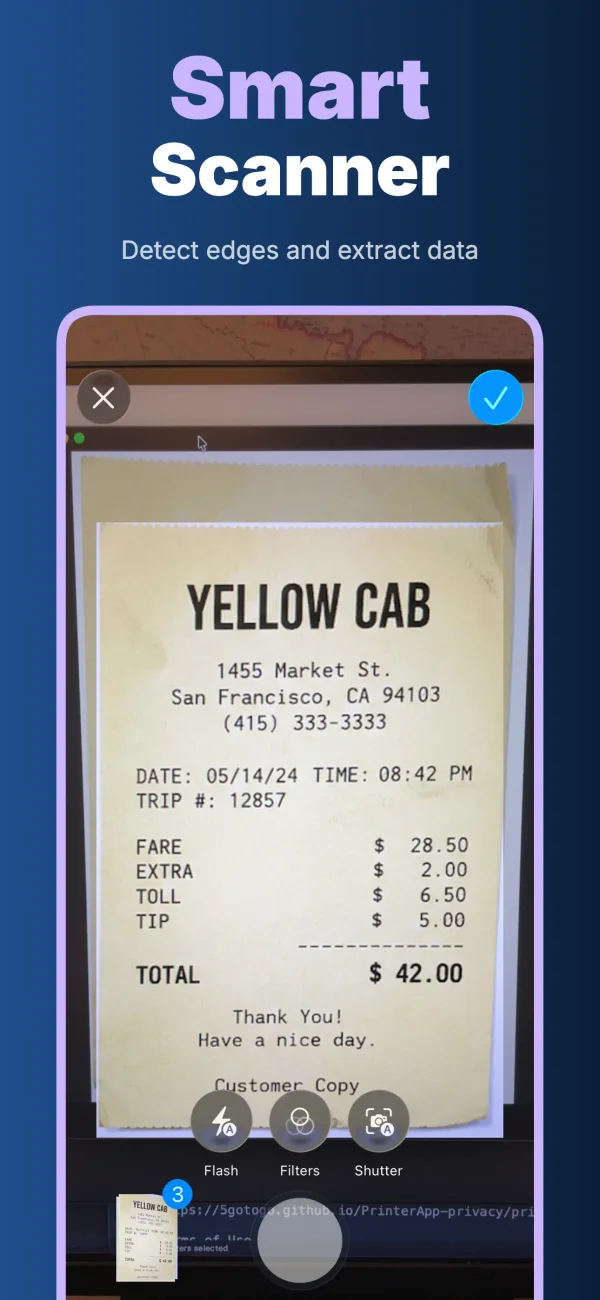
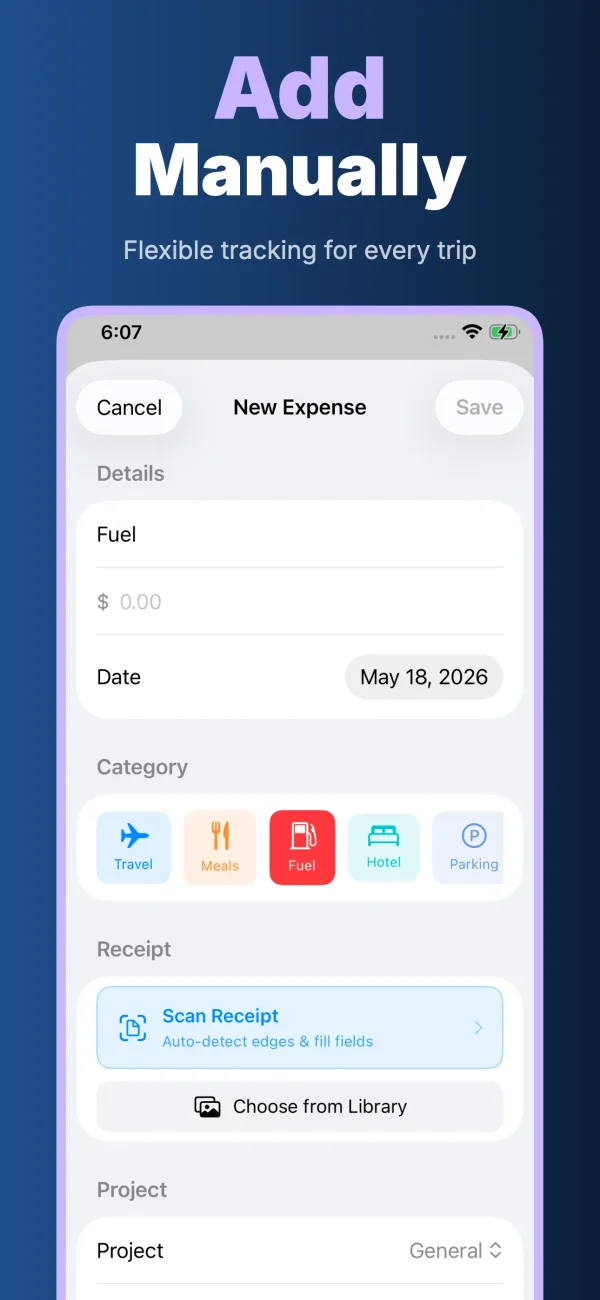
Add an expense in seconds with a description, amount, date, category, project, notes, and an optional receipt image. Use the camera to scan a paper receipt or choose an image from your photo library. On-device OCR can read receipt text and suggest the merchant name, total amount, purchase date, and expense category, so you spend less time typing and more time checking that the report is accurate.
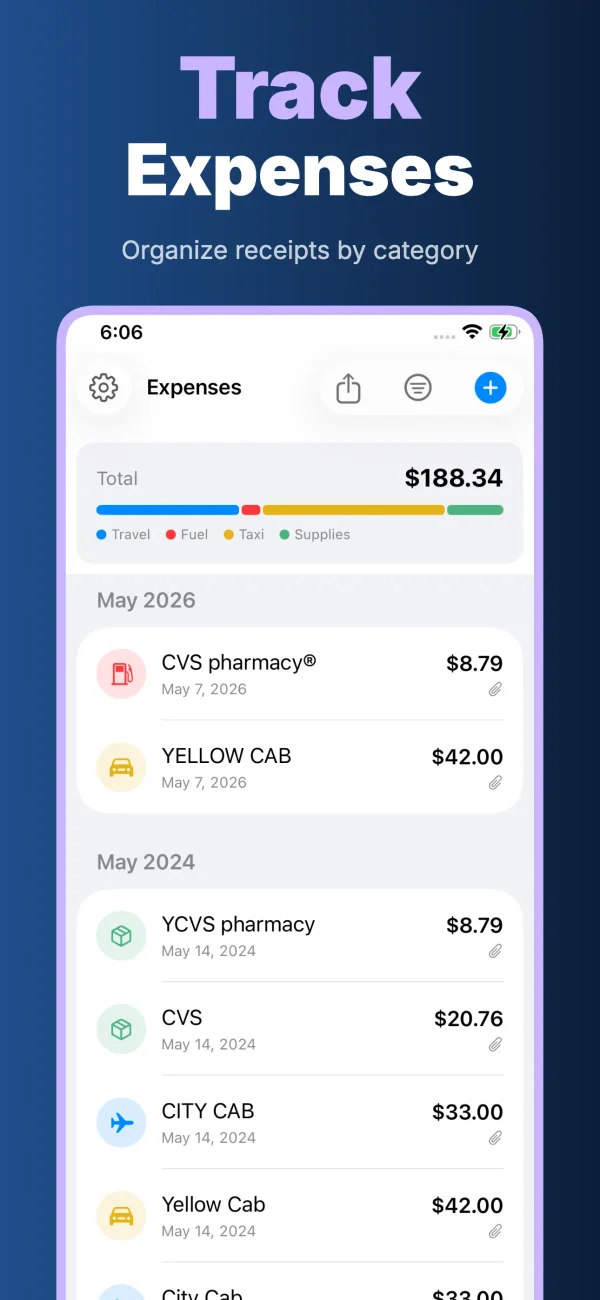
Built-in categories cover common business spending: Travel, Meals, Fuel, Hotel, Parking, Taxi, Office, Supplies, Software, Client, Equipment, and Misc. You can keep everything under a General project or create project names for clients, trips, departments, jobs, events, or monthly budgets. The main expense list is grouped by month, with a compact total bar that shows overall spending and category totals at a glance.
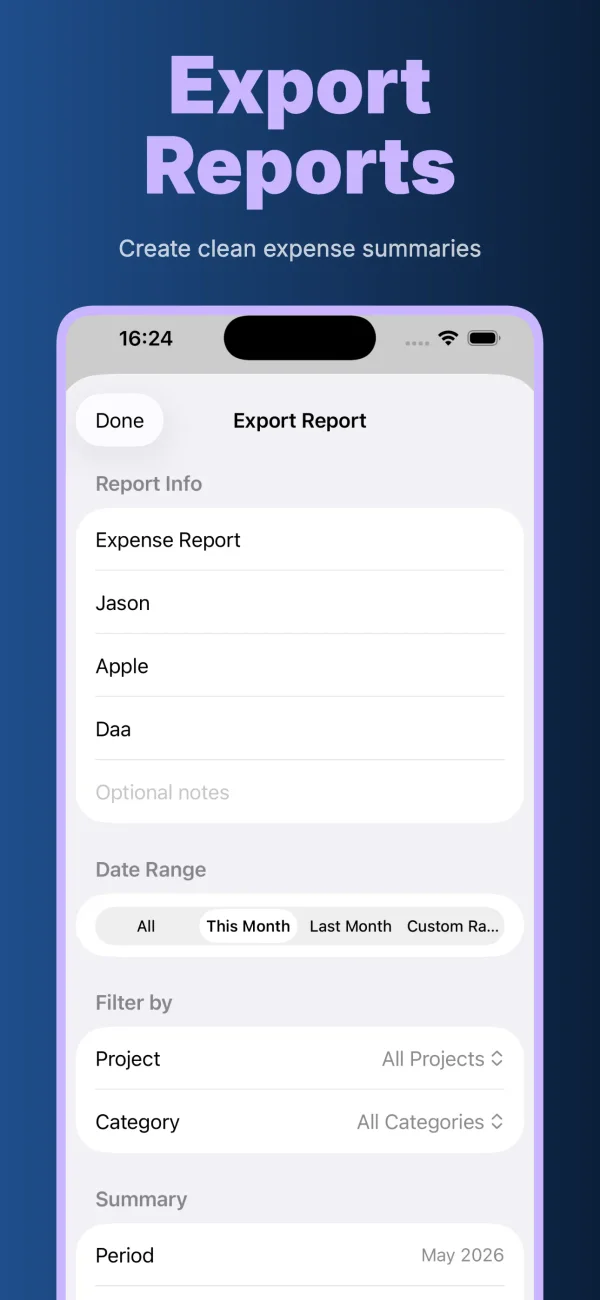
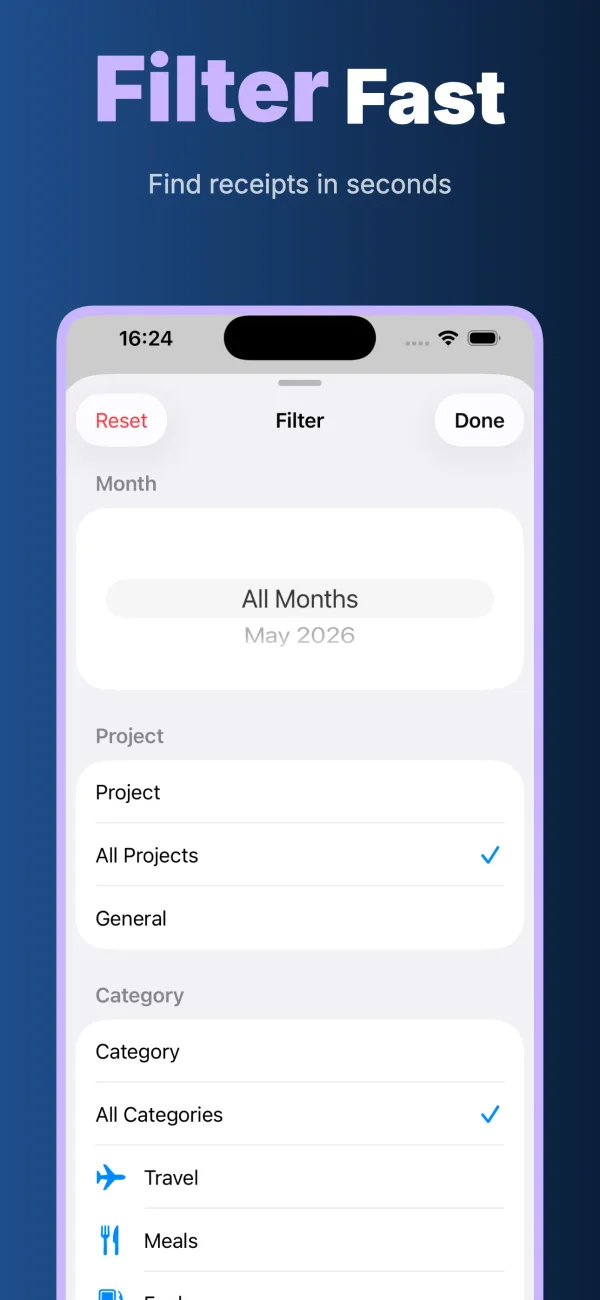
When it is time to prepare a report, Expense Report Maker gives you practical export options. Filter expenses by month, project, category, or a custom date range. Add report details such as title, submitter name, company name, client or project name, and report notes. Export a summary PDF for quick reimbursement, a detailed PDF that includes receipt images, or a CSV file that can be opened in spreadsheet apps and accounting workflows.
Key features:
• Fast manual expense entry
• Receipt photo attachment from camera or photo library
• OCR-assisted receipt recognition for amount, merchant, date, and category
• Month, project, and category filters
• Category totals and overall total on the expense list
• Custom projects for clients, trips, departments, or jobs
• Notes field for extra context, approval details, or reimbursement comments
• Summary PDF export
• Detailed PDF export with receipt images
• CSV export for spreadsheets and bookkeeping
• Report title, submitter, company, client/project, period, and notes
• Currency support for USD, EUR, GBP, JPY, CNY, CAD, and AUD
• Active subscription required to use the app
• Local storage on your device
• No account required for everyday tracking
Privacy matters when receipts may contain card fragments, addresses, employee names, hotel stays, meals, or client details. Expense Report Maker is designed around local-first record keeping. Your saved expenses and receipt images are stored on your device, and receipt recognition runs on device using Apple technology. You stay in control of what you save, edit, delete, export, and share.
What’s new
Version 1.0.2 · Jun 3, 2026
• Added subscription access for using the app
• Fixed bugs and improved stability
App privacy
What 家宝 戴 declares on the App Store about how this app handles data.
-
Data not collected
The developer does not collect any data from this app.
Privacy practices may vary, for example with the features you use or your age.
Information
- Seller
- 家宝 戴
- Category
- Business
- Version
- 1.0.2
- Updated
- Jun 3, 2026
- Released
- May 20, 2026
- Size
- 2.5 MB
- Requires
- iOS 17.6 or later
- Age rating
- 4+
- Price
- Free
- In-app purchases
- Yes
- Languages
- English, Arabic, French, German, Japanese, Korean, Portuguese, Simplified Chinese, Spanish
- Copyright
- © 2025 JiaBao Dai. All rights reserved.
You might also like
-
 Receipt Scanner & VAT TrackerSole trader expense reports
-
 Receipt Office: Expense ScanAI Tracker & PDF Reports
-
 djaiiFinance
-
 Budgetly Finance TrackerFinance
-
 Photo Report تقرير ميدانيBusiness
-
 SpendClaim: Expense ClaimsTrack & Claim Work Expenses
-
 QuickBudget: Budget TrackerExpense Tracker & Budget
-
 EasyRecuFinance
-
 ScanCove: Receipt to ReportTurn receipts into reports
-
 AerodadosBusiness