
ExpenseSpy
AI Receipt Scanner to Excel
Designed for iPhone, iPad, iPod touch
In-app purchases
- Age rating4+
- CategoryFinance
- DeveloperCevdet Dogukan Korkmaz
- LanguagesEnglish
- Size87.2 MB
Links to the official App Store page
Download.org hosts no file of ExpenseSpy. The button opens its official App Store page, published by Cevdet Dogukan Korkmaz. Listing last checked on Nov 18, 2026.
Screenshots
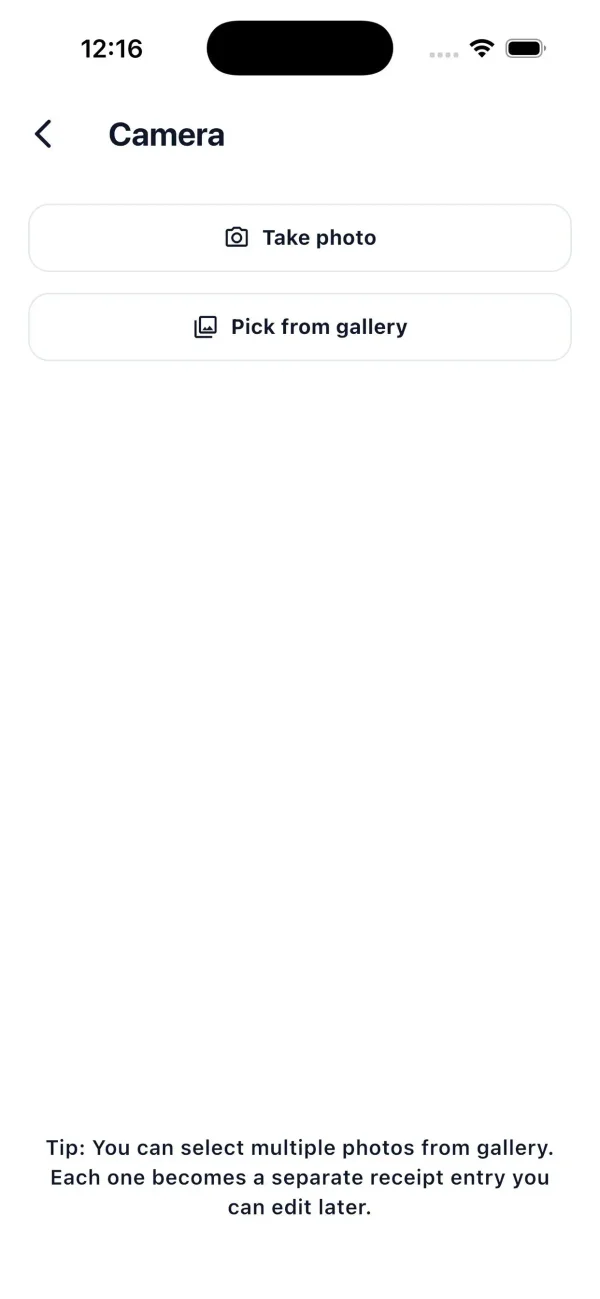
About
ExpenseSpy turns receipt photos into organized expense reports — automatically.
Point your camera at any receipt. Our AI reads the date, time, amount, merchant, and individual items in seconds. You review, confirm, and export. That's it.
WHAT EXPENSESPY DOES
- Automatically extracts data from any receipt photo
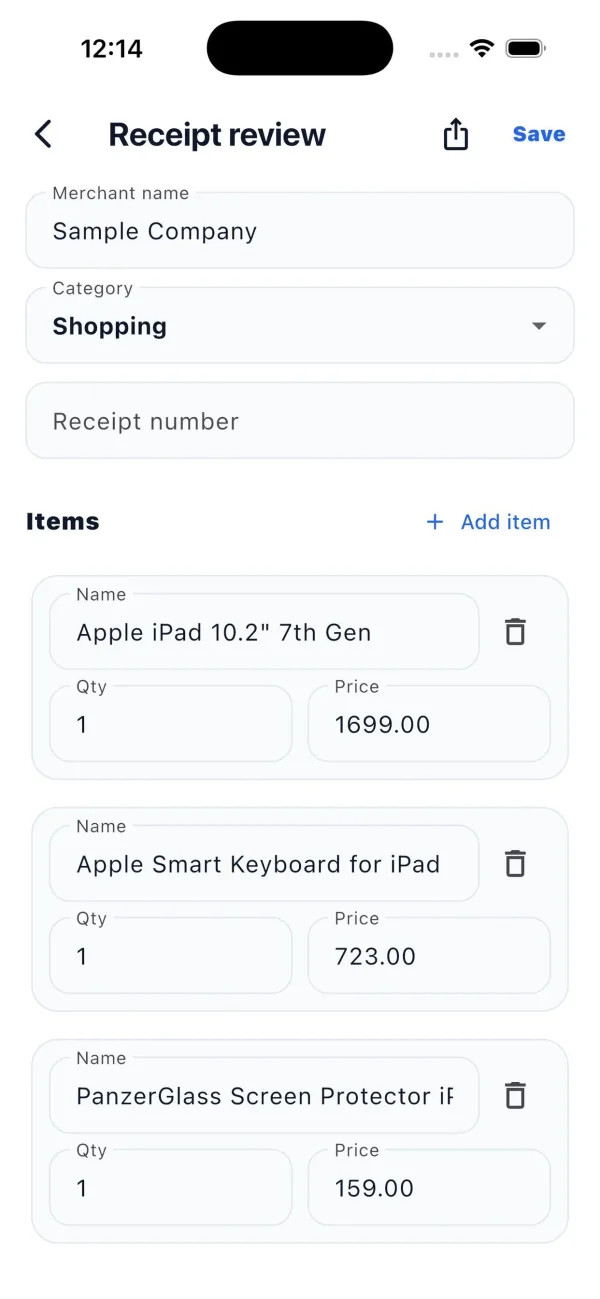
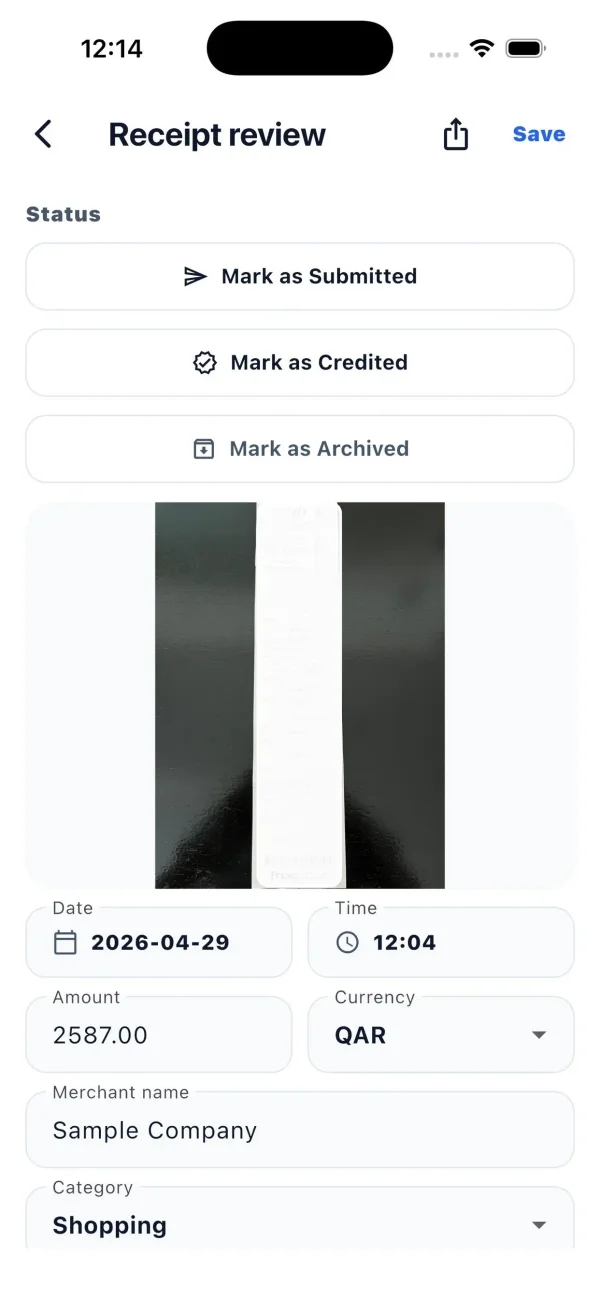
- Reads date, time, amount, currency, merchant name, and items
- AI suggests the right category (Food, Transport, Shopping, and more)
- Export to Excel, CSV, or PDF — in one tap
- Choose summary mode (one row per receipt) or detailed mode (one row per item)
BUILT FOR PEOPLE ON THE MOVE
Whether you're a frequent traveler submitting expense reports, a freelancer tracking business costs, or anyone tired of manual data entry — ExpenseSpy gets it done in seconds.
FEATURES
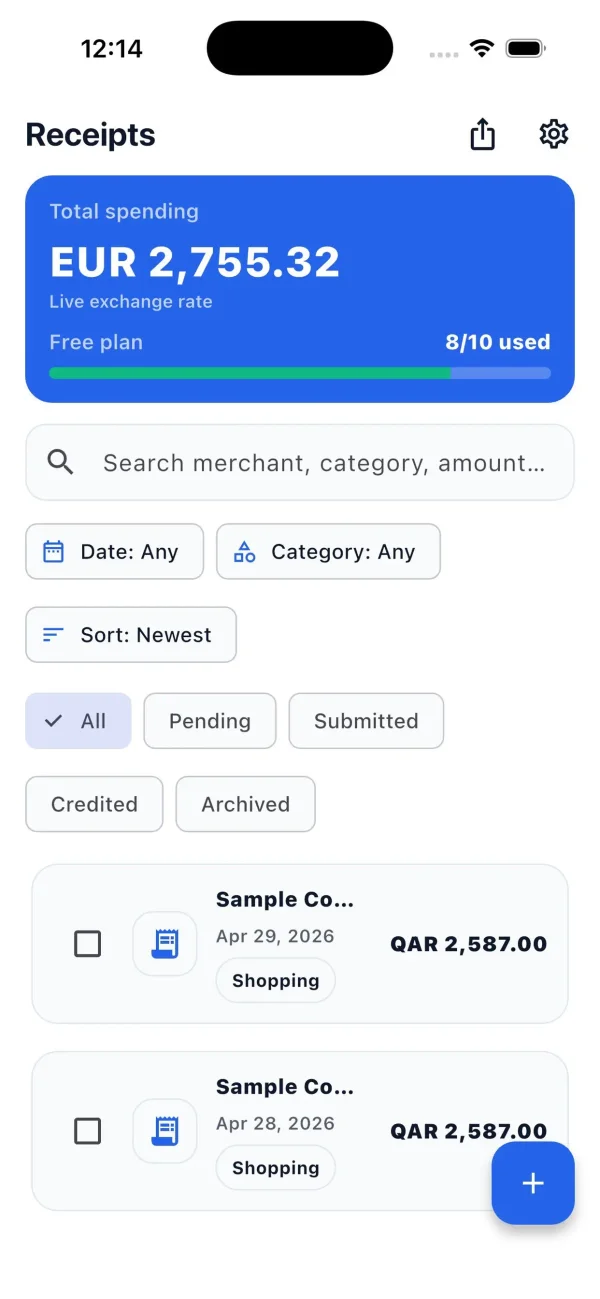
- Multi-currency support (QAR, USD, EUR, GBP, TRY and more)
- Search and filter by date, category, status, or amount
- Cloud sync — switch phones without losing your data
- Google and Apple sign-in
- Receipt photo stored with every entry
- Contact us directly from the app
SIMPLE PRICING
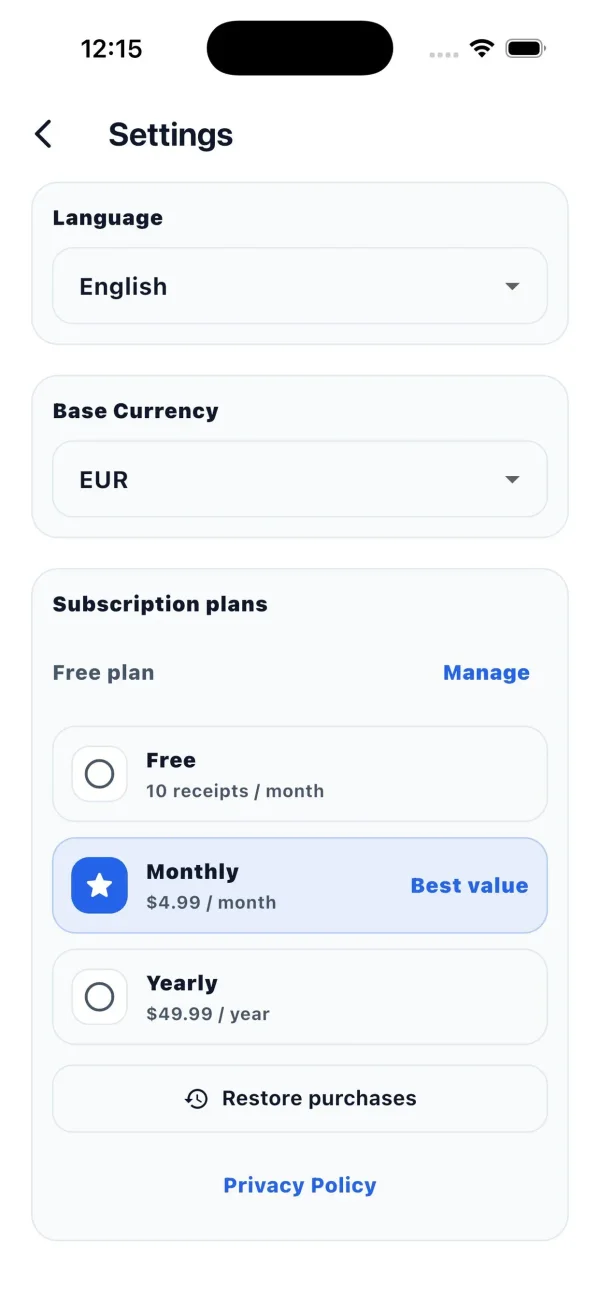
Free: 10 receipts per month — no credit card required
Monthly: $4.99/month — unlimited receipts
Yearly: $49.99/year — save 17%
Your data is private. We never sell it.
—
SUBSCRIPTION INFORMATION
- Title: ExpenseSpy Pro
- Length: 1 month or 1 year auto-renewable subscription
- Price: $4.99/month or $49.99/year
Payment will be charged to your Apple ID account at the confirmation of purchase. Subscription automatically renews unless it is canceled at least 24 hours before the end of the current period. Your account will be charged for renewal within 24 hours prior to the end of the current period. You can manage and cancel your subscriptions by going to your account settings on the App Store after purchase.
Terms of Use (EULA): https://www.apple.com/legal/internet-services/itunes/dev/stdeula/
Privacy Policy: https://expensespy.com/#privacy
—
Built by DLZ Labs — a one-person studio creating practical tools for everyday workflows.
Questions or feedback? Reach out from within the app — you'll hear back from the founder, not a support queue.
What’s new
Version 1.0.5 · Jul 10, 2026
Bug fixes: corrected currency sorting, fixed date filter range, improved export reliability, added photo viewing and sharing.
App privacy
What Cevdet Dogukan Korkmaz declares on the App Store about how this app handles data.
-
Data linked to you
May be collected and linked to your identity.
- Contact info
- User content
- Identifiers
- Usage data
-
Data not linked to you
May be collected but is not linked to your identity.
- Diagnostics
Privacy practices may vary, for example with the features you use or your age.
Information
- Seller
- Cevdet Dogukan Korkmaz
- Category
- Finance
- Version
- 1.0.5
- Updated
- Jul 10, 2026
- Released
- Jun 16, 2026
- Size
- 87.2 MB
- Requires
- iOS 15.0 or later
- Age rating
- 4+
- In-app purchases
- Yes
- Languages
- English
- Copyright
- © 2026 DLZ Labs. All rights reserved.
You might also like
-
 BillBiter: ReceiptsScanner for the Self-Employed
-
 Ledgerly – Budget & ExpensesPrivate offline money tracker
-
 OneLine: Expense TrackerType one line. You're done.
-
 Koru - Family Budget TrackerShared Money & Bills Manager
-
 Stash: Budget & RetirementEnvelopes & Net Worth Tracker
-
 Home Budget: Expense TrackerSubscriptions & Family Bills
-
 FinfreeFinance
-
 Receipt Scanner: ReceetoExpense Tracker & Manager
-
 Subscrr: Subscription TrackerSee where your money goes
-
 Balance – Personal FinanceBudget & Expense Tracker