
Export & Backup Contacts
Save as CSV & vCard, Restore
Designed for iPhone
Free · In-app purchases
- Age rating4+
- CategoryUtilities
- DeveloperRenzo Delgado
- LanguagesEnglish+ 5 more
- Size9.6 MB
Links to the official App Store page
Download.org hosts no file of Export & Backup Contacts. The button opens its official App Store page, published by Renzo Delgado. Listing last checked on Nov 23, 2026.
Screenshots

About
Back up your iPhone contacts before you switch phones, reset your device or clean up your address book. Save them as a vCard (VCF) file, or create a CSV spreadsheet with Pro that is compatible with Excel, Numbers and Google Sheets.
BACK UP AND SHARE
• Export the contacts you allow the app to access as a VCF (vCard) file.
• Save or share the file with the iOS share sheet, including Files, AirDrop, Mail and other compatible apps.
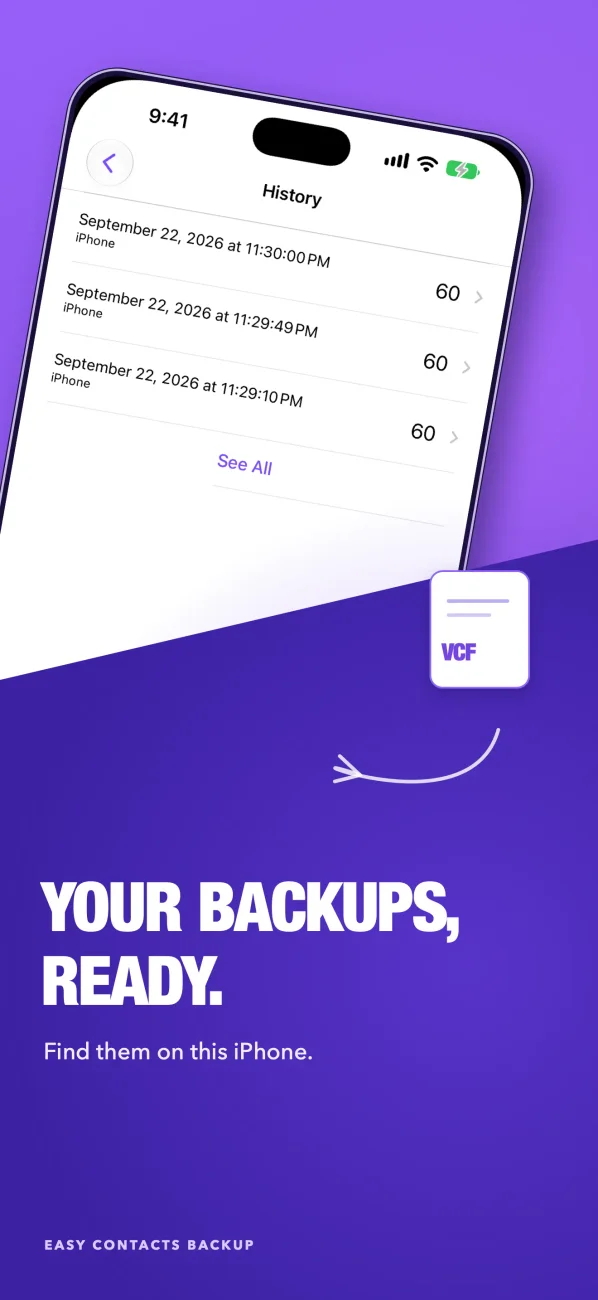
• Keep a local history with the date, device and number of contacts in each backup.
• Search and review the contacts saved in a backup.
CSV YOUR WAY
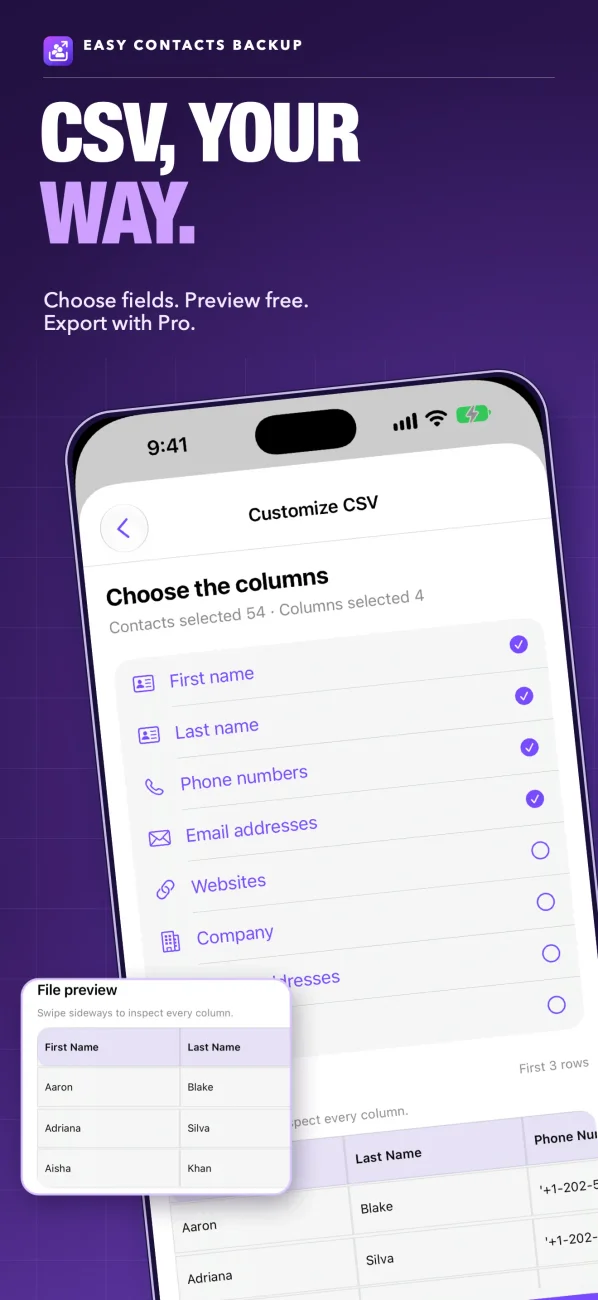
• Choose the contacts and columns to include: name, phone numbers, emails, company, addresses, birthday and URLs.
• Preview the first rows for free before you export.
• Save column templates to reuse your preferred layout; choose contacts each time.
• Exporting the CSV file requires Pro.
RESTORE FROM YOUR HISTORY (PRO)
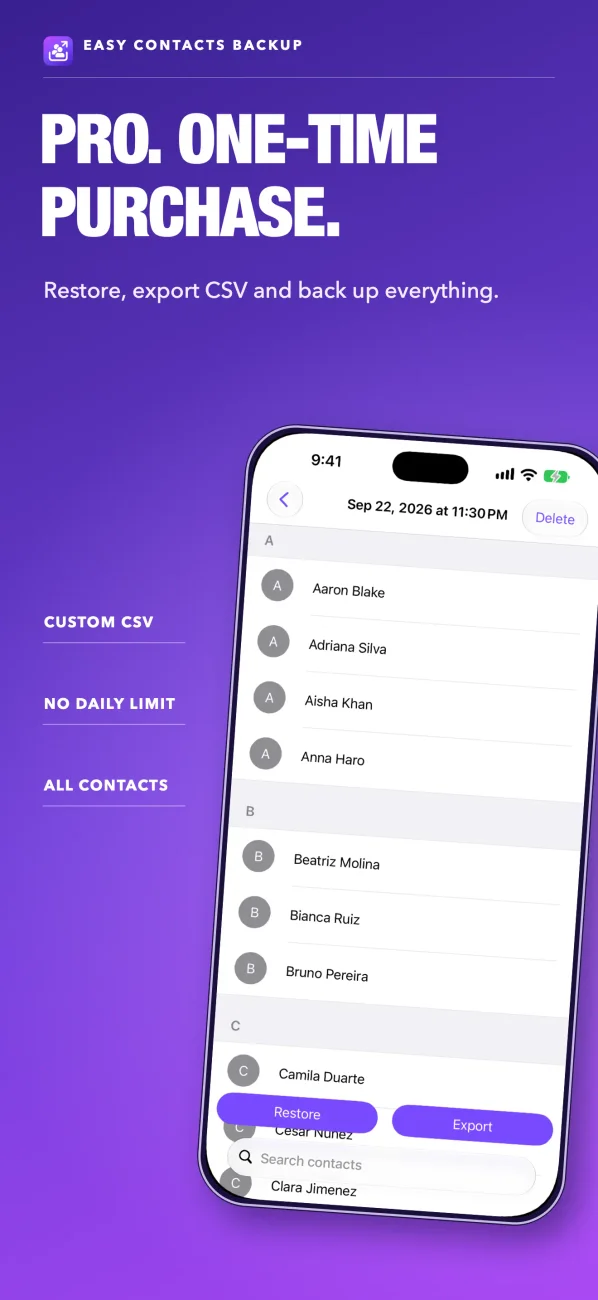
Add contacts to your address book from a backup in this app's local history. Restoring adds contacts; it does not delete or replace the contacts already on your iPhone.
REVIEW POSSIBLE DUPLICATES (PRO)
Find and review contacts that may be duplicates. The app lists them for you to check; it does not merge them automatically.
FREE VS PRO
Free: up to 70 contacts per file, 3 exports per day, vCard export, CSV preview and your 3 most recent backups.
Pro: all accessible contacts in every file, unlimited exports, CSV export, full backup history, restore from history and duplicate review.
PRO IS ONE PAYMENT, NO SUBSCRIPTION
Pro is a one-time lifetime purchase. Use Restore purchases with the same Apple Account to get Pro back on a new device or after reinstalling the app.
KEEP A COPY OUTSIDE THE APP
Backup history is stored only on this device and is removed if you delete the app. Before deleting the app or changing phones, save your VCF file to Files or another place you trust. Importing backup files from outside the app and automatically merging duplicates are not included.
YOUR PRIVACY
Your contacts are processed on your device and are not uploaded to our servers. You choose where to share exported files. The app uses third-party services for purchases, analytics and crash reporting; see our Privacy Policy for details.
What’s new
Version 2.0.4 · Nov 17, 2026
• CSV column titles now also come in French, German, Italian and Portuguese when the app is in that language.
App privacy
What Renzo Delgado declares on the App Store about how this app handles data.
-
Data linked to you
May be collected and linked to your identity.
- Location
- Usage data
-
Data not linked to you
May be collected but is not linked to your identity.
- Purchases
- Identifiers
- Diagnostics
Privacy practices may vary, for example with the features you use or your age.
Information
- Seller
- Renzo Delgado
- Category
- Utilities
- Version
- 2.0.4
- Updated
- Nov 17, 2026
- Released
- Oct 14, 2022
- Size
- 9.6 MB
- Requires
- iOS 16.0 or later
- Age rating
- 4+
- Price
- Free
- In-app purchases
- Yes
- Languages
- English, French, German, Italian, Portuguese, Spanish
- Copyright
- © Renzo Delgado
You might also like
-
 Export Contacts & BackupBackup to Excel, CSV & VCF
-
 Contact Backup & ExportVCF, Excel & PDF Export
-
 Export Contacts++Backup Contacts
-
 Backup ContactSync, restore & share contacts
-
 Export Contacts Excel: ContaxoTransfer, Backup & Import
-
 Contact Exporter: Backup ShareSave and transfer contacts
-
 Export Contacts to CSV & ExcelBackup & Import vCard, XLSX
-
 iContacts ToolContacts import and export
-
 Contacts Backup - Easy ExportTransfer, Restore Contact Fast
-
 Export Contacts To CSV ExcelContact Exporter Backup Sync