Export Reminders: CSV/PDF/Docx
Back Up & Share Your Tasks
Designed for iPhone, iPad, Mac
Free · In-app purchases
- Age rating4+
- CategoryUtilities
- DeveloperOleksandr Khomin
- LanguagesEnglish+ 19 more
- Size20.0 MB
Links to the official App Store page
Download.org hosts no file of Export Reminders: CSV/PDF/Docx. The button opens its official App Store page, published by Oleksandr Khomin. Listing last checked on Nov 23, 2026.
Screenshots
About
Your Apple Reminders, finally exportable. Save, share, or back up all your tasks — no account, no login, no fuss.
Your tasks are yours — but getting them out has never been easy. Until now. Export Reminders fills that gap — the tool that should have always existed.
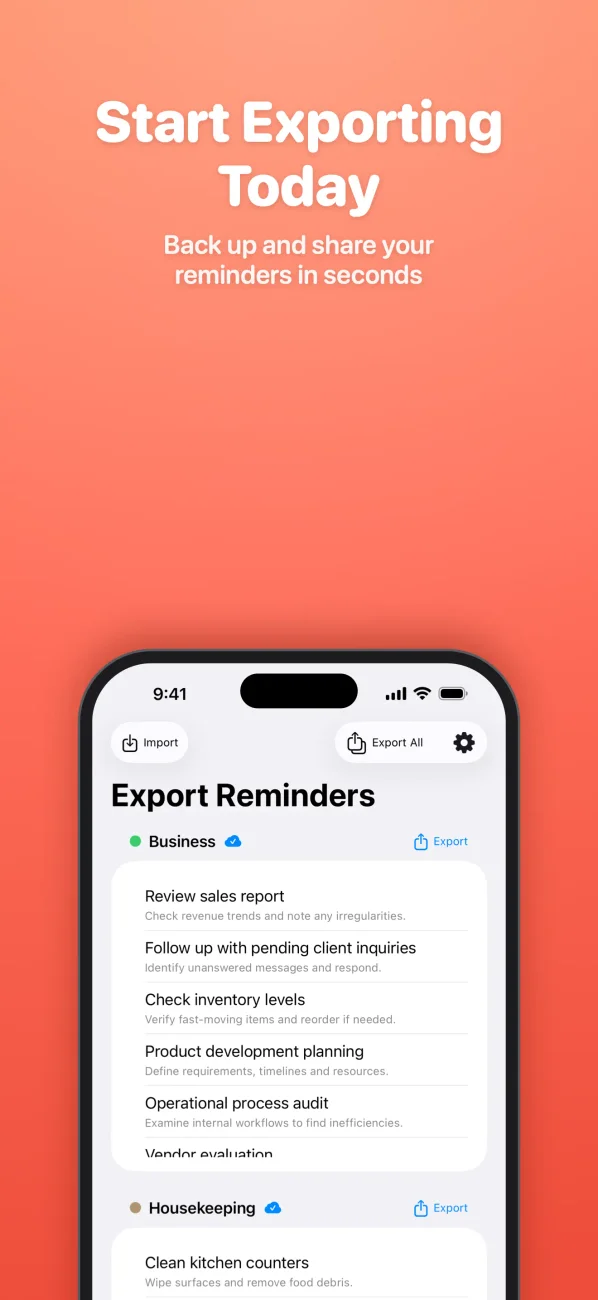
Pick your format. Pick your lists. Export in seconds.
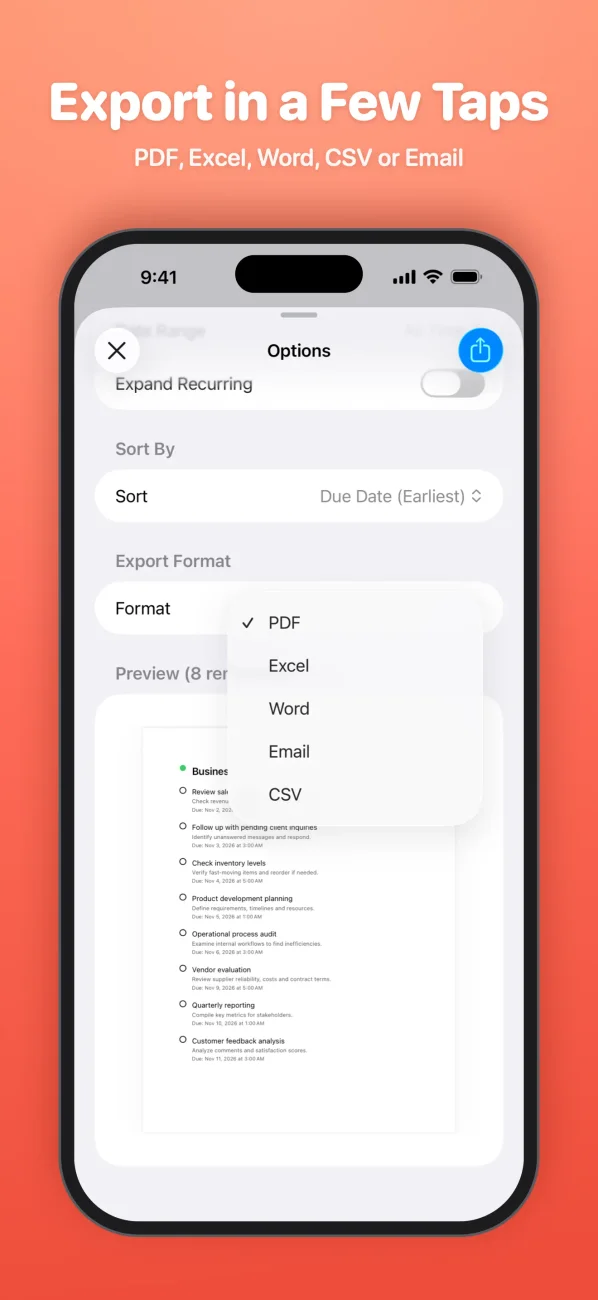
EXPORT TO 5 FORMATS
- CSV — open in Excel, Numbers, or any spreadsheet
- PDF — print or archive your tasks
- Excel (.xlsx) — full spreadsheet with formatting
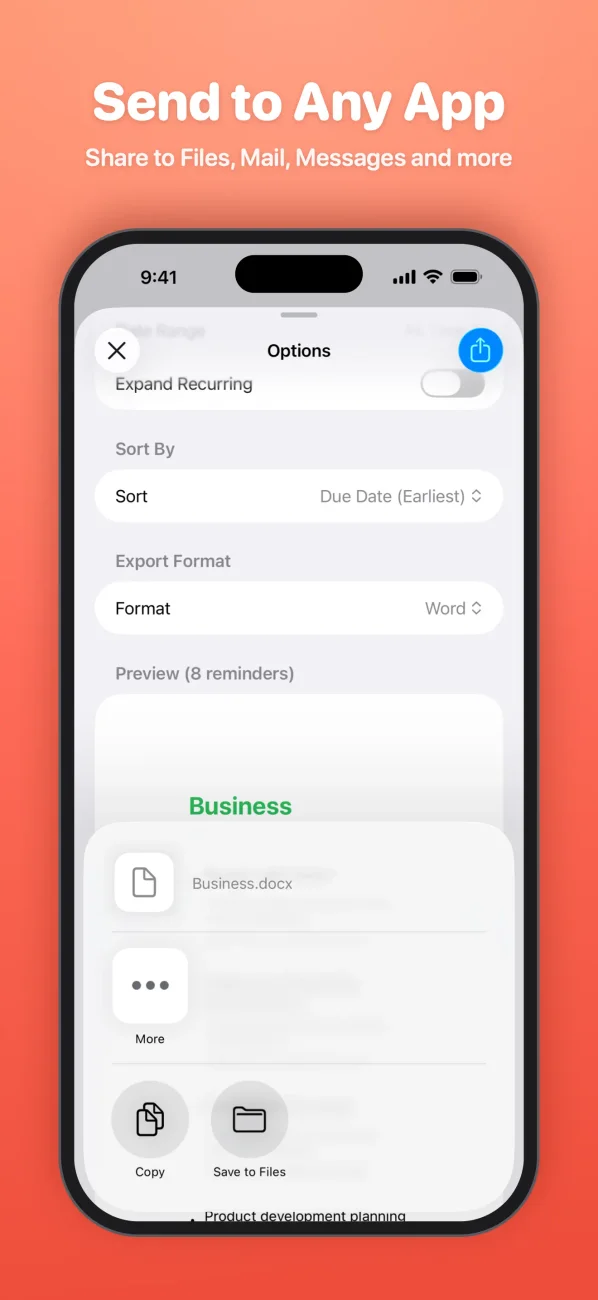
- Word (.docx) — clean document layout
- Email — share a polished task list instantly
IMPORT FROM CSV
Bring reminders back in — or migrate tasks from other apps. Smart column mapping handles the heavy lifting.
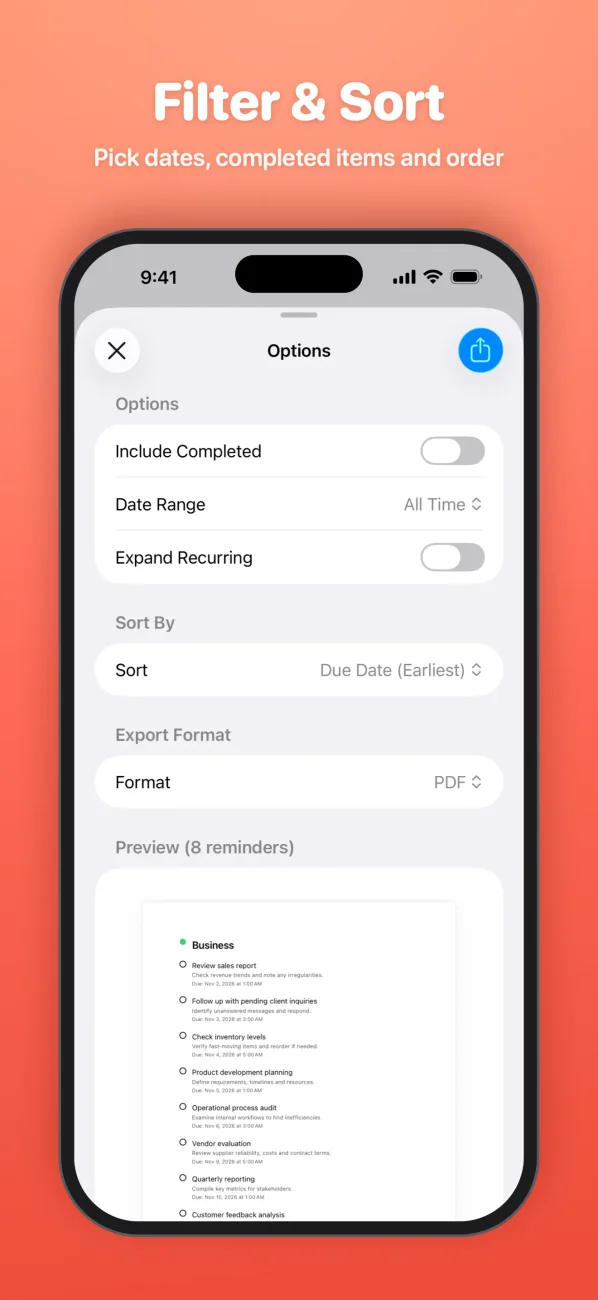
FILTER & SORT BEFORE YOU EXPORT
- Include or exclude completed reminders
- Export from all lists or just one
- Filter by date range (7 days, 30 days, custom, and more)
- Sort by due date, title, priority, or creation date
- Expand recurring reminders into individual occurrences
PREVIEW BEFORE YOU EXPORT
See exactly what your export will look like — in CSV, PDF, Excel, Word, or email view — before saving or sharing.
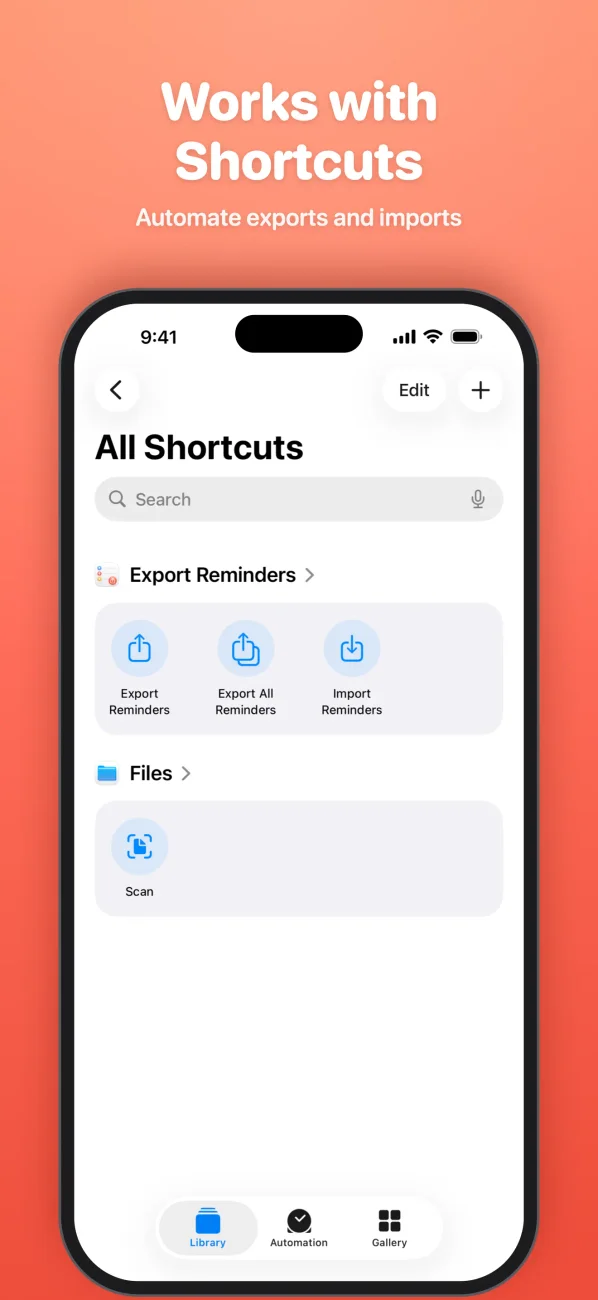
SIRI SHORTCUTS SUPPORT
Automate your exports with App Intents. Trigger a full export to any format from Shortcuts — no app launch required. Connect to your AI apps, automation workflows, or cloud storage.
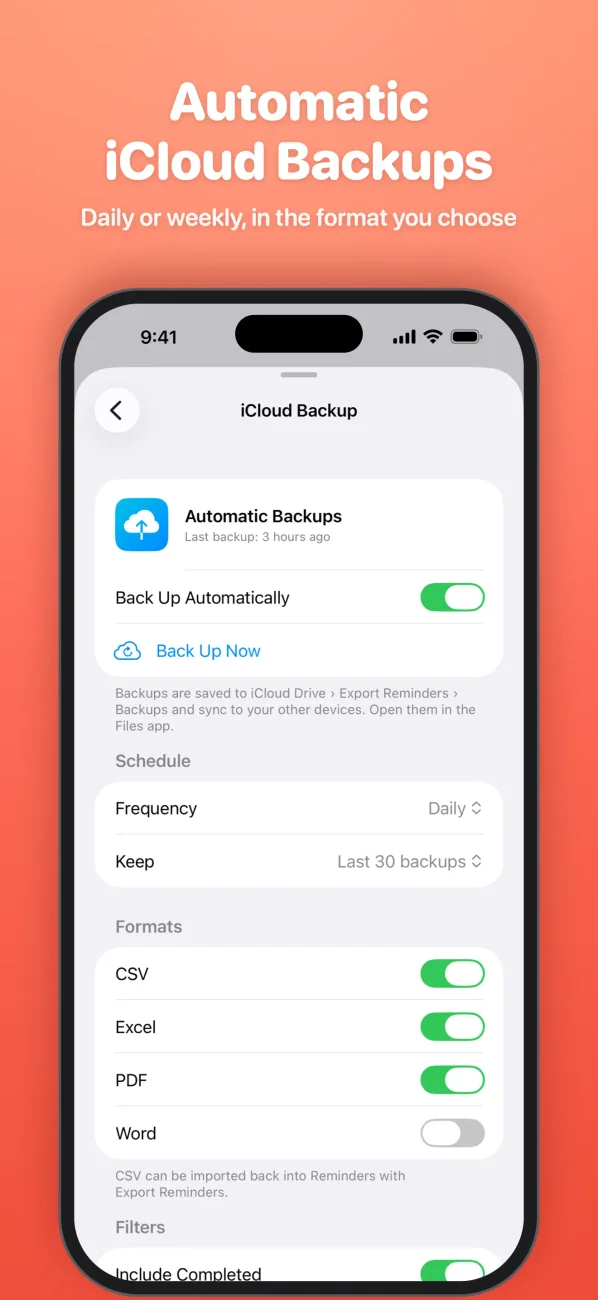
AUTOMATIC ICLOUD BACKUPS (PRO)
Set it and forget it. Daily or weekly snapshots of your reminders are saved to iCloud Drive in CSV, Excel, PDF or Word — pick the lists, include completed reminders, choose a date range, and keep the last 7, 30 or every backup. Open them from the Files app on any device. Backups switch on automatically with Pro, and an iCloud icon on every list shows whether it is backed up.
PRIVATE BY DEFAULT
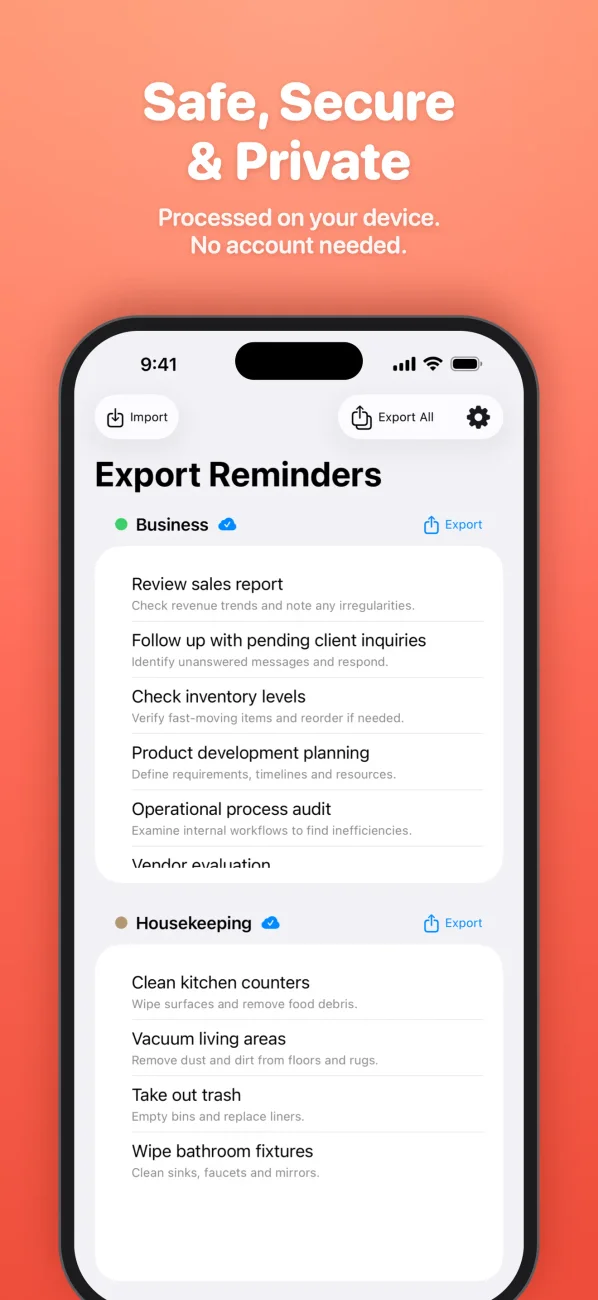
No account required. Your reminders are processed on your device and saved only where you choose, like your own iCloud Drive.
FREE & PRO
Free: unlimited exports and imports of up to 20 reminders each, in every format, with date range filters, sorting and full preview. Pro unlocks unlimited reminders per export and import, completed and recurring reminders, Export All lists into one file, Shortcuts, Siri and URL automations, automatic iCloud backups and files without the Export Reminders footer. Choose Weekly or a one-time Lifetime purchase. The Weekly plan renews automatically until you cancel.
Loved by users who just want their data.
Terms of Use (EULA):
https://www.apple.com/legal/internet-services/itunes/dev/stdeula/
What’s new
Version 1.12 · Nov 22, 2026
A smoother first launch: after the welcome tour you go straight to the plans, then to your lists.
Automatic iCloud Drive backups (Pro): daily or weekly snapshots in CSV, Excel, PDF or Word, switched on automatically with Pro, with an iCloud status on every list.
Bug fixes and improvements.
App privacy
What Oleksandr Khomin declares on the App Store about how this app handles data.
-
Data not linked to you
May be collected but is not linked to your identity.
- Identifiers
- Usage data
- Diagnostics
Privacy practices may vary, for example with the features you use or your age.
Information
- Seller
- Oleksandr Khomin
- Category
- Utilities
- Version
- 1.12
- Updated
- Nov 22, 2026
- Released
- Dec 9, 2025
- Size
- 20.0 MB
- Requires
- iOS 18.2 or later
- Age rating
- 4+
- Price
- Free
- In-app purchases
- Yes
- Languages
- English, Arabic, Dutch, French, German, Hindi, Indonesian, Italian, Japanese, Korean, Polish, Portuguese + 8 more
- Copyright
- © Oleksandr Khomin
You might also like
-
 Prompt ManagementUtilities
-
 SMS Filter ProAdvanced SMS Filter with Regex
-
 PicSeek: AI Photo SearchFind Photos & Clean Duplicates
-
 Dice FX: Currency ConverterCurrency Calculator & Rates
-
 PhotoSwift: Photo CompressorImage Converter, Resize & PDF
-
 Stitch-Stitch ImageStitch Long Image
-
 Clipboard for KeyBoardUtilities
-
 HereMarkCapture organize book insights
-
 Neural Sound - Text to SpeechUtilities
-
 Unrar - ZIP & Rar Extractorrar, zip, tar file archiver