
Extended Rest Operations
Pilot & Crew Rest Calculator
Designed for iPhone, iPad, iPod touch
$2.99
- Age rating4+
- CategoryUtilities
- DeveloperSantiago Borja Lopez
- LanguagesEnglish
- Size35.0 MB
Links to the official App Store page
Download.org hosts no file of Extended Rest Operations. The button opens its official App Store page, published by Santiago Borja Lopez. Listing last checked on Nov 20, 2026.
Screenshots

About
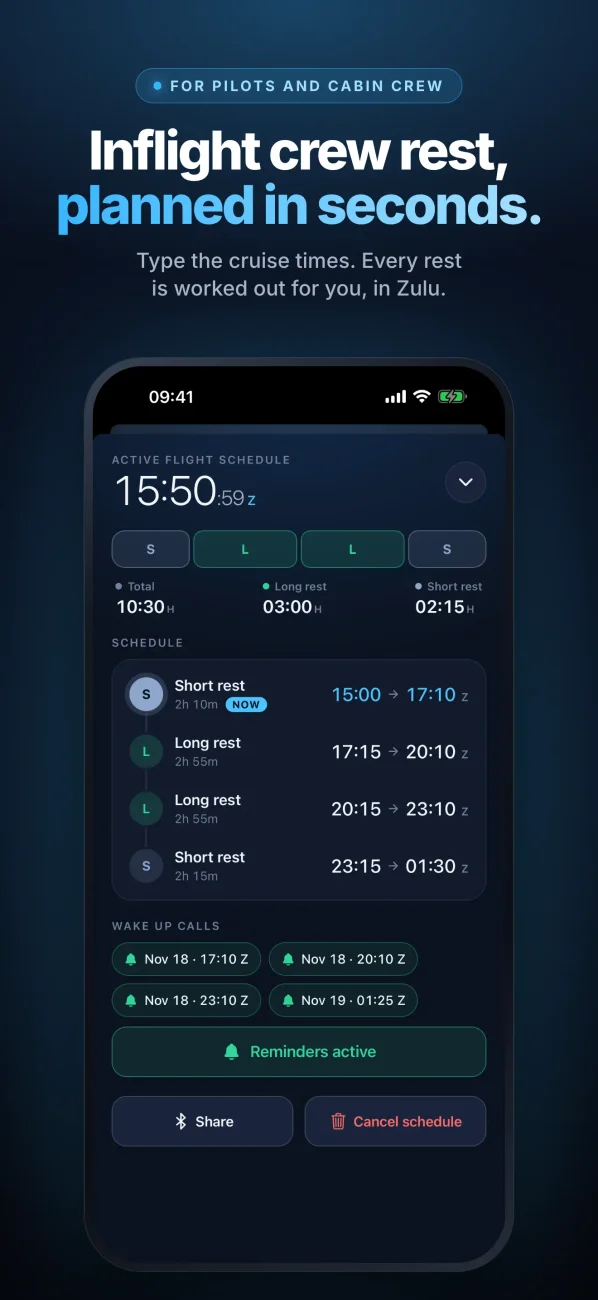
Flying long-haul? Work out the inflight rest periods for the whole crew in a few taps.
FOR PILOTS AND CABIN CREW
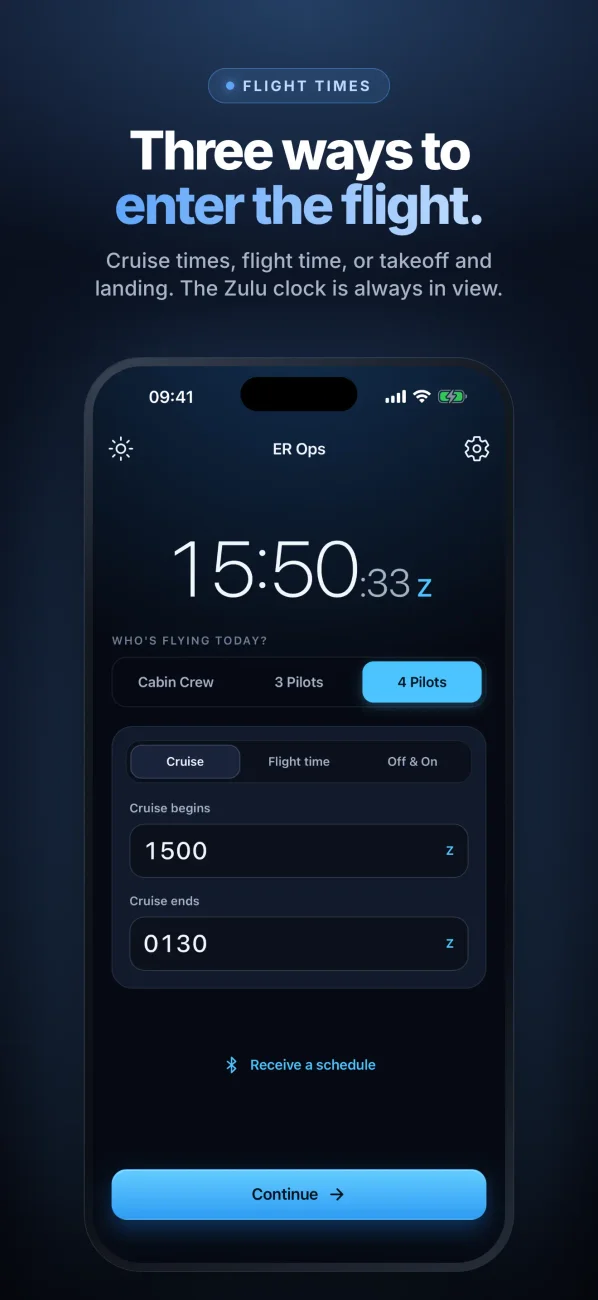
• 3 pilots, 4 pilots or cabin crew with one, two or three services
• Pick the rest distribution your crew prefers, drawn to scale so you see it before you choose
• Works for every rank: Captain, Cruise Captain, First Officer, Cruise Relief Pilot
FAST TO FILL IN
• Three ways to enter your flight: choose the one that matches the times you have at hand
• Round up to get clean, easy to read times
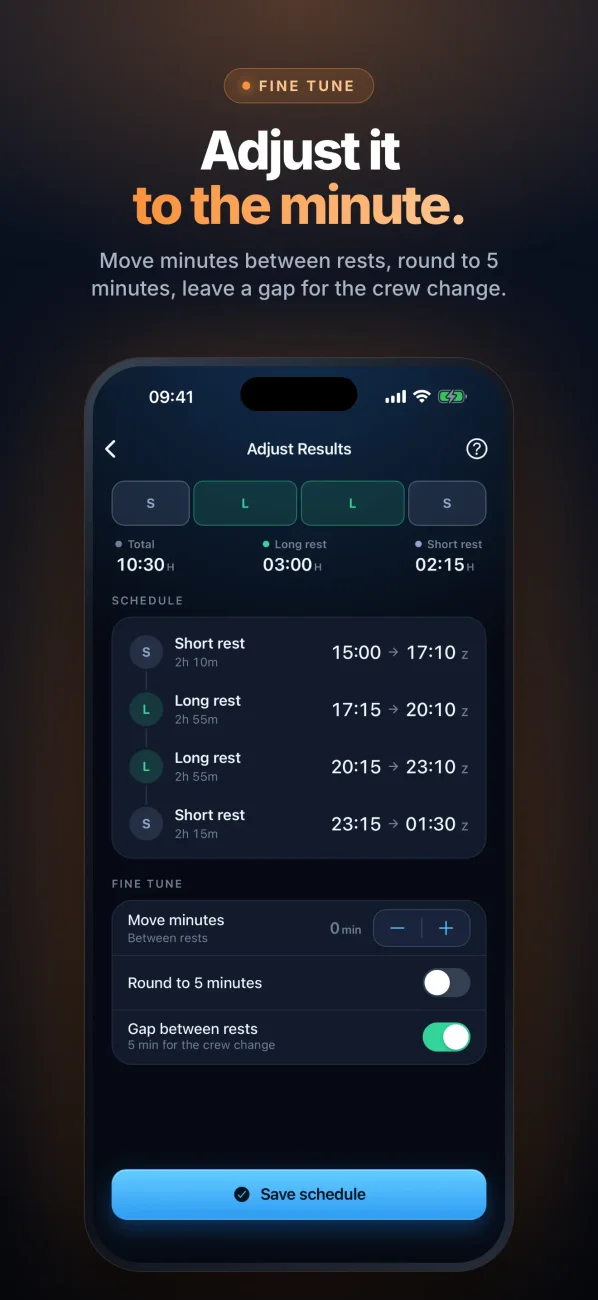
• Adjust the result and add a changeover time
DURING THE FLIGHT
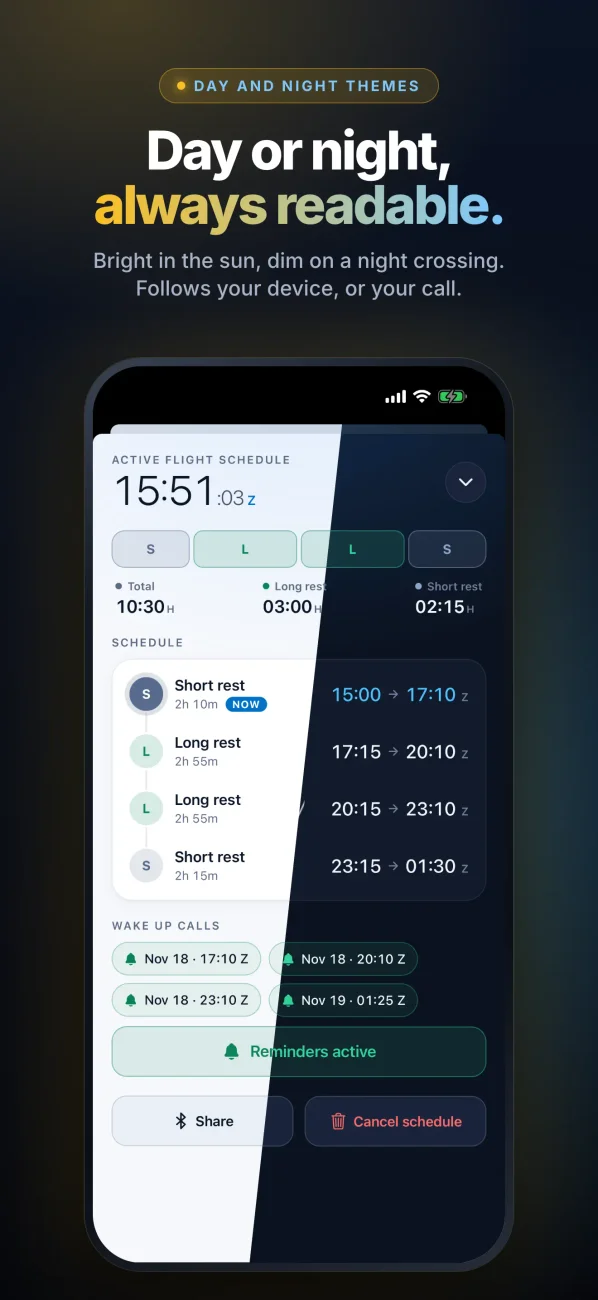
• Your schedule as a timeline, with the period in progress marked
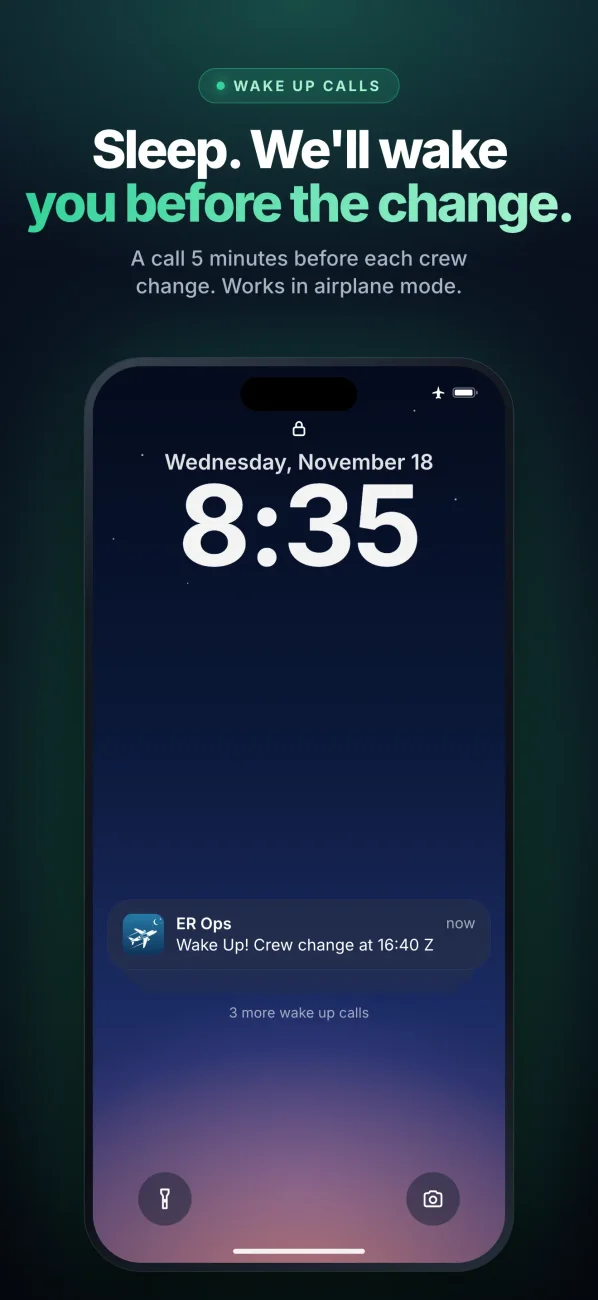
• Wake up calls before each crew change, so nobody oversleeps
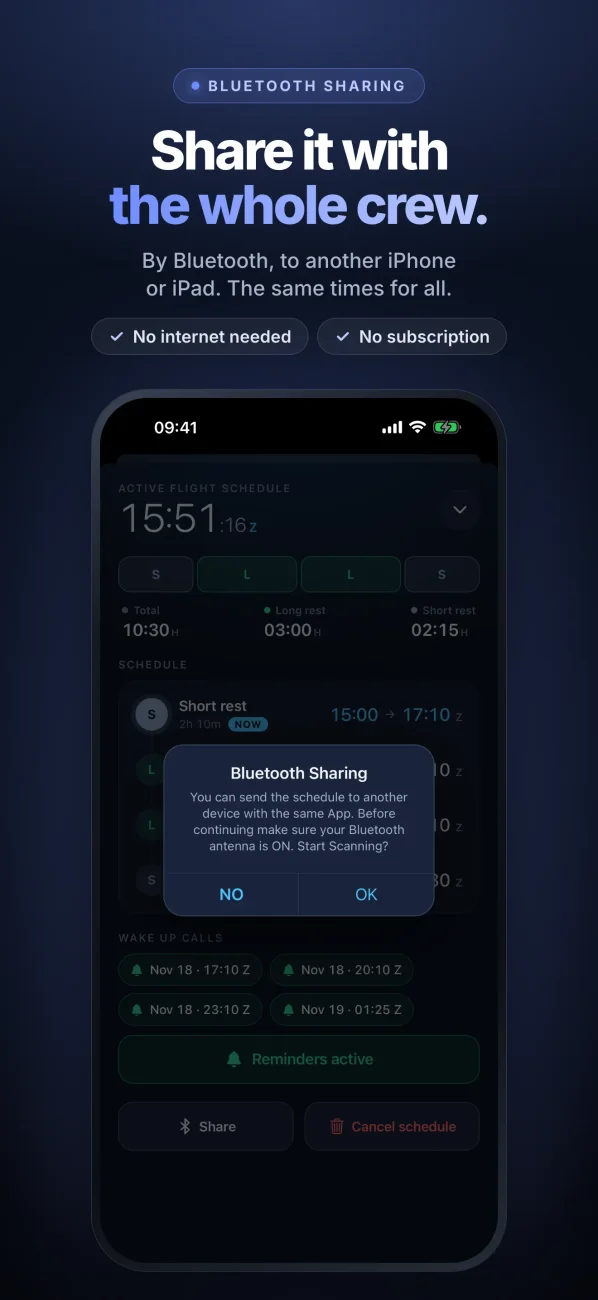
• Share the schedule with the rest of the crew by Bluetooth
AT A GLANCE
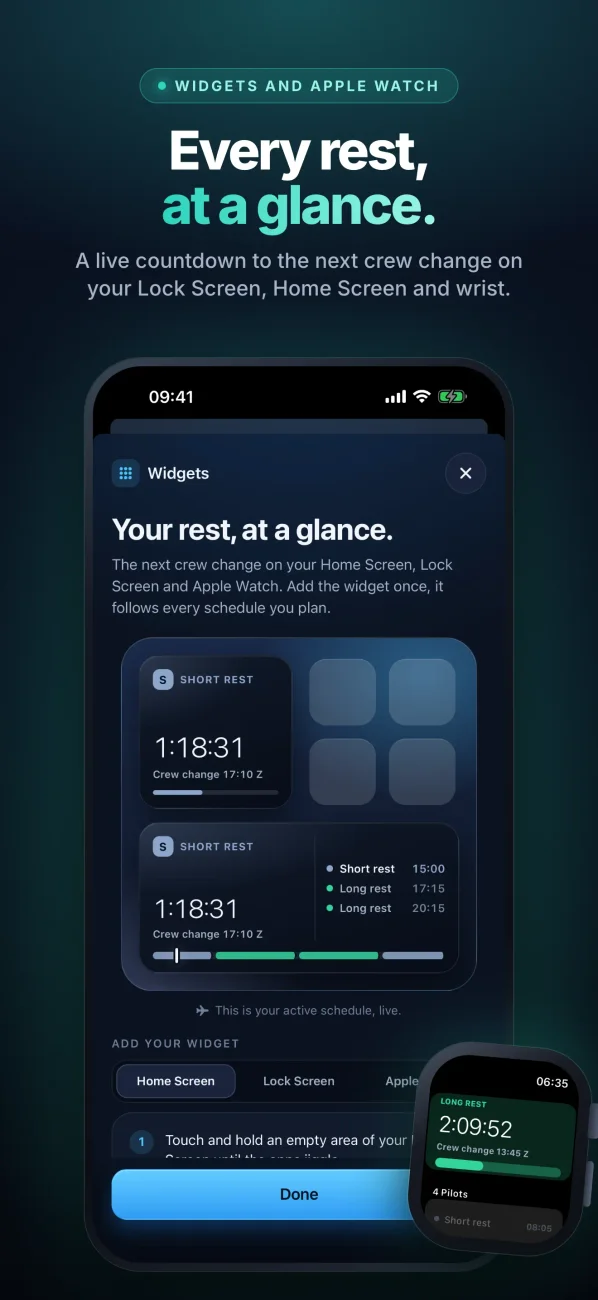
• Home Screen and Lock Screen widgets: the rest in progress and a live countdown to the next crew change
• Apple Watch: Smart Stack widget and watch face complications
• Moves to the next rest by itself, offline, all flight
MADE FOR THE FLIGHT DECK
• Day and night themes: bright and sharp in the sun, dark and easy on the eyes at night. Follows the light or dark setting of your iPhone, or choose one yourself
• Simple, uncluttered screens: only what you need at each step
• Works offline, in airplane mode
• No account, no ads, no data collected
• iPhone, iPad and Apple Watch
Built with the input of dozens of pilots and cabin crew.
What’s new
Version 15.12.0 · Nov 19, 2026
Split screen on iPad.
- In landscape, and on the iPad Pro 13" also in portrait, the flight input stays on the left and your rest schedule opens on the right: change a time and see the result side by side.
- The active schedule is always in view, no sheet to open. With nothing planned yet, the right side shows how to plan the crew rest in three steps.
- Rotate the iPad or resize the window any time: ER Ops switches between one screen and split screen live, and keeps the crew, input method and times you typed.
- Distributions and Adjust Results use the extra space, with the schedule beside the options.
Day and night themes.
- A bright day theme, sharp and easy to read in a sunlit cockpit, and a dark night theme that's easy on the eyes on a night crossing.
- Follows the light or dark setting of your iPhone or iPad automatically. Prefer one? Choose Day or Night in Settings > Appearance, or tap the sun / moon on the first screen.
- Simpler, calmer screens: only what you need at each step, with fewer cards and less clutter.
- Adjust Results: move minutes, round to 5 minutes and gap between rests are now together in one list of switches.
- Smoother navigation: going back no longer shows a blank screen for a moment.
App privacy
What Santiago Borja Lopez declares on the App Store about how this app handles data.
-
Data not collected
The developer does not collect any data from this app.
Privacy practices may vary, for example with the features you use or your age.
Information
- Seller
- Santiago Borja Lopez
- Category
- Utilities
- Version
- 15.12.0
- Updated
- Nov 19, 2026
- Released
- Mar 19, 2013
- Size
- 35.0 MB
- Requires
- iOS 15.6 or later
- Age rating
- 4+
- Price
- $2.99
- Languages
- English
- Copyright
- ©2026 CueSoft Apps
You might also like
-
 Flight BreaksUtilities
-
 Boeing 787 Training Guide PROPRO
-
 CrewRest+Airline Crew Rest Calculator
-
 FlightRestsIn-flight rest in a snap.
-
 Flight-TimeTime Calculations for Pilots
-
 Boeing 787 Training Guide LiteLITE
-
 ACR/PCR CalculatorEfficient ACR/PCR Limit Calc
-
 Boeing 787 Virtual PanelDreamliner Virtual Panel
-
 APDL - Airline Pilot LogbookAirline Pilot's Daily Logbook
-
 ACN/PCN CalculatorAircraft PCN limitation check