Eye Sight Guardian
Automatic 20-20-20 Rule Timer
Designed for iPhone, iPad, iPod touch
Free
- Age rating4+
- CategoryHealth & Fitness
- DeveloperHongyan Chen
- LanguagesEnglish
- Size20.5 MB
Links to the official App Store page
Download.org hosts no file of Eye Sight Guardian. The button opens its official App Store page, published by Hongyan Chen. Listing last checked on Nov 18, 2026.
Screenshots


About
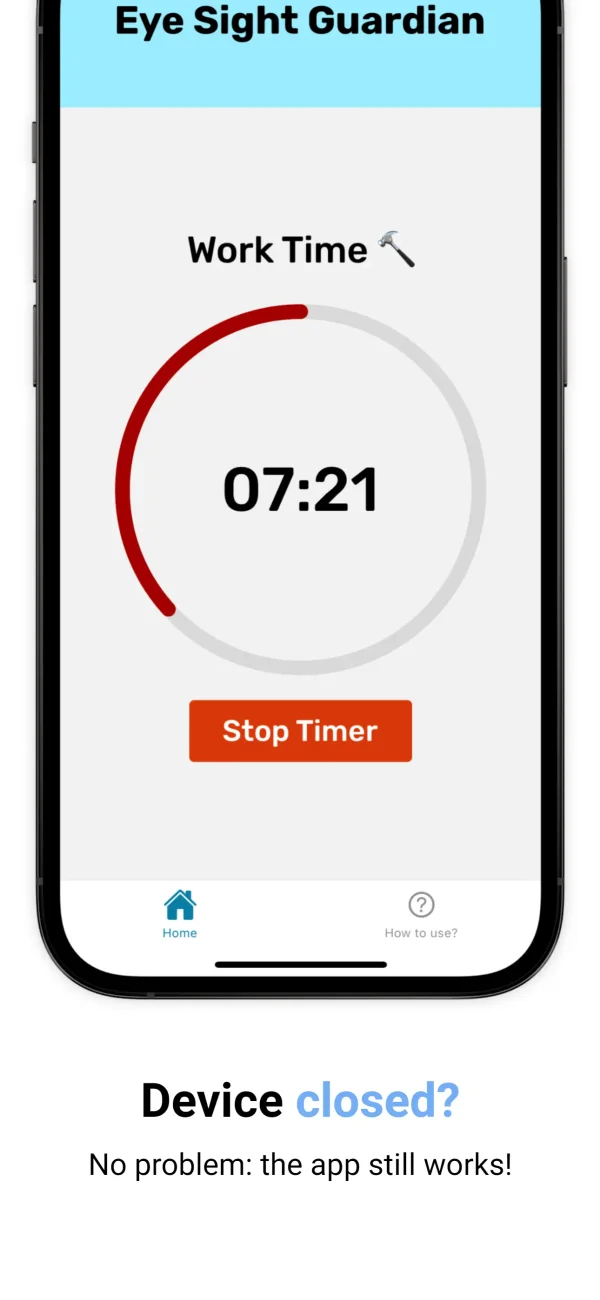
IMPORTANT NOTE: If you want to stop the timer but you’ve already closed the app, simply reopen the app and the timer will stop!
Have you ever gotten a headache or eye pain from using your phone or computer too much? These negative side effects are the result of computer vision syndrome, which can be cured and avoided by taking periodic breaks to rest your eyes. Taking these breaks will help you maintain your eye health and your healthiness as a whole.
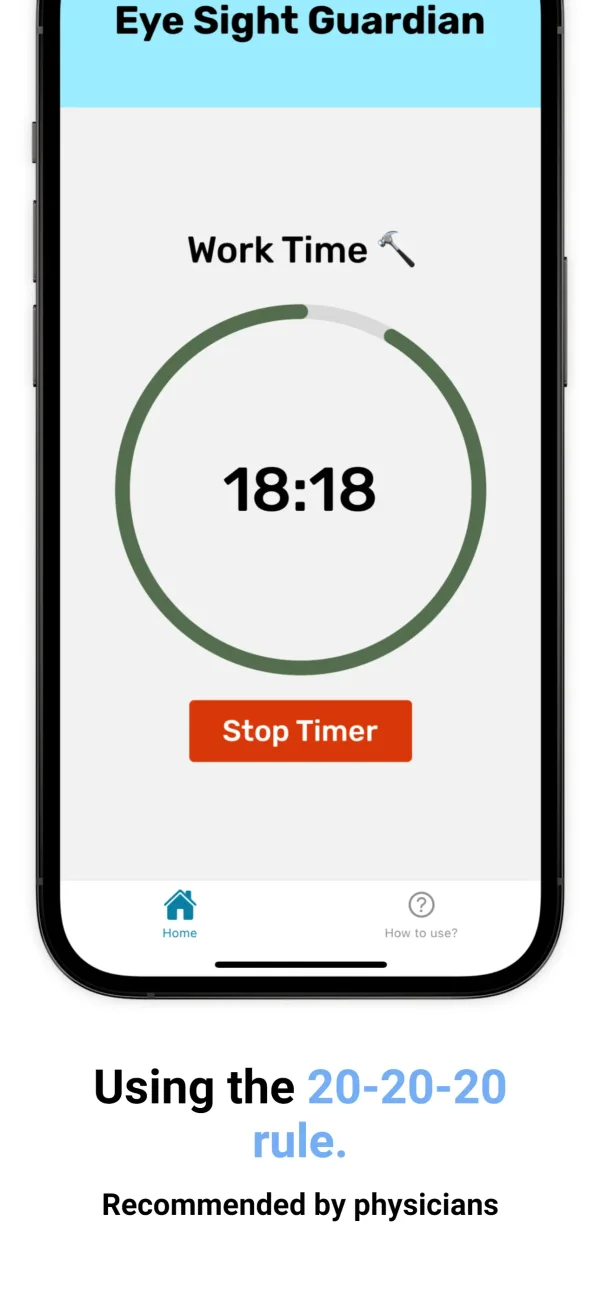
One method recommended by physicians, known as the "20-20-20 Rule," states that every 20 minutes, you should look at something at least 20 feet away for 20 seconds. This rule is effective at preventing eye overuse problems, but it's difficult for many (including the creators of this app) to follow it, because you have to set a new timer every 20 minutes, which means you have to actively, throughout your day, be remembering to restart the timer. Time flies, and it's common that you only realize that you forgot to reset the timer when the day's already over.
With Eye Sight Guardian, get automatically reminded every 20 minutes to look at something 20 feet away for 20 seconds. Just click the "start" button, and continue with your work! When you're done for the day, just open the app and click "stop" to stop the timer.
This app is useful for many different kinds of people. If you spend a considerable amount of time (>2 hours) interacting with digital devices daily, then you may be at greater risk of developing various eye disorders, such as blurred vision, dry eye, or double vision. By taking periodic eye breaks using our app, you can protect yourself from these negative effects.
FREQUENTLY ASKED QUESTIONS:
1. Do I need to turn on notifications?
Answer: Yes, notifications must be enabled to ensure functionality. The only notifications the app sends are to remind you to take an eye break; no promotional notifications are sent.
2. Do I need to keep my device on for the timer to work?
Answer: The timer works in the background, so you don't have to keep your device open to receive the notifications. However, sometimes, if the app is closed, the alarm may not sound. For best results, leave the app open in the background.
3. Does this app cost money?
Answer: No, this app is completely free, with no in-app purchases or ads. Our main objective for this app is to prevent the various problems caused by overuse of digital devices; as such, we have made the app free with no disruptive ads. If you wish to support us, please consider sharing this app on your social media platforms and to your family and friends.
4. Is this app appropriate for kids?
Answer: Yes, this app is appropriate for kids. There's no violence or profanity: all you can do is to either read the instructions or click the "start" and "stop" buttons for the timer.
5. Do physicians actually recommend the "20-20-20" rule?
Answer: Yes, both the American Optometric Association (AOA) and the American Academy of Opthalmology (AAO) recommend it as a way to reduce eye strain.
6. What devices does this app support?
Answer: This app can be run on iPhones and iPads.
What’s new
Version 1.0.2 · Aug 7, 2024
Fixed bug where notifications from previous app session were unable to be canceled.
App privacy
What Hongyan Chen declares on the App Store about how this app handles data.
-
Data not collected
The developer does not collect any data from this app.
Privacy practices may vary, for example with the features you use or your age.
Information
- Seller
- Hongyan Chen
- Category
- Health & Fitness
- Version
- 1.0.2
- Updated
- Aug 7, 2024
- Released
- Jun 16, 2024
- Size
- 20.5 MB
- Requires
- iOS 13.4 or later
- Age rating
- 4+
- Price
- Free
- Languages
- English
- Copyright
- © 2024 Hongyan Chen
You might also like
-
 Eye Want to RestYour Eyes Deserve More
-
 iCare - Eye Break RemindersThe 20-20-20 Rule, Made Easy
-
 Eye Rest Reminder: 20-20-20Screen Break & Strain Timer
-
 20s Vision Break20/20 Eye Strain & Blink Timer
-
 Eye Care: Relax tired eyesEye Care
-
 Eye Care 20 20 20Eye Strain Break Reminder
-
 Eye Break Timer20-20-20 Rule for Healthy Eyes
-
 Eye Break: Eye Health TimerReminders & Exercises for Eyes
-
 Eye Break Timer - 20-20-20Reminders to look away
-
 Eye Break Timer: GlanceAway20-20-20 Screen Reminder