
eyeOn CCTV
Monitor another phone camera
Designed for iPhone, iPad, iPod touch
Free
- Age rating4+
- CategoryUtilities
- DeveloperOMYZERO PTY LTD
- LanguagesEnglish+ 16 more
- Size14.1 MB
Links to the official App Store page
Download.org hosts no file of eyeOn CCTV. The button opens its official App Store page, published by OMYZERO PTY LTD. Listing last checked on Nov 17, 2026.
Screenshots
About
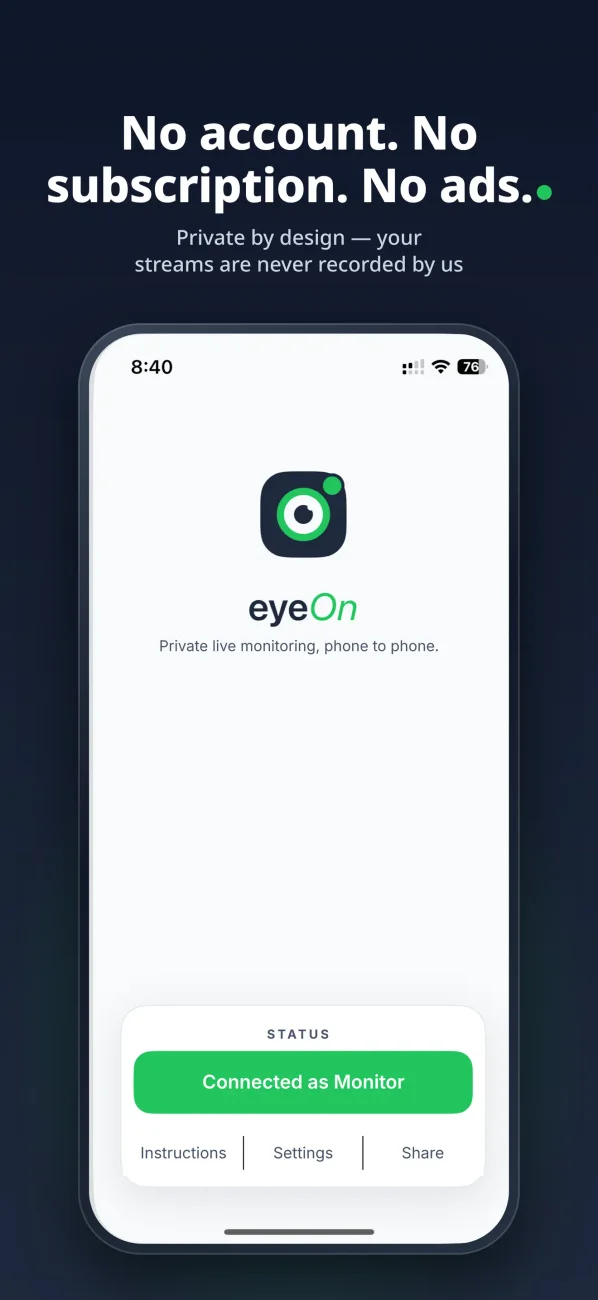
eyeOn CCTV turns your iPhone or iPad into a live monitor for a home security camera you make from a spare phone.
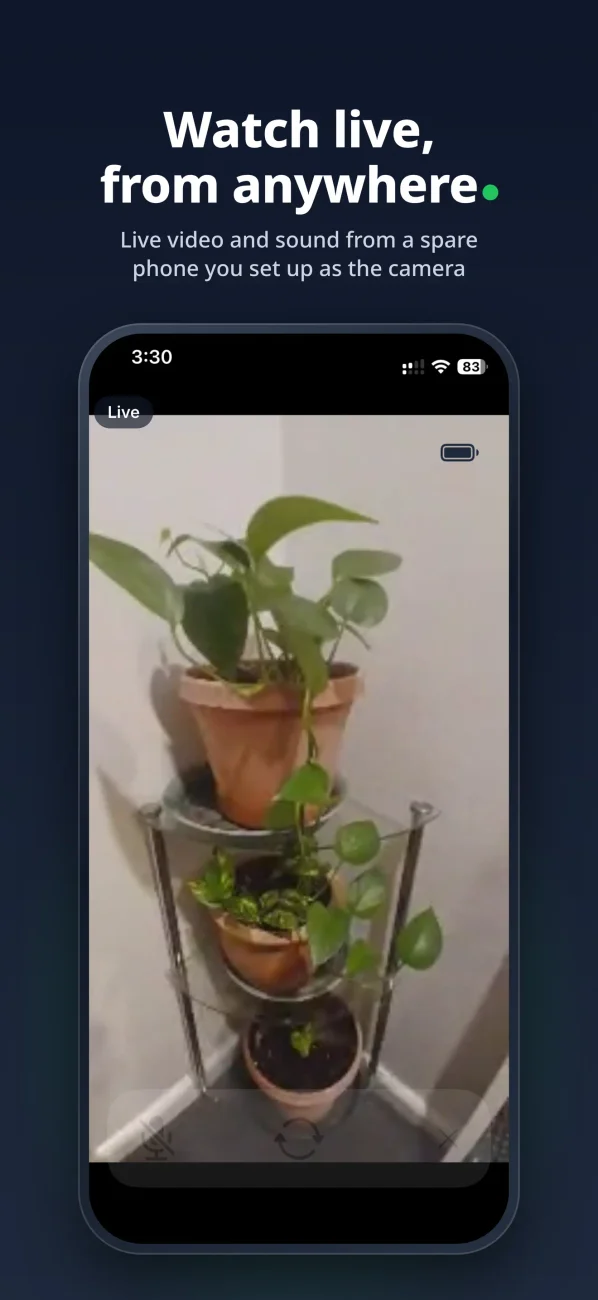
Set a spare phone or tablet down as the camera, pair it with your iPhone or iPad, and watch the live video and sound from anywhere. No account, no subscription, no complicated setup.
WHICH DEVICE DOES WHAT
On iPhone and iPad, eyeOn is the monitor — the screen you watch on. The camera half of the pair runs on a second device you set down where you want to watch. For the list of devices that can be used as the camera, see https://cctvdroid.omyzero.com
HOW TO SET IT UP
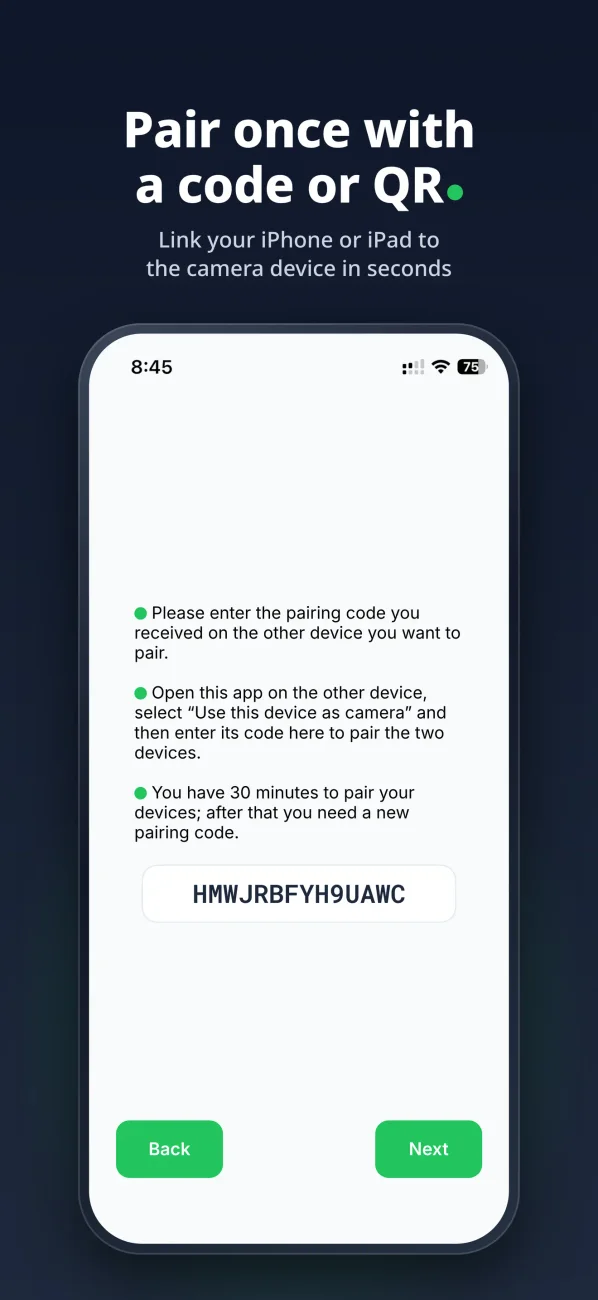
1. On the device you want as the camera, open eyeOn and choose "Use this device as camera." A pairing code and a QR code appear.
2. On your iPhone or iPad, point your camera at the QR code — it opens eyeOn with the pairing code already filled in. Or open eyeOn, choose "Use this device as monitor," and type the code.
3. You're connected — your iPhone shows the live camera.
WHAT YOU CAN DO FROM YOUR iPHONE OR iPAD
• Watch live video from the paired camera
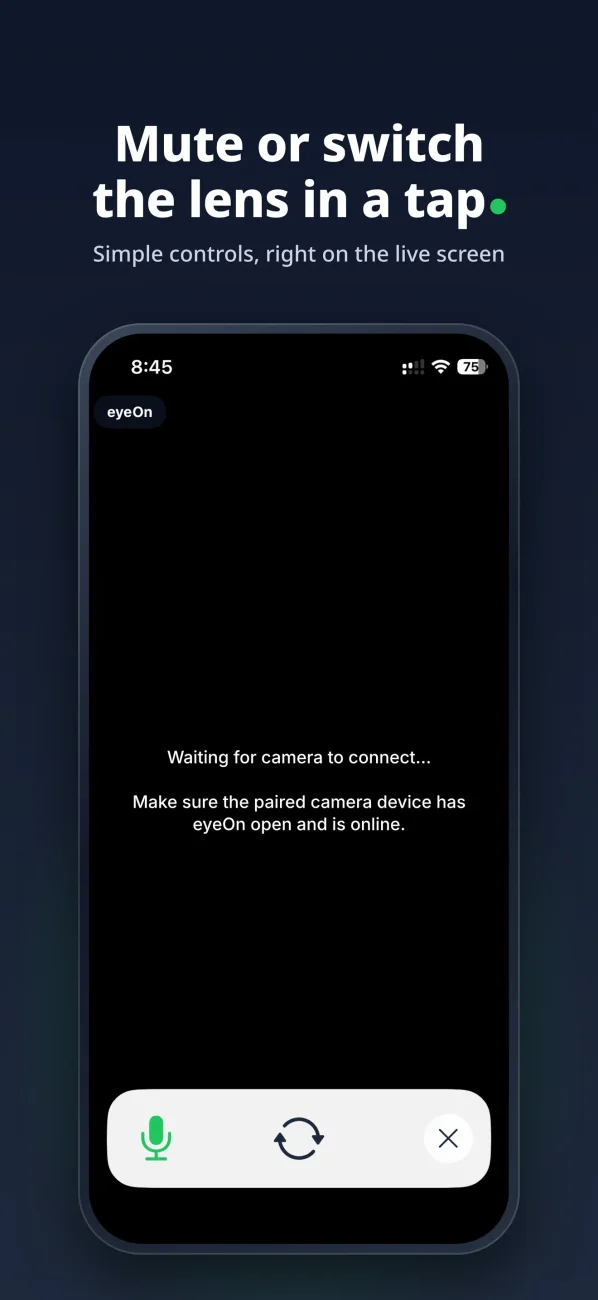
• Hear live sound from the room, and mute it with a tap
• Switch the camera between its front and back lens
• See the camera device's battery level on the live screen
• Reconnect any time with the same pairing
GREAT FOR
• Baby or nursery monitor
• Pet camera while you're out
• Watching the front door, garage, office or shop
• Elderly-care check-ins
• A second pair of eyes on any room
KEEPS WORKING WITHOUT INTERNET
Pairing needs a connection once. After that, if both devices are on the same Wi-Fi network, the live view keeps working on your local network even when the internet is down.
PRIVATE BY DESIGN
There are no accounts and no profiles. Your live video and sound go straight to your own paired device over an encrypted peer-to-peer connection, and are not recorded or kept by us. You choose who you share your pairing code with. Read our Privacy Policy: https://cctvdroid.omyzero.com/privacy.html
WHAT YOU NEED
• A spare phone or tablet to act as the camera, running eyeOn
• Your iPhone or iPad as the monitor
• An internet connection to pair, and to watch from away
• The camera device kept powered on (plugged in is best for all-day use)
USE IT LAWFULLY
eyeOn is for watching your own home, family, pets and property. You are responsible for following the camera and recording laws where you live, including asking for any permission the law requires. It is a handy consumer tool, not a professional or life-safety security system, so please don't rely on it as your only protection. By using eyeOn you agree to our Terms of Use: https://cctvdroid.omyzero.com/terms-of-use.html
NEED HELP?
Email support@omyzero.com or visit https://cctvdroid.omyzero.com
Reuse the spare phone in your drawer — and keep an eye on what matters from your iPhone.
What’s new
Version 1.1.2 · Oct 25, 2026
The Instructions now explain which role this device plays and where to find more help. Plus a refreshed App Store page. Same private, account-free live monitoring. Questions? support@omyzero.com
App privacy
What OMYZERO PTY LTD declares on the App Store about how this app handles data.
-
Data not linked to you
May be collected but is not linked to your identity.
- Identifiers
Privacy practices may vary, for example with the features you use or your age.
Information
- Seller
- OMYZERO PTY LTD
- Category
- Utilities
- Version
- 1.1.2
- Updated
- Oct 25, 2026
- Released
- Sep 15, 2026
- Size
- 14.1 MB
- Requires
- iOS 15.0 or later
- Age rating
- 4+
- Price
- Free
- Languages
- English, Arabic, French, German, Hindi, Indonesian, Italian, Japanese, Korean, Persian, Portuguese, Russian + 5 more
- Copyright
- © 2026 OMyZero Pty Ltd
You might also like
-
 OPCam - Home & DashcamHome Security & Dashcam
-
 CarTrace: Car History CheckCheck Used Cars from China
-
 TankTorq_RemoteControlPairUtilities
-
 MongleCam: Old Phone CameraSecurity cam, baby & pet
-
 Plant AI AgriDocFarm Care and Maintainance
-
 Câmara OnlineUtilities
-
 Vivoo ClassicPerformance
-
 PerchCam: Security CameraOld Phone CCTV & Motion Alerts
-
 ClockChime – Speaking ClockHourly Chime·Flip Clock·Focus