- Age rating4+
- CategoryNavigation
- DevelopereyeHear, LLC
- LanguagesEnglish+ 35 more
- Size6.0 MB
Links to the official App Store page
Download.org hosts no file of eyeSpeed Speedometer. The button opens its official App Store page, published by eyeHear, LLC. Listing last checked on Nov 20, 2026.
Screenshots

About
YOUR SPEEDOMETER. YOUR LOOK. YOUR SCREEN.
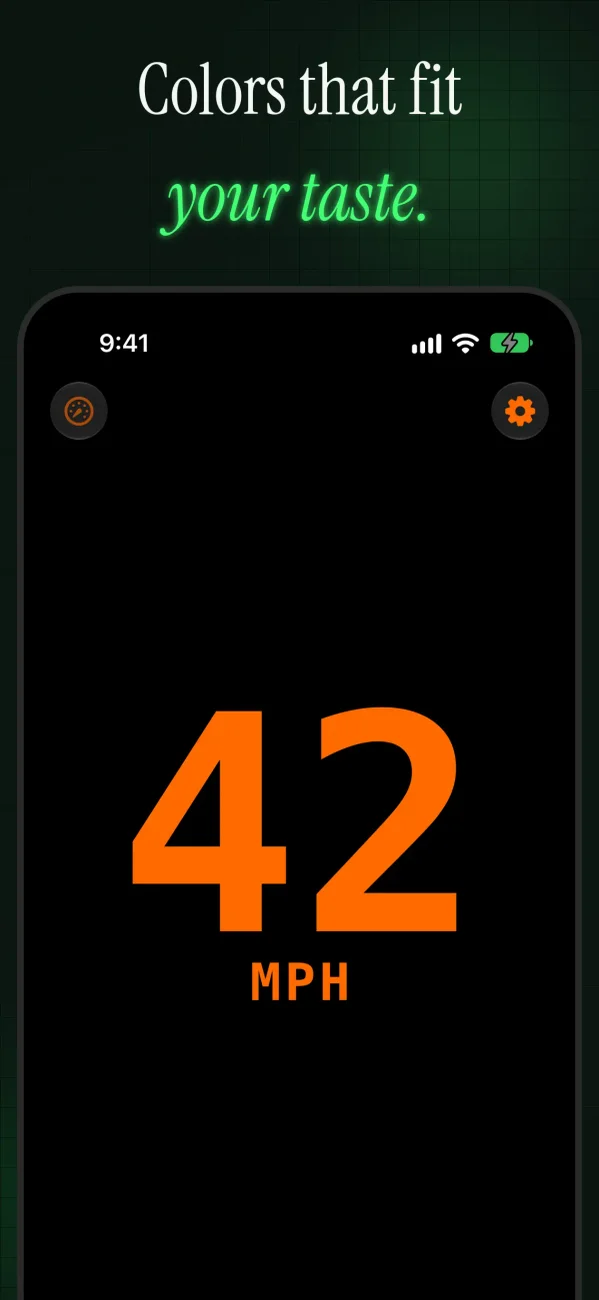
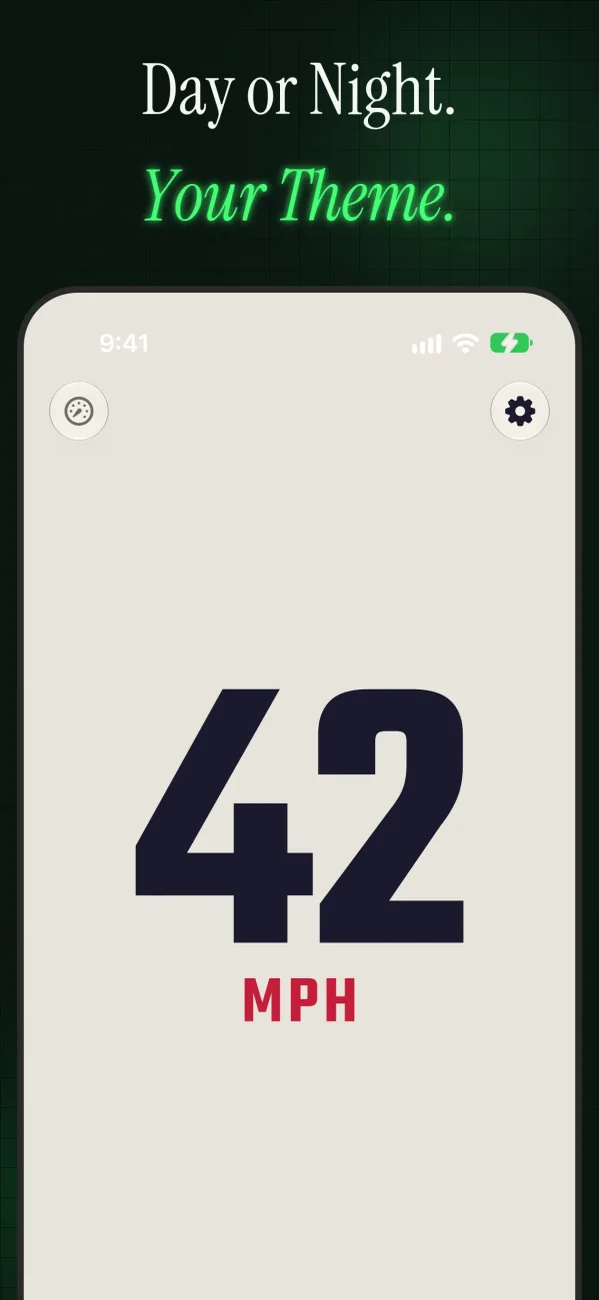
eyeSpeed V5 makes the speed bigger, clearer and more at home on whatever screen you drive with, including iPhone Duo, folded or unfolded. The speed now fills the display in every orientation, with the number and unit fully on screen, and the layout is the same across every theme. Choose from 34 built-in themes inspired by speedometer history, save one for light appearance and another for dark, or build your own with your preferred colors and font family. All of it is part of eyeSpeed: no extra purchase, free for current users. Same focused speedometer. Same privacy-first model. No ads. No subscriptions.
NEW IN V5
• iPhone Duo support - The speed fills the inner display in every orientation, folded or unfolded
• Rotation Lock holds - On the unfolded display, your speed stays upright in the orientation you locked
• Roomier layouts - Onboarding, the theme picker and the theme editor use the extra space on large displays
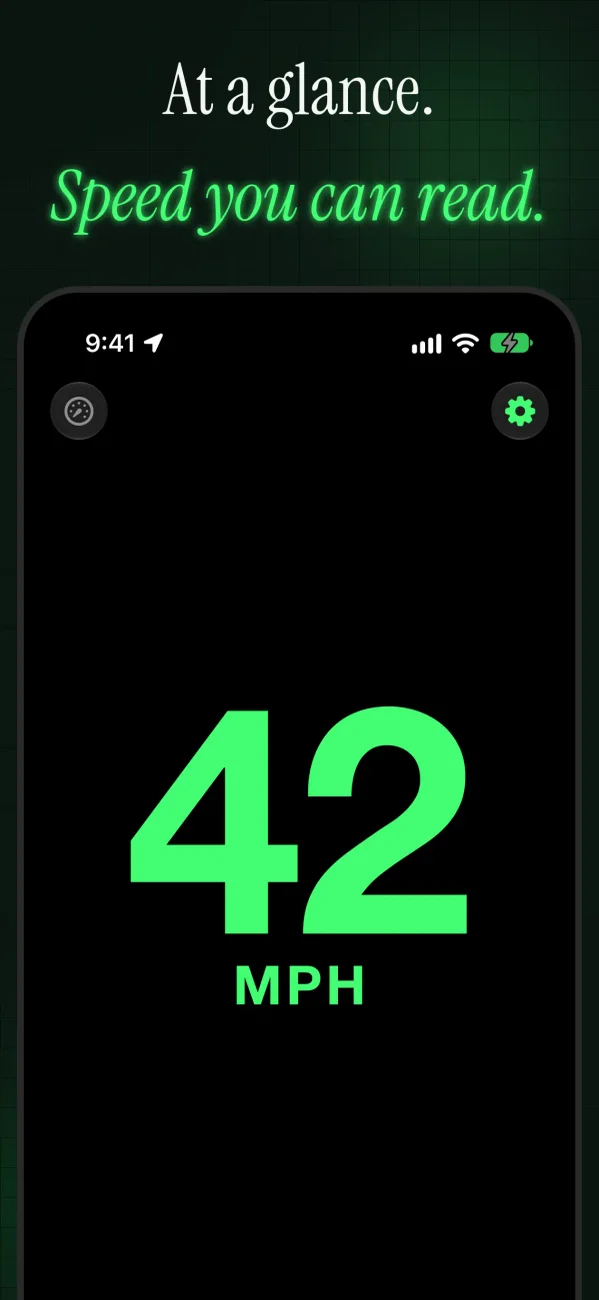
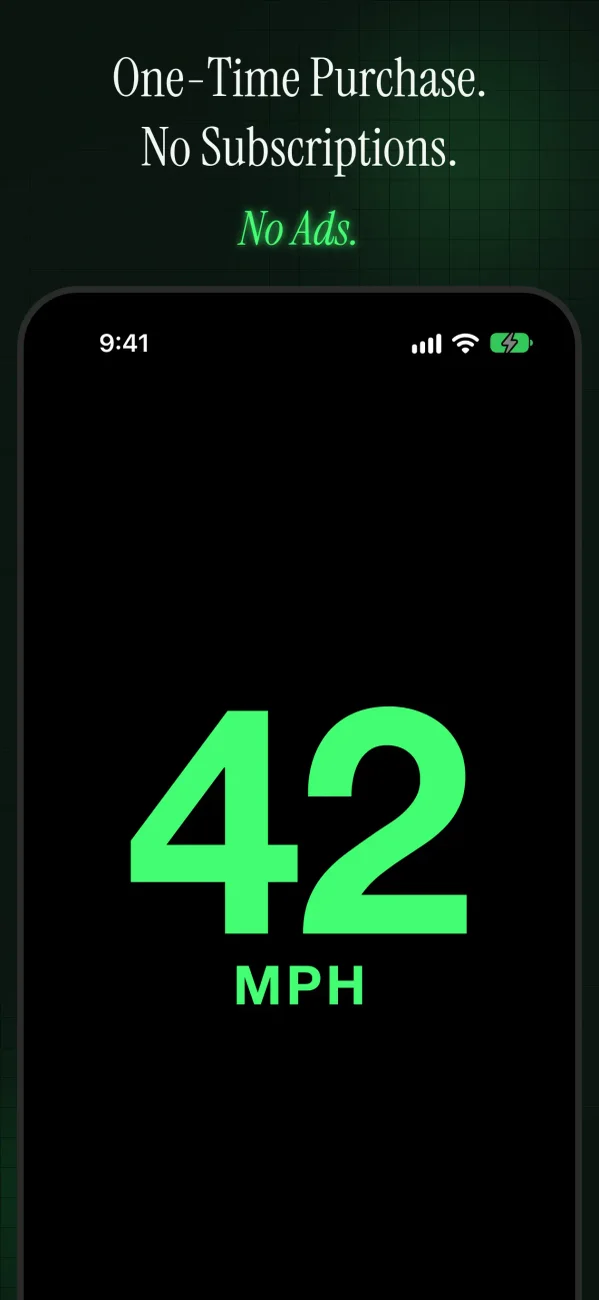
• New speed screen - Larger, centered and consistent in every theme, with the unit beside the number on wide screens
• No GPS signal state - Dashes replace a stale number when there is no fix
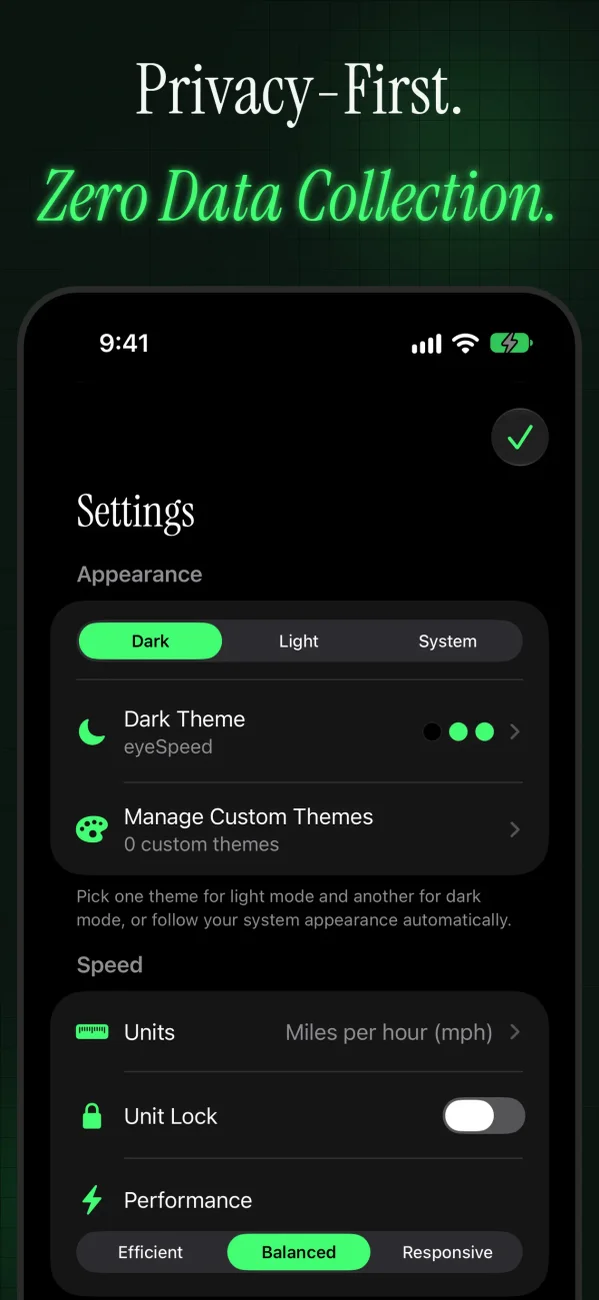
• Cleaner Settings - Organized into Appearance, Speed, Display and Live Activity, with an About section
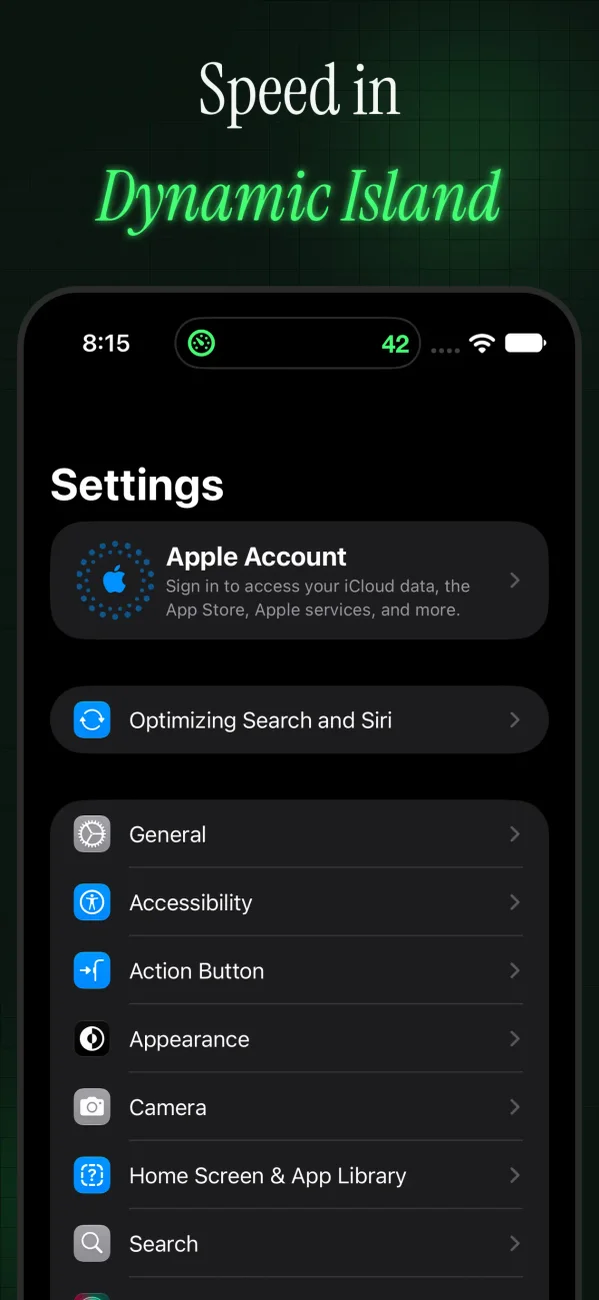
• Sharper Live Activity - A clearer Lock Screen and Dynamic Island, with steadier digits
CHOOSE YOUR THEME
• 34 built-in themes - Pick from a curated set of heritage-inspired looks
• Day and night slots - Save one theme for light appearance and another for dark appearance
• Custom themes - Build your own look with saved colors and font choices
• Included with eyeSpeed - No extra purchase to unlock themes
SPEED THAT STAYS USEFUL
• GPS speed readings - A simple, independent speed reference
• Large speed display - Easy to read quickly
• MPH and KPH - Fast switching for JDM, Euro, classic, and travel use
MODERN IPHONE FEATURES
• Live Activities - Keep speed visible on the Lock Screen
• Dynamic Island support - Compact speed view while other apps stay open
• Shortcuts and Siri - Quick control without digging through menus
DRIVER CONTROLS
• Unit lock - Prevent accidental unit changes while driving
• Rotation lock - Keep the display the way you want it
• Auto-hide toolbar - Reduce distractions after a few seconds
• Screen sleep prevention - Keep the display awake while you drive
PRIVACY BY DESIGN
• App Store privacy label shows "Data Not Collected"
• Location stays on your device - eyeSpeed does not receive your route history
• No account required
• One-time purchase - No subscriptions, no ads, no business model built on tracking
BUILT FOR CAR PEOPLE
• Great for import owners who switch between MPH and KPH
• Useful when you want a clean speed reference without a bloated app
• Designed for drivers who care about both privacy and feel
Requires iOS 18.2 or later.
Safety Notice: eyeSpeed is for informational use only. Always drive safely, follow local traffic laws, and never interact with your phone while driving.
What’s new
Version 5.0 · Nov 10, 2026
Version 5.0: iPhone Duo and a Sharper Speed Screen
V5 makes eyeSpeed fit the screen you drive with, and look better doing it.
New in V5:
• iPhone Duo Support - The speed fills the inner display in every orientation, with the numeral and unit fully on screen.
• Rotation Lock, Upright - On the unfolded display, your speed stays in the orientation you locked.
• Roomier Layouts - Onboarding, theme picker and theme editor use the extra space on large displays.
• New Speed Screen Layout - The speed is larger, centered and consistent across every theme. The unit sits beside the number on wide screens.
• No GPS Signal State - Dashes replace a stale number when there is no fix.
• Cleaner Settings - Reorganized into Appearance, Speed, Display and Live Activity, with an About section.
• Live Activity Polish - Clearer Lock Screen and Dynamic Island, with steadier digits.
• Included Update - Free for current users. No in-app purchase.
• Privacy Unchanged - Data Not Collected, still.
Also Included:
• Speed now rounds to the nearest whole unit.
• Centered theme previews.
• Minor fixes for a more consistent experience.
If eyeSpeed fits the way you drive, a review helps more people find a speedometer that is paid for up front instead of paid for with their data.
App privacy
What eyeHear, LLC declares on the App Store about how this app handles data.
-
Data not collected
The developer does not collect any data from this app.
Privacy practices may vary, for example with the features you use or your age.
Information
- Seller
- eyeHear, LLC
- Category
- Navigation
- Version
- 5.0
- Updated
- Nov 10, 2026
- Released
- Jan 5, 2025
- Size
- 6.0 MB
- Requires
- iOS 18.2 or later
- Age rating
- 4+
- Price
- $1.99
- Languages
- English, Arabic, Catalan, Croatian, Czech, Danish, Dutch, Finnish, French, German, Greek, Hebrew + 24 more
- Copyright
- © 2026 eyeHear, LLC
You might also like
-
 Pinellas TrailNavigation
-
 Boring SpeedometerA speedometer that talks back
-
 DigispeedXLSpeedometer
-
 Velocity: GPS SpeedometerGPS Speed Tracker & Trip Log
-
 Driova: Car Play SpeedometerGPS Trip Tracker & Dashboard
-
 Speedometer OneYour speed, at a glance
-
 Simple SpeedoGPS speedometer
-
 Speedometer LiveLive GPS Speed & Distance
-
 BEIDO MAP-Satellite StreetviewSatellite Maps and Streetview
-
 HUD Speedometer Speed MonitorGPS Speed, HUD Mirror & Trip