EZ Image Tools
Convert - Resize - Format
Designed for iPhone, iPad, iPod touch
Free
- Age rating4+
- CategoryGraphics & Design
- DeveloperJakir Hossain
- LanguagesEnglish
- Size36.2 MB
Links to the official App Store page
Download.org hosts no file of EZ Image Tools. The button opens its official App Store page, published by Jakir Hossain. Listing last checked on Nov 14, 2026.
Screenshots

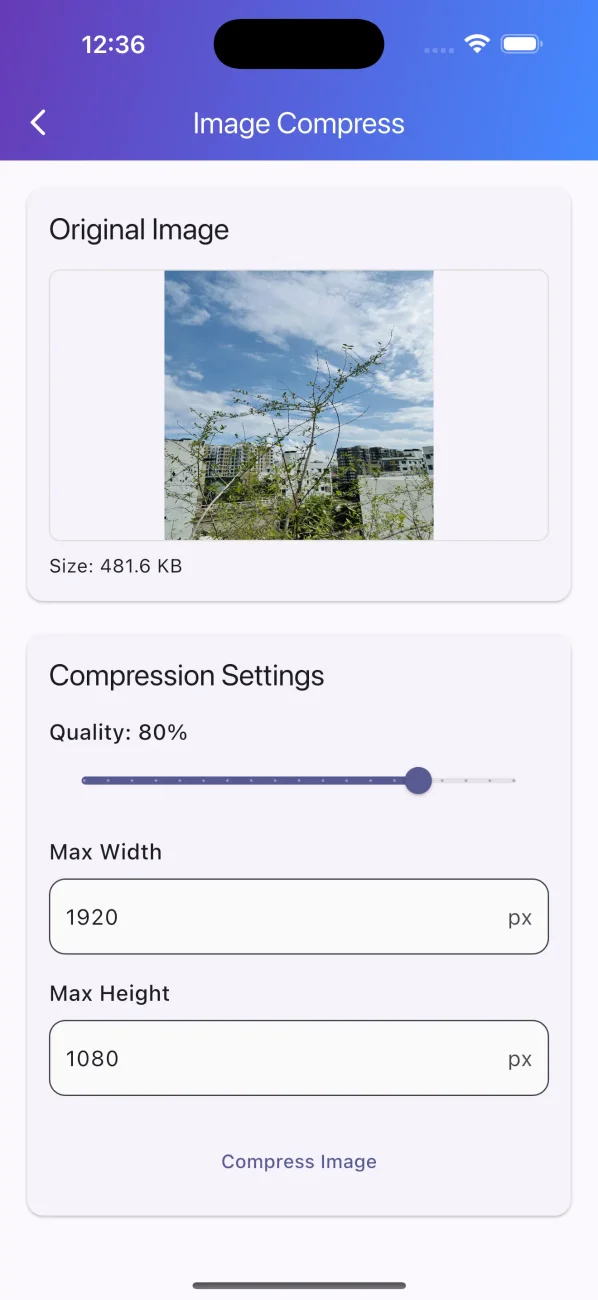
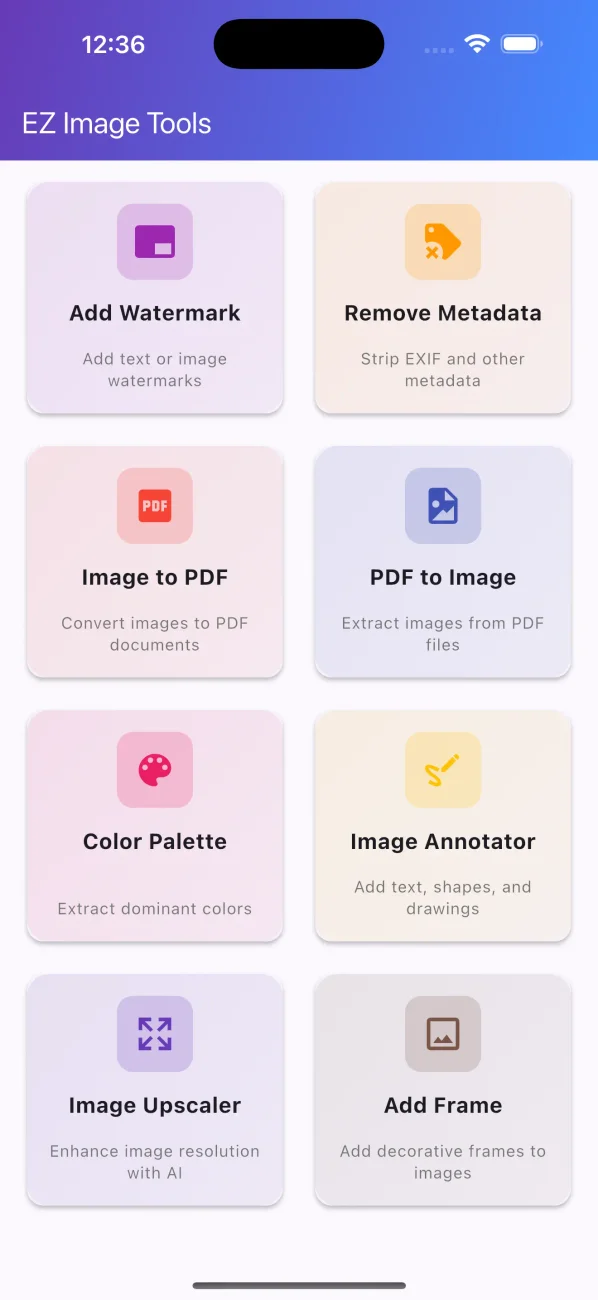
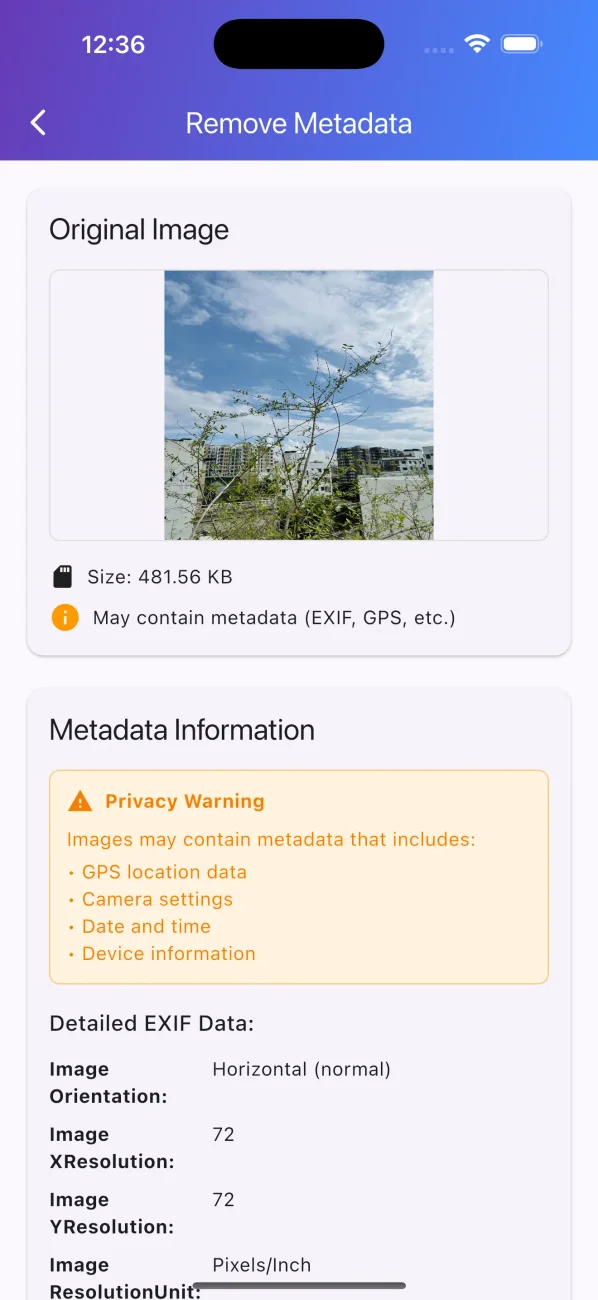
About
EZ Image Tools is a comprehensive, modern image processing toolkit designed to handle all your image editing and conversion needs in one powerful application. This app offers a complete suite of professional-grade photo manipulation tools.
Key Features:
# Advanced Image Editing
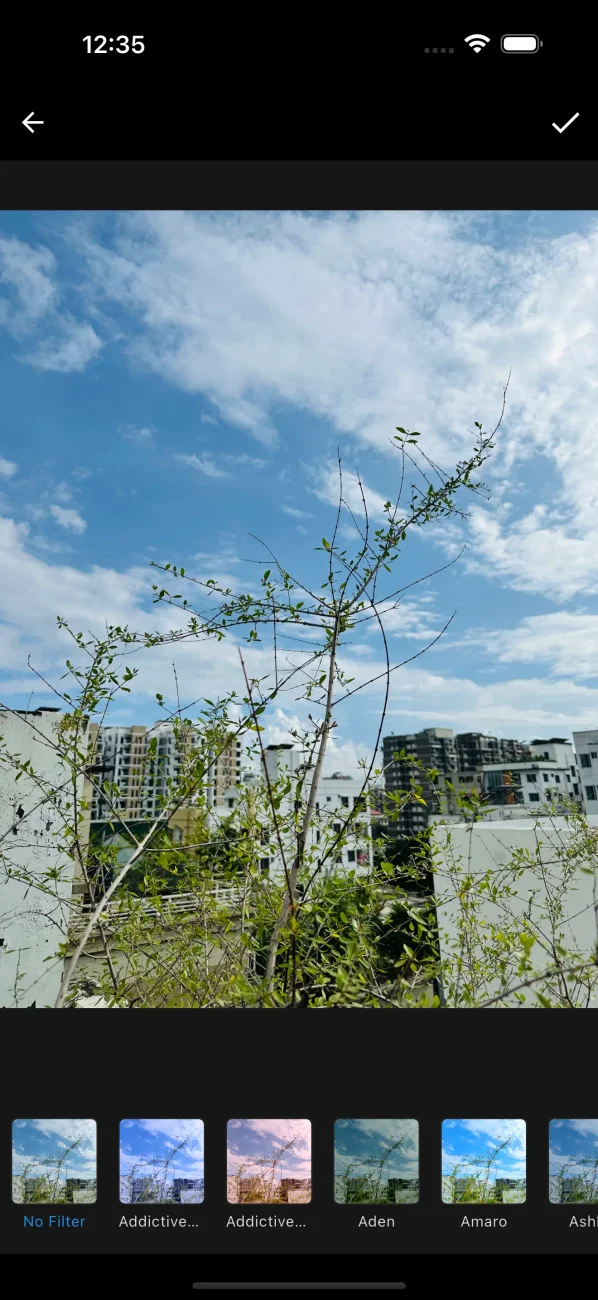
- Pro Image Editor : Full-featured image editing with drawing, text, shapes, and annotations
- Image Annotator : Add custom text, shapes, and drawings to your images
- Add Frames : Enhance your photos with decorative borders and frames
# Image Processing Tools
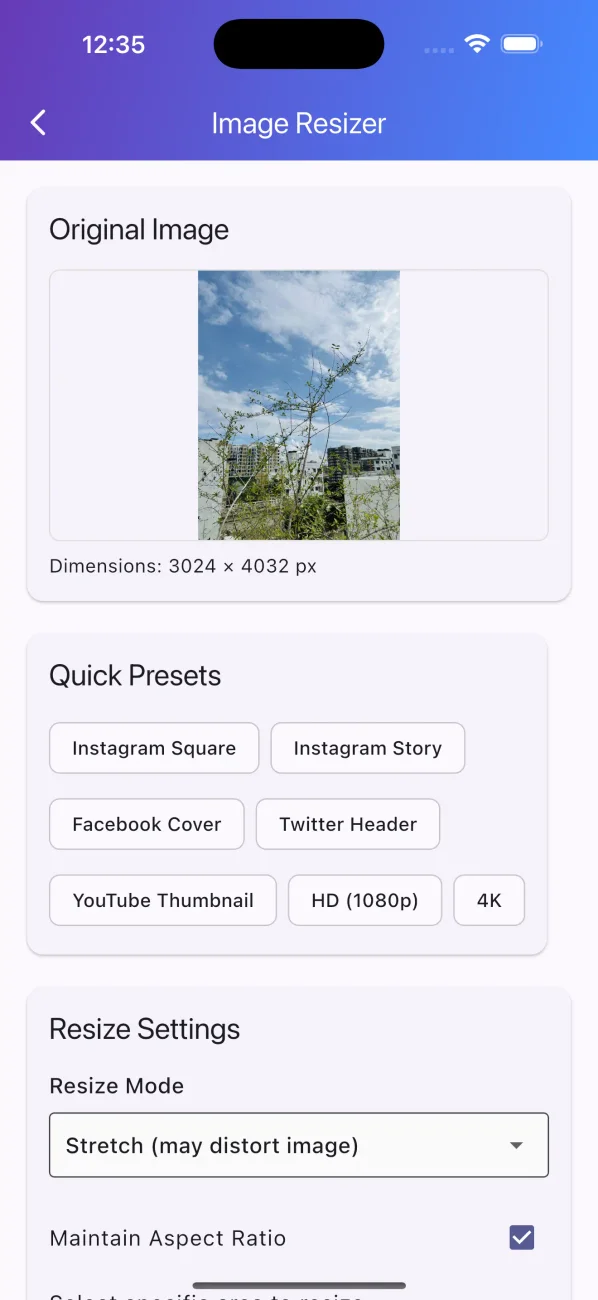
- Smart Photo Resizer : Precisely adjust image dimensions while maintaining quality
- Intelligent Compression : Reduce file sizes without compromising visual quality
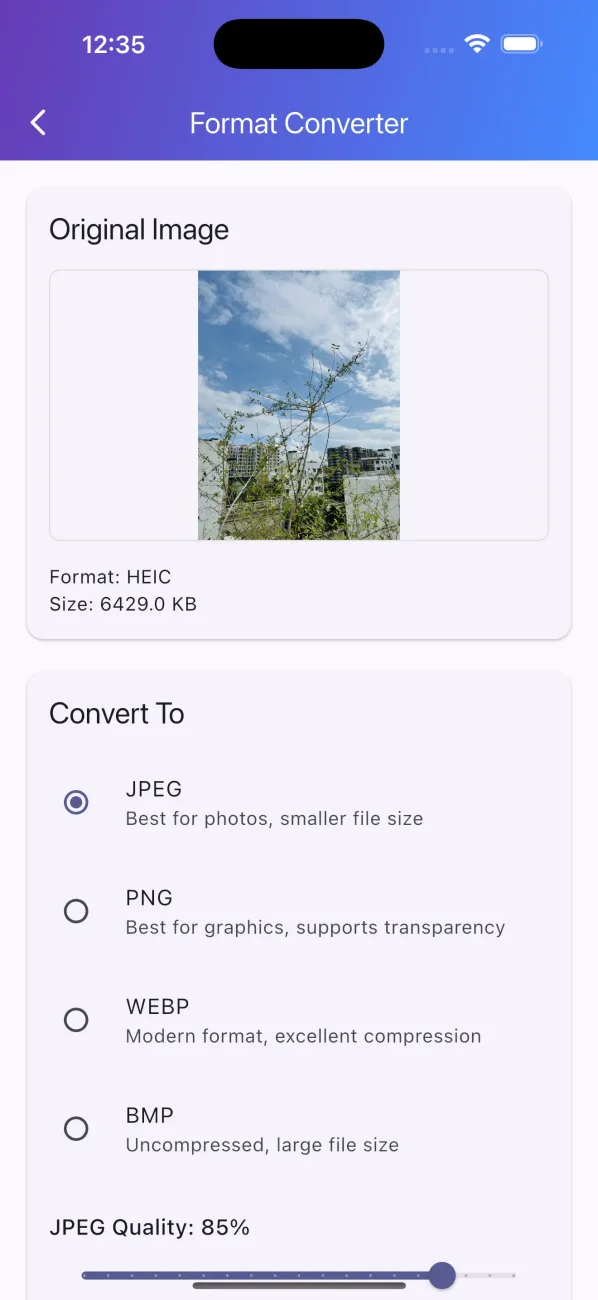
- Format Converter : Convert between JPEG, PNG, WebP, SVG, and HEIC formats
- AI-Powered Upscaler : Enhance image resolution using advanced algorithms
# Document Operations
- Image to PDF : Convert single or multiple images into PDF documents
- PDF to Image : Extract high-quality images from PDF files
# Specialized Tools
- Watermark Creator : Add text or image watermarks for copyright protection
- Metadata Remover : Strip EXIF data and other metadata for privacy
- Color Palette Extractor : Analyze and extract dominant colors from images
- HEIC Converter : Seamlessly convert Apple's HEIC format to standard formats
# User Experience
- Intuitive Interface : Clean, modern design with gradient-themed app bars
- Real-time Preview : See changes instantly before applying
- Easy Sharing : Built-in save and share functionality
- Performance Optimized : Smooth transitions and responsive UI, even with large images
# Privacy & Quality
- Local Processing : All image processing happens on your device
- No Internet Required : Work offline with complete privacy
- High-Quality Output : Maintains image integrity throughout processing
- Professional Results : Industry-standard algorithms and formats
EZ Image Tools provides everything you need in a single, easy-to-use application. Transform, enhance, and convert your images with professional-grade tools that deliver exceptional results every time.
What’s new
Version 1.0.1 · Sep 4, 2025
# Bug fix.
App privacy
What Jakir Hossain declares on the App Store about how this app handles data.
-
Data used to track you
May be used to track you across apps and websites owned by other companies.
- Identifiers
-
Data linked to you
May be collected and linked to your identity.
- Location
- Identifiers
-
Data not linked to you
May be collected but is not linked to your identity.
- Usage data
- Diagnostics
Privacy practices may vary, for example with the features you use or your age.
Information
- Seller
- Jakir Hossain
- Category
- Graphics & Design
- Version
- 1.0.1
- Updated
- Sep 4, 2025
- Released
- Jul 10, 2025
- Size
- 36.2 MB
- Requires
- iOS 13.0 or later
- Age rating
- 4+
- Price
- Free
- Languages
- English
- Copyright
- © jakir.me
You might also like
-
 AI PixPaintAI Photo Edit, Eraser & Cutout
-
 OziSnap - Photo Editor & SnapEasy Camera & Photo Filters
-
 Level Tool ™Graphics & Design
-
 Background Remover: BG EraserAI Remove & Erase Photo Editor
-
 OSomeWidgets - Health ToolsLip color, weather, health
-
 Griddy Sketch: Drawing GridReference, Perspective & Trace
-
 Contact PhotoCustom call poster creator
-
 Blur Photo.Motion blur background effect
-
 logol - Add Watermark and LogoEdit Multiple Images at Once
-
 Liquid Wallpapers 26 ThemesLive Lock Screen Spatial 4k