Ez Keyboard
Symbols at your fingertips
Designed for iPhone, iPad
Free · In-app purchases
- Age rating4+
- CategoryUtilities
- DeveloperCornel-Florin Iovianu
- Size44.6 MB
Links to the official App Store page
Download.org hosts no file of Ez Keyboard. The button opens its official App Store page, published by Cornel-Florin Iovianu. Listing last checked on Nov 24, 2026.
Screenshots
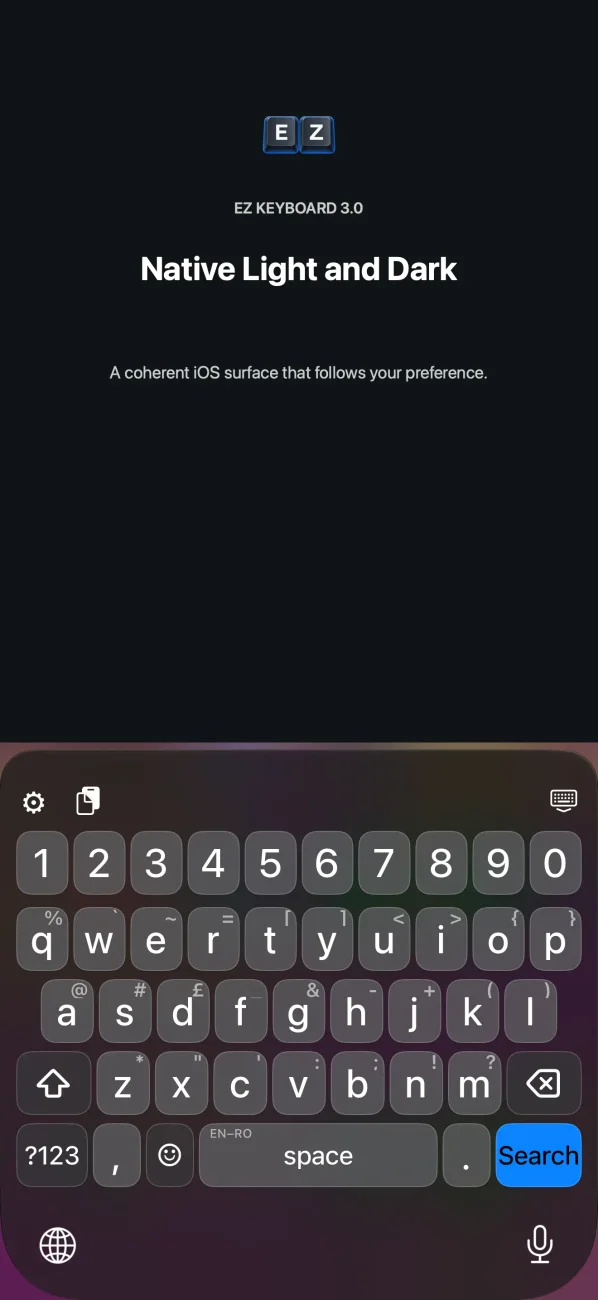
About
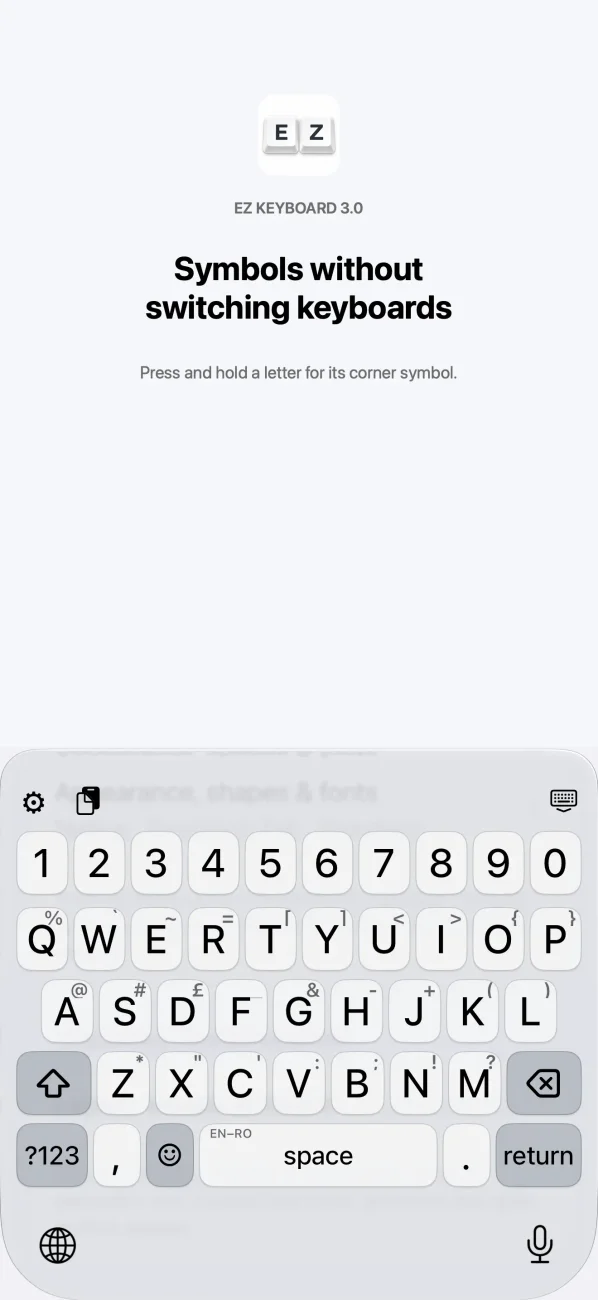
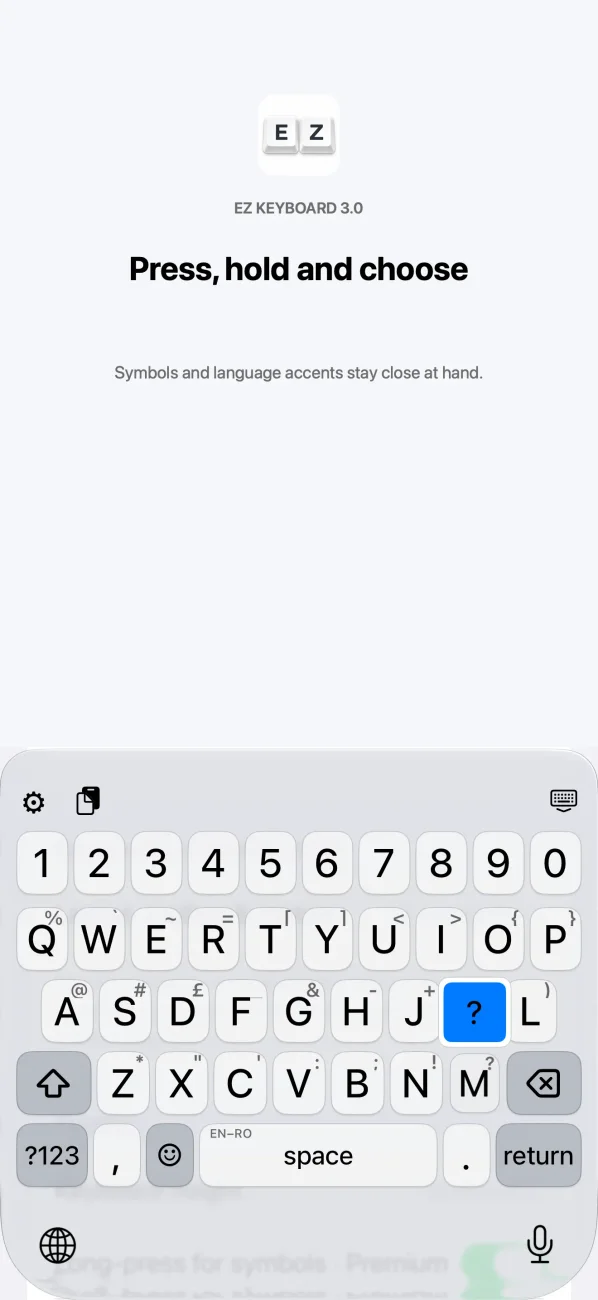
Ez Keyboard puts everyday symbols directly on your letter keys. Press and hold a key to enter its small corner symbol, without repeatedly switching keyboard pages.
TYPE YOUR WAY
• Press and hold letters for symbols and language-specific accents.
• Glide through letters to enter words using bundled offline language data.
• Choose one or two keyboard languages at the same time.
• Use bundled offline word completion and Next Word data, alongside optional on-device autocorrection.
• Move the cursor by holding Space, use progressive deletion and enable a number row when you want it.
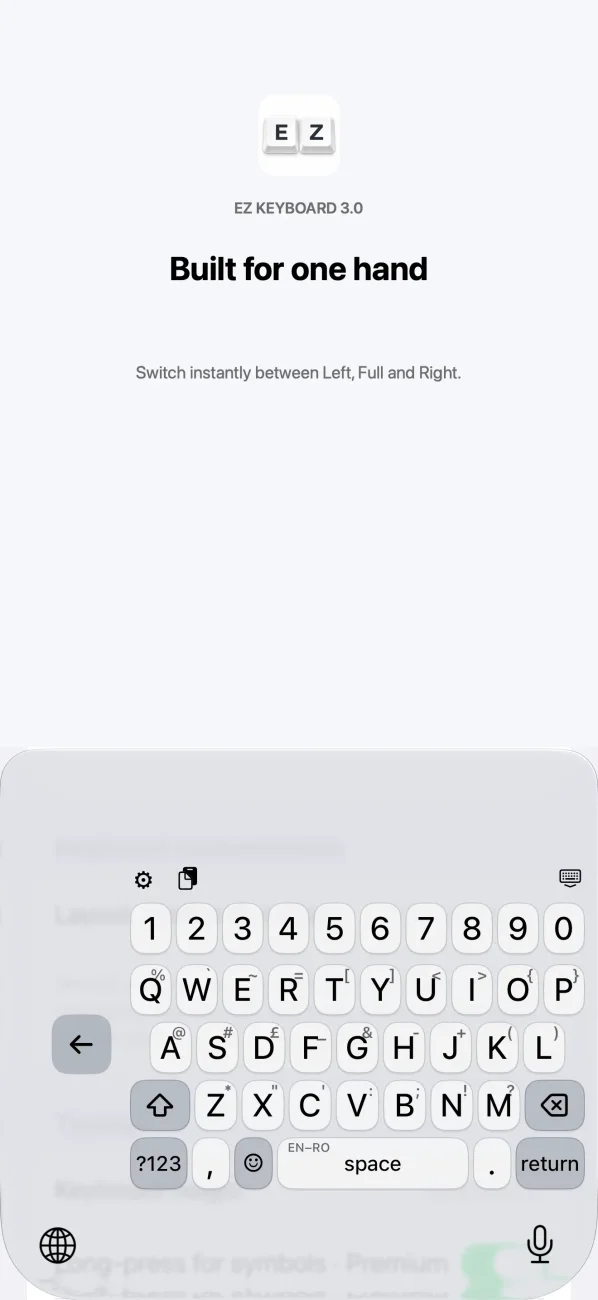
• Switch to a compact, comfort or supported one-handed layout.
WORK FASTER
• Insert supported arithmetic results from the suggestion strip.
• Create text shortcuts for phrases you explicitly choose to save.
• See relevant emoji with your word suggestions, or browse and search the full emoji picker.
• Keep reusable text in Clipboard Shelf and Ez Quick Fill. Clipboard content is read only after you choose a Paste or Save action.
MAKE IT YOURS
Adjust the toolbar, keyboard height, key spacing, character size, key shape, font, visual hints, feedback and glide trail. Choose System, Light or Dark appearance and start with a guided setup for the essentials.
PRIVATE BY DESIGN
Core typing, bundled language-pack suggestions, Glide Typing and the calculator run on device; Apple spell-check suggestions are provided by iOS. Ez Keyboard does not upload what you type. Optional learning keeps a bounded personal list on your device and can be disabled or cleared. Text shortcuts and Quick Fill items are created or saved explicitly by you.
Basic typing works without Full Access. iOS requires Full Access for selected shared features such as Premium status, Quick Fill and the optional haptic configuration used by Ez Keyboard. Full Access is not permission to transmit your typing.
Try the complete keyboard for seven days. The free trial does not renew or charge automatically. After the trial, ordinary typing, emoji and suggestions remain available; Premium features can be unlocked with a one-time purchase.
Third-party keyboards cannot appear in secure password fields, some phone-pad fields or apps that disable keyboard extensions.
What’s new
Version 3.1.1 · Nov 23, 2026
Ez Keyboard 3.1.1 improves suggestions, clipboard access and everyday controls.
- More responsive word completions as you type, with improved suggestions for internal typos across one or two selected languages.
- Recover a missing space by choosing a two-word suggestion, including supported single-letter words. These suggestions are applied only when you select them.
- Word suggestions are easier to tap across their full slots.
- Paste copied text from the toolbar. After a successful paste, the offer hides until you copy again, leaving your clipboard unchanged.
- With Emoji on the bottom row and both punctuation keys enabled, tap the period key for a full stop or hold it for a comma. Move Emoji to the toolbar or turn its button off in Settings. Hold ?123 or ABC to open Quick Settings.
- New and reset setups use the Flow key shape and Soft haptics at 100%. Existing valid preferences are preserved.
- Clearer emoji category icons, without the translucent veil.
The key-gap touch improvements, Glide Typing and press-and-hold behaviour from 3.1.0 are preserved.
App privacy
What Cornel-Florin Iovianu declares on the App Store about how this app handles data.
-
Data not collected
The developer does not collect any data from this app.
Privacy practices may vary, for example with the features you use or your age.
Information
- Seller
- Cornel-Florin Iovianu
- Category
- Utilities
- Version
- 3.1.1
- Updated
- Nov 23, 2026
- Released
- Sep 15, 2026
- Size
- 44.6 MB
- Requires
- iOS 16.0 or later
- Age rating
- 4+
- Price
- Free
- In-app purchases
- Yes
- Copyright
- © 2026 Cornel-Florin Iovianu
You might also like
-
 Satellite Transponders HDSatellite dish installation
-
 Magic Keyboard - Star RipplesRelaxing colors & animation
-
 KWE KEYBOARDKaren MultiKeyboard
-
 FastScan - AI PDF ScannerScan, JPG to PDF, sign docs
-
 keyboard2Private autocorrect & swipe
-
 Skull KeysGothic Keyboard
-
 Fonts Keyboard + facemojiStylish Text Messages
-
 EchoPlay - Local MP3 PlayerOffline Music, No Ads
-
 EFKey – Swipe & AI KeyboardTranslate, dictate, gestures
-
 Cool Type KeyboardCreative fonts!