ezMixRecorder
Easy Multi-Track Recorder
Designed for iPhone, iPad
Free · In-app purchases
- Age rating4+
- CategoryMusic
- DeveloperNaoto Sasaki
- LanguagesEnglish+ 8 more
- Size19.4 MB
Links to the official App Store page
Download.org hosts no file of ezMixRecorder. The button opens its official App Store page, published by Naoto Sasaki. Listing last checked on Nov 15, 2026.
Screenshots
About
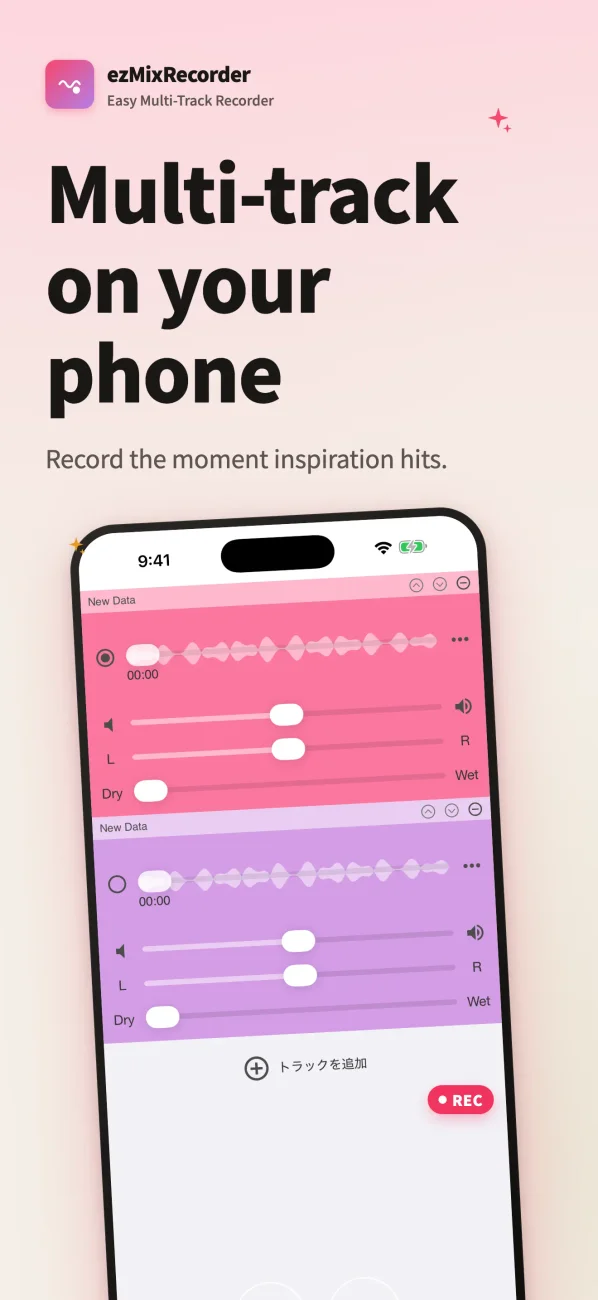
Multi-track recording on your phone.
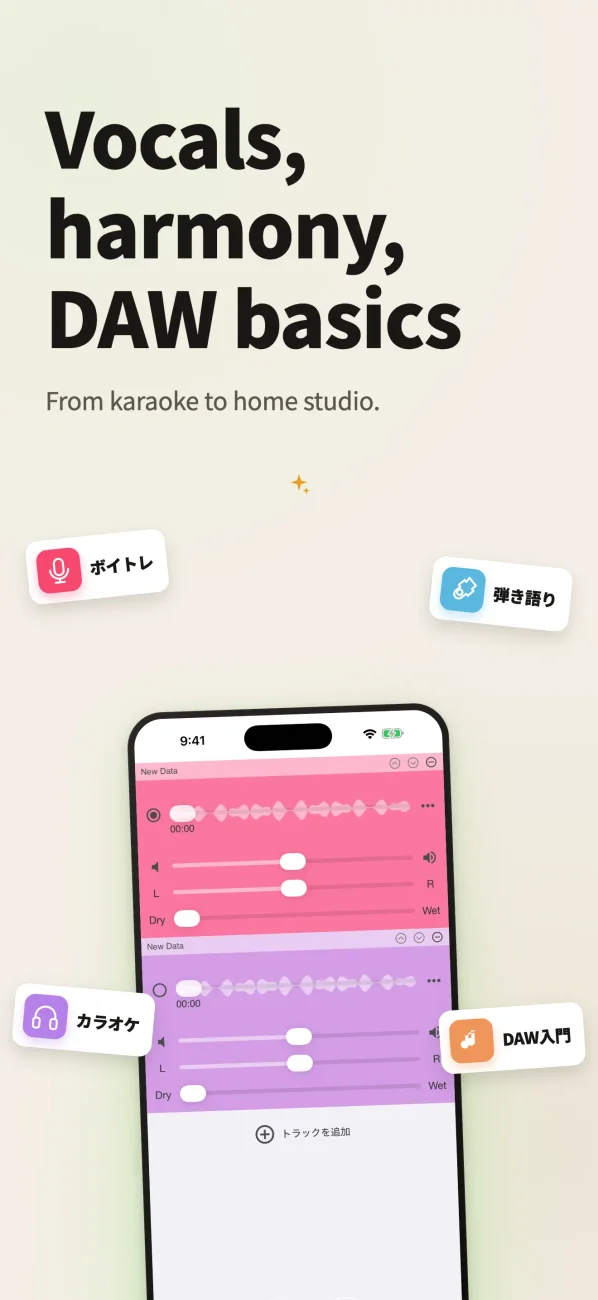
Layer vocals over a karaoke track. Record guitar and vocals on separate tracks.
A friendly first step into DAW—and a comfortable home for daily practice.
◆ Who it's for
- Singers who want to record harmonies and backing vocals
- Anyone layering vocals on top of karaoke tracks
- Guitarists recording vocals and guitar on separate tracks
- Songwriters sketching out ideas
- Players who want to review their practice sessions
◆ Three things you get
■ Stack as many tracks as you like
44.1 kHz / 32-bit recording with no track-count limit (in-app purchase removes the cap). Imports MP3, WAV, and AIFF files.
■ Built-in practice tools
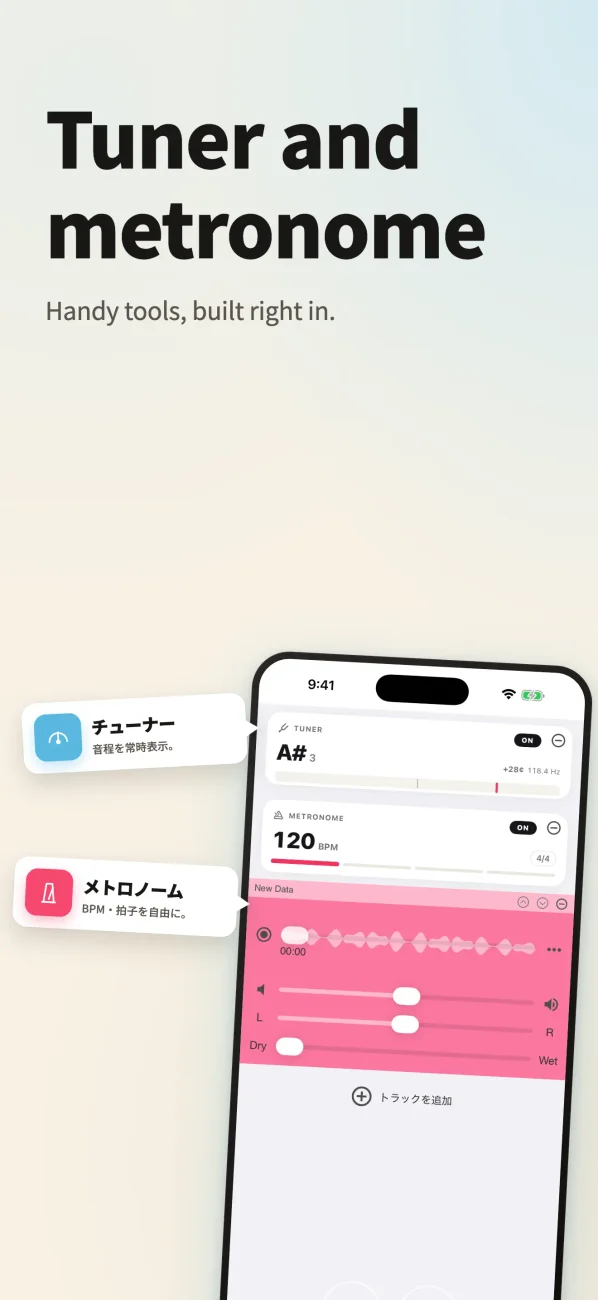
A pinned tuner (pitch and frequency) and metronome (BPM 20–300, 3/4 or 4/4) stay at the top of the screen while you record—no need to switch apps.
■ From record to finish, in one place
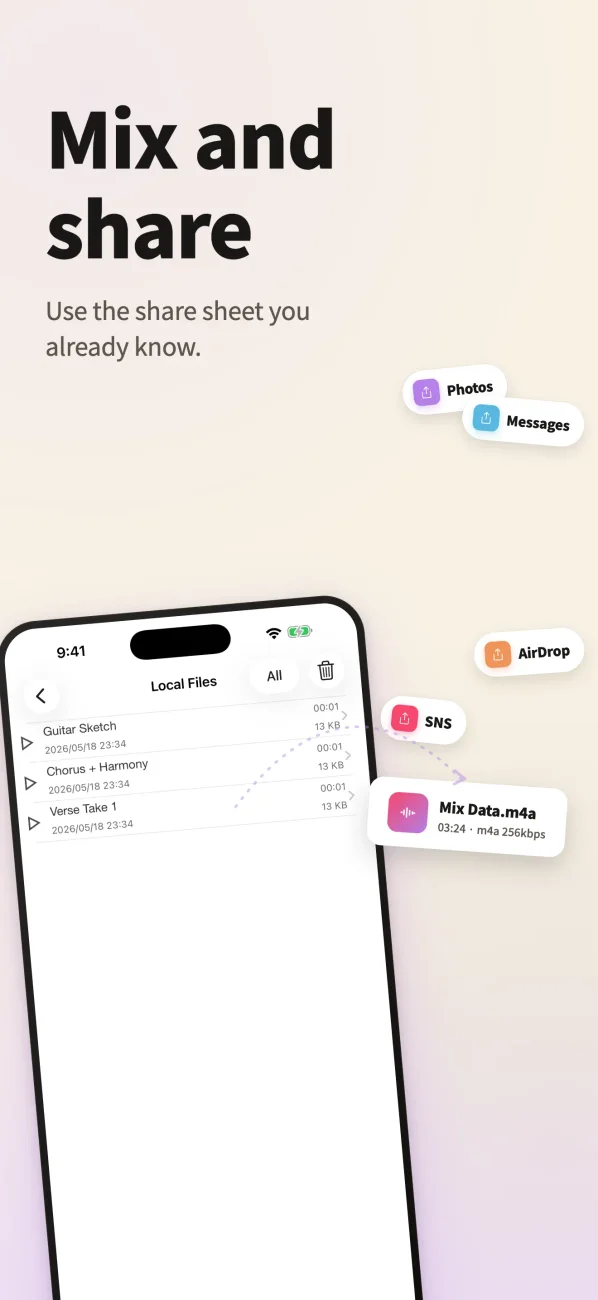
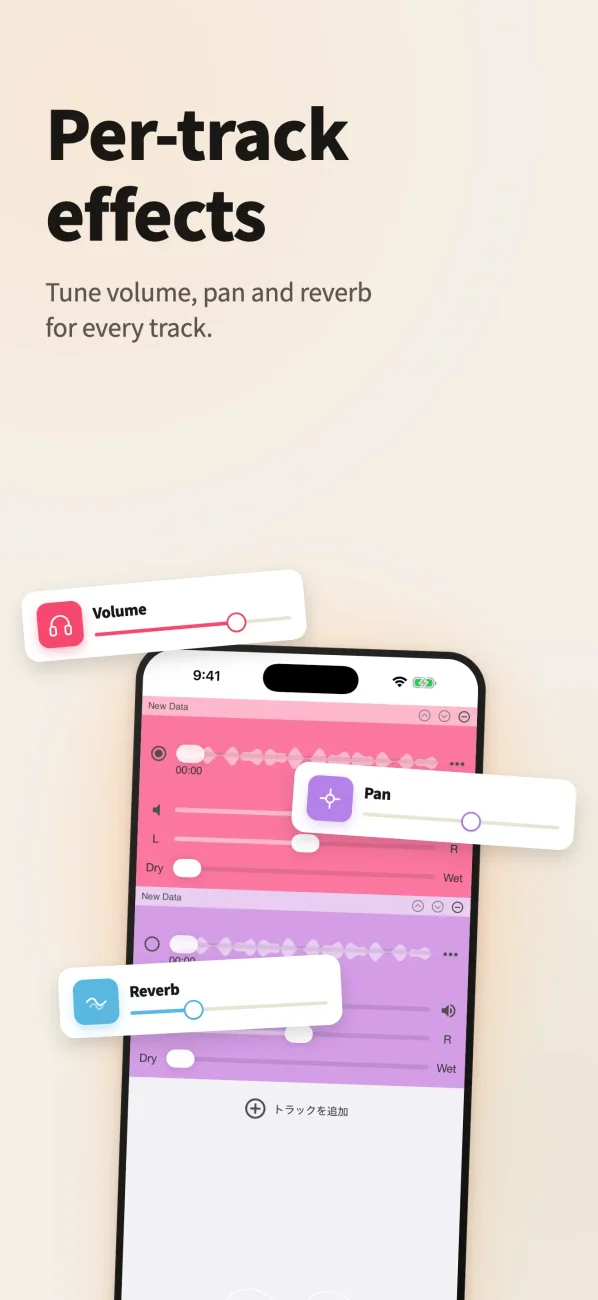
Adjust per-track volume, stereo pan, and reverb. Mix down to a single file, or export as a video for the Photos app.
◆ How it works
1. Tap + to add a track
2. Tap the record button to record, the play button to listen back
3. Add another track and repeat
4. Mix everything down into one file when you're ready
◆ Also supports
- Optimized for iPad's bigger canvas
- Recording and playback over Bluetooth headsets
- Recording while audio from other apps (Apple Music etc.) plays
- Background recording and playback
- No time limit on recordings
◆ In-app purchases
- Remove the track-count limit
- Apply effects to mixes and exports
- Metronome feature
◆ Support
Send feature requests and bug reports from the settings menu inside the app. We read every one.
What’s new
Version 3.4.0 · Sep 27, 2026
Dark mode is now supported. Choose Match Device, Light or Dark in Settings.
Added a question mark next to PAN, REV and COMP that explains what each one does and when to use it.
Reworked the recording level used when mixing down.
Refreshed the colors of the record and play buttons.
Smoothed out the animation when tracks are added or removed.
Fixed a bug in the recording process.
App privacy
What Naoto Sasaki declares on the App Store about how this app handles data.
-
Data used to track you
May be used to track you across apps and websites owned by other companies.
- Location
- Identifiers
- Usage data
-
Data not linked to you
May be collected but is not linked to your identity.
- Location
- Identifiers
- Usage data
- Diagnostics
Privacy practices may vary, for example with the features you use or your age.
Information
- Seller
- Naoto Sasaki
- Category
- Music
- Version
- 3.4.0
- Updated
- Sep 27, 2026
- Released
- Jun 20, 2016
- Size
- 19.4 MB
- Requires
- iOS 16.6 or later
- Age rating
- 4+
- Price
- Free
- In-app purchases
- Yes
- Languages
- English, French, German, Japanese, Korean, Portuguese, Russian, Simplified Chinese, Traditional Chinese
- Copyright
- © Naoto Sasaki
You might also like
-
 DubDub recorderMultitrack Recorder
-
 4 Tracks LXMusic
-
 OverdubberMultitrack recording made easy
-
 Manytrack RecorderRecord many tracks together
-
 Songtake: Multitrack RecorderBand Video Demos & Covers
-
 StudioMini - Music RecorderYour ideas. Your music.
-
 AVA Music Studio: Song MakerRecord, Auto-Tune, Mix & Reel
-
 Audio One: Multitrack EditorVocal Remover & Music Effects
-
 Audio Recorder - WAV, M4AStereo Rec,Spectrum,Transcript
-
 Thafknar – Record and ReverbConvolution Reverb