
Faaast - Fasting tracker
Intermittent fasting tracker
Designed for iPhone
Free · In-app purchases
- Age rating12+
- CategoryHealth & Fitness
- DeveloperArecon LP
- LanguagesEnglish
- Size73.2 MB
Links to the official App Store page
Download.org hosts no file of Faaast - Fasting tracker. The button opens its official App Store page, published by Arecon LP. Listing last checked on Nov 23, 2026.
Screenshots

About
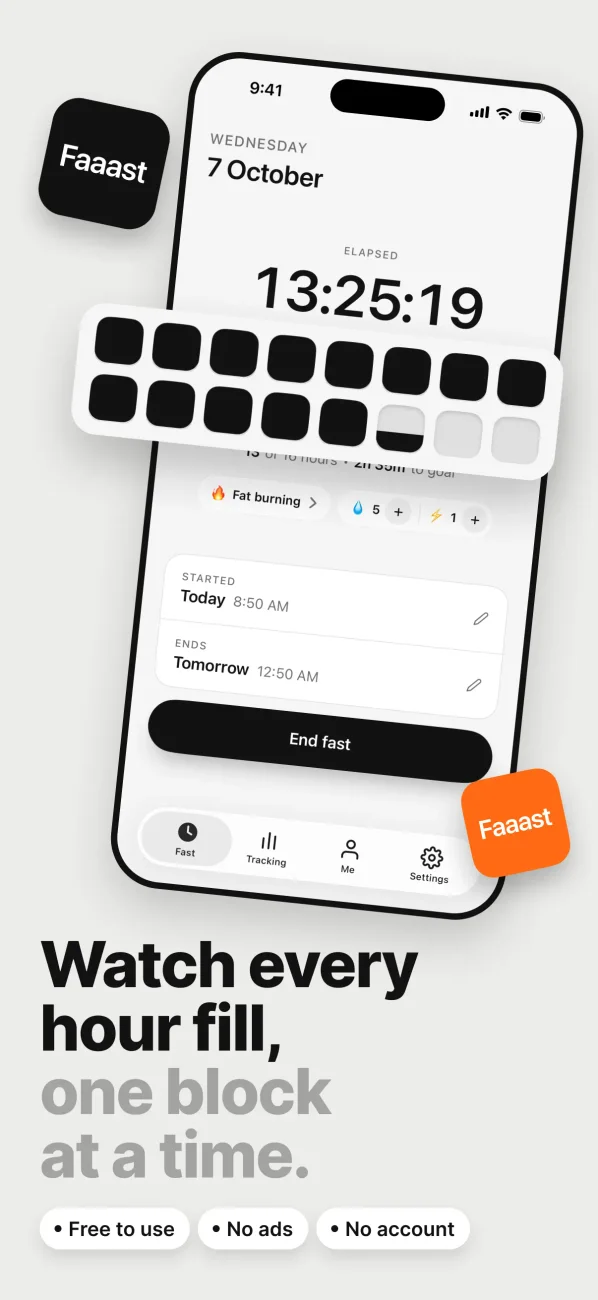
Faaast is the intermittent fasting tracker that does it all, and keeps your data on your iPhone. Start a fast in one tap, watch the hours fill, and see your habit take shape day by day. No account, no ads, no noise.
TRACK EVERY FAST
• 16:8, 18:6, 20:4, OMAD, 12:12, 14:10, 36 hours, or your own length
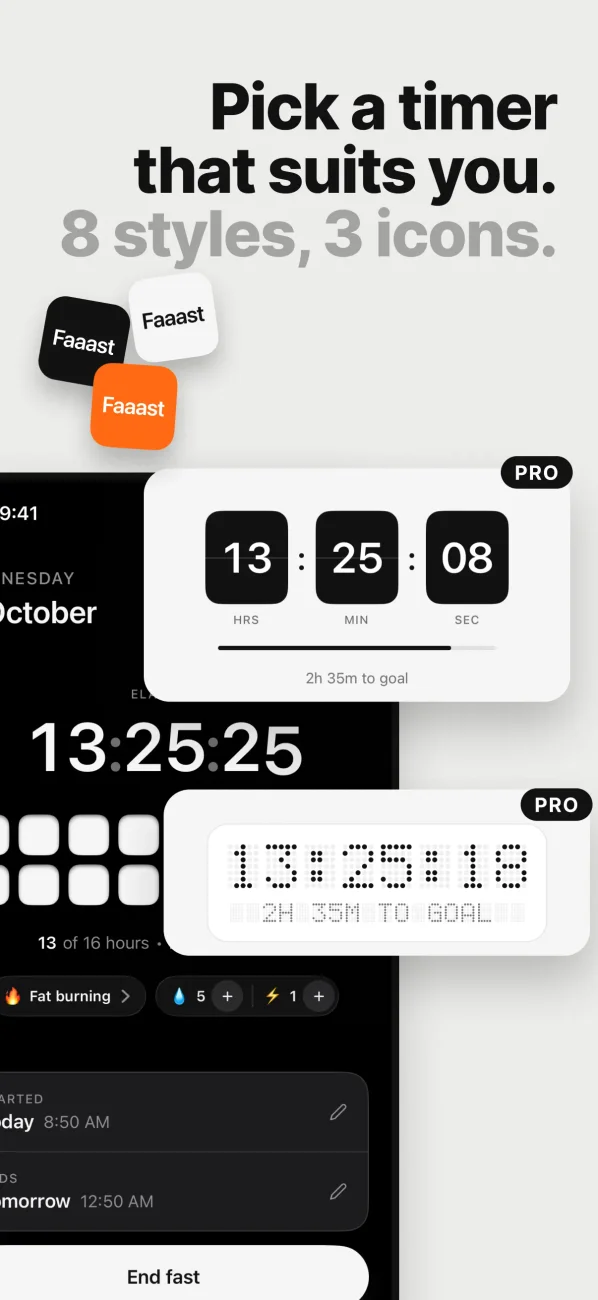
• Watch the hours fill on the timer style you like: hour blocks, ticks, gauge, filling disc or digital
• Go past your goal and the extra hours burn as flame blocks
• Got the time wrong? Change any start or end afterwards
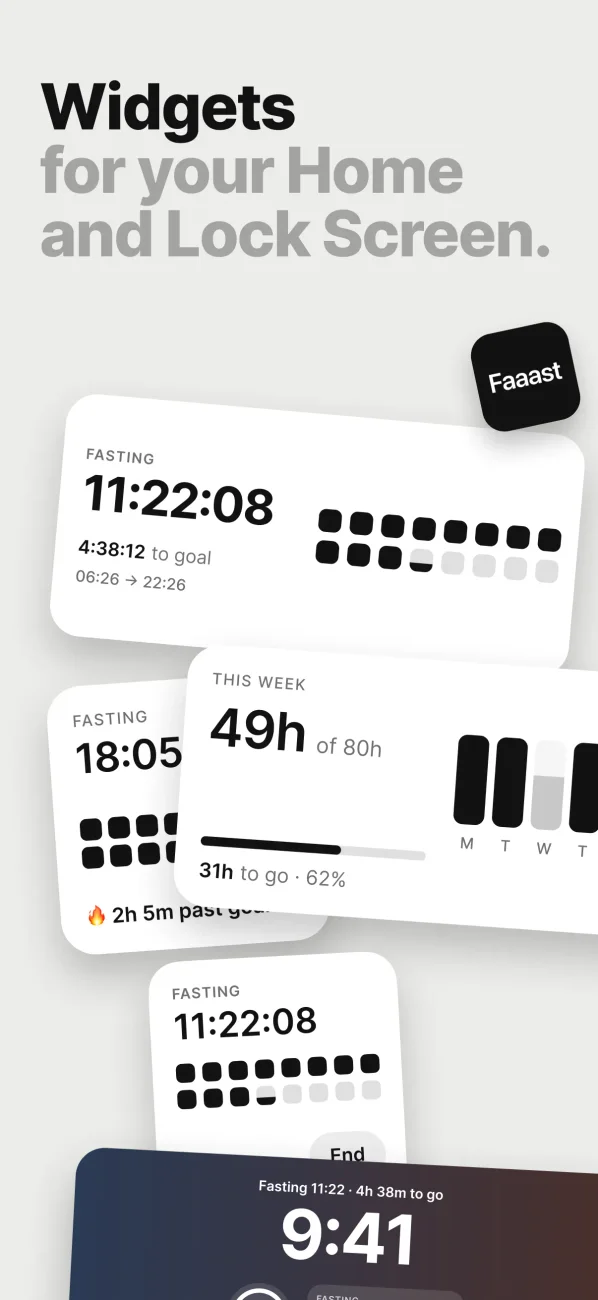
• Widgets for your Home Screen and Lock Screen, including one that starts or ends a fast with a tap
• Reminders at halfway, at your goal, before your eating window closes and to keep your streak alive
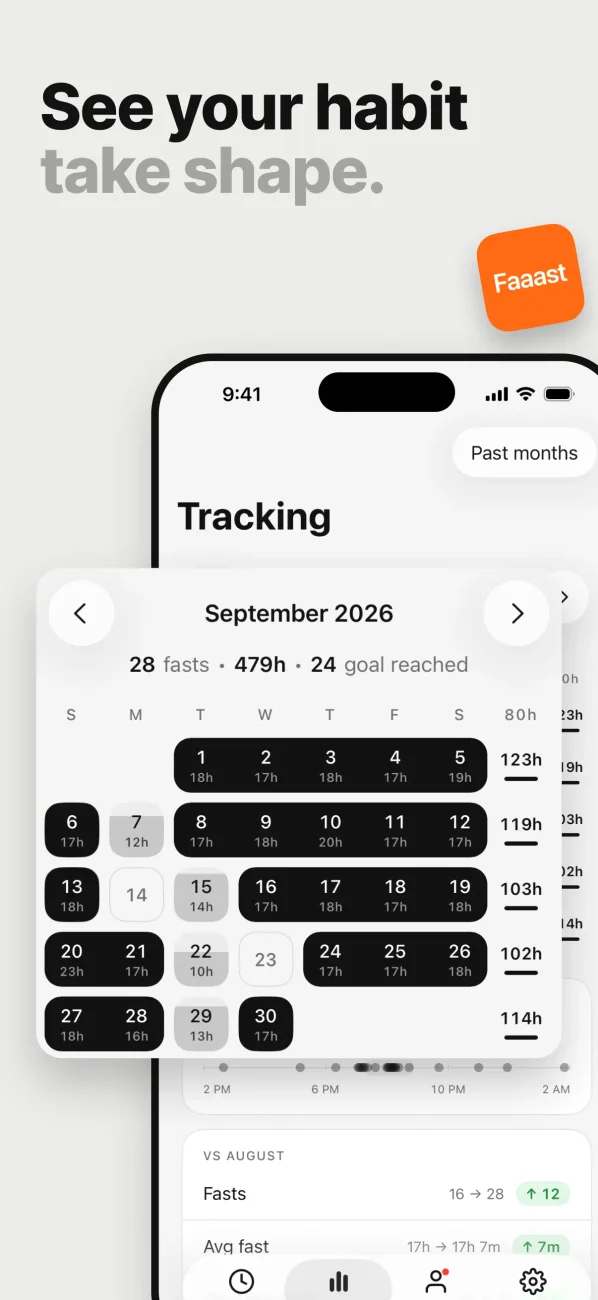
SEE YOUR HABIT TAKE SHAPE
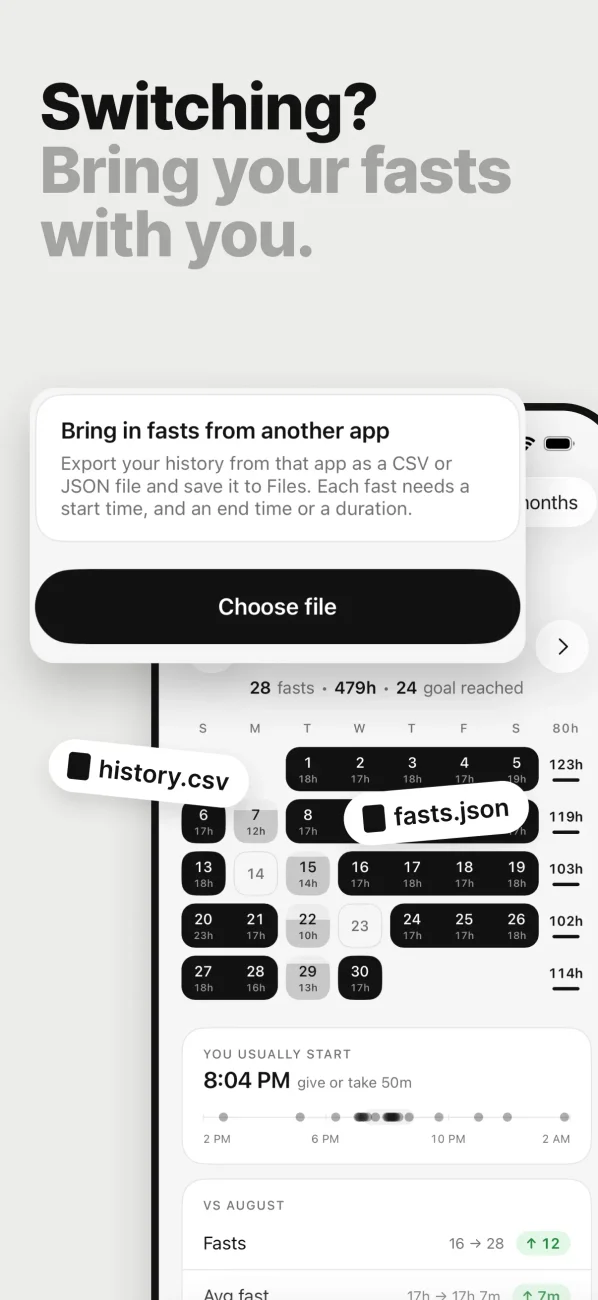
• A calendar where every fast lands on the day it ends, and good days join up into streaks
• Days that fall short fill up by how much of your goal you reached, and every day shows its hours
• Tap any day to see the whole fast on one bar, with its water, weight and sleep, and edit or delete it
• Compare this month with the last, and look back over every past month
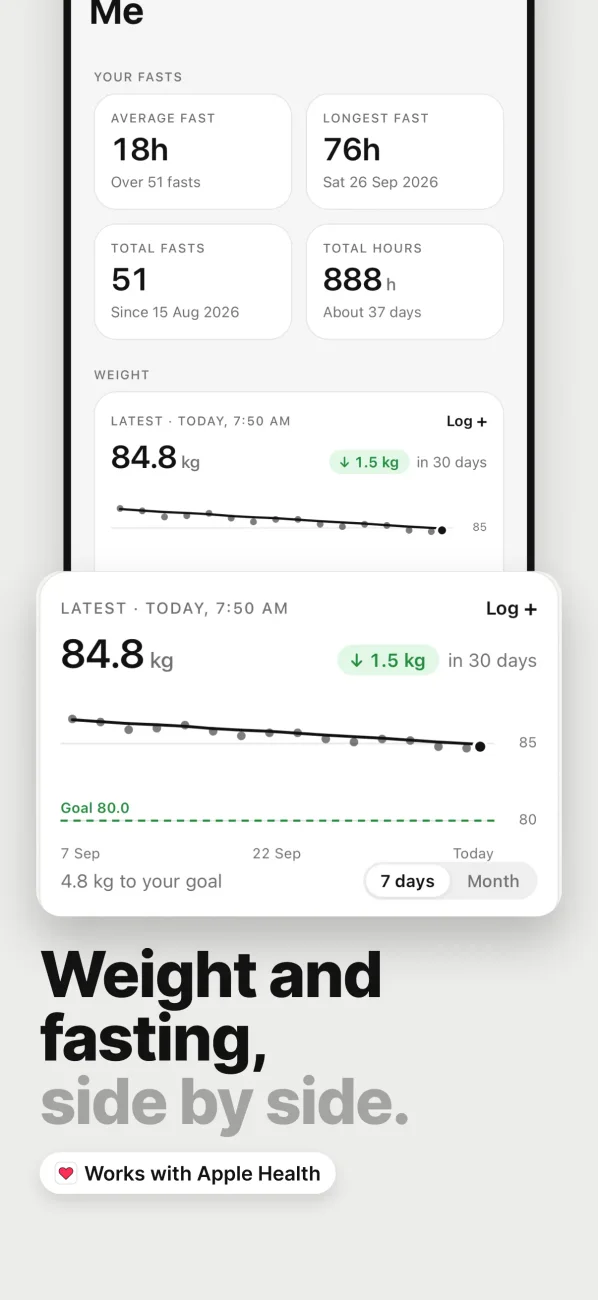
• Your records: average and longest fast, total hours, current and best streak, consistency and the time you usually start
• A weekly goal that fits how you fast
• A recap card for every week and month in three styles, Faaast, Blocks and Paper, ready to share
TRACK YOUR WEIGHT AND YOUR PROGRESS
• Log your weight, pick kg, lb or stones, and set a goal
• Take a progress photo each month or week, kept only on your iPhone, with an optional Face ID lock
• A faint guide from your last photo helps you line up the same pose
• Swap the background of your photos for clean white or paper, done on your iPhone
• Put any two photos side by side and see what the scale can't
STAY MOTIVATED
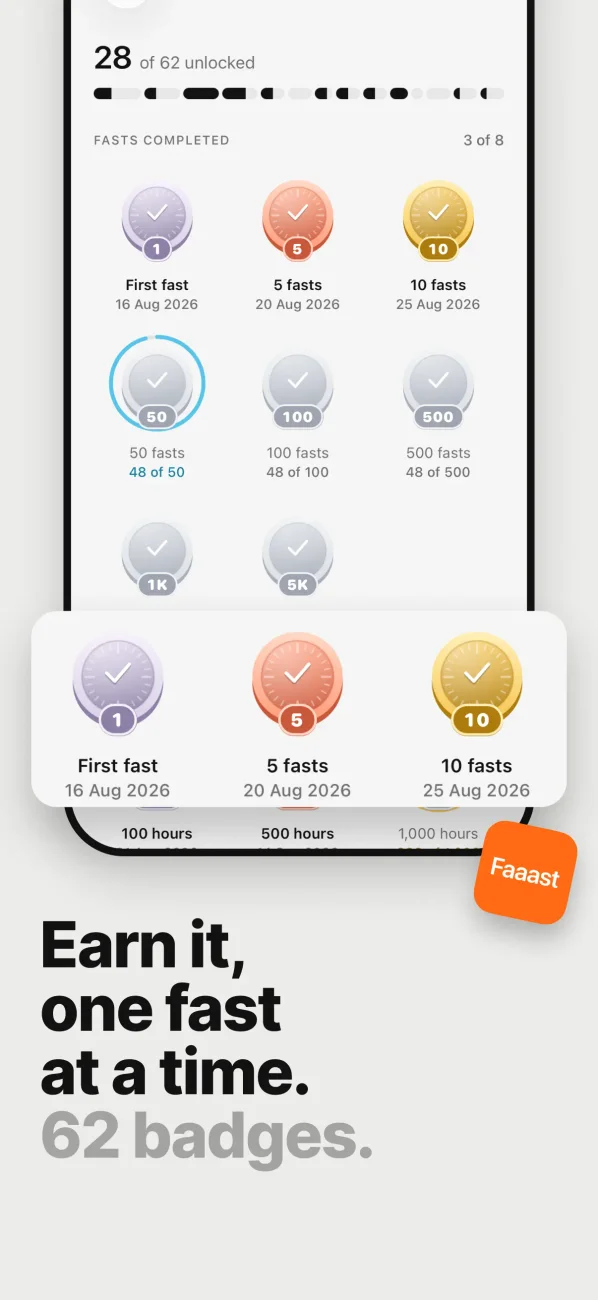
• 62 achievements for fasts, hours, streaks, weekly goals and a few hidden ones to find
• Badges change colour as you level up, with a shine when you unlock one
MAKE IT YOURS
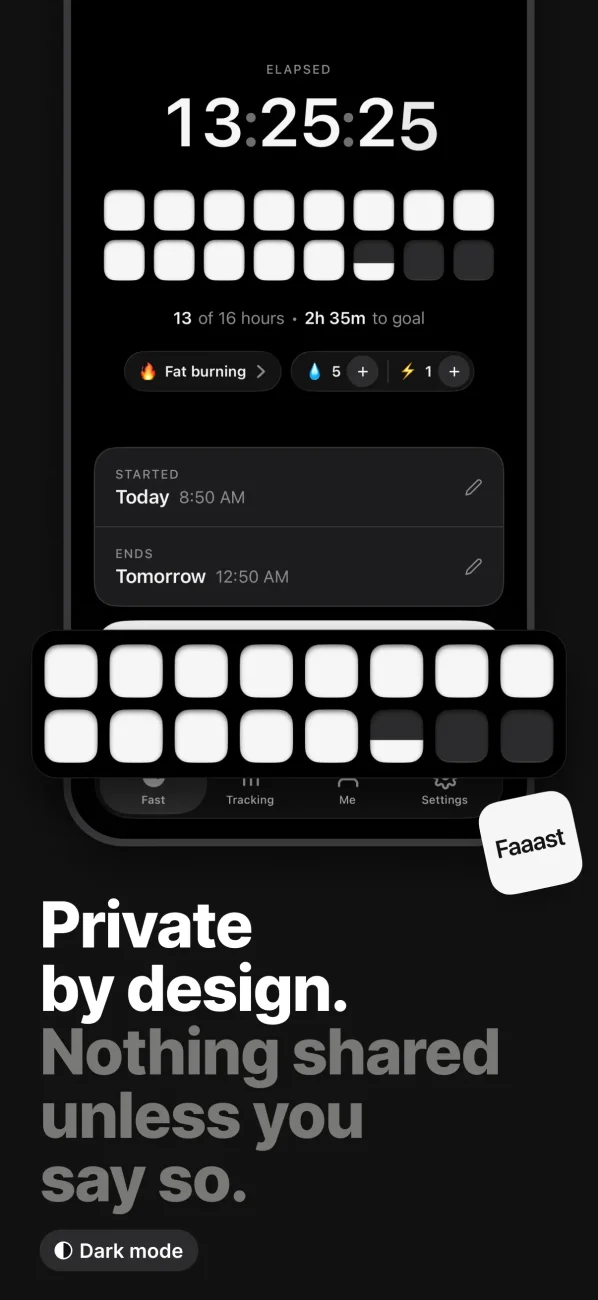
• Light and dark mode
• Three app icons to choose from: Ink, Paper and Ember
PRIVATE BY DESIGN
• No account and no sign-up. Your fasts, weight and photos stay on your iPhone, and in your own iCloud if you turn on backup.
• Bring your history from another fasting app (CSV or JSON), and export everything any time
• Anonymous usage stats and crash reports are off unless you turn them on, and never include your fasts, weight or photos
FAAAST PRO
Unlock more out of every fast:
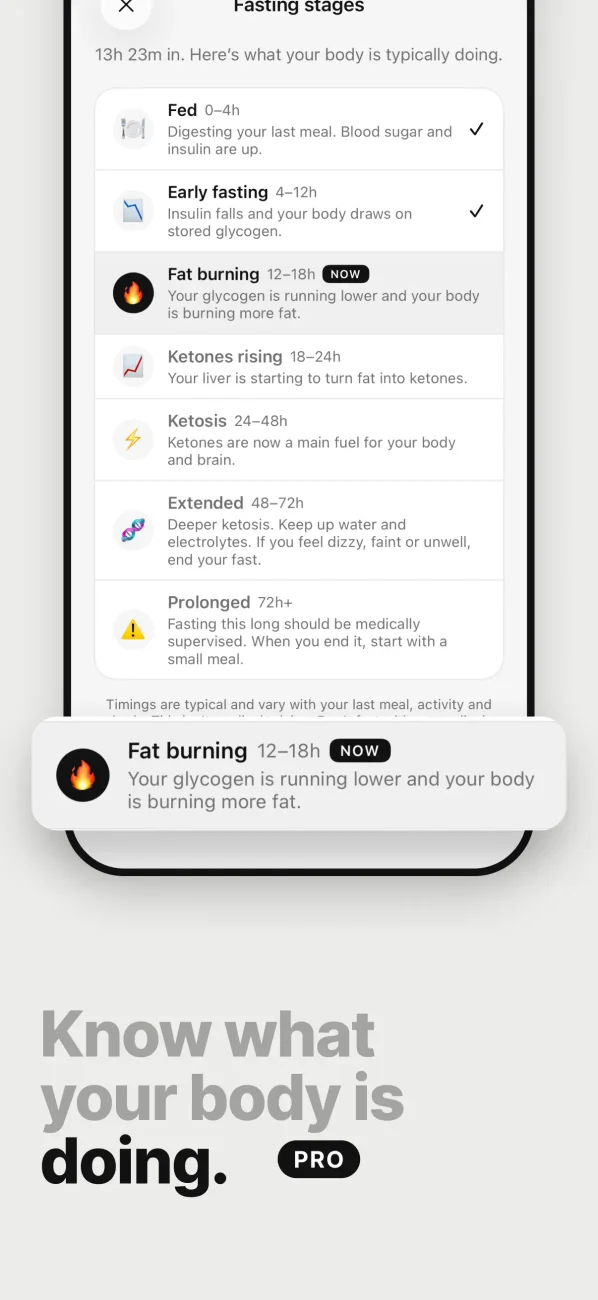
• Fasting stages: what your body is typically doing, hour by hour, with an alert as you reach each stage
• Water and electrolytes, logged with one tap
• Your weight trend and goal on a chart, next to your fasts
• Sleep during your fasts from Apple Health: see every hour you slept through, and your average on Me
• Weight from Apple Health, saved both ways
• Snap the meal that breaks each fast, kept with that fast and on a month calendar
• Automatic iCloud backup, and your history restored on a new iPhone in one tap
• Three extra timer styles: Flip clock, Countdown and Departure board
• A progress photo every day
Faaast Pro is €39.99 a year, €5.99 a month, or €79.99 once for life. Subscriptions renew automatically unless cancelled at least 24 hours before the end of the current period. Manage or cancel in your App Store account settings.
Terms of Use: https://www.apple.com/legal/internet-services/itunes/dev/stdeula/
Privacy Policy: https://faaastapp.com/privacy/
Faaast isn't medical advice. Talk to your doctor before fasting, and don't fast without medical advice if you're pregnant or breastfeeding, under 18, have had an eating disorder, or take insulin or other glucose-lowering medication.
What’s new
Version 1.3.0 · Nov 17, 2026
Sleep through your fast: see how much of each fast you slept, from Apple Health.
NEW
• Sleep during your fast. With Faaast Pro, connect Apple Health and every timer shows how long you slept: see each hour you slept through on Hour blocks and Hour ticks, and the night drawn on the Gauge.
• Your sleep on Me. A bar for each of your last 7 fasts shows how long you slept during it, with your average. Tap a bar to open that day.
IMPROVED
• Day detail shows your whole fast on one bar: how long it lasted, your goal, when it started and ended, and the night you slept through.
• When a monthly or weekly recap is ready, a small bubble points you to Me. Tap it, or Me, to open the recap.
• Clearer Apple Health settings: Weight from Apple Health and Sleep from Apple Health, side by side.
Thanks for fasting with Faaast. Ideas or problems? Settings → Send feedback.
App privacy
What Arecon LP declares on the App Store about how this app handles data.
-
Data not linked to you
May be collected but is not linked to your identity.
- Purchases
- Identifiers
- Usage data
- Diagnostics
Privacy practices may vary, for example with the features you use or your age.
Information
- Seller
- ARECON E.E.
- Category
- Health & Fitness
- Version
- 1.3.0
- Updated
- Nov 17, 2026
- Released
- Oct 22, 2026
- Size
- 73.2 MB
- Requires
- iOS 16.4 or later
- Age rating
- 12+
- Price
- Free
- In-app purchases
- Yes
- Languages
- English
- Copyright
- © 2026 Arecon
You might also like
-
 Plus Five: Workout LogHit every rep. Add five.
-
 Fast12: Intermittent FastingAutophagy & 12-Hour Tracker
-
 Liftora: Gym & Workout TrackerWorkout Planner & Gym Tracker
-
 Guided FastingSimple fasting timer
-
 Arnie: Gym Workout Log & RPEWeight Lifting Tracker
-
 PetVital: Pet Health & CareDog & Cat Meds, Vet Records
-
 FastingerIntermittent Fasting Tracker
-
 base.Hybrid training made simple
-
 Meditation StillnessMindful Timer & Meditation
-
 Gym Workout Tracker: RepioStrength Training Planner