
- Age rating4+
- CategoryBusiness
- DeveloperFabasoft R&D GmbH
- LanguagesEnglish+ 21 more
- Size163.5 MB
Links to the official App Store page
Download.org hosts no file of Fabasoft. The button opens its official App Store page, published by Fabasoft R&D GmbH. Listing last checked on Nov 18, 2026.
Screenshots

About
The Fabasoft app gives you access to your organization’s business documents. Wherever and whenever, securely and reliably.
The Fabasoft app lets you:
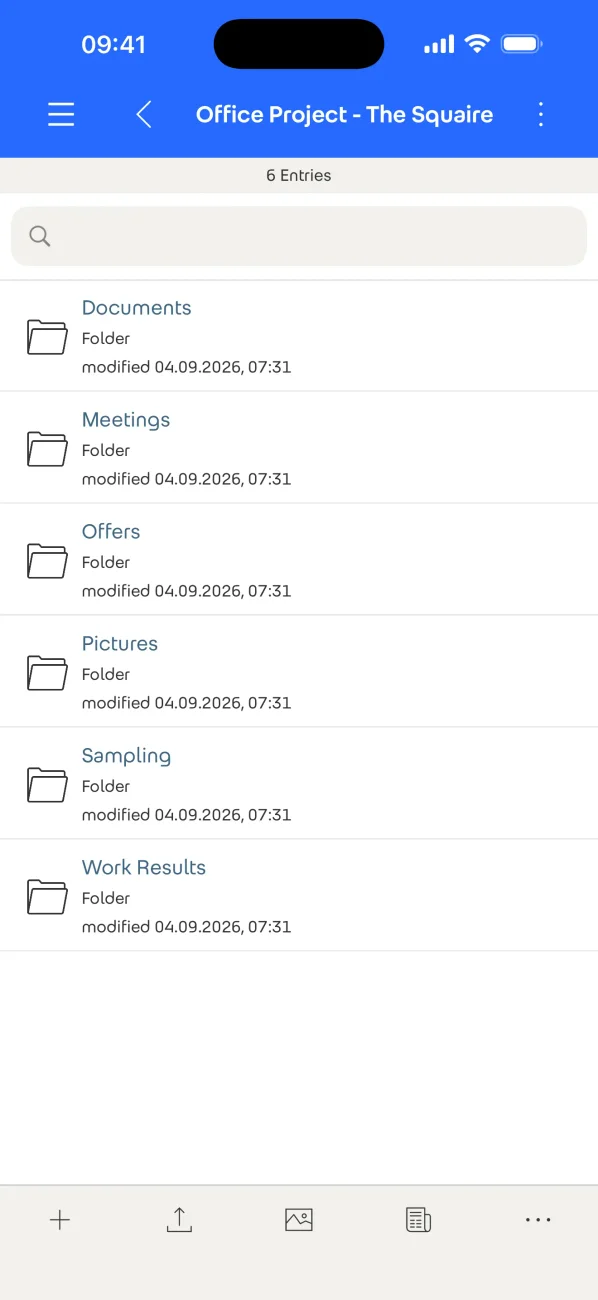
- Access your organization’s business documents quickly and easily.
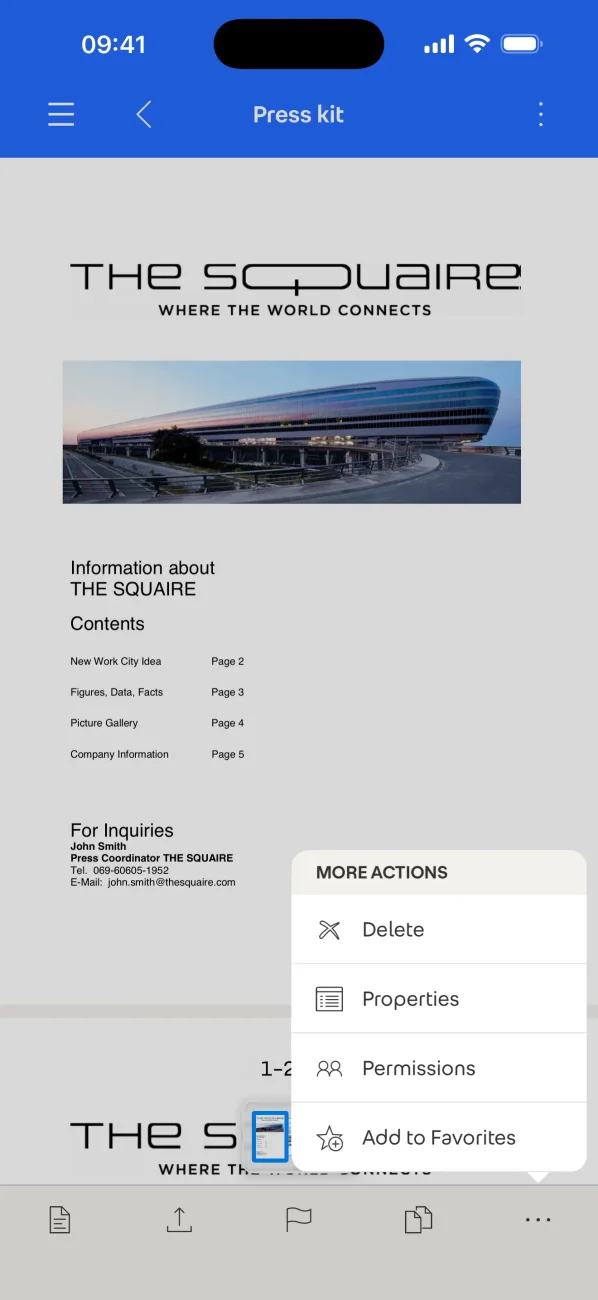
- Read, open and edit business documents and swipe between documents.
- Open business documents on your iPad/iPhone using integrated apps (e.g. with Pages).
- Play videos from your organization on your iPad/iPhone – even in offline mode.
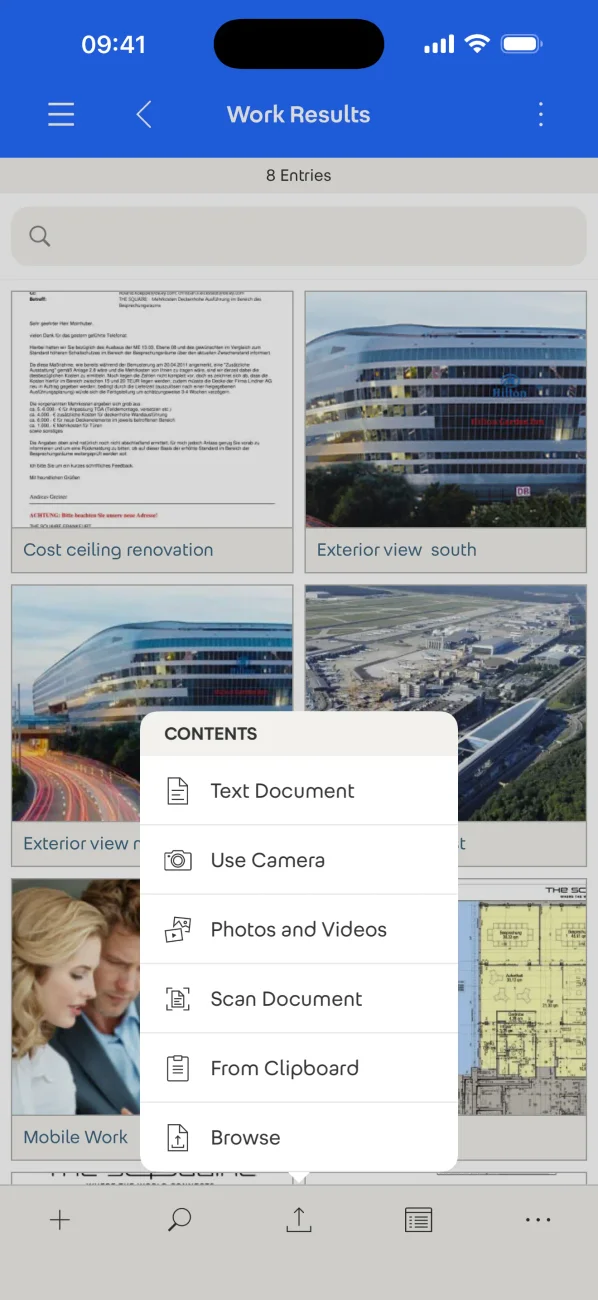
- Upload images and videos from your image libraries into Fabasoft Folio/Fabasoft eGov-Suite – even multiple files at the same time.
- Upload documents from other apps into Fabasoft Folio/Fabasoft eGov-Suite (e.g. e-mail attachments).
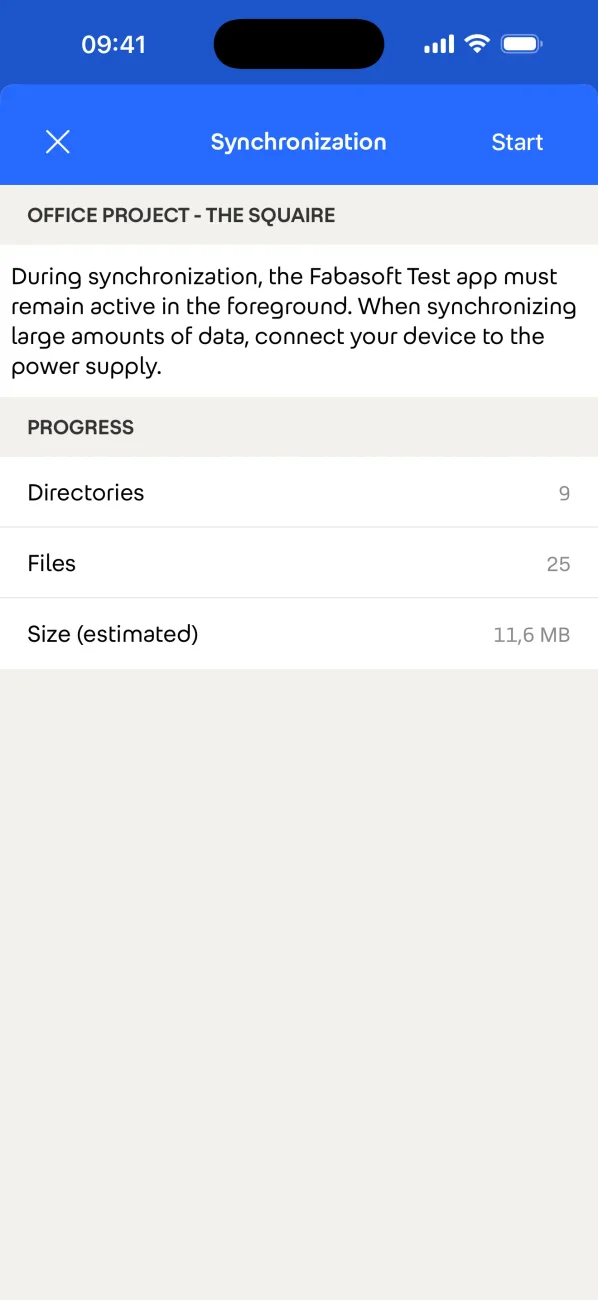
- Synchronize your business documents and folders and access them in offline mode without using the Internet.
- Refresh all of the documents and folders that you want to access in offline mode with a single tap.
- Use LAN synchronization to download documents from other devices on the same network.
- Search for data in all your business documents to which you have access rights.
- Create new Teamrooms and invite contacts to Teamrooms.
- E-mail links to documents and email documents as attachments.
- Display documents in full-screen mode.
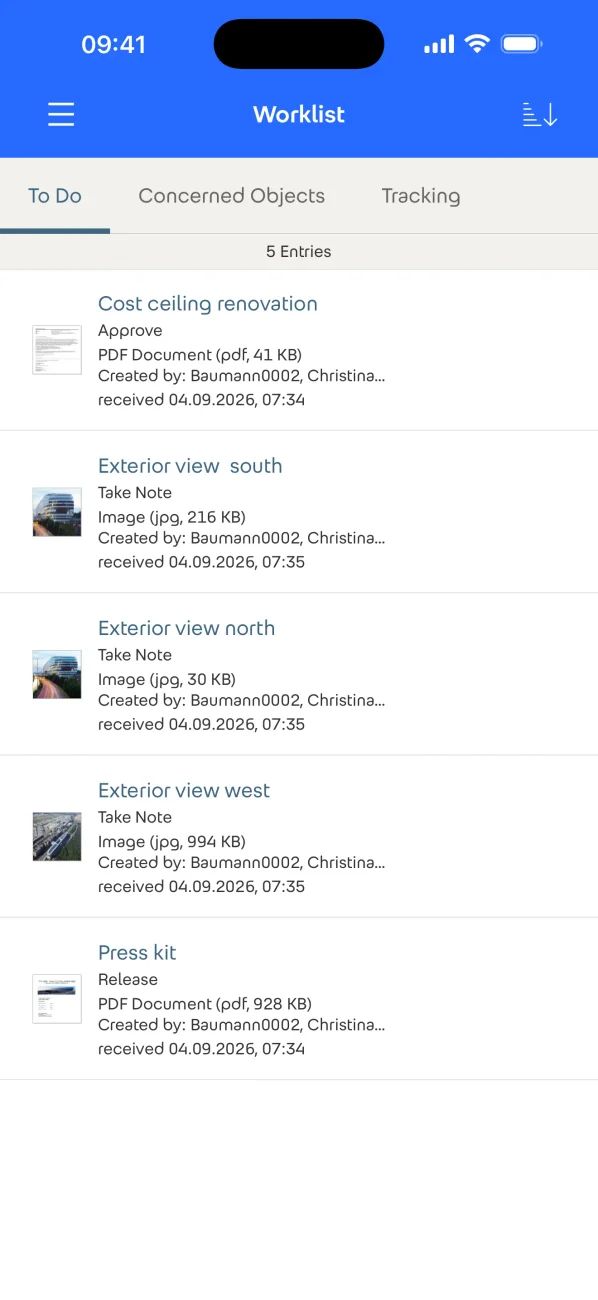
- Quick and easy access to your worklist, including your tracking list in Fabasoft Folio/Fabasoft eGov-Suite.
- Sort the different lists on your worklist by date, activity type or object, in ascending or descending order.
- Execute work items such as “Approve” or “Release” business documents and other objects.
- Access your worklist on your Apple Watch (requires password for applications or basic authentication).
- Protect your data at Fabasoft Folio/Fabasoft eGov-Suite from unauthorized access. Only registered users who have been invited to the collaboration are authorized.
- Authentication via the following methods: user name/password (basic authentication), SAML2 or client certificates. If your Fabasoft Folio/Fabasoft eGov-Suite installation has enabled authentication via client certificates, you must import your personal client certificate using Apple iTunes into the Fabasoft app. In case of a permanent login together with SAML2, the device is bound to your user account using cryptographic methods.
Please note: To use the worklist, you will need at least Fabasoft Folio 2020 or Fabasoft eGov-Suite 2020. Moreover your processes have to be prepared so that they can be used in the app.
For more information about Fabasoft Folio and Fabasoft eGov-Suite, please visit https://www.fabasoft.com/.
What’s new
Version 8.15.0 · Oct 8, 2026
- We provide many small improvements of existing features.
Thank you for your valuable feedback!
App privacy
What Fabasoft R&D GmbH declares on the App Store about how this app handles data.
-
Data linked to you
May be collected and linked to your identity.
- User content
- Identifiers
- Usage data
- Diagnostics
Privacy practices may vary, for example with the features you use or your age.
Information
- Seller
- Fabasoft R&D GmbH
- Category
- Business
- Version
- 8.15.0
- Updated
- Oct 8, 2026
- Released
- Apr 27, 2011
- Size
- 163.5 MB
- Requires
- iOS 18.0 or later
- Age rating
- 4+
- Price
- Free
- Languages
- English, Bulgarian, Croatian, Czech, Dutch, French, German, Hungarian, Indonesian, Italian, Japanese, Norwegian Bokmål + 10 more
- Copyright
- © Copyright Fabasoft R&D GmbH, Linz, Austria, 1988-2026.
You might also like
-
 Alfresco Mobile WorkspaceProductivity
-
 ISEC7 MAILSecure email
-
 BlackBerry ConnectivityBusiness
-
 Relution AgentMobilizing Enterprises
-
 HCL ConnectionsBusiness
-
 Mobile Wartung&PrüfungProductivity
-
 BETExplorer for BixolonBusiness
-
 SilentelSecure mobile communication
-
 Winowig mobilBusiness
-
 ISEC7 MAIL for BlackBerrySecure email