
- Age rating4+
- CategoryMusic
- DeveloperFabFilter
- LanguagesEnglish
- Size9.6 MB
Links to the official App Store page
Download.org hosts no file of FabFilter Pro-Q 4. The button opens its official App Store page, published by FabFilter. Listing last checked on Nov 17, 2026.
Screenshots


About
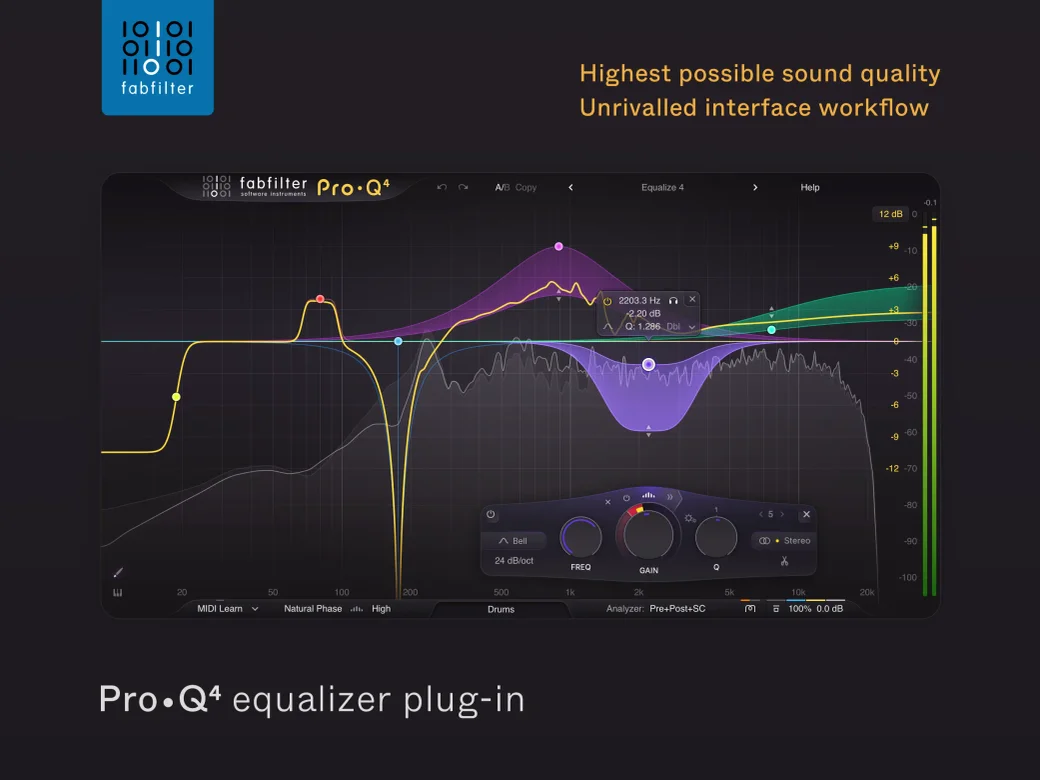
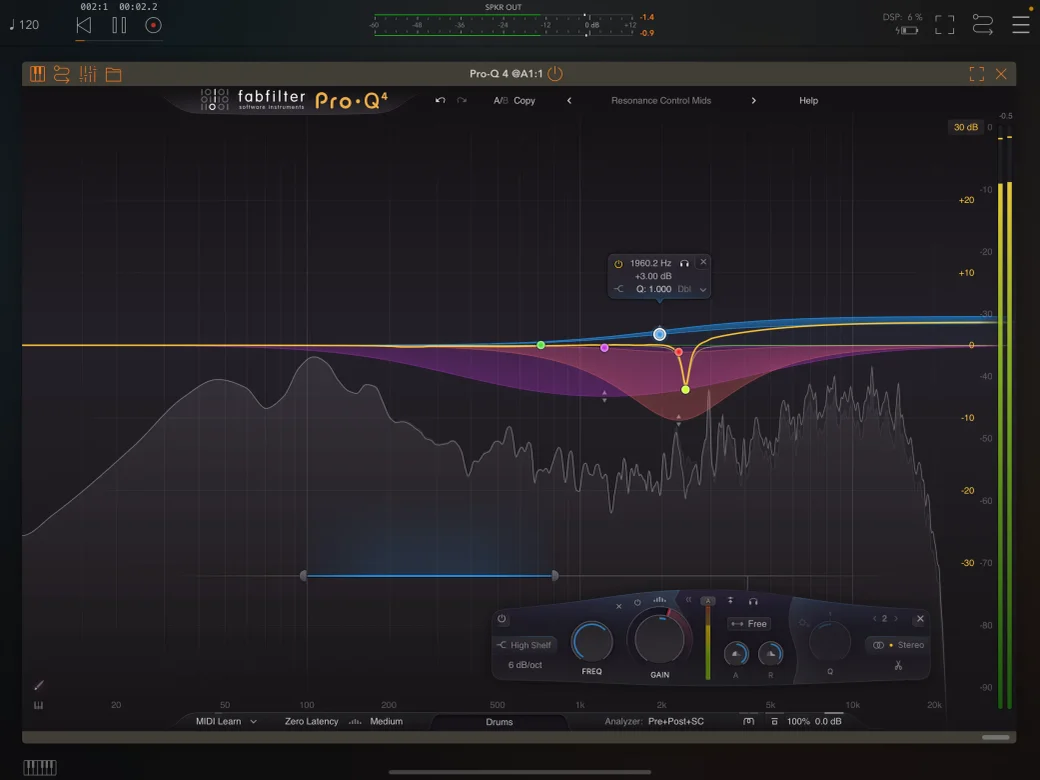
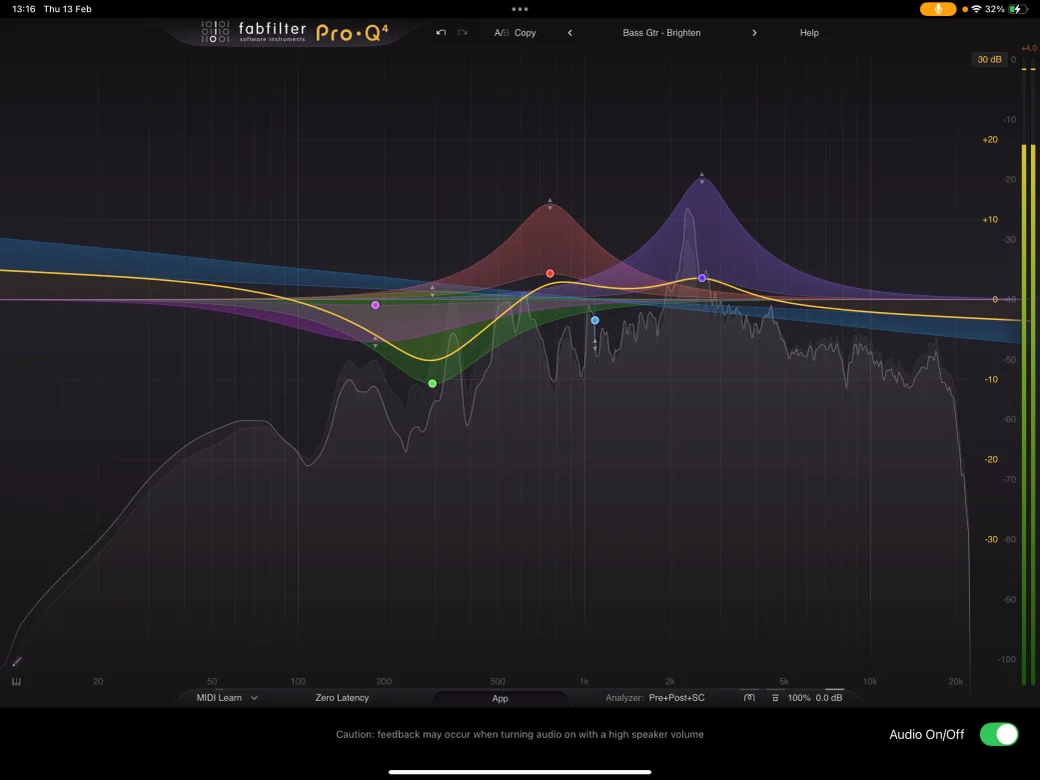
FabFilter Pro-Q 4 is a top-quality EQ plug-in with up to 24 bands, perfect analog modeling, dynamic EQ, linear phase processing, and a gorgeous interface with unrivalled ease of use. Accelerate your mixing with new features such as EQ Sketch and access to other Pro-Q 4 instances from a single plug-in interface. Spectral EQ and new Character modes make Pro-Q 4 more sonically versatile, while the improved, intelligent EQ display ensures Pro-Q 4 is an absolute joy to use.
The Pro-Q 4 app filters the microphone input and plays it back in real-time. To use Pro-Q 4 as a plug-in, you need an AUv3-compatible host app like Logic Pro, AUM or Cubasis. Pro-Q 4 will appear in the list of Audio Unit extensions for effect plug-ins in the host app.
Key features:
- Professional mastering-grade EQ plugin with exceptional sound quality
- Up to 24 bands with a huge range of filter types
- (New) Use the Instance list to view and control any other Pro-Q 4 instance in your session
- (New) EQ Sketch: just draw the desired EQ curve in one go to setup initial EQing
- (Improved) Dynamic EQ option for every band
- (New) Advanced Spectral dynamics processing, to effectively and precisely treat problem frequencies
- (New) Gentle and Warm Character modes to add analog warmth to your mixes
- (Improved) Filter shapes: Bell, Notch, High/Low Shelf, High/Low Cut, Band Pass, Tilt Shelf, Flat Tilt, All Pass (New)
- (Improved) Continuous slope setting up to 96 dB/oct for all filter types and ultra-steep 'Brickwall' slope setting for LP and HP filters
- (New) Copy and paste EQ bands or presets between plug-in instances
- Per-band Stereo, Left, Right, Mid or Side mode
- Zero Latency, Natural Phase and Linear Phase processing modes
- Powerful real-time spectrum analyzer
- Spectrum Grab: grab and adjust a peak directly in the spectrum analyzer (Improved)
- EQ Match for imposing the tonal characteristics of one signal on another
- Extremely efficient processing and low memory usage
- Intelligent multiband selection and editing
- Intelligent band solo mode
- Piano Display switches the frequency scale to musical note values
- Separate Mastering (3/6dB) and Mixing (12/30dB) display ranges
- Save, restore and organize presets
- Optional Gain-Q interaction
- Auto Gain and Gain Scale
- Phase Invert option to change polarity
- Large output level meter with peak level readout
- MIDI Learn with option to control the currently active band
- Undo/redo and A/B comparison
"Pro-Q was already one of the most
powerful and intuitive EQ plug-ins on the market, and version 4 represents a big step forward in both respects."
— Sound On Sound magazine
"With its spot-on sound and wonderful interface, Pro-Q is up there with the best EQs money can buy."
— MusicRadar
What’s new
Version 4.11 · Mar 23, 2026
Improved the instance list to show instances on the same track horizontally, in the same order as they are inserted on the track. (To show the correct order, it may be necessary to stop and start playback once.) Unlike on Windows or macOS, the instance list currently does not show other plug-ins like Pro-C 3 (due to stricter security on iOS).
You can now enter Spectrum Grab mode by tapping and holding on a part of the visible spectrum, just like in Pro-Q 3. To view the popup menu tap and hold on an empty part of the background.
Tap and hold the preset button to show a popup menu with quick actions, such as a Save command to easily save using the current preset name. Tap briefly to open the regular preset browser.
Tapping the slope value in the parameter value display (for a LP/HP band) will now open a slope menu instead of letting you change the slope by dragging up or down. The new behavior is the same as using the slope button in the band controls.
Having a band in Spectral mode will now always introduce the associated latency, even if its Dynamic Range is set to zero. This should fix accidental latency changes during processing, e.g. when automating the Dynamic Range parameter. Note: it is possible when loading sessions created with earlier Pro-Q 4 versions that the dynamic range for a band is zero, but the band is still showing as dynamic because the Spectral option is on, and so it will introduce latency now. In this case, simply toggle Spectral to off to fix this.
Fixed a bug that could cause the spectrum analyzer settings to not be saved as defaults for new instances, among other small problems.
Small bug fixes and improvements.
App privacy
What FabFilter declares on the App Store about how this app handles data.
-
Data not collected
The developer does not collect any data from this app.
Privacy practices may vary, for example with the features you use or your age.
Information
- Seller
- FabFilter
- Category
- Music
- Version
- 4.11
- Updated
- Mar 23, 2026
- Released
- Feb 27, 2025
- Size
- 9.6 MB
- Requires
- iOS 14.0 or later
- Age rating
- 4+
- Price
- $19.99
- Languages
- English
- Copyright
- © 2026 FabFilter
You might also like
-
 Battalion - Drum MachineSynth, Sampler, & Sequencer
-
 BLEASS TidesRide the Waves of Delay
-
 GRFX - Granular EffectsReal-time granular effects
-
 Humanoid - Baby AudioVocal Transformer/Tuner
-
 Circa LooperCreative Looping Environment
-
 Transit 2 - Baby AudioMotion FX Playground (AUv3)
-
 Groove Rider 2Groove Box, DAW, AUv3 host
-
 SkulpturPerformance Filterbank
-
 QuadroSphereStereo Spectrum Sculptor
-
 Pure Strings Instrument & AUv3Violin, Viola, Cello, Bass