
FabricLoop: Chat+Tasks+Docs+AI
Team Workspace, Kanban & Notes
Designed for iPhone, iPad
- Age rating17+
- CategoryBusiness
- LanguagesEnglish+ 32 more
- Size95.6 MB
Links to the official App Store page
Download.org hosts no file of FabricLoop: Chat+Tasks+Docs+AI. The button opens its official App Store page, published by . Listing last checked on Nov 12, 2026.
Screenshots
About
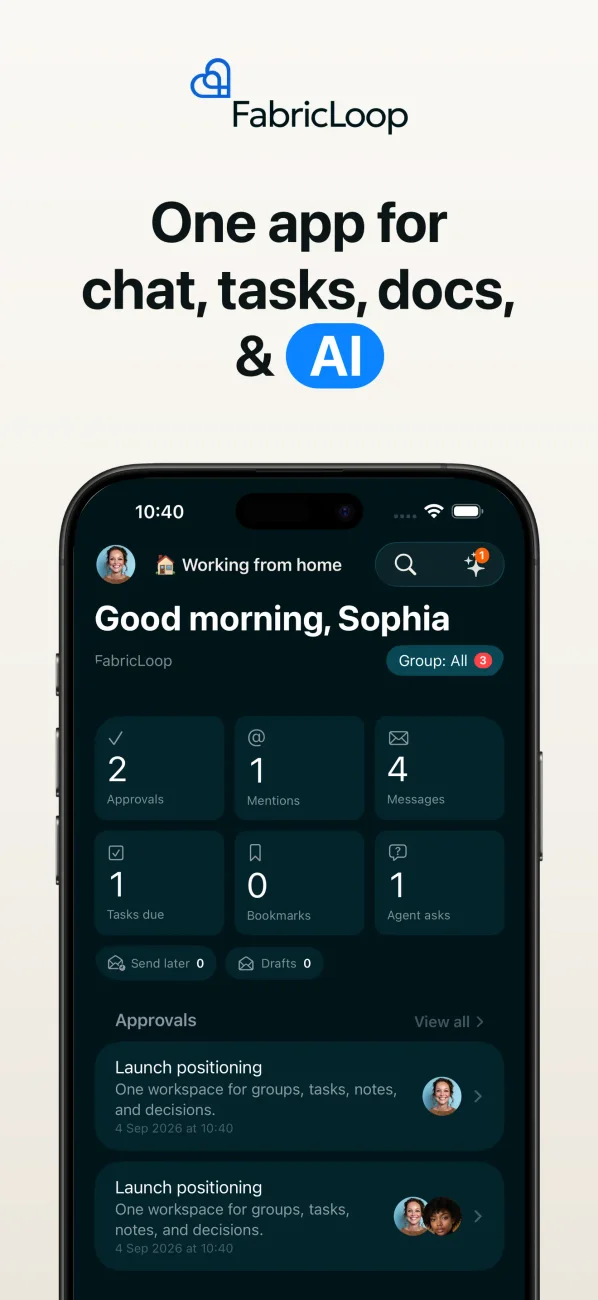
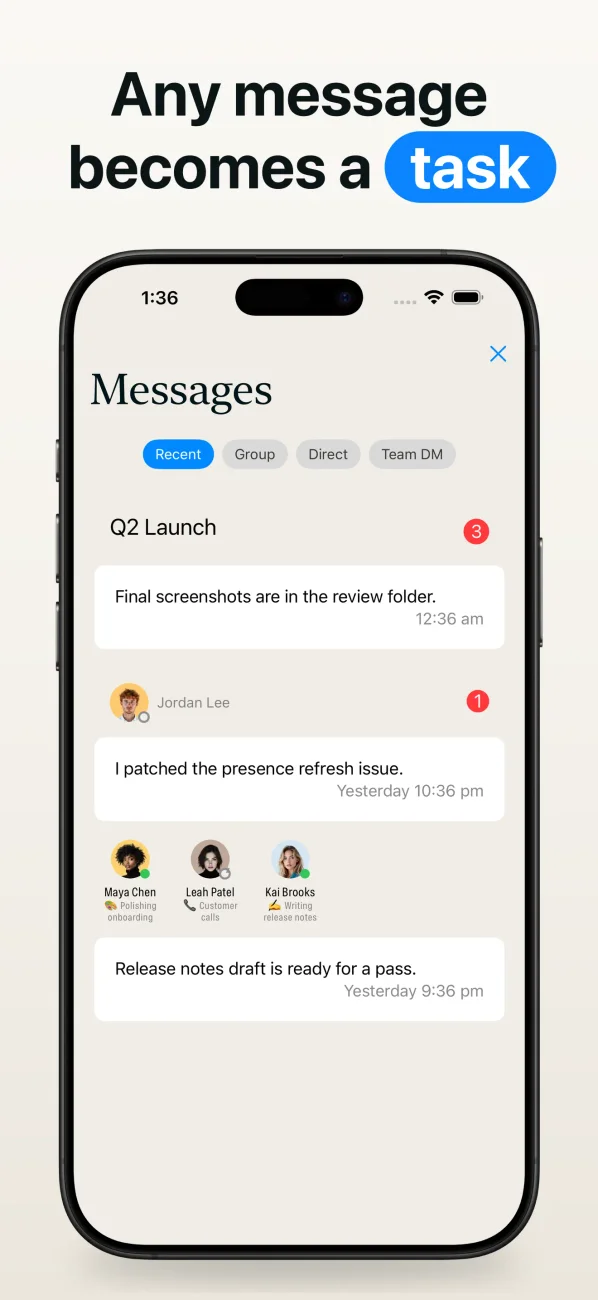
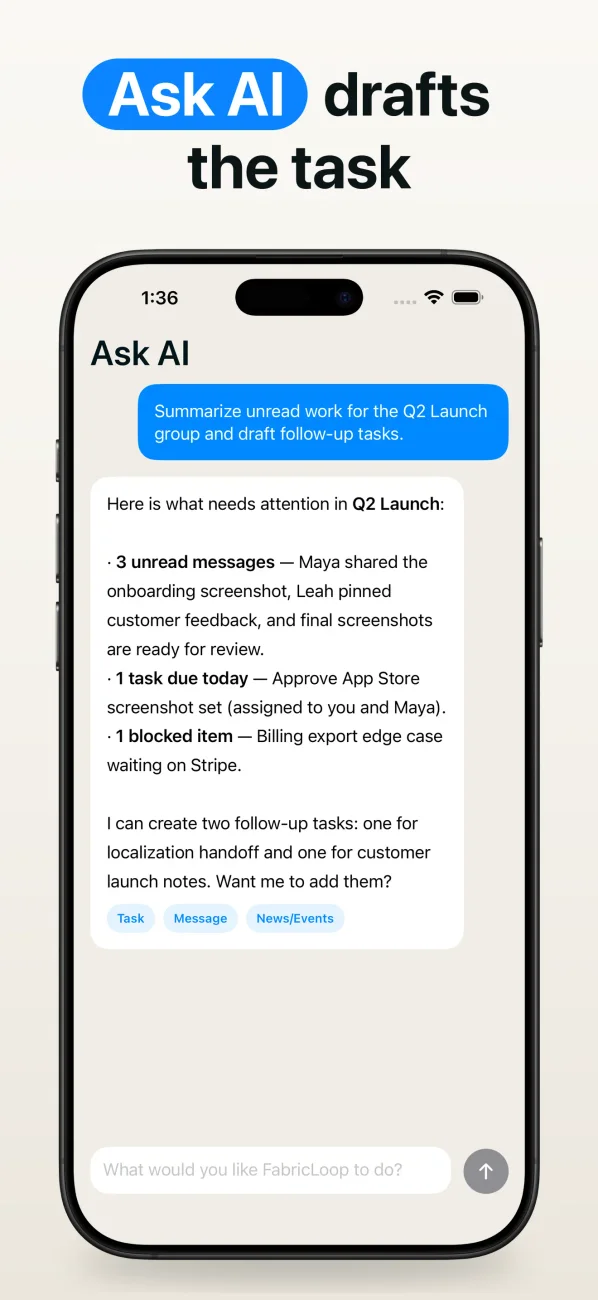
FabricLoop is the team workspace for chat, tasks, notes, calls, and AI agents. Turn any message into a task in one tap, and Ask AI searches your workspace to draft what’s next.
It replaces a stitched-together stack of chat, tasks, docs, and calls with one connected place to work.
• Team Chat & Messenger • Task Manager & Kanban Boards • Notes & Docs • AI Agents & Ask AI • Voice AI • MCP Apps (Cursor, Claude, ChatGPT) • Video & Audio Calls • Groups, News & Events
• Replace Slack, Asana, Notion, and Zoom with one native app
• Turn any message into a task, note, news post, or event in one tap
• Ask AI searches your whole workspace and drafts the next steps
• Build custom AI agents that watch channels and close the loop
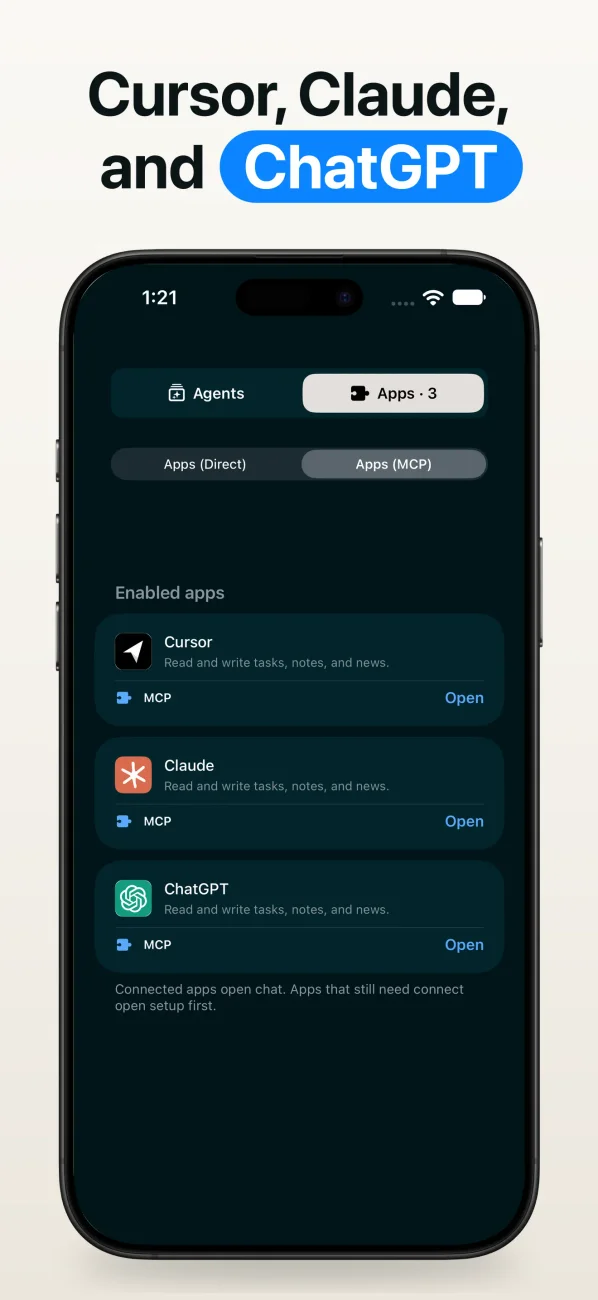
• Connect Cursor, Claude, and ChatGPT via MCP with audited, revocable access
• Meet, chat, and plan work without losing context
TEAM CHAT AND MESSENGER
• Channels, group DMs, and 1:1 messages
• @mentions, threads, reactions, bookmarks, and Remind Me
• @channel, @here, and @everyone for group-wide alerts
• Images, files, voice clips, and video in chat
• Message an AI agent or app in the same inbox — no slash commands
• Per-channel notification preferences
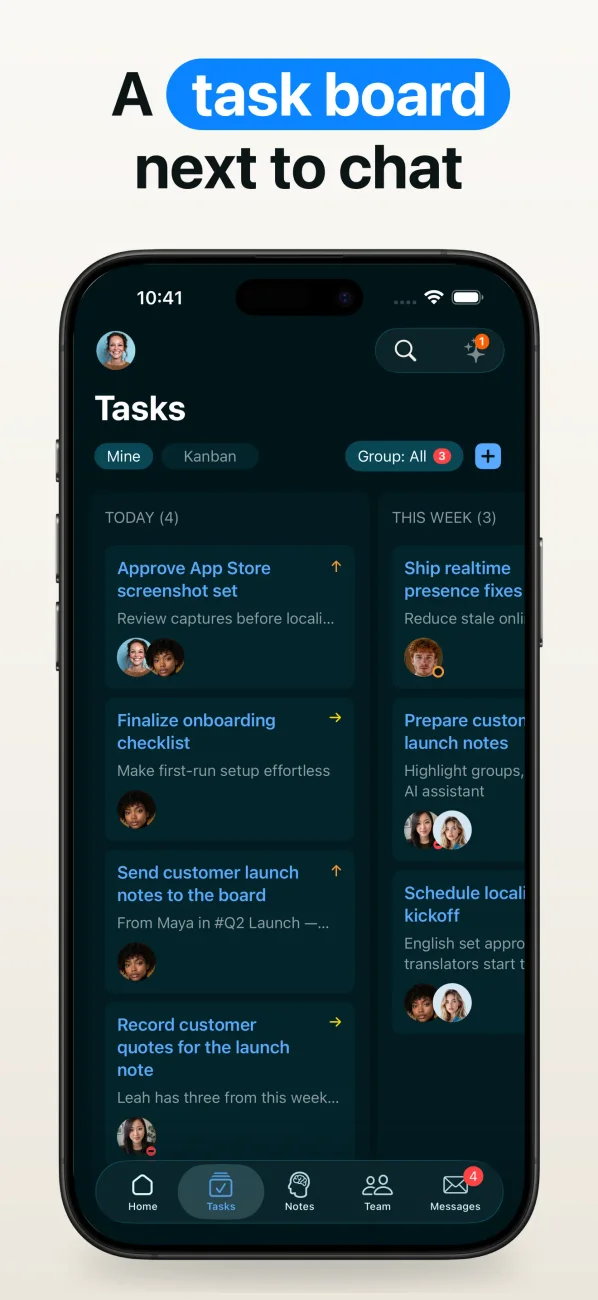
TASK MANAGER, KANBAN BOARD, AND CALENDAR
• List, kanban board, and calendar views
• Assign tasks to people, agents, or apps
• Priority, start/due dates, and percent complete
• Dashboard for workload, pipeline, and at-risk work
• Comments and attachments on every task
• Convert a chat message into a tracked task in one tap
• Break a task into subtasks, up to three levels
• Block a task until another one is done
• Estimate in sizes, points, or hours
• Color-code cards with labels, and give each task a code like FL-142
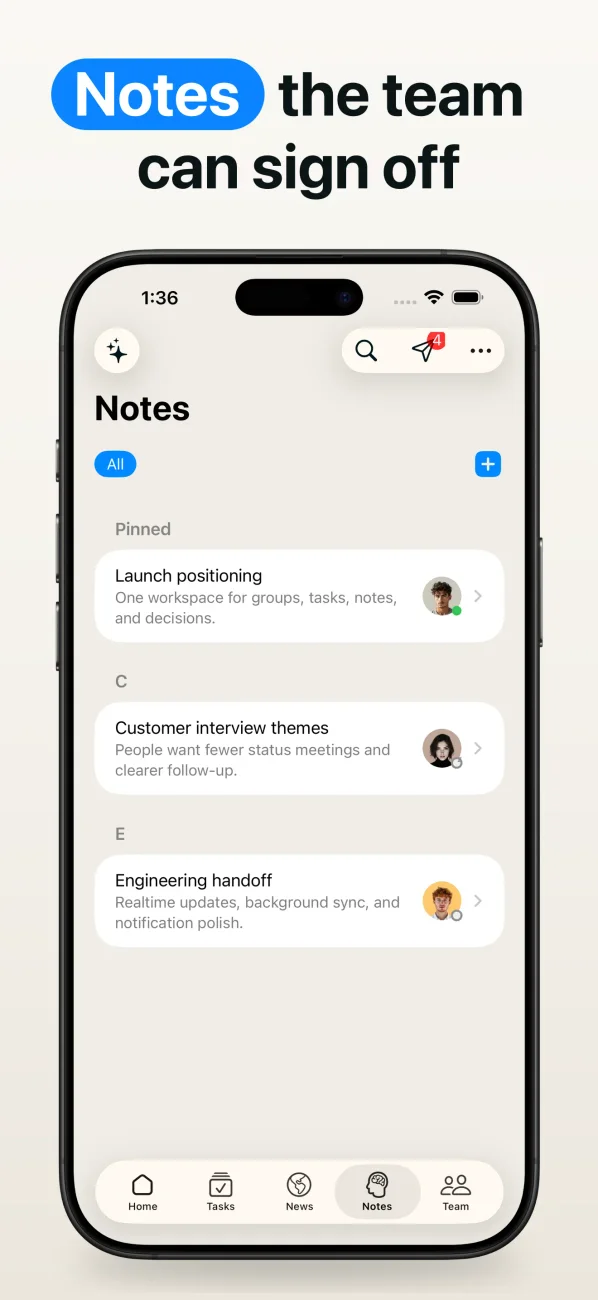
NOTES AND DOCS
• Real-time co-editing — everyone sees the same doc as you type
• Headings, checkboxes, tables, comments, and attachments
• Highlight any sentence and turn it into a task
• Route approvals to a person, AI agent, or app
• Scan documents on iPhone
AI ASSISTANT, AGENTS, AND VOICE AI
• Ask AI searches messages, tasks, notes, and file text
• Drafts follow-ups and creates the next tasks
• Voice AI on iPhone — speak instead of typing, hands-free
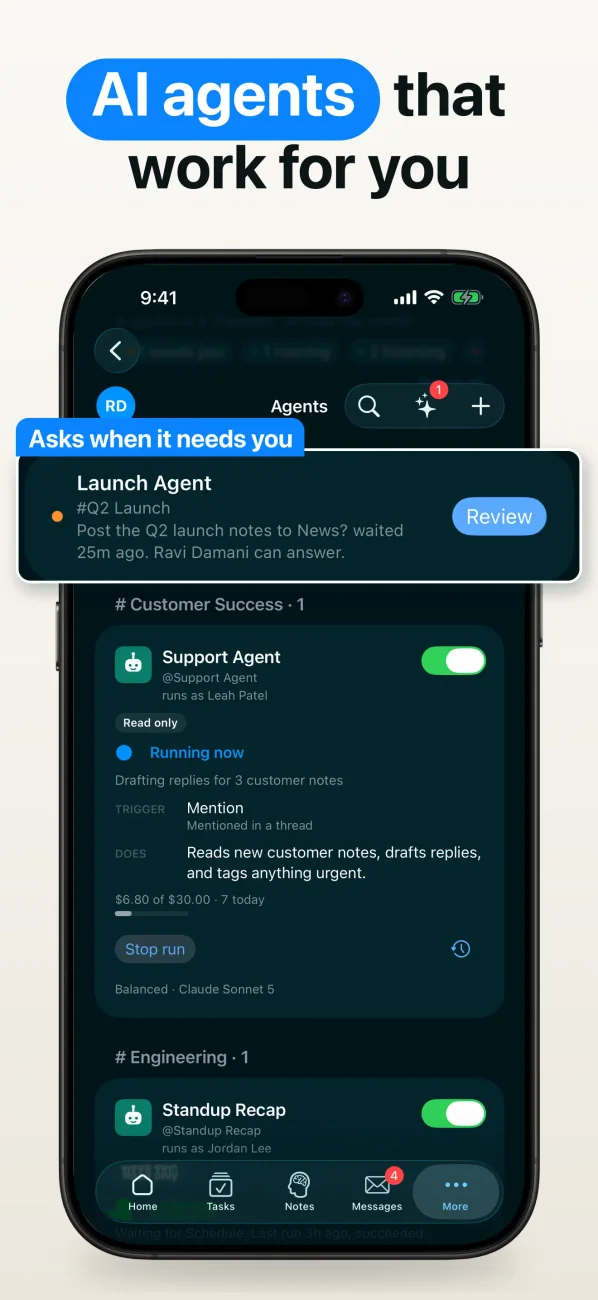
• Build custom AI agents that watch groups and run on a schedule
• Mention an agent, assign it work, or let it ask you a question
APPS AND MCP
• Connect Direct and MCP apps: Cursor, Claude, ChatGPT, GitHub, Google
• Apps read and write notes, tasks, and news with audited, revocable grants
• Mention an app in chat or use it from Ask AI
• Channel apps and incoming webhooks
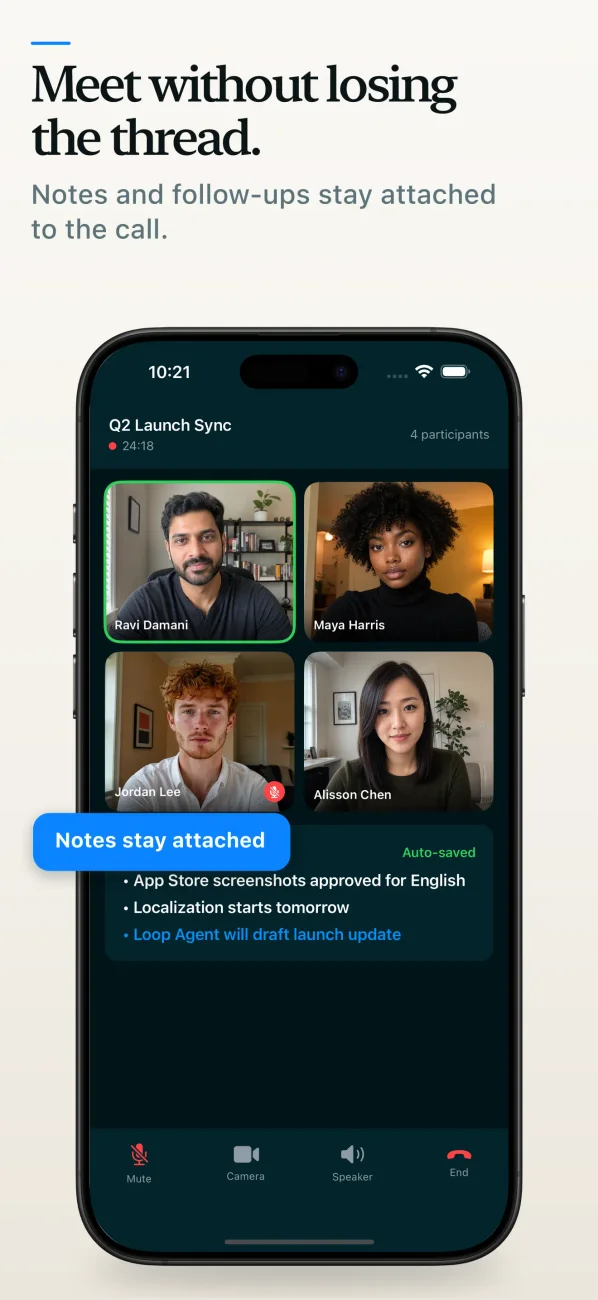
VIDEO AND AUDIO CALLS
• Start a call without leaving the workspace
• On iPhone, calls ring like a phone call
• Screen share, live transcription, and searchable call notes
• Follow-up tasks stay attached to the meeting
GROUPS, NEWS, EVENTS, AND PEOPLE
• Groups organize teams, projects, and topics — items can belong to more than one
• Browse, join, and leave groups
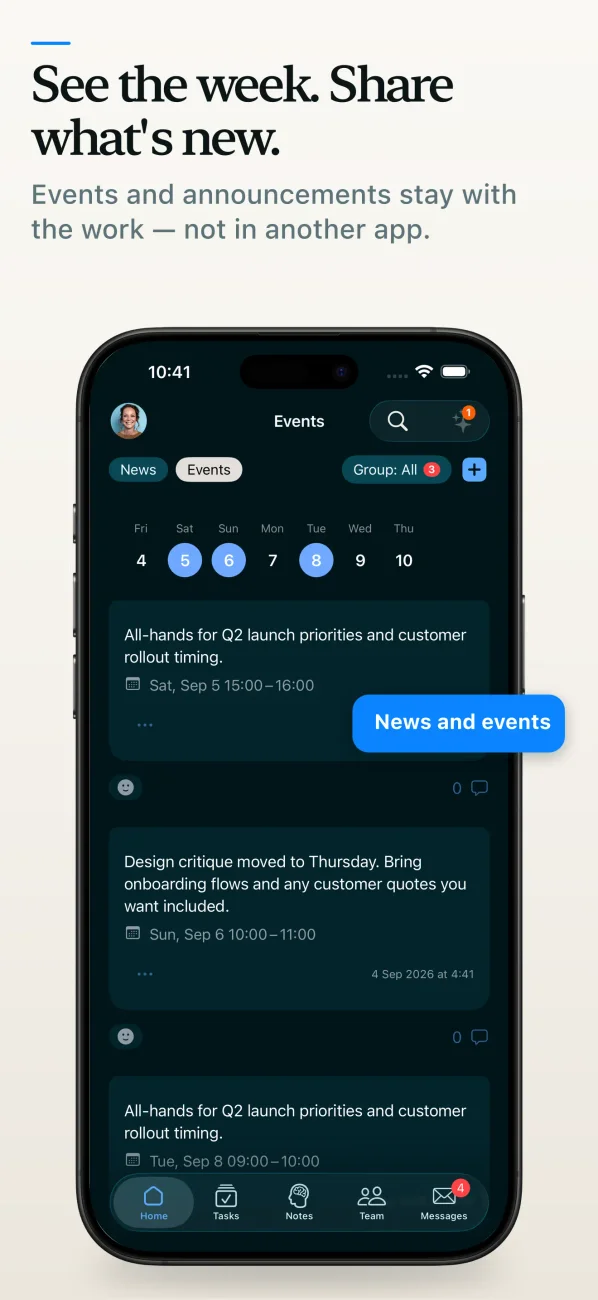
• Announcements and events with RSVPs
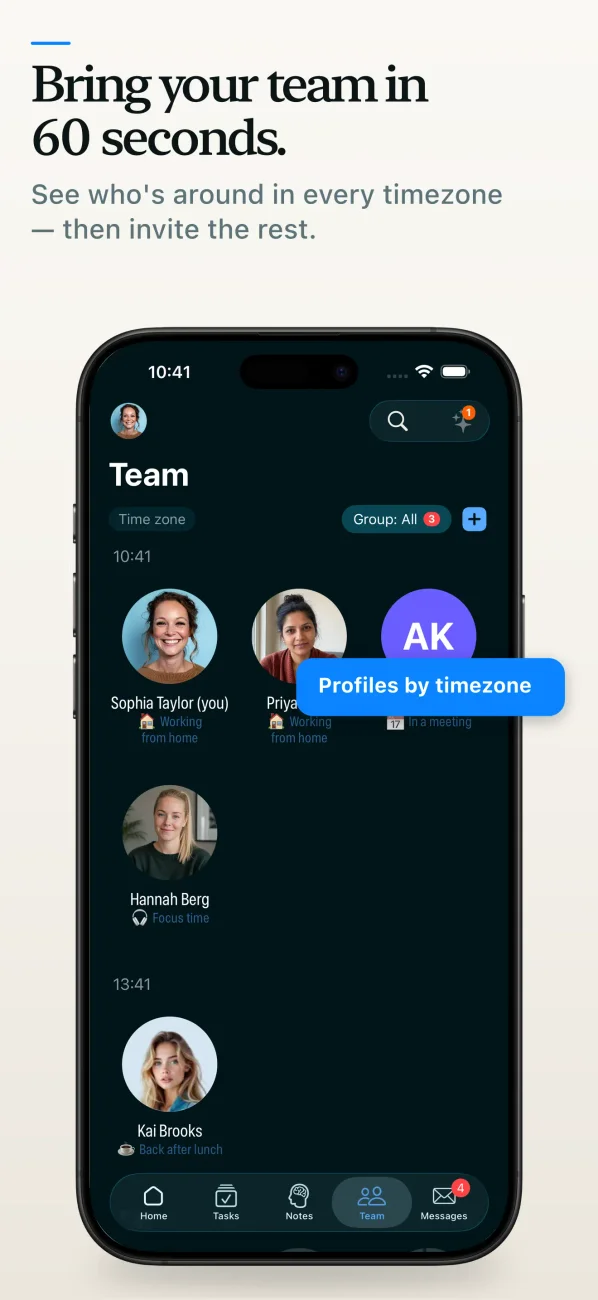
• See teammates by timezone and real presence
SEARCH, WIDGETS, AND HOME
• Advanced workspace search with filters and file text
• Home Screen widgets and quick actions
• Messages overview for threads, mentions, and reactions
GET STARTED IN MINUTES
Invite your team, create your first channel, and turn conversations into tracked work — no training required.
What’s new
Version 5.0 · Oct 23, 2026
FabricLoop 5.0
A HOME FOR YOUR AGENTS
Agents, Apps, News, and Events each get their own tab. Open any agent to see its status, run history, and settings. The list shows every agent's last run, budget, and state at a glance.
CREATE AN AGENT BY DESCRIBING IT
Say what you want it to do, choose its channel and integrations, and it starts paused so you decide when it goes live. Run it once, or retry a run, right from the list.
STAY IN CONTROL
Edit what each agent knows, review its triggers, check this month's spend, and see who it asks next.
UNDO DELETED MESSAGES
Deleted a message by mistake? Tap Undo within a few seconds.
EASIER GROUPS AND ATTACHMENTS
Editors can manage group settings from the new Groups tab in More. Photos and files added to a task keep uploading even if you leave the screen.
App privacy
What declares on the App Store about how this app handles data.
-
Data linked to you
May be collected and linked to your identity.
- Contact info
- User content
-
Data not linked to you
May be collected but is not linked to your identity.
- Identifiers
- Usage data
- Diagnostics
Privacy practices may vary, for example with the features you use or your age.
Information
- Seller
- FabricLoop Inc
- Category
- Business
- Version
- 5.0
- Updated
- Oct 23, 2026
- Released
- Oct 8, 2025
- Size
- 95.6 MB
- Requires
- iOS 18.1 or later
- Age rating
- 17+
- Languages
- English, Arabic, Catalan, Croatian, Czech, Danish, Dutch, Finnish, French, German, Greek, Hebrew + 21 more
- Copyright
- © FabricLoop, Inc
You might also like
-
 AI Side Panel: Smart WorkspaceMulti-Model Chat & Workflows
-
 Todo Now: Task & HabitDaily Planner & Goal Tracker
-
 PortaCue for ObsidianQuick voice notes & tasks
-
 AI Markdown Notes - WASHINOTEElegant Markdown notes with AI
-
 NestWork: Daily PlannerWork, home & life in one plan
-
 Atela: Lists, Tasks & PlansOne place for everything to-do
-
 Elegant Tasks: To-Do ListTask Manager App for iPhone
-
 BTS ChatterPrivate AI agents with tools
-
 Ai NoteTaker - Meeting Notes !transcribe video to text
-
 Kickstart: ADHD Task StarterBeat task paralysis & start