Face Blur AI - Hide & Censor
Photo Pixelator, Mosaic & Bar
Designed for iPhone, iPad, Mac
Free · In-app purchases
- Age rating4+
- CategoryPhoto & Video
- DeveloperIgor Bidenko
- LanguagesEnglish
- Size15.6 MB
Links to the official App Store page
Download.org hosts no file of Face Blur AI - Hide & Censor. The button opens its official App Store page, published by Igor Bidenko. Listing last checked on Nov 20, 2026.
Screenshots

About
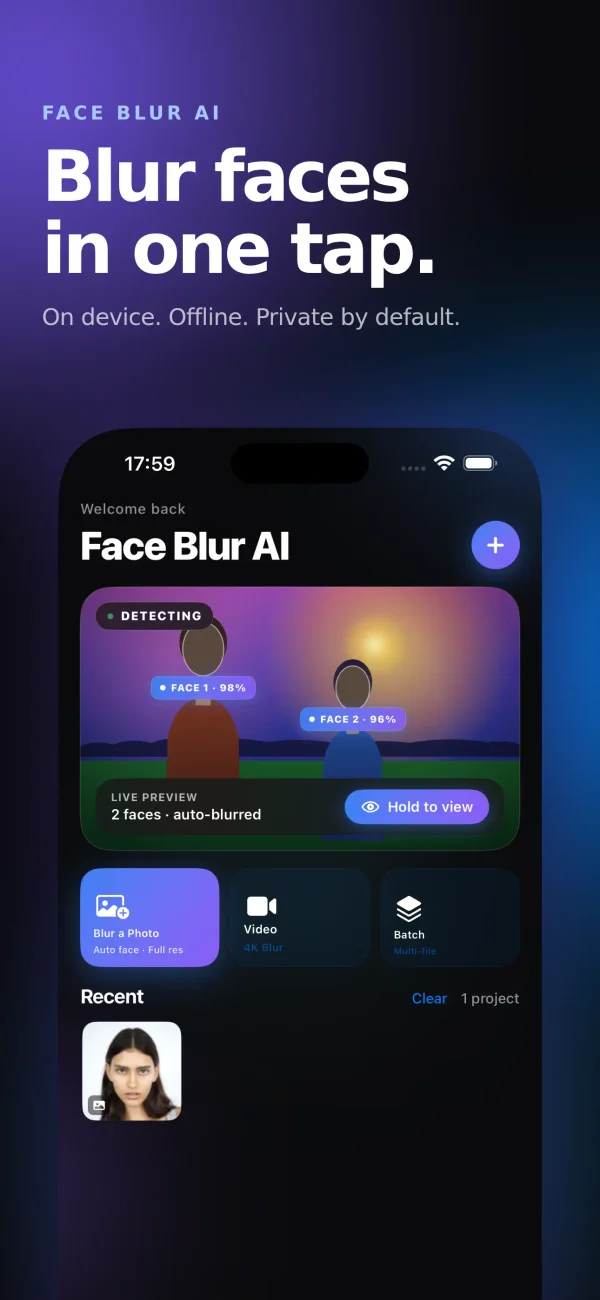
Blur faces in photos with one tap. Auto face detection, manual brush, and three censor styles. Fully offline, no upload, no account, no ads.
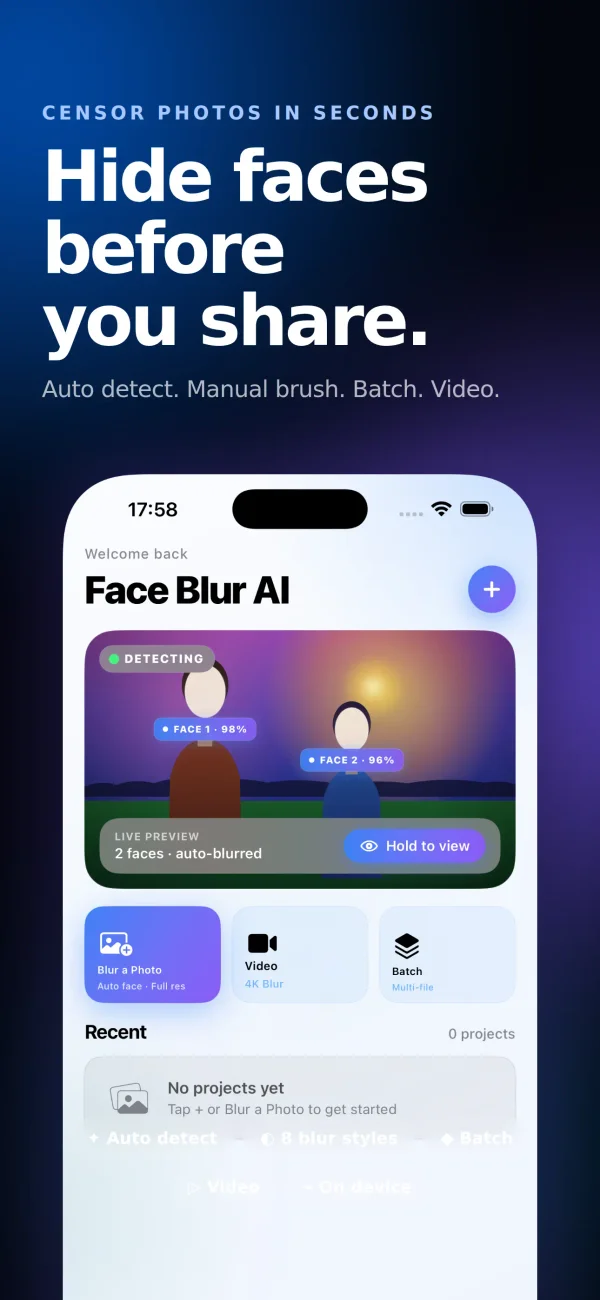
Face Blur AI is the fastest way to hide faces in your photos before you share them. Open a photo, tap a face, and it is blurred. No servers, no sign-up, no waiting.
CORE FEATURES
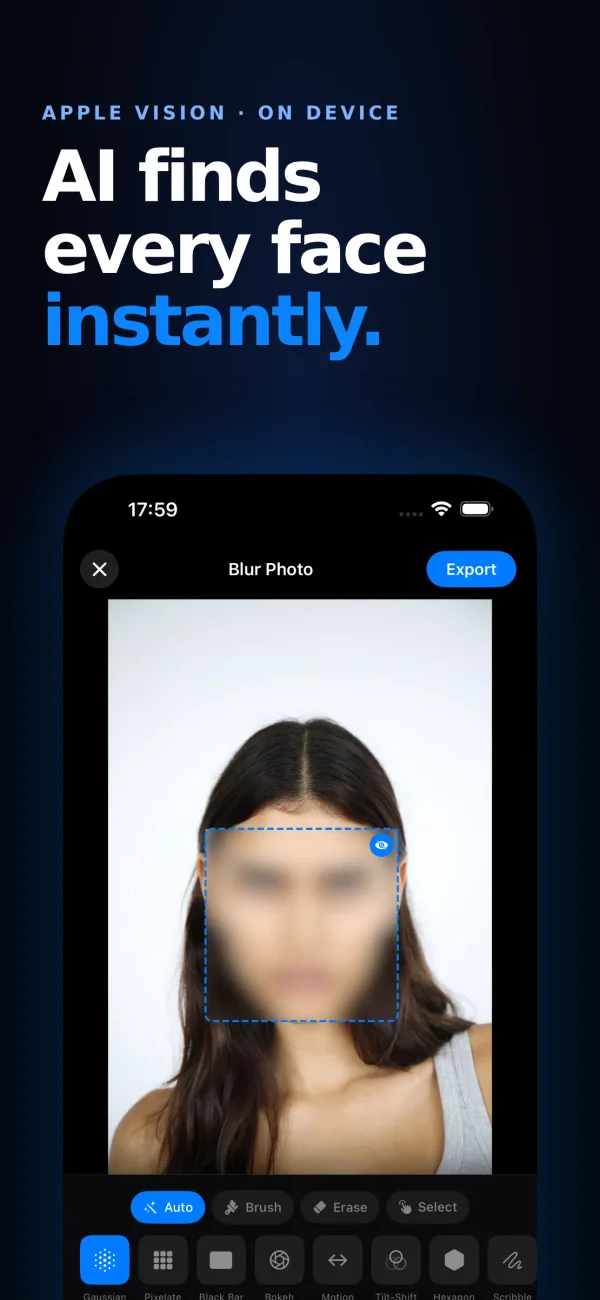
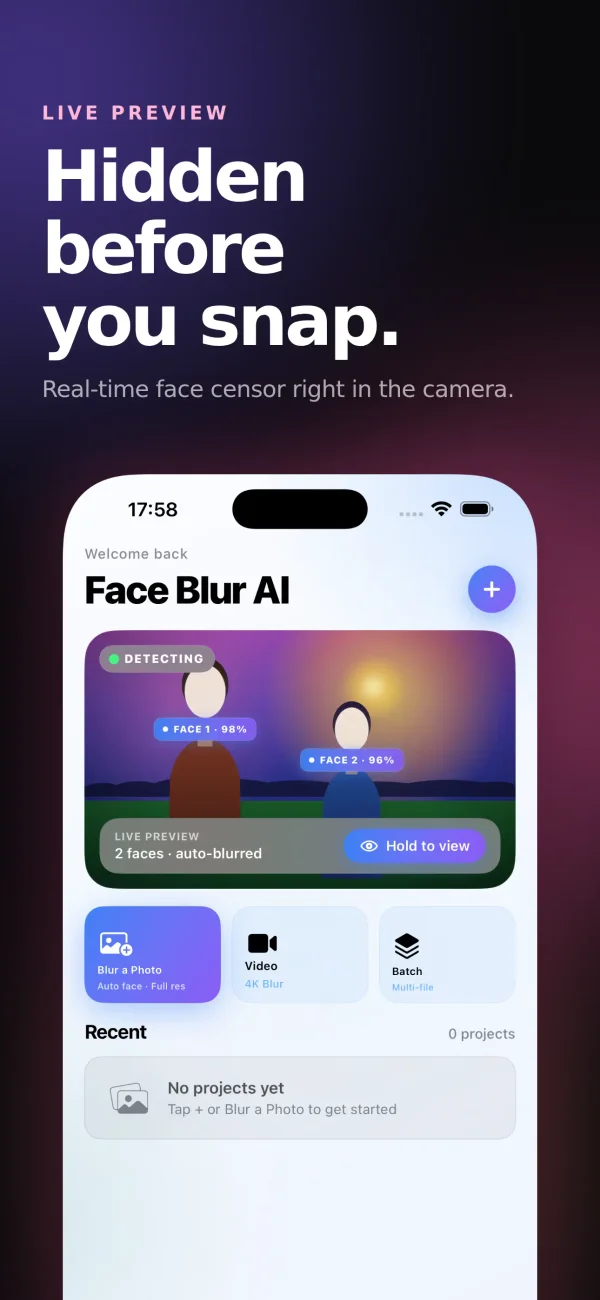
- Auto face detection. On-device AI finds every face instantly. Works offline.
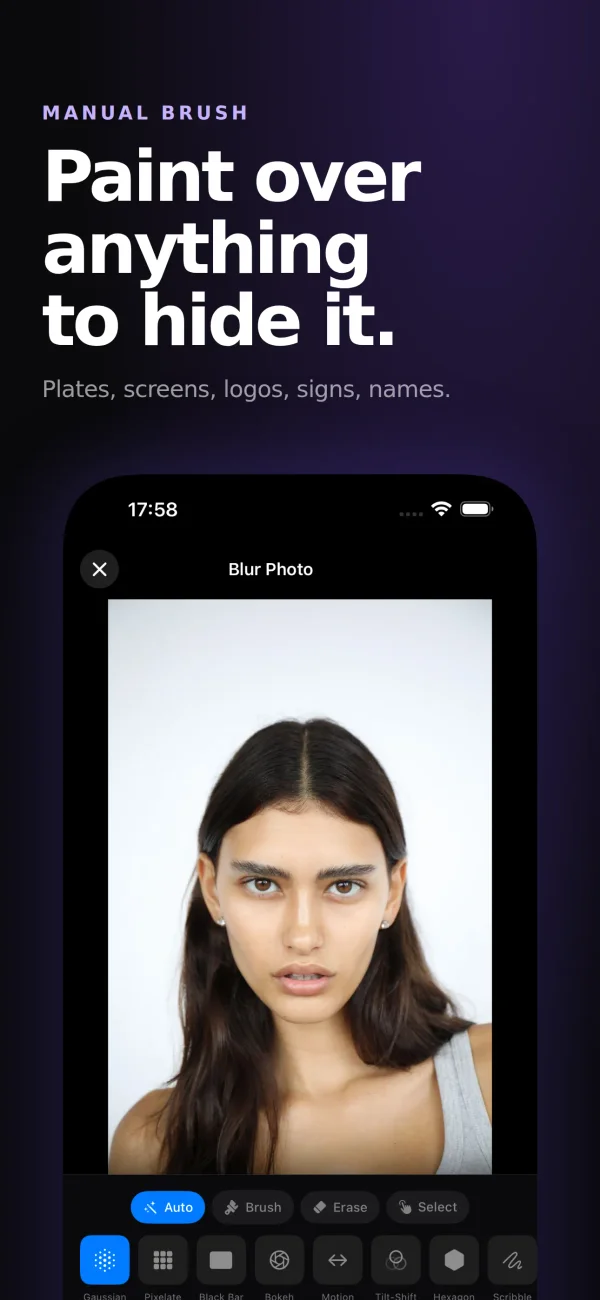
- Manual brush. Paint over anything you want to hide. License plates, screens, signs, text in documents, or a face the AI missed.
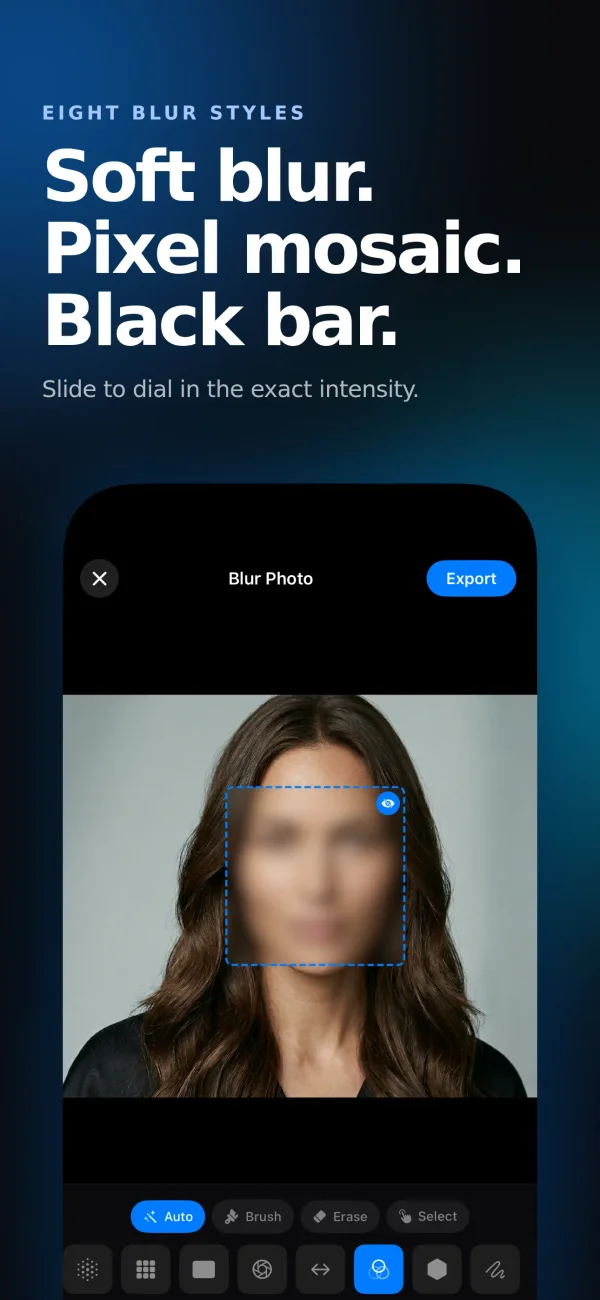
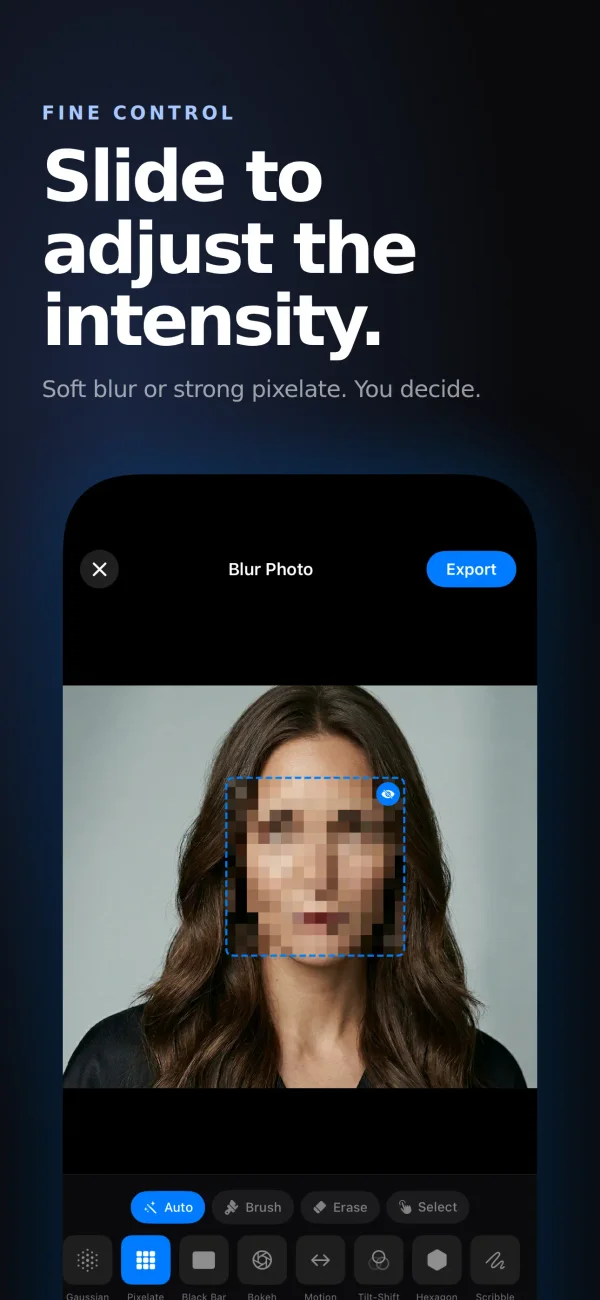
- Three censor styles: smooth Gaussian blur, classic pixelate mosaic, and solid black bar.
- Intensity slider for how strong the blur or mosaic looks.
- High resolution export back to Photos. No compression.
- EXIF and GPS metadata stripping. Remove location data before sharing, or keep it if you prefer. Your call.
- Live Camera mode. Faces are blurred in the camera preview before you take the shot.
- Share Extension on iOS. Use Face Blur AI from Photos, Files, or Safari without opening the app first.
- On Mac, drag and drop a photo into the window, or use Services and Quick Action right from Finder.
PRIVATE BY DESIGN
Everything runs on your device. Your photos never leave your iPhone, iPad, or Mac. There is no server, no cloud upload, no account. The AI face detection happens locally. A privacy app that actually protects your privacy.
PRO FEATURES
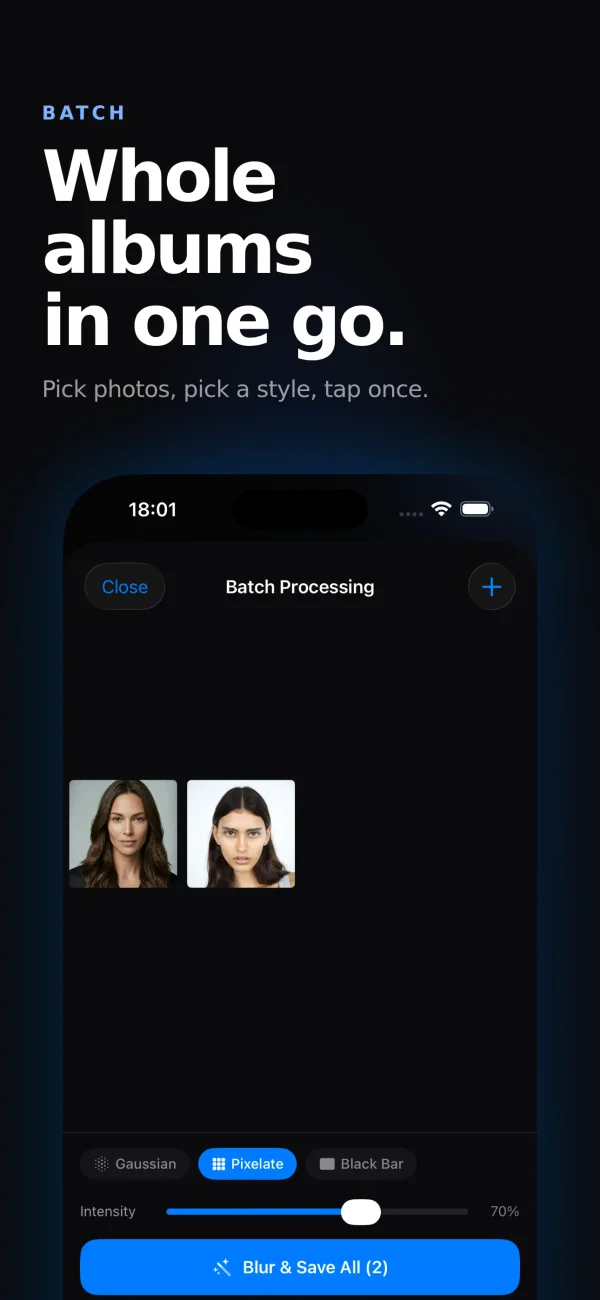
- Batch processing. Blur faces in dozens of photos at once.
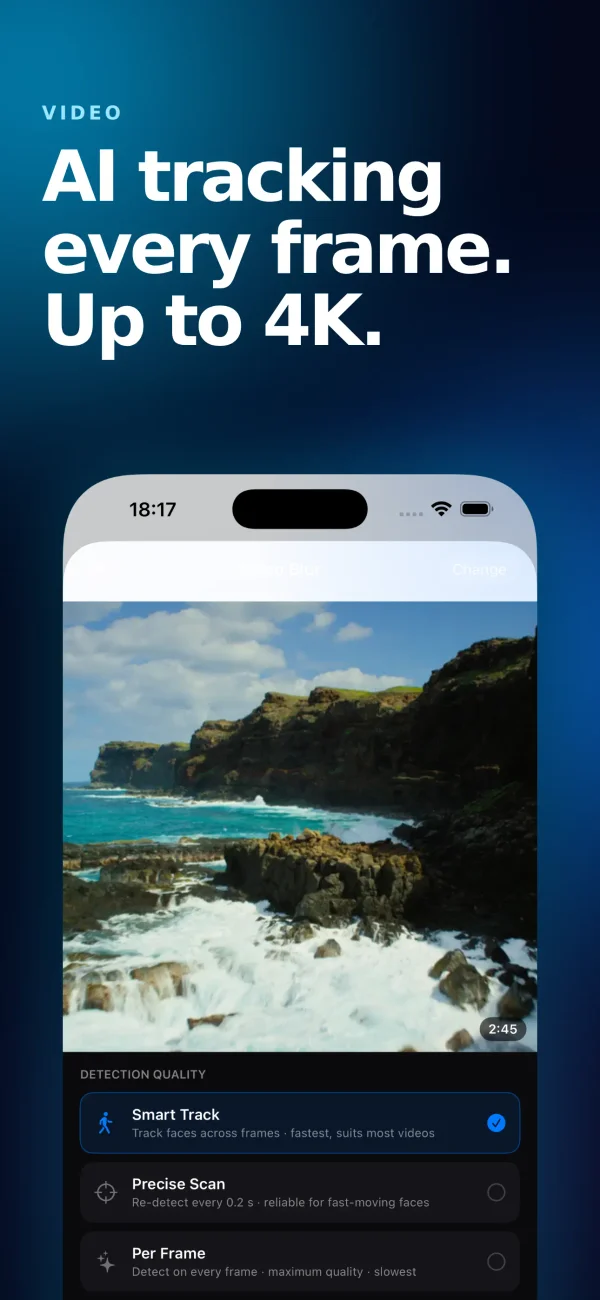
- Video blur. Auto track faces across frames with manual keyframe fallback for tricky moments. Up to 5 minutes per clip.
- 4K export for photo and video.
- Selective face blur. After auto detection, tap to choose which faces to blur and which to leave visible. Great for group photos when only some people need privacy.
- Face-Shape Blur. Instead of a plain rectangle, the blur follows the natural contour of each face. Cleaner edges, more professional look, no awkward squares over heads.
- Whole Person Blur. Hide an entire person, not just the face. AI segments the full body silhouette so clothing, hair, and outline are blurred as one. Useful for true anonymization in street photos and surveillance footage.
- Emoji and sticker overlays. Cover a face with an emoji instead of a blur. Nice for social posts and kid birthday photos.
- Aesthetic blur effects: bokeh, motion blur, and tilt-shift. For creative photo edits, not just censorship.
- Extended censor styles: gradient blur, hexagon mosaic, scribble, and paint smudge.
- Custom shapes. Blur in the shape of a star, a heart, or any path you draw.
- Live Photo support. Keep the Live Photo motion intact instead of flattening to a still.
- Project history. Save edits as a project and come back to them later.
WHO USES IT
Parents share kid photos without exposing their children's faces. Journalists and vloggers anonymize bystanders in travel videos and news clips. Teachers post classroom moments while protecting student privacy. Marketplace sellers redact license plates and screens. Photographers hide strangers in street shots. People comply with GDPR before sharing event photos to social media.
WHY THIS APP
Most photo editors hide face blur three menus deep. Face Blur AI does one thing and does it well. The auto detection catches every face in group photos. The brush handles small details. The contour follows the actual face shape, not a square. Full person blur hides whole silhouettes when a face alone is not enough. Export stays at full resolution. Nothing ever leaves your device.
Subscription Terms:
Payment charged to iTunes Account. Auto-renews unless disabled 24 hours before period ends. Manage in Account Settings.
https://www.apple.com/legal/internet-services/itunes/dev/stdeula/
Privacy - All processing happens locally on your device. No data is sent to servers. Your photos stay completely private.
What’s new
Version 4.1 · Nov 16, 2026
Watermark every photo in a batch
• When Face Blur AI can't find a face in a photo, you no longer lose it from the batch. Tap "Save Without Blur" when processing ends and those photos are saved with your watermark. Want to handle just one? Long-press it in the grid.
Fix missed faces in seconds
• If the app skipped a photo that does have a face, open it in the editor right from Batch and cover the face with the Brush.
Always know what was blurred
• Photos saved without blur get their own mark in the grid, so you can tell them apart from blurred copies at a glance.
Plus smaller fixes throughout the app.
App privacy
What Igor Bidenko declares on the App Store about how this app handles data.
-
Data not collected
The developer does not collect any data from this app.
Privacy practices may vary, for example with the features you use or your age.
Information
- Seller
- Igor Bidenko
- Category
- Photo & Video
- Version
- 4.1
- Updated
- Nov 16, 2026
- Released
- May 19, 2026
- Size
- 15.6 MB
- Requires
- iOS 16.0 or later
- Age rating
- 4+
- Price
- Free
- In-app purchases
- Yes
- Languages
- English
- Copyright
- © Igor Bidenko
You might also like
-
 BlurQ: Face Blur Photo & VideoCensor, Pixelate & Mosaic Tool
-
 Censor: Face Blur & PixelateRedact, Mosaic & Hide Plate
-
 Kloak Blur Video & PhotoAuto Cover Faces
-
 Blur Video AI: Face & MosaicCensor & Pixelate Background
-
 BlurFaceAutomatically pixelate faces.
-
 Blur Video & MosaicBlur Faces & Pixelate Videos
-
 Blur Video & Photo -AI Pix AppTouch to Edit Image Hide Face
-
 Blur Video - AI Blur MakerCensor Face, Video Background
-
 Blur-VideoCensor with Blur Editor Tool
-
 Blur Photo Editor: blur effectTouch Blur Effect