- Age rating4+
- CategoryUtilities
- DeveloperiReka Soft
- LanguagesEnglish+ 1 more
- Size1.9 MB
Links to the official App Store page
Download.org hosts no file of FaceClock Calendar. The button opens its official App Store page, published by iReka Soft. Listing last checked on Nov 18, 2026.
Screenshots

About
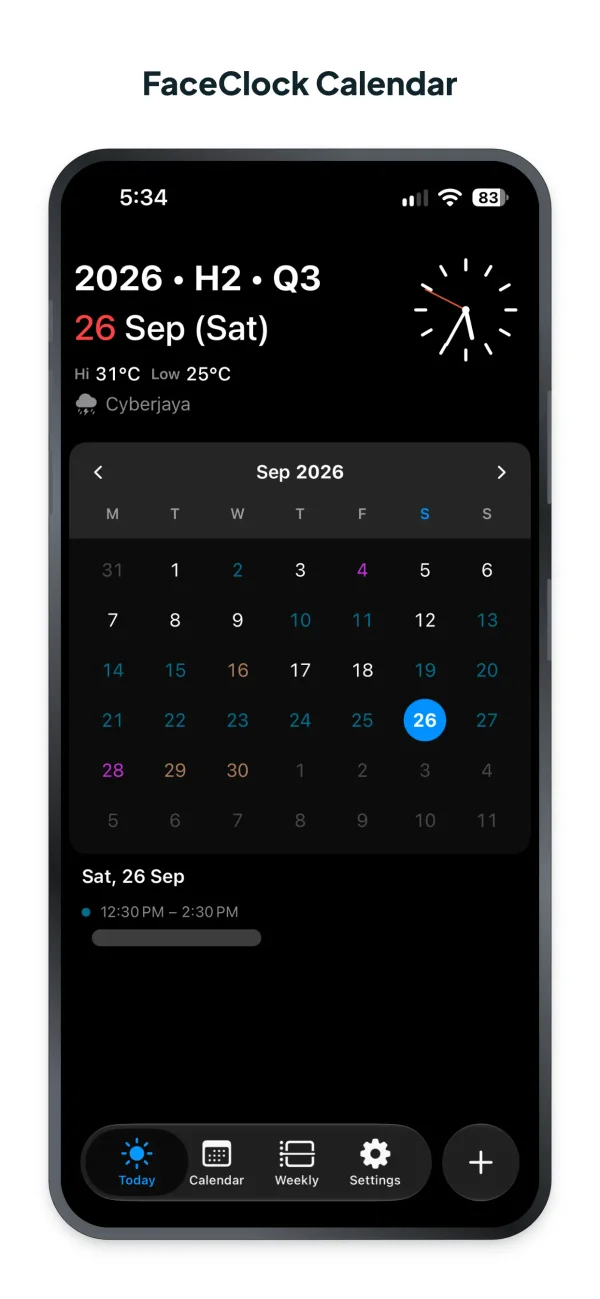
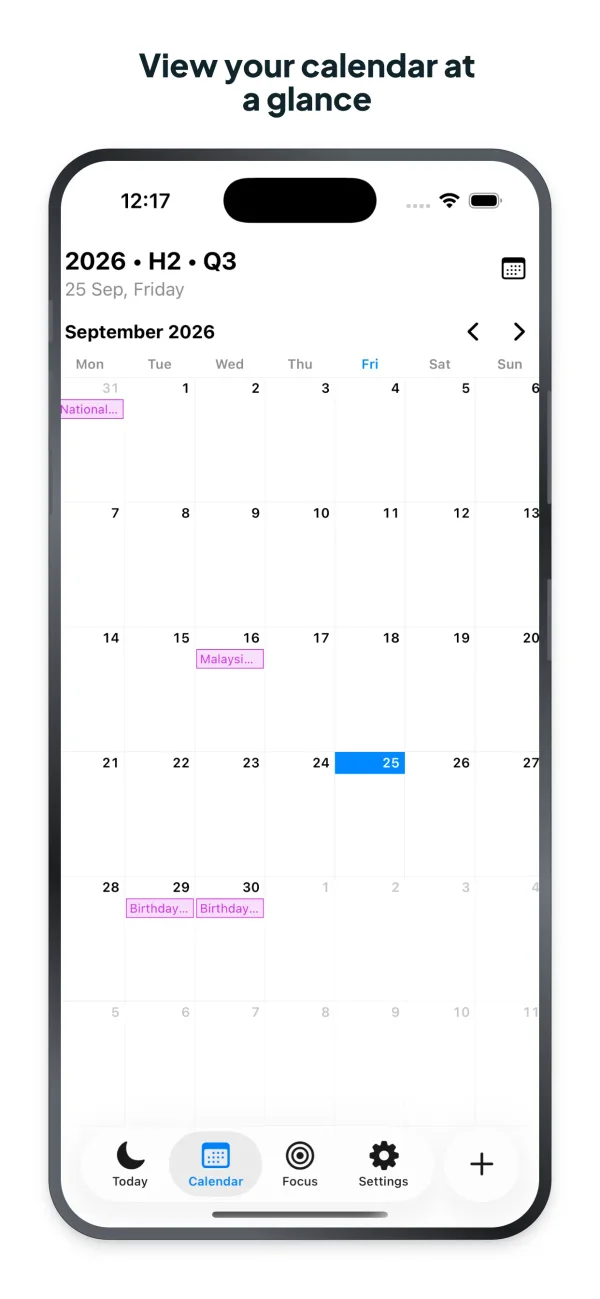
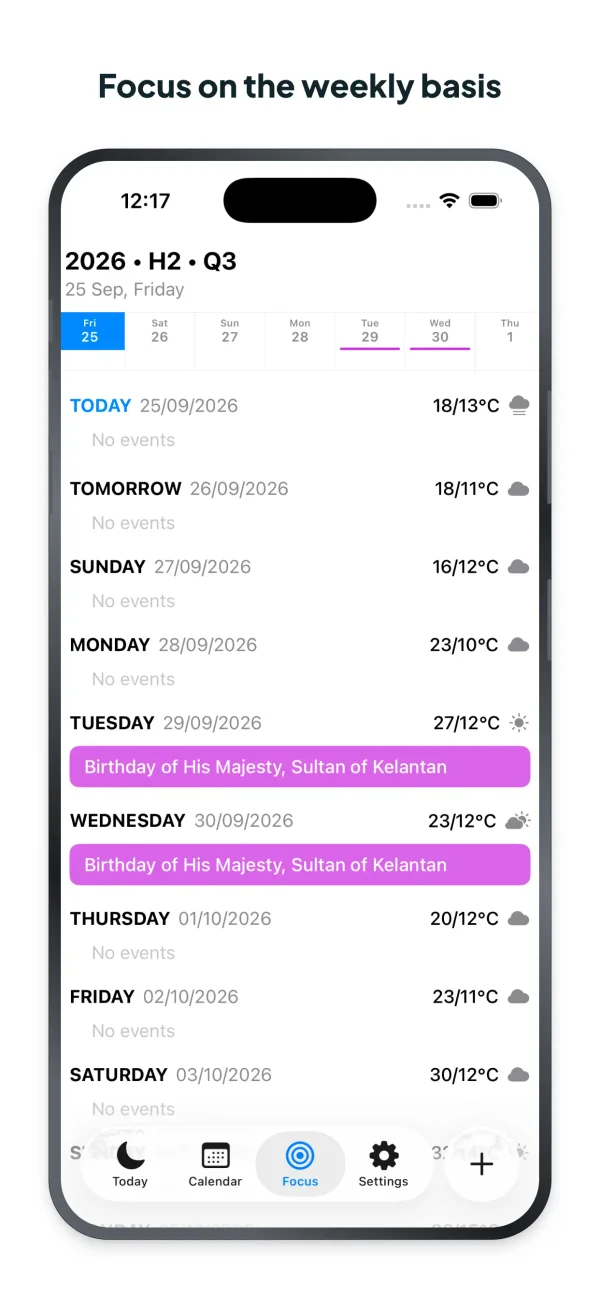
FaceClock Calendar brings your day into focus: an analog clock, today’s weather, a mini month calendar, and your events — all in one place. Unlock premium Today-tab features with a single purchase.
What’s new
Version 4.1 · Oct 13, 2026
- Add notes and checklists to any day
- New bold (+) button: adds an event on the day you picked, at the next full hour
- Landscape, iPad and iPhone Duo: calendar on the left, events and notes on the right
App privacy
What iReka Soft declares on the App Store about how this app handles data.
-
Data not collected
The developer does not collect any data from this app.
Privacy practices may vary, for example with the features you use or your age.
Information
- Seller
- iReka Soft
- Category
- Utilities
- Version
- 4.1
- Updated
- Oct 13, 2026
- Released
- Jun 24, 2011
- Size
- 1.9 MB
- Requires
- iOS 26.0 or later
- Age rating
- 4+
- Price
- Free
- In-app purchases
- Yes
- Languages
- English, Japanese
- Copyright
- iReka Soft © 2018
You might also like
-
 SFClockSimple Flip Clock and Calendar
-
 Desket -Weather Calendar ClockPerfect desk mate time weather
-
 Smart Digital & Analog ClockCustomizable Clock with Widget
-
 Minimum ClockSimple Digital Clock
-
 Rect Clockfull screen analog clock
-
 Air Clock - Flip Clock WidgetDesk Time & Digital Display
-
 Analog Clock & TimerFull screen desktop mechanical
-
 Premium Clock CollectionBeautiful Premium Clock
-
 Big Clock: Digital DisplayHuge Nightstand Clock & Timer
-
 Analog Clock Face-Clock WidgetStandby full screen live time