
- Age rating4+
- CategoryUtilities
- DeveloperJuan Carlos Herrera
- LanguagesEnglish+ 1 more
- Size1.8 MB
Links to the official App Store page
Download.org hosts no file of Factoro 2FA. The button opens its official App Store page, published by Juan Carlos Herrera. Listing last checked on Nov 20, 2026.
Screenshots

About
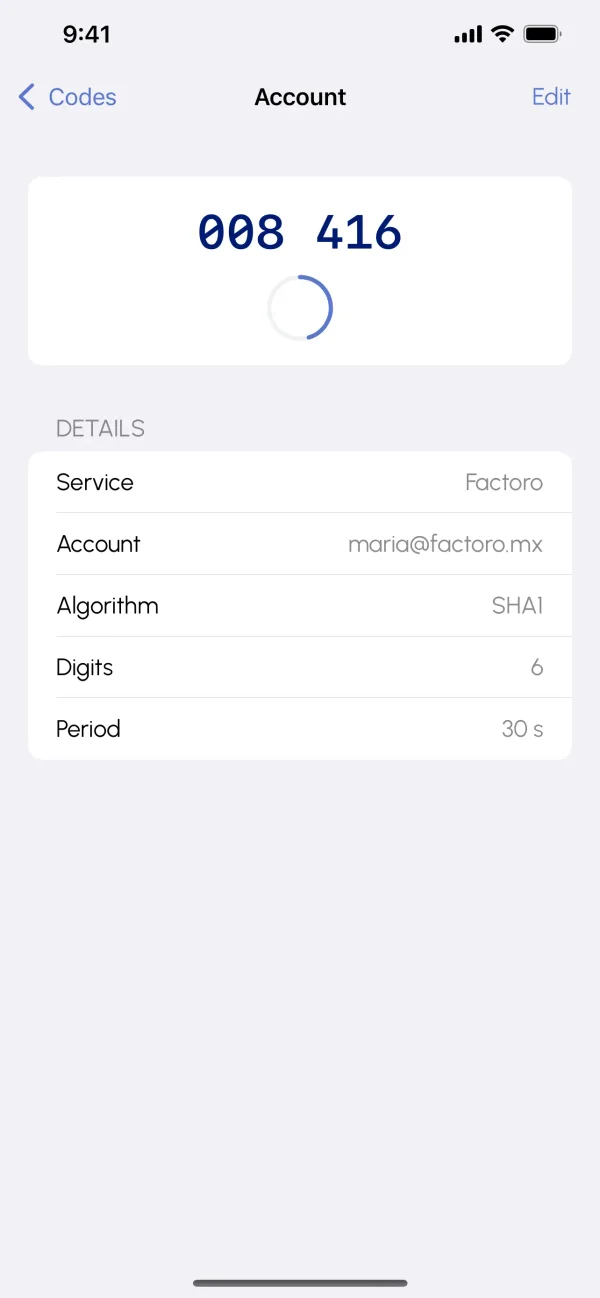
Factoro Authenticator keeps your two-factor authentication (2FA) codes safe, simple, and always with you — from Factoro.
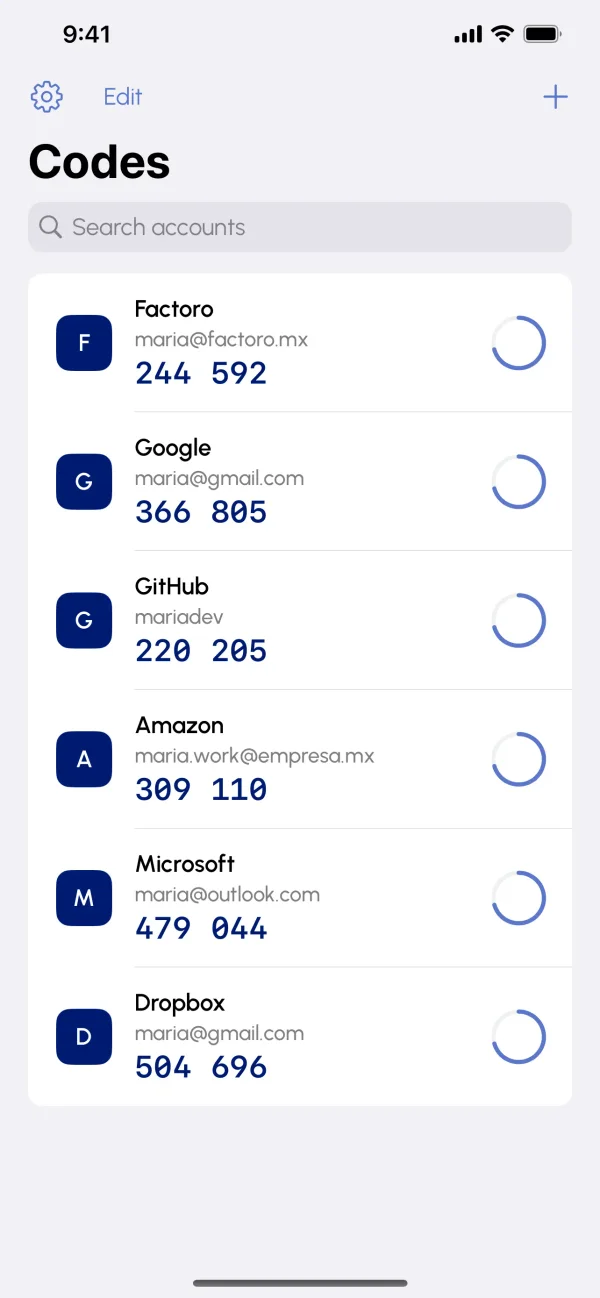
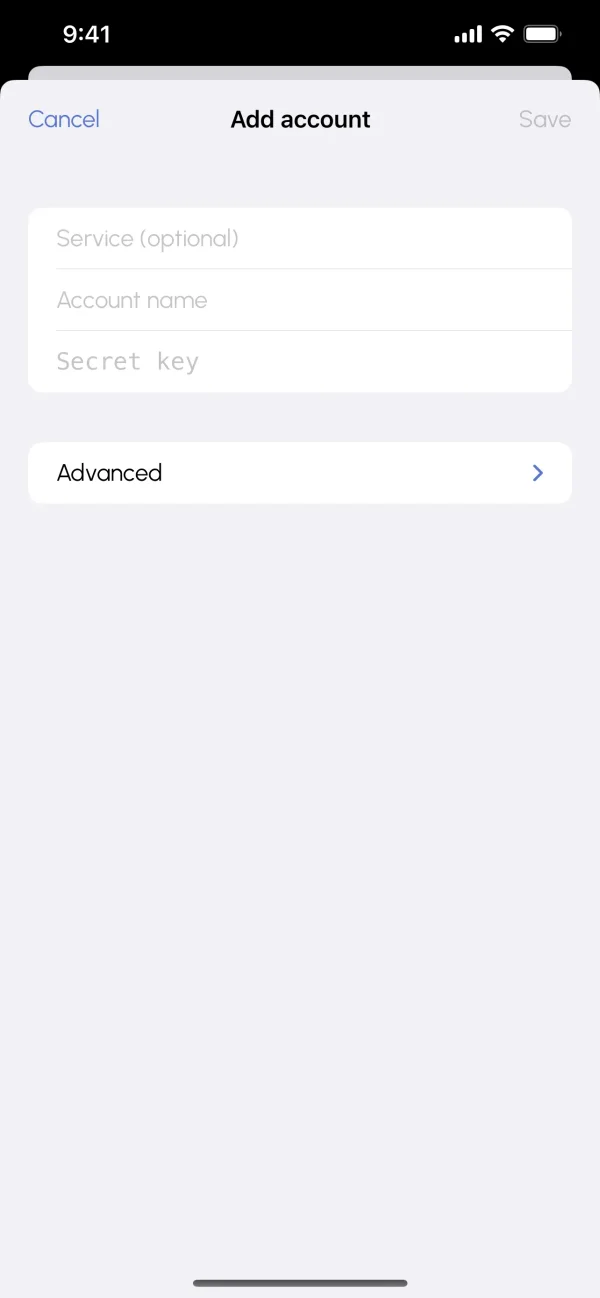
- Add any account that uses standard authenticator apps (Google, GitHub, AWS, Microsoft, your bank, and more) by scanning its QR code or entering the key by hand. Factoro
- Authenticator generates the time-based codes you need to sign in, with a clear countdown and one tap to copy.
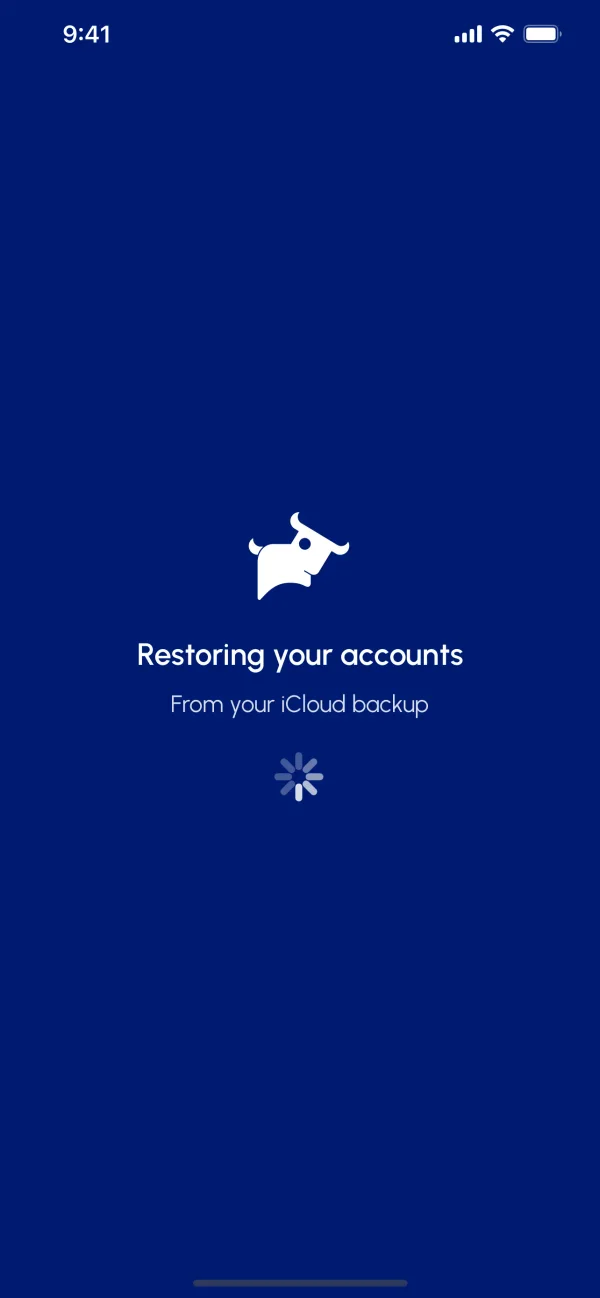
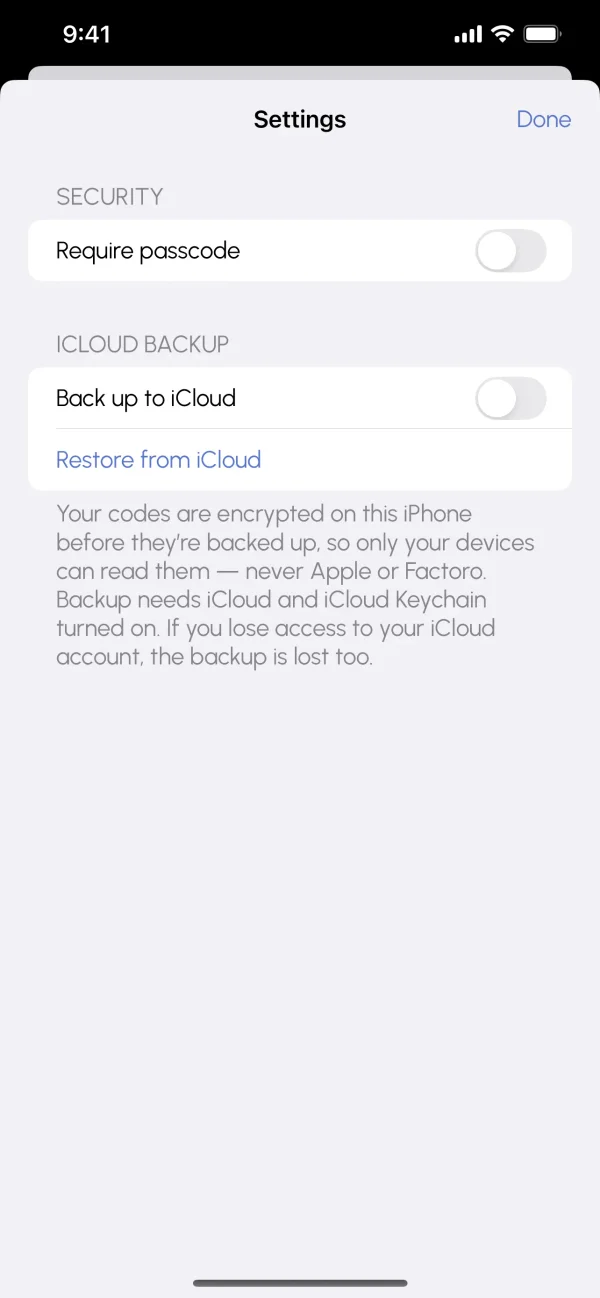
Never lose your codes again. Turn on end-to-end encrypted iCloud backup and your accounts come back automatically when you set up a new iPhone — no passwords to remember,
nothing to export. Your codes are encrypted on your device before they ever leave it, so neither Apple nor Factoro can read them.
Private by design
- No account and no sign-up — it just works.
- No analytics, no tracking, no third-party SDKs.
- No Factoro servers: the only place your data goes is your own iCloud.
Built for trust
- Works with any service that supports standard 2FA (TOTP) — not just Factoro.
- Optional Face ID / Touch ID lock, with a privacy screen when you switch apps.
- Copied codes clear from the clipboard automatically.
- Full support for English and Spanish, VoiceOver, and Dynamic Type.
Factoro Authenticator replaces "install another authenticator" with a polished, first-party app you can trust with your most important logins.
What’s new
Version 1.1 · Jun 13, 2026
You can now recover a deleted account.
• Deleted accounts move to Recently Deleted, where you can restore them for 30 days before they're permanently removed.
• Tap Undo right after deleting to bring an account straight back.
• Deletions now sync reliably to your encrypted iCloud backup, so a deleted account stays deleted across all your devices.
App privacy
What Juan Carlos Herrera declares on the App Store about how this app handles data.
-
Data not collected
The developer does not collect any data from this app.
Privacy practices may vary, for example with the features you use or your age.
Information
- Seller
- Juan Carlos Herrera
- Category
- Utilities
- Version
- 1.1
- Updated
- Jun 13, 2026
- Released
- Jun 10, 2026
- Size
- 1.8 MB
- Requires
- iOS 18.0 or later
- Age rating
- 4+
- Price
- Free
- Languages
- English, Spanish
- Copyright
- © 2026 Factoro
You might also like
-
 FlightDoseFlight radiation tracker
-
 Govee LiteUtilities
-
 Essential CalculatorUtilities
-
 Screens 5: VNC Remote DesktopFast & Secure Computer Access
-
 DJI HomeUtilities
-
 Leo Wallet - For AleoThe Best Privacy Wallet
-
 Live Earth CameraDiscover the world with cams
-
 ShinePhoneUtilities
-
 Ubiquiti WiFimanUtilities
-
 Blood Pressure: Heart TrackerHealth Log: Smart BP Monitor