
FAir for FlashAir
Stable Tool For The Wi-Fi SD
Designed for iPhone, iPad, iPod touch
$1.99
- Age rating4+
- CategoryEntertainment
- Developer杨 李
- LanguagesEnglish+ 2 more
- Size11.5 MB
Links to the official App Store page
Download.org hosts no file of FAir for FlashAir. The button opens its official App Store page, published by 杨 李. Listing last checked on Nov 24, 2026.
Screenshots


About
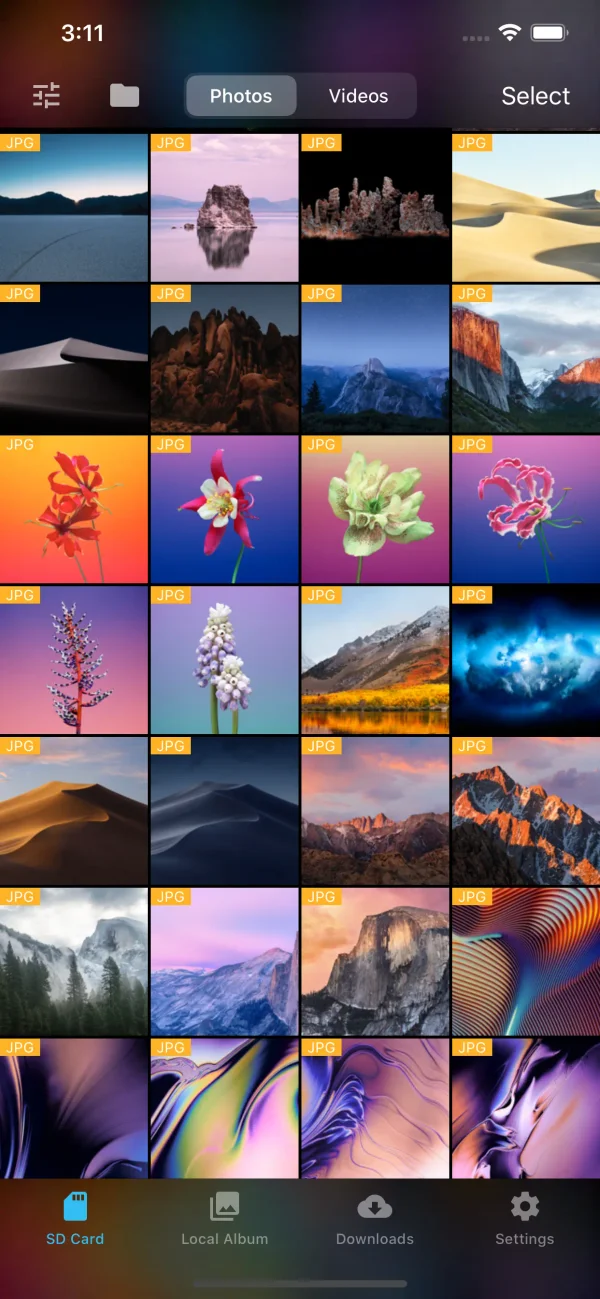
With Fair for Flashair, you can quickly browse and download all pictures and files on your wireless Flashair SD card.
Supported hardware Flashair W-02, w-03, W-04
The following is a list of main functions:
System
- Fully compatible with IOS 13
- Perfect for dark mode
Download
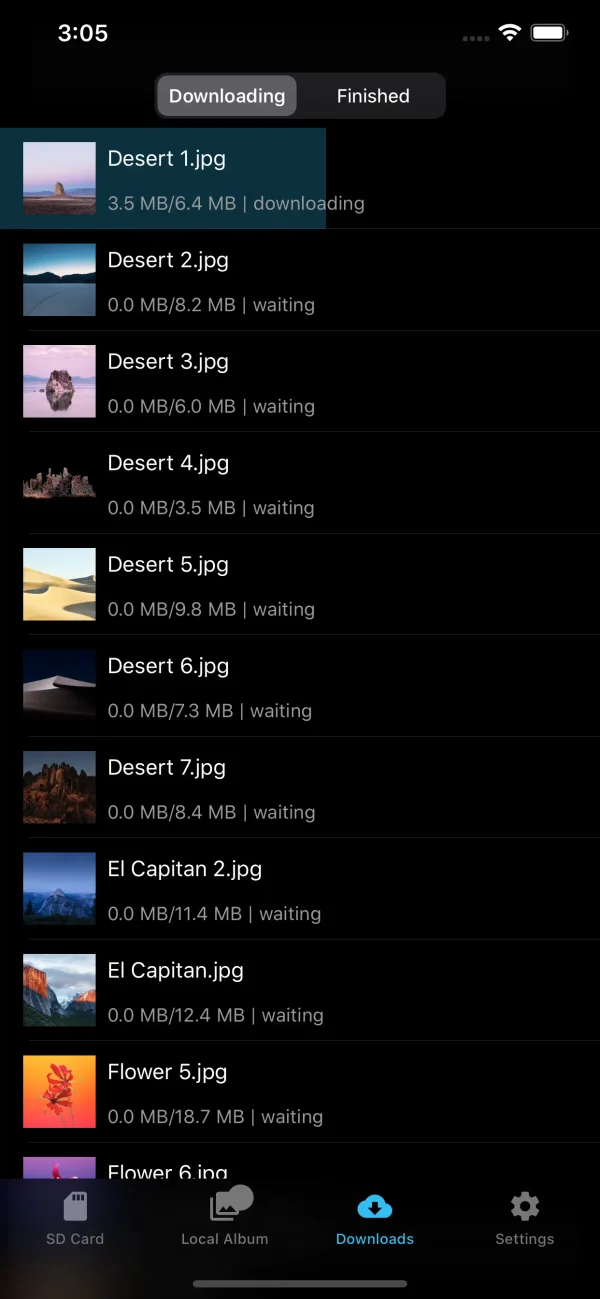
- Independent download process management, your download record will not be lost
- Batch download, display download speed, delete, edit download tasks and other functions
- It can be downloaded to the local folder of APP first, and then saved after further filtering.
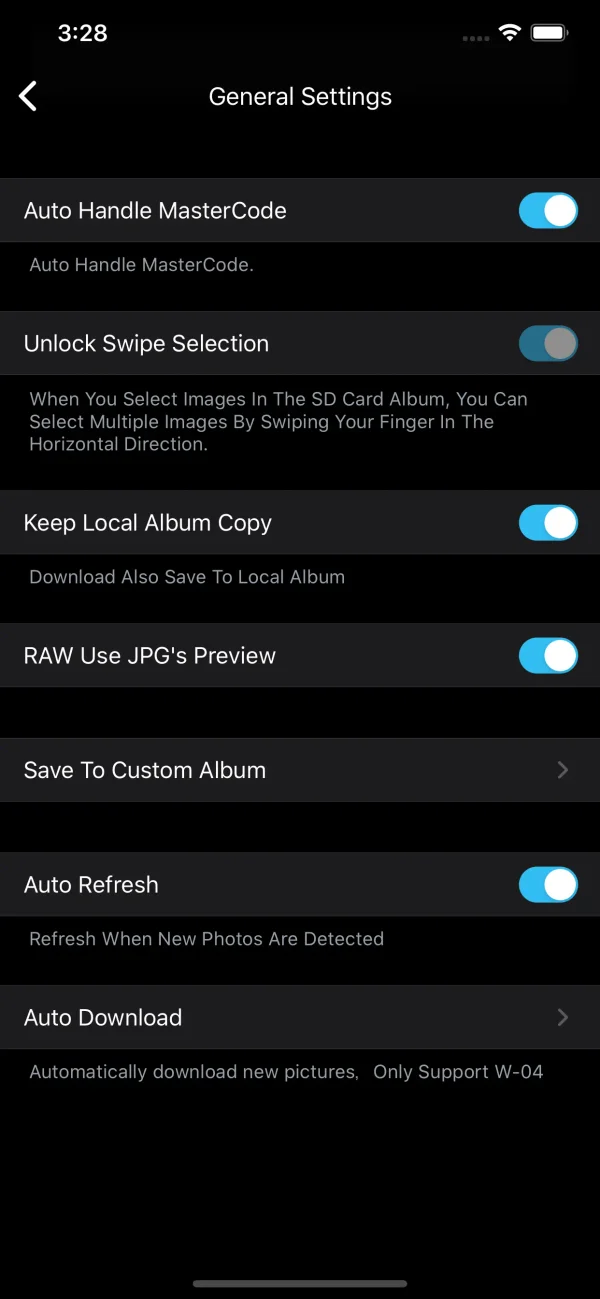
- You can configure to save to a separate album and configure the album file name
- You can choose to generate HD thumbnails after downloading
- Keep the photo information completely, download the original image, which is exactly the same as the camera image.
- When selecting photos, you can select all, slide multiple, and select all by time group.
- Auto refresh
- Auto Download new photos/videos
- Automatic connection You can connect FlashAir Wi-Fi inside the app
- Config download order
Display
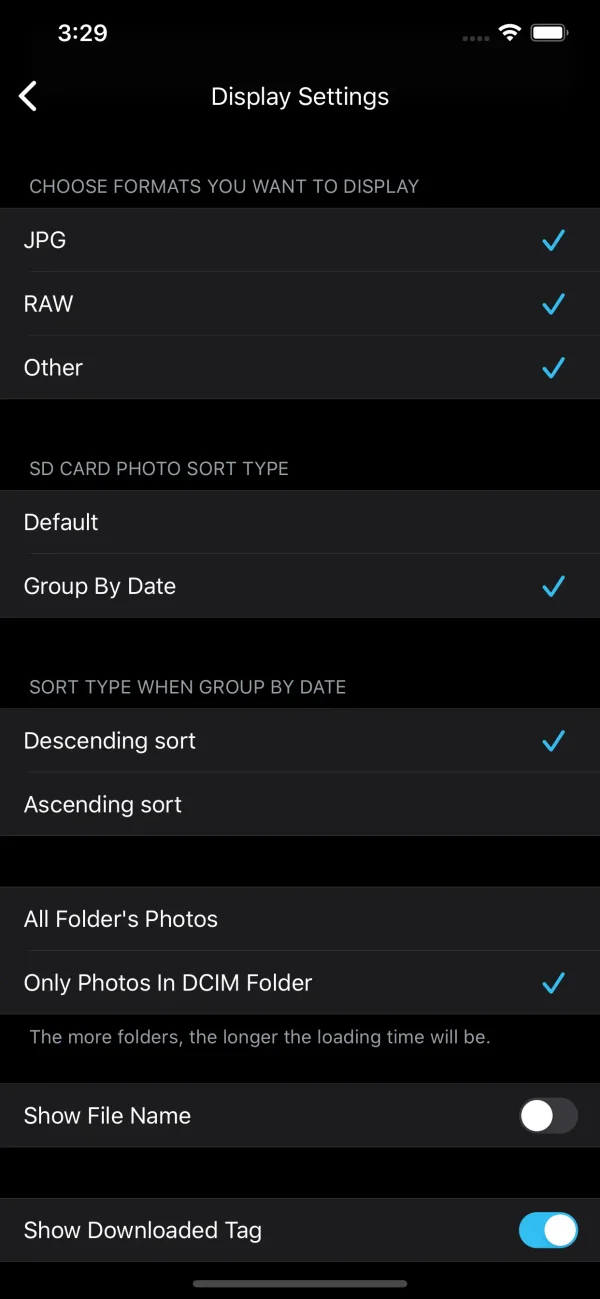
- Pictures on Flashair can be displayed in the default view or grouped by date
- Format filtering, you can select the file format you want to see, only display JPG, raw, etc.
- You can sort pictures in ascending or descending order
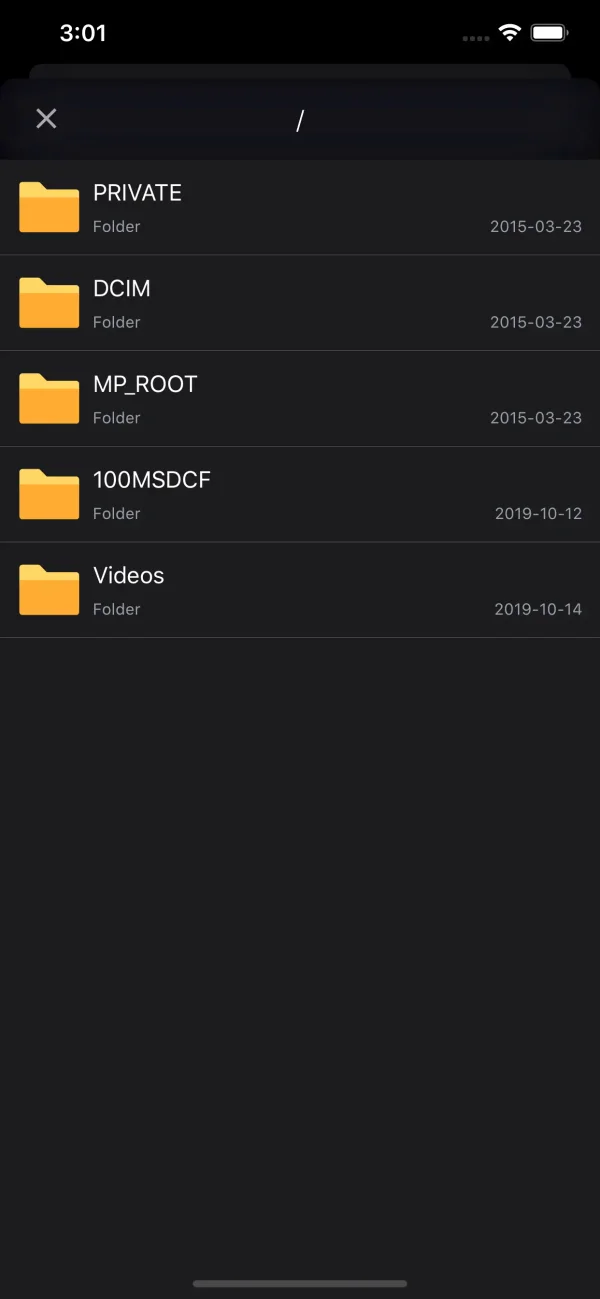
- You can choose to load only the pictures in DCIM or display all the pictures in the card.
- You can show or hide picture file names
- You can choose to display the no download flag
- You can configure the number of pictures displayed per line
- You can view the picture in thumbnail or full size
- Preview video smoothly
- You can view the complete EXIF information of the picture
- You can view the full file system of flashair and operate on files
- Raw preview can be displayed (using JPG preview with the same name)
Flashair settings
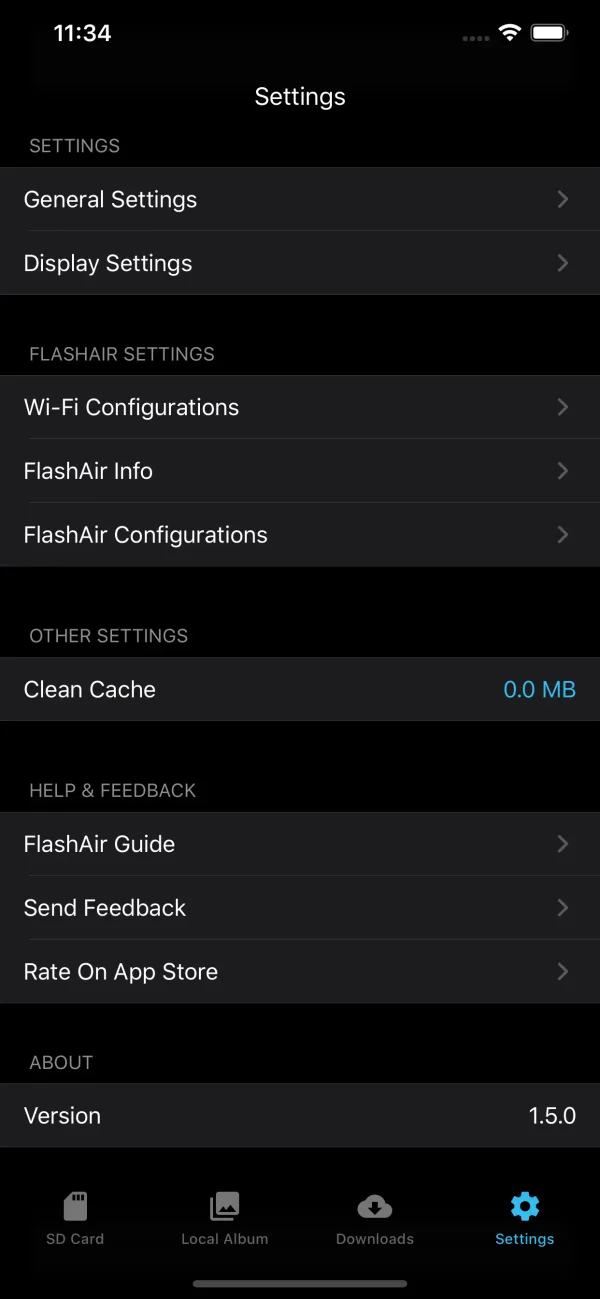
- Flashair SSID and Wi Fi password can be configured
- Flashair mastercode can be set and managed automatically
- You can view the complete information of flashair SSID, password, remaining space, MAC address, etc.
- Flashair and cellular network can be used together
Other
- You can open files in flashair through other apps
- Mastercode can be processed automatically
- Can be set to prevent locking during download
- Slide multiple pictures to improve efficiency
- Can clear the picture cache to prevent the app from taking up too much space
- Complete operation guide and problem feedback channel
What’s new
Version 1.6.2 · Dec 10, 2024
Support iOS 18 / iPadOS 18.
App privacy
What 杨 李 declares on the App Store about how this app handles data.
-
Data not collected
The developer does not collect any data from this app.
Privacy practices may vary, for example with the features you use or your age.
Information
- Seller
- 杨 李
- Category
- Entertainment
- Version
- 1.6.2
- Updated
- Dec 10, 2024
- Released
- Apr 5, 2018
- Size
- 11.5 MB
- Requires
- iOS 13.0 or later
- Age rating
- 4+
- Price
- $1.99
- Languages
- English, Japanese, Simplified Chinese
- Copyright
- ©Young Li
You might also like
-
 Koo Ron Do | Debate Party GameEntertainment
-
 おでかけAREntertainment
-
 Auto Palmistry PremiumEntertainment
-
 God of Walk | Fun Walking GameEntertainment
-
 Youtify + for Spotify PremiumMusic Player, No Ads & Karaoke
-
 Fart SoundsEntertainment
-
 Dice Dice ProEntertainment
-
 VRPlayer Pro : 2D 3D 360°Video2D 3D 360° Video Player for VR
-
 MoneyMagicEasy magic & trick with money!
-
 KTouch21: Rider TransformationHenshin Sound Simulator