
Fake Call: CallTimer
Schedule Real Incoming Calls
Designed for iPhone, iPad
Free · In-app purchases
- Age rating17+
- CategoryUtilities
- Developerimzapp
- LanguagesEnglish+ 11 more
- Size13.7 MB
Links to the official App Store page
Download.org hosts no file of Fake Call: CallTimer. The button opens its official App Store page, published by imzapp. Listing last checked on Nov 12, 2026.
Screenshots



About
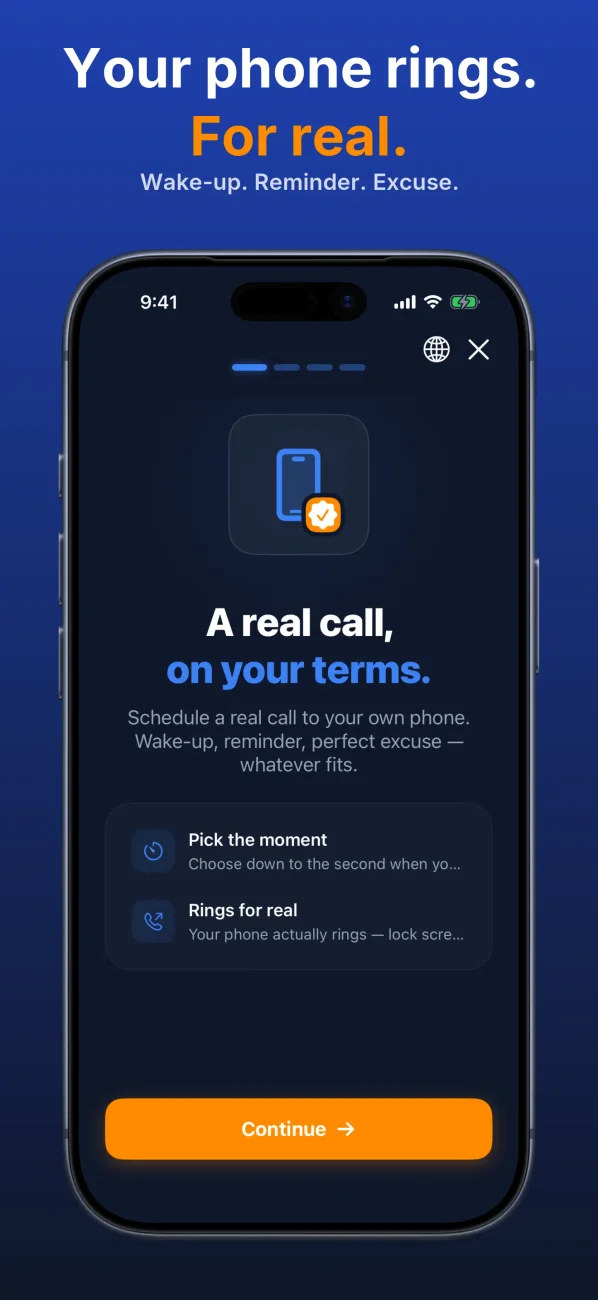
Your phone rings — for real, exactly when you want it to.
CallTimer is the most realistic fake call experience you can install. Schedule a real incoming call to your own phone, ahead of time. Pick the moment, and at the scheduled second your phone rings through your normal lock screen — looking and sounding like any other call. Because it is one.
Use it to:
• Step out of a date that isn't going well
• Cut a meeting short without an explanation
• Leave a family dinner with grace
• Excuse yourself from any awkward situation
• Wake yourself up with a real phone call instead of a regular alarm
• Set a reminder that you absolutely cannot miss
—
WHY CALLTIMER IS DIFFERENT
Most fake call apps just play a ringtone and show an in-app screen. People around you can tell. CallTimer is different — the call comes through the real telephony network, so your phone rings on the lock screen exactly like a real call. Because it is one.
Unlike a typical pretend call or call simulator that stops at the in-app screen, CallTimer arrives as an actual incoming call on your device. It works when the app is closed, on the lock screen, while your phone is on silent. Anywhere a real call would arrive, this one arrives the same way.
—
FEATURES
• Real incoming call, not a UI mockup
• Works when the app is closed and the screen is locked
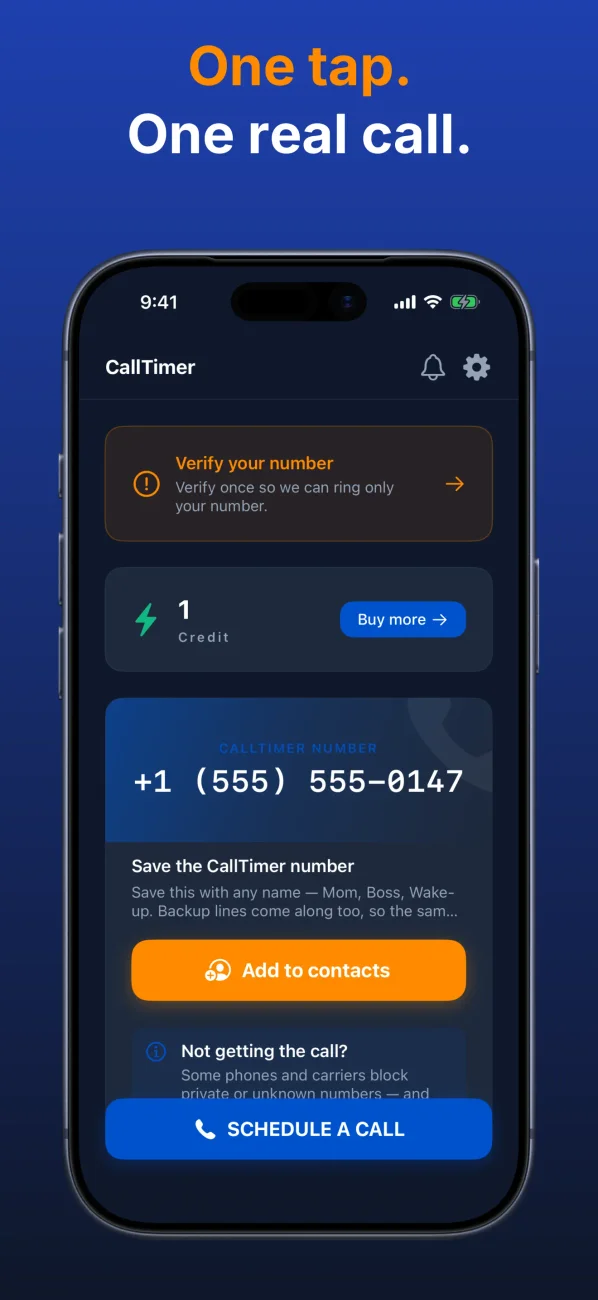
• One-tap save our calling number to your iOS Contacts under any label — iOS displays that label on the incoming call
• Schedule by minute, hour, or a specific date and time
• Cancel any scheduled call anytime before it rings
• Built for escape, alibi, and rescue use cases
• Works as a high-certainty real-life alarm or reminder when a regular alarm just isn't reliable enough
—
PRIVACY-FIRST DESIGN
CallTimer can only ring your own verified phone number. We confirm your number with a one-time SMS code at signup. This means CallTimer cannot be used to call or harass anyone else — only your own phone, only when you ask it to.
To be clear: this is not a prank call tool pointed at other people. It is a personal scheduled-call tool pointed at you.
—
START FREE
Get 1 complimentary call when you sign up. Try the realism for yourself, then choose a credit pack that fits how often you'll use it. Each scheduled call uses 1 credit.
—
QUESTIONS OR FEEDBACK
We'd love to hear from you. Reach us anytime through the in-app support menu — we read every message.
—
TERMS & PRIVACY
Terms of Use: https://www.apple.com/legal/internet-services/itunes/dev/stdeula/
Privacy Policy: https://imzapp.com/privacy.html
What’s new
Version 1.2 · May 28, 2026
- Your first call is now on us — just verify your number to claim it.
- New sign-in shortcut in Settings for guests.
- Stability and polish.
App privacy
What imzapp declares on the App Store about how this app handles data.
-
Data linked to you
May be collected and linked to your identity.
- Contact info
Privacy practices may vary, for example with the features you use or your age.
Information
- Seller
- AZMI CAN NURAL
- Category
- Utilities
- Version
- 1.2
- Updated
- May 28, 2026
- Released
- May 8, 2026
- Size
- 13.7 MB
- Requires
- iOS 16.4 or later
- Age rating
- 17+
- Price
- Free
- In-app purchases
- Yes
- Languages
- English, Arabic, French, German, Hindi, Italian, Japanese, Korean, Portuguese, Russian, Spanish, Turkish
- Copyright
- © 2026 CallTimer by imzapp
You might also like
-
 Call Mee NowSchedule fake calls instantly
-
 Fake Call AI: ExitCallRescue Call & Excuse to Leave
-
 Fake Call - Exit NowCustom Calls & Smart Reminders
-
 Flare: Fake Call & Safety KitEscape Any Situation
-
 Fake Call App: Call-Me-OutExcuse to Leave Any Situation
-
 Bail: Fake Live, Call & TextPrank Alerts & Quick Exit
-
 Fake-CallHallo, saved by the ring
-
 EscapeCall - Digital LifelineRealistic safety phone calls
-
 CallClock-Anytime IncomingCallCall you for Reminder/Clock
-
 CallTimer - Call TimerAlerts before calls run over