
- Age rating4+
- CategoryLifestyle
- DeveloperRipple Video LLC
- LanguagesEnglish
- Size76.8 MB
Links to the official App Store page
Download.org hosts no file of FamCut. The button opens its official App Store page, published by Ripple Video LLC. Listing last checked on Nov 12, 2026.
Screenshots


About
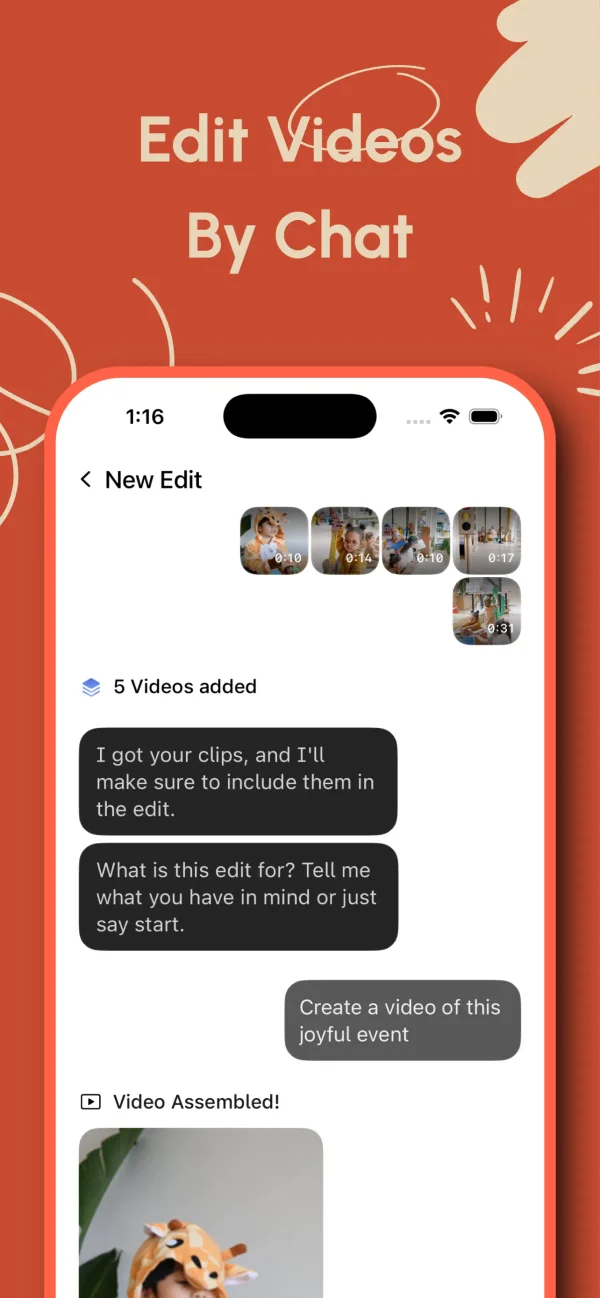
The easiest way to turn your family's moments into videos you're actually excited to share. Pick a few clips from your camera roll, type what you want, and FamCut auto-edits a beautiful video for you — complete with music, subtitles, and voiceover. No timeline. No editing skills. Just chat.
3 Reasons to Start FamCut:
1) You'll love it
- AUTO-EDITED FOR YOU. Pick a few clips, tell FamCut what kind of video you want, and it edits the rest. No timeline, no scrubbing, no editing skills required.
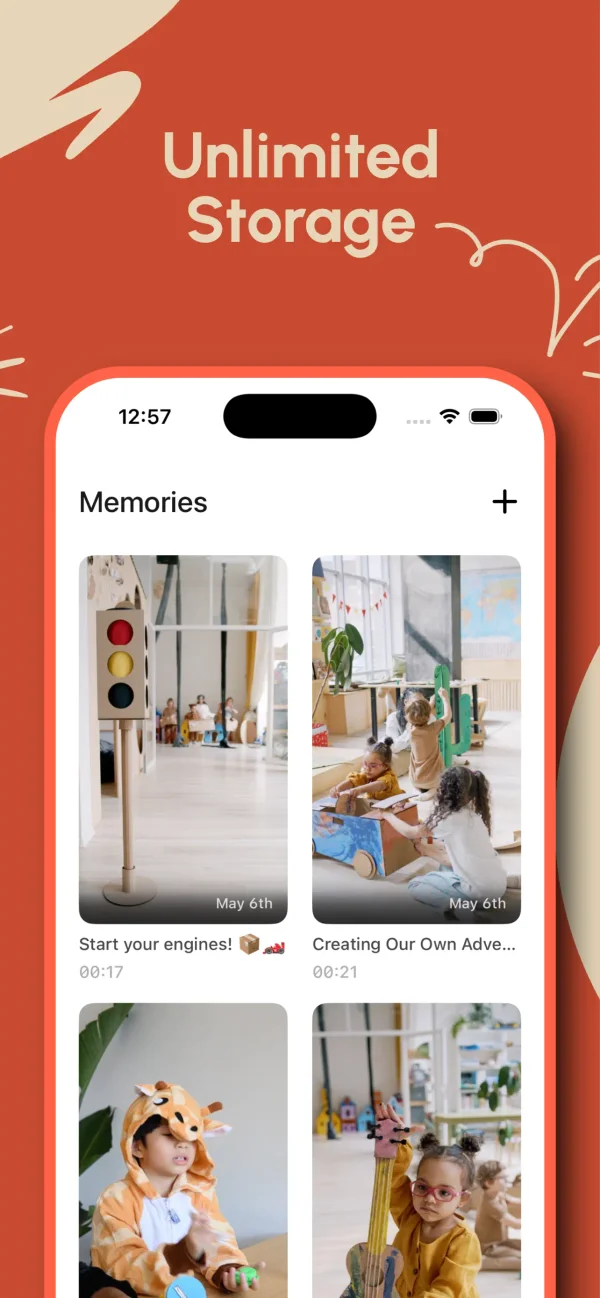
- YOUR MEMORIES, ACTUALLY USED. Stop letting birthdays, vacations, and milestones rot at the bottom of your camera roll. FamCut turns the best moments into highlight videos you'll actually rewatch.
- MUSIC, SUBTITLES & VOICEOVER. Add a soundtrack, captions, or AI-generated voiceover with a single tap. Make it your own with the ease of chatting.
- BEAUTIFULLY EDITED. Smart pacing, transitions, and music choices so every cut looks like a creator made it — without you having to be one.
- WORKS WITH WHAT YOU ALREADY HAVE. No new camera, no new phone. FamCut works with the photos and videos already on your iPhone.
- YOUR PRIVACY IS OUR PRIORITY. Your photos and videos belong to you. They are only used to make your video, and nothing is shared until you choose to share it. Read more at https://dipper.family/privacy.
- IT'S FREE TO START. Make and share videos at no cost.
2) Your family will love it
- READY TO SHARE. Every FamCut video is finished and sized for the family group chat, your stories, or a quick text to grandma.
- BRINGS DISTANT FAMILY CLOSER. Aunts, grandparents, cousins — they get to feel like they were there, even when they couldn't be.
- NO LEARNING CURVE. If you can text, you can FamCut. Tell the app what you want; it figures out the rest. Family members who have trouble with other editing apps will have no trouble with this one.
3) Your kids will love it
- BUILD THEIR STORY. Turn first steps, school plays, family vacations, and ordinary Tuesdays into mini-movies they'll find years from now and watch over and over.
- A KEEPSAKE, NOT A POST. Save it for the family album, send it to the grandparents, or share it on socials — your choice, every time.
What FamCut Does Best:
• Auto-edits highlight videos from your camera roll
• Adds music, subtitles, and AI voiceover
• Picks the best clips for you
• Works with the videos and photos already on your iPhone
• Designed for family memories — birthdays, holidays, first days of school, weekend getaways, every-day moments worth saving
If you have any questions or feedback, please don't hesitate to contact us at support@dipper.com.
FamCut Website - https://dipper.family
Privacy Policy - https://dipper.family/privacy
Terms of Use - https://dipper.family/terms
What’s new
Version 1.7 · Jun 11, 2026
Performance optimization and stability improvements for a smoother, more reliable experience.
App privacy
What Ripple Video LLC declares on the App Store about how this app handles data.
-
Data linked to you
May be collected and linked to your identity.
- User content
- Identifiers
- Usage data
- Diagnostics
Privacy practices may vary, for example with the features you use or your age.
Information
- Seller
- Ripple Video LLC
- Category
- Lifestyle
- Version
- 1.7
- Updated
- Jun 11, 2026
- Released
- May 13, 2026
- Size
- 76.8 MB
- Requires
- iOS 18.0 or later
- Age rating
- 4+
- Languages
- English
- Copyright
- © 2026 Dipper LLC