- Age rating9+
- CategoryProductivity
- DeveloperSteven Bengtson
- LanguagesEnglish
- Size78.6 MB
Links to the official App Store page
Download.org hosts no file of FamFam. The button opens its official App Store page, published by Steven Bengtson. Listing last checked on Nov 22, 2026.
Screenshots


About
FamFam is the family coordination app that keeps everyone on the same page, or at least in the same chapter.
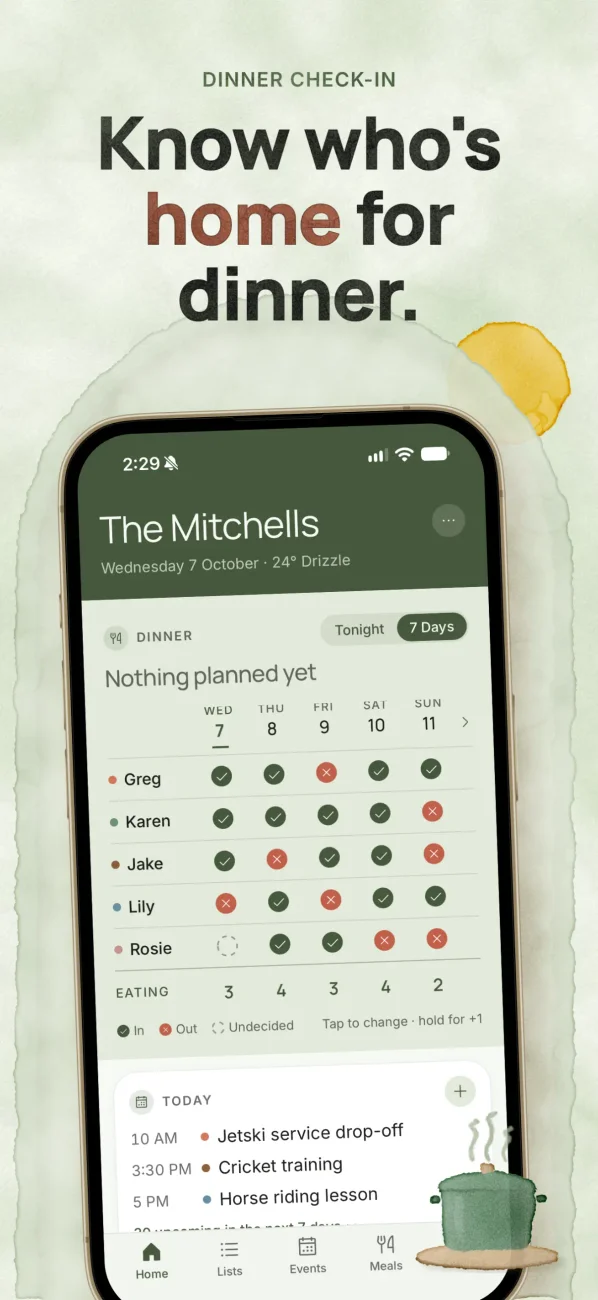
WHO'S HERE FOR DINNER
Everyone taps in or out for dinner, so you know how many you're cooking for before you start.
Set your usual week once and FamFam fills in your answers each week.
RECIPES
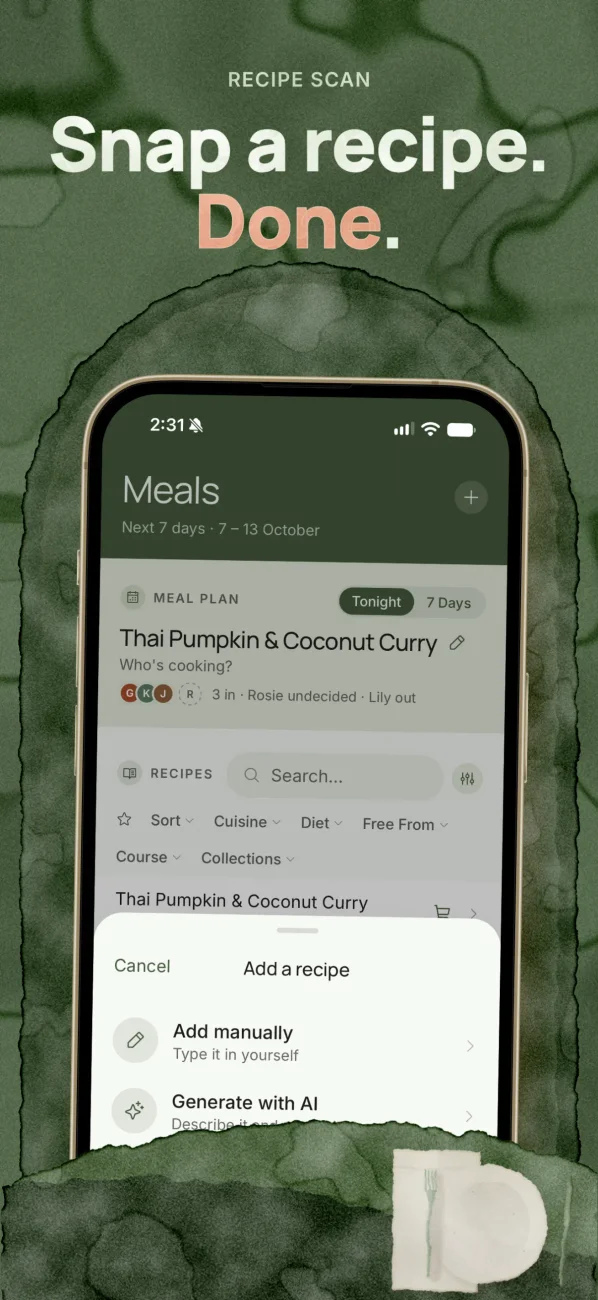
Save family favourites, discover new ones with AI suggestions, or scan a recipe straight from a cookbook with your camera.
Cook from your phone: tick off ingredients as you go and follow the method step by step, with times and temperatures.
Pick the week's meals and FamFam builds the shopping list, with doubled-up ingredients merged.
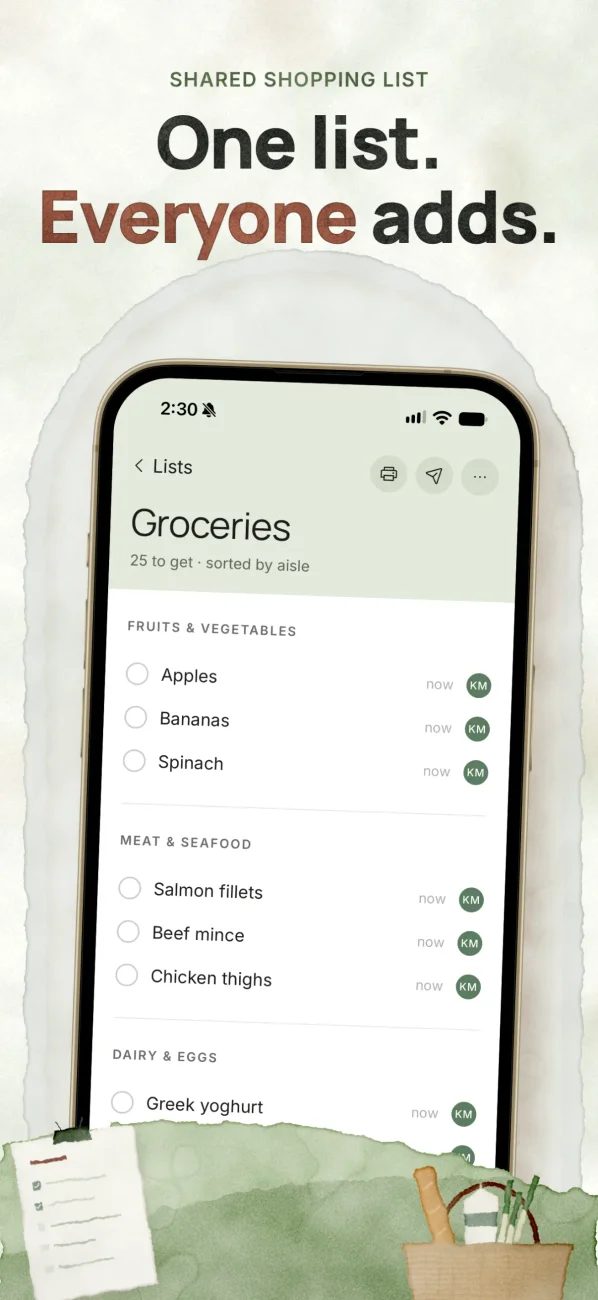
SHOPPING LISTS & TO-DO LISTS
Add items and AI sorts them into aisle categories, because life's too short to scroll past shampoo when you're looking for sausages.
Everyone sees updates in real time, so no more "I didn't know you already bought that" conversations in the kitchen.
Heading to the shops? Let the family know with one tap so they can get their last-minute requests in before you leave the driveway.
Save the shops you go to, and FamFam reminds you about the list when you arrive. No more standing in the car park trying to remember what you came for.
Permission-based lists, so Dad can't find out you've been planning a surprise skydive for his 50th.
CHORES
A chores list that keeps itself up to date. Set how often each job repeats and who's on it, and turns rotate on their own.
Tick a chore off and it moves on to the next person and the next due date. Nobody has to keep a roster on the fridge.
Morning and evening reminders, so the bins go out before the truck comes rather than after.
Away for the weekend? Mark yourself away and your turns pass on until you're back.
A weekly tally, so everyone can see who's pulling their weight.
FAMILY SCHEDULE
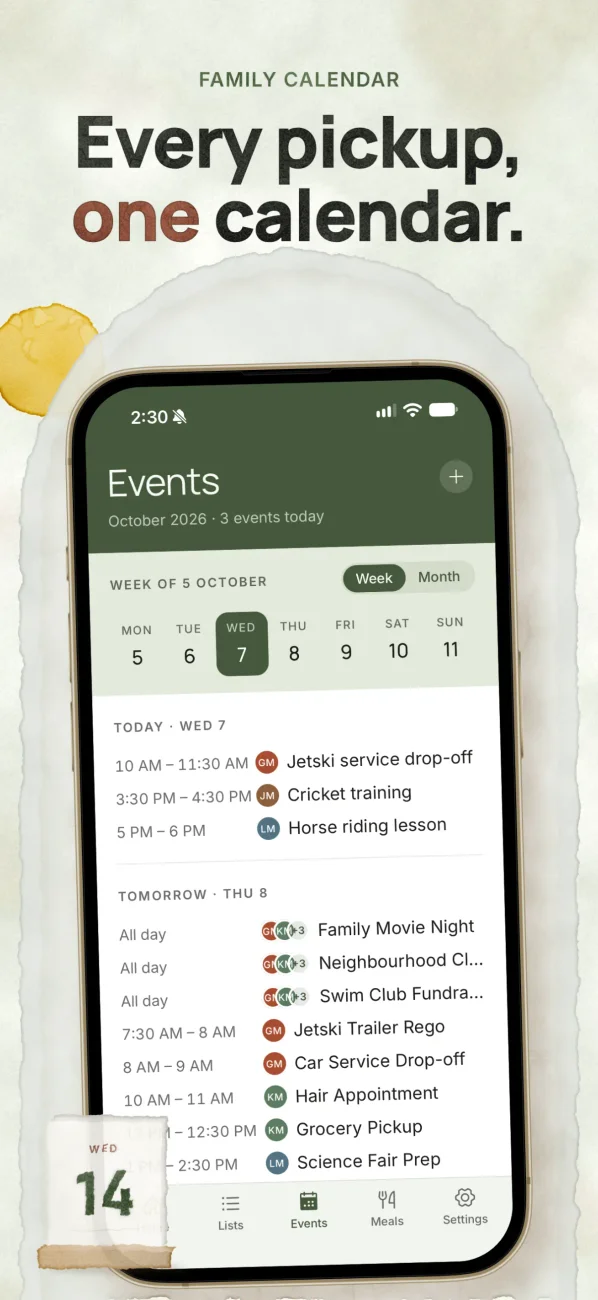
One calendar for the whole household. School pick-ups, dentist appointments, that thing your partner definitely told you about three times. All in one place.
Bring in events from the calendars already on your phone (Google, Outlook or iCloud). Pick the ones the family needs to know about, and they stay up to date when plans change.
See at a glance who each event is for.
HOW IT WORKS
FamFam is free to use. One family member subscribes to FamFam Plus and everyone else gets it too. No per-seat pricing, no "but there's five of us" mental arithmetic. One price, whole family, sorted.
Try Plus free for 14 days.
Terms of Use: https://www.apple.com/legal/internet-services/itunes/dev/stdeula/
Privacy Policy: https://www.famfam.life/privacy
What’s new
Version 2.0.0 · Nov 20, 2026
FamFam 2.0: chores, calendar import and a fresh new look
Chores
Every new family now gets a Chores list. Existing families can create one from the Lists tab.
Set chores to repeat on a schedule or after they're done, and rotate turns between family members.
Tick a chore off and it rolls on to the next due date and the next person by itself.
Morning and evening reminders, plus optional reminders for individual chores, with a Mark done button right on the notification.
Going away? Mark yourself away from any chore list and your turns pass on until you're back. Organisers can mark kids away too.
Pause a chore, or let a missed one skip ahead automatically.
See what's due on Home, filter to just your chores, and check the weekly tally.
Import from your phone's calendar
Bring events from the calendars on your phone (Google, Outlook, iCloud, Exchange) into the family calendar.
Pick only the events you want. FamFam keeps them up to date when they change on your phone.
Find it from the new import button on the Events tab.
Cook view for recipes
Open any recipe to cook from it: tick off ingredients as you go and follow the method step by step.
AI recipes now give times, temperatures and doneness cues for each step.
Browse AI recipe ideas as swipeable cards showing the full recipe.
Tap tonight's meal on Home or Meals to go straight to its recipe.
Events
Tap any day on the calendar, past or future, to start your agenda from it. A Today button brings you back.
The week view has arrows to browse week by week.
Events show the faces of everyone they're for.
A cleaner look
A refreshed, flatter design across Home, Lists, Events, Meals, Settings and sign-up.
Lists now have the add-item box at the bottom of the screen, and shared lists show who they're shared with.
Pull down on the Dinner and calendar bands to expand them.
App privacy
What Steven Bengtson declares on the App Store about how this app handles data.
-
Data linked to you
May be collected and linked to your identity.
- Location
- Contact info
- User content
- Identifiers
- Usage data
- Diagnostics
Privacy practices may vary, for example with the features you use or your age.
Information
- Seller
- Steven Bengtson
- Category
- Productivity
- Version
- 2.0.0
- Updated
- Nov 20, 2026
- Released
- Apr 19, 2026
- Size
- 78.6 MB
- Requires
- iOS 16.4 or later
- Age rating
- 9+
- In-app purchases
- Yes
- Languages
- English
- Copyright
- © Steven Bengtson 2026