Fast Barcode Scan & Generator
Scan EAN, UPC, ISBN and more
Designed for iPhone, iPad, iPod touch
Free
- Age rating4+
- CategoryUtilities
- DeveloperM8M Labs
- LanguagesEnglish+ 70 more
- Size24.2 MB
Links to the official App Store page
Download.org hosts no file of Fast Barcode Scan & Generator. The button opens its official App Store page, published by M8M Labs. Listing last checked on Nov 25, 2026.
Screenshots
About
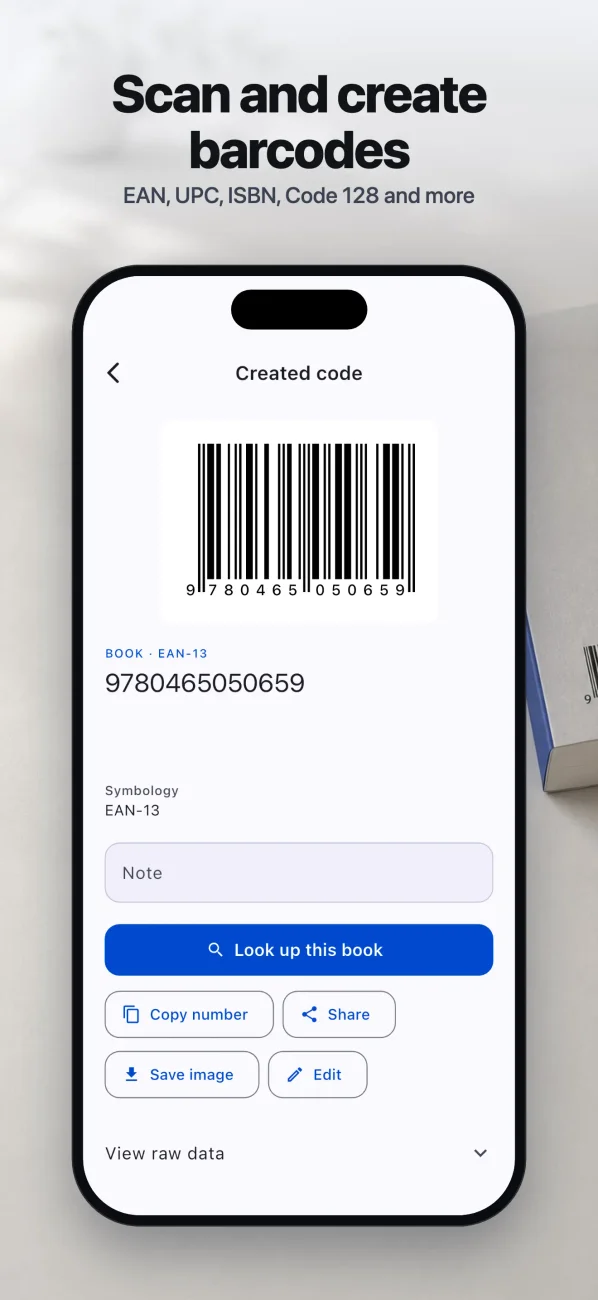
Scan and create barcodes.
Point the camera at a label to read it. All codes in the frame are scanned at once. Each code has a matching number on screen and on its card below. The camera keeps running while results are displayed.
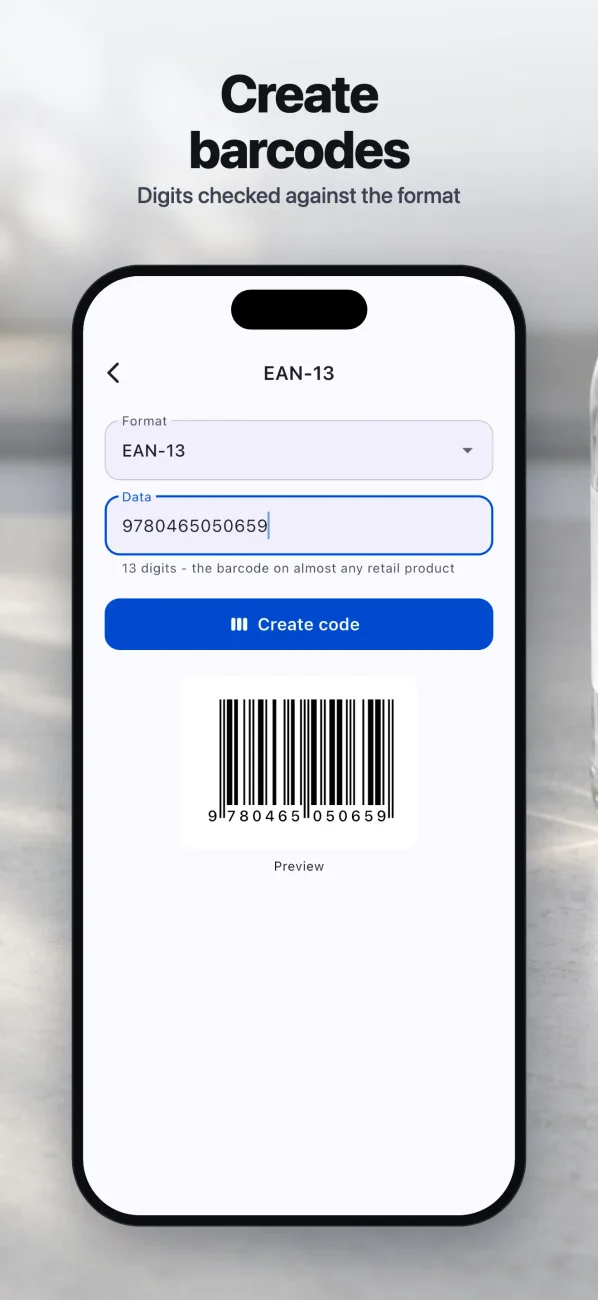
Select a barcode type and enter the digits to create a code. Input is checked against the format's specification as you type. An incorrect number of digits or an invalid check digit prevents saving, and the reason is displayed. Save the barcode as a 1024px PNG or share it directly.
READS
EAN-13, EAN-8, UPC-A, UPC-E, ITF-14, ITF, Code 128, Code 39, Code 93, Codabar, Data Matrix, Aztec, PDF417, MaxiCode, GS1 DataBar, DataBar Expanded, DataBar Limited.
MAKES
EAN-13, EAN-8, UPC-A, UPC-E, ISBN, ITF-14, ITF, ITF-16, Code 128, GS1-128, Code 39, Code 93, Codabar, Telepen, Data Matrix, Aztec, RM4SCC, POSTNET.
SCANNING CONTROLS
Read worn labels on curved bottles, codes displayed on screens and receipts in poor light. Scanning covers the full width of the frame, including wide labels outside the central area. Pinch or use the zoom control to scan a code across the room. Tap to focus.
QR CODE LIMITATION
This app reads and creates barcodes only, not QR codes. When it sees a QR code, it says so and shows where to find the developer's QR Scanner app.
OTHER FEATURES
- Read a barcode from a screenshot or any photo
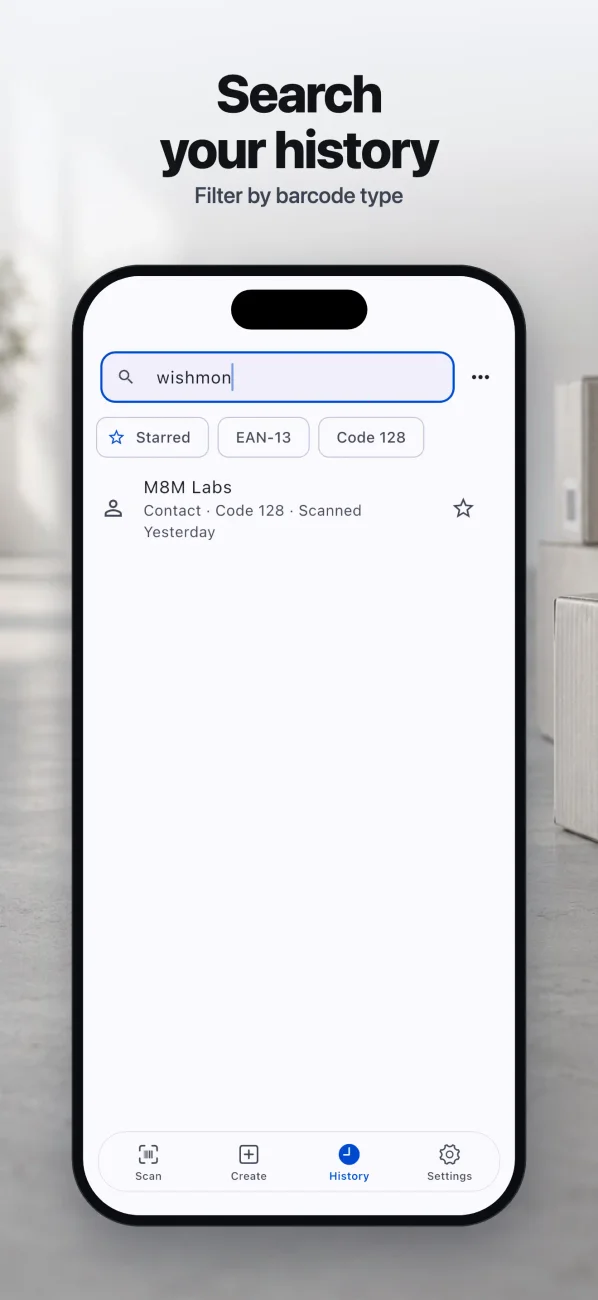
- History of all scanned and created codes, with search and filtering by barcode type
- Star codes, delete multiple entries, and export or import history as a file
- Dark mode and support for the largest accessibility text size on every screen
- The app follows your phone's language, in 72 languages
- No account or sign-in required. No ads. Scanned codes are not sent to the developer.
What’s new
Version 1.4.1 · Nov 25, 2026
The app now follows your phone's language. It is available in 72 languages, including Korean, Japanese, Chinese, Spanish and Arabic.
Shared codes now include a link. It opens the code in the app, or on a web page if the app is not installed.
New in Settings: Share this app, and links to the other M8M Labs scanner apps.
The launch screen now shows the app icon on a plain background.
App privacy
What M8M Labs declares on the App Store about how this app handles data.
-
Data not linked to you
May be collected but is not linked to your identity.
- Location
- Identifiers
- Usage data
- Diagnostics
Privacy practices may vary, for example with the features you use or your age.
Information
- Seller
- Wishmon Inc.
- Category
- Utilities
- Version
- 1.4.1
- Updated
- Nov 25, 2026
- Released
- Aug 30, 2026
- Size
- 24.2 MB
- Requires
- iOS 15.0 or later
- Age rating
- 4+
- Price
- Free
- Languages
- English, Afrikaans, Albanian, Amharic, Arabic, Armenian, Azerbaijani, Basque, Belarusian, Bengali, Bulgarian, Burmese + 59 more
- Copyright
- © 2026 Wishmon Inc. M8M Labs
You might also like
-
 QRBarcodeQRCode, BarCode Scanner/Reader
-
 Blip: Barcode QR KeyboardScan into any text field
-
 Barkoder KeyboardUtilities
-
 Barcode Generator & ReaderBarcode Maker for Label & POS
-
 beacioWeb Bluetooth for Safari
-
 GS1 LebUtilities
-
 NASmeisterYour Synology NAS at a glance
-
 eazyWallet - Digital CardsSave and share cards
-
 Scan Input KeyboardBarcode Scanner Keyboard
-
 CodeCheckGSUtilities