
Fasting Timer 16:8 - Fast Slow
OMAD Tracker & Widget, No Ads
Designed for iPhone
Free · In-app purchases
- Age rating4+
- CategoryHealth & Fitness
- DeveloperZan Cerne
- LanguagesEnglish
- Size17.0 MB
Links to the official App Store page
Download.org hosts no file of Fasting Timer 16:8 - Fast Slow. The button opens its official App Store page, published by Zan Cerne. Listing last checked on Nov 28, 2026.
Screenshots

About
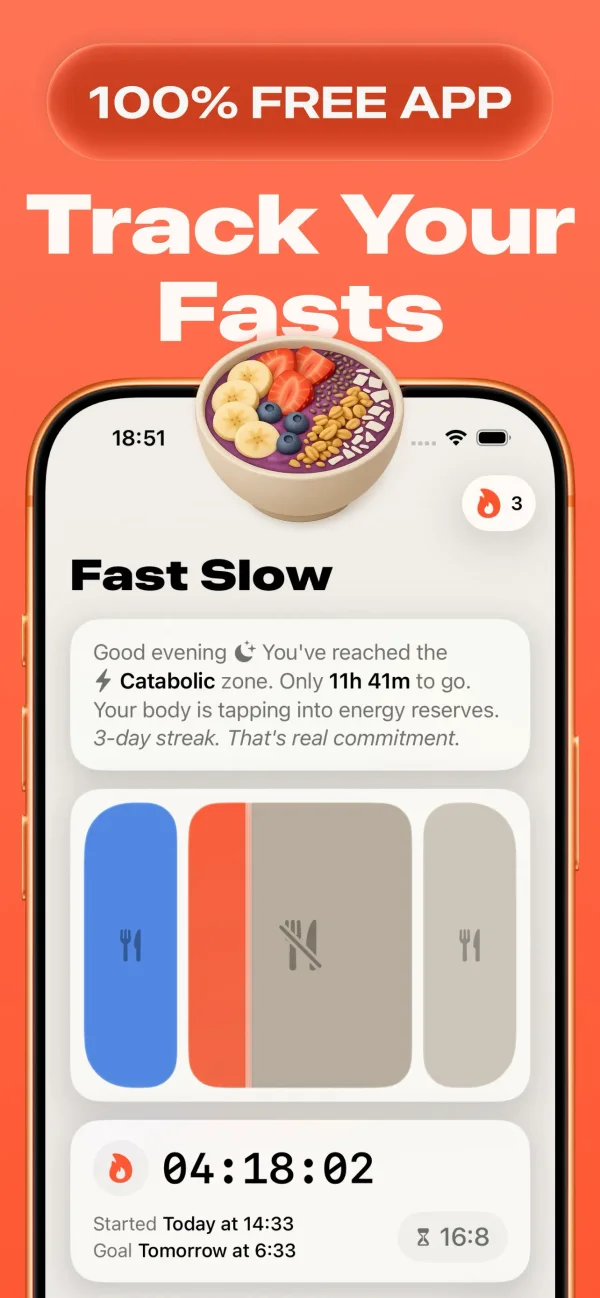
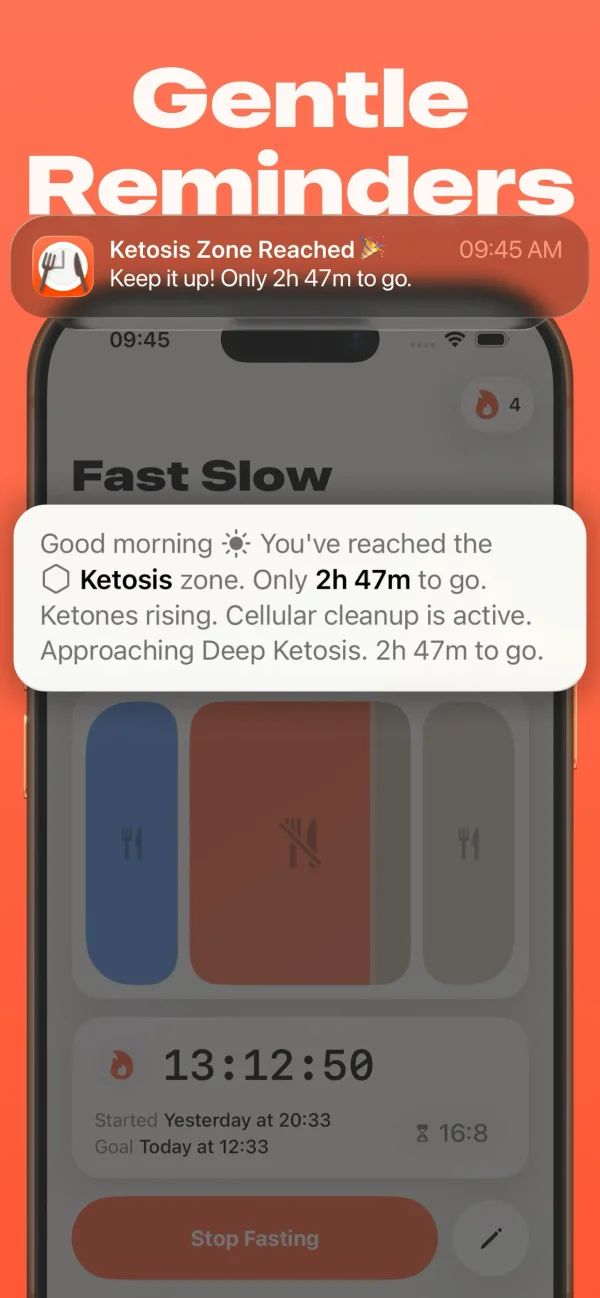
See what happens inside your body as you fast. Fast Slow walks you through 5 fasting zones, from digestion through fat burning to deep ketosis, so you can follow each hour of your fast.
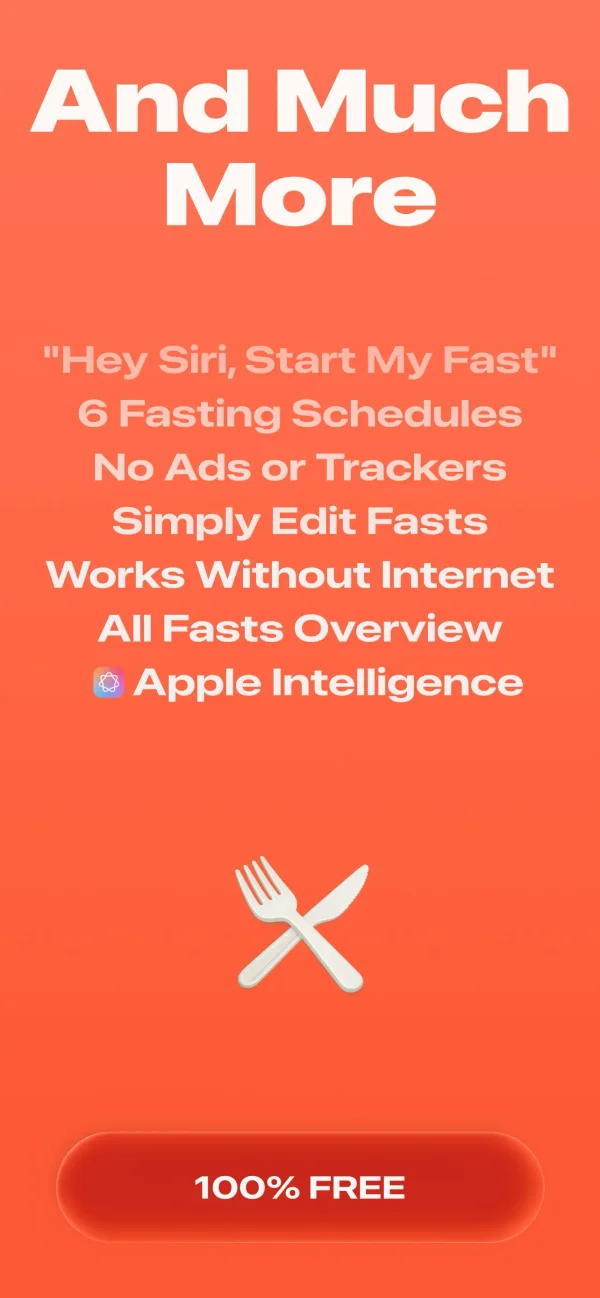
Fast Slow is free, with every feature included and no ads, paywalls or trackers. It will stay that way.
WHAT MAKES FAST SLOW DIFFERENT
Most fasting apps just count down a timer. Fast Slow shows you what is happening in your body at each stage:
- Anabolic (0-4h): Digesting and storing nutrients
- Catabolic (4-8h): Tapping into energy reserves
- Fat Burning (8-12h): The metabolic switch
- Ketosis (12-16h): Ketones and cellular cleanup (autophagy)
- Deep Ketosis (16h+): Deep cellular renewal
Tap any zone to learn more about the science behind it.
EVERYTHING INCLUDED
There is no premium tier and no trial that expires. You get every feature from day one:
- 6 fasting schedules
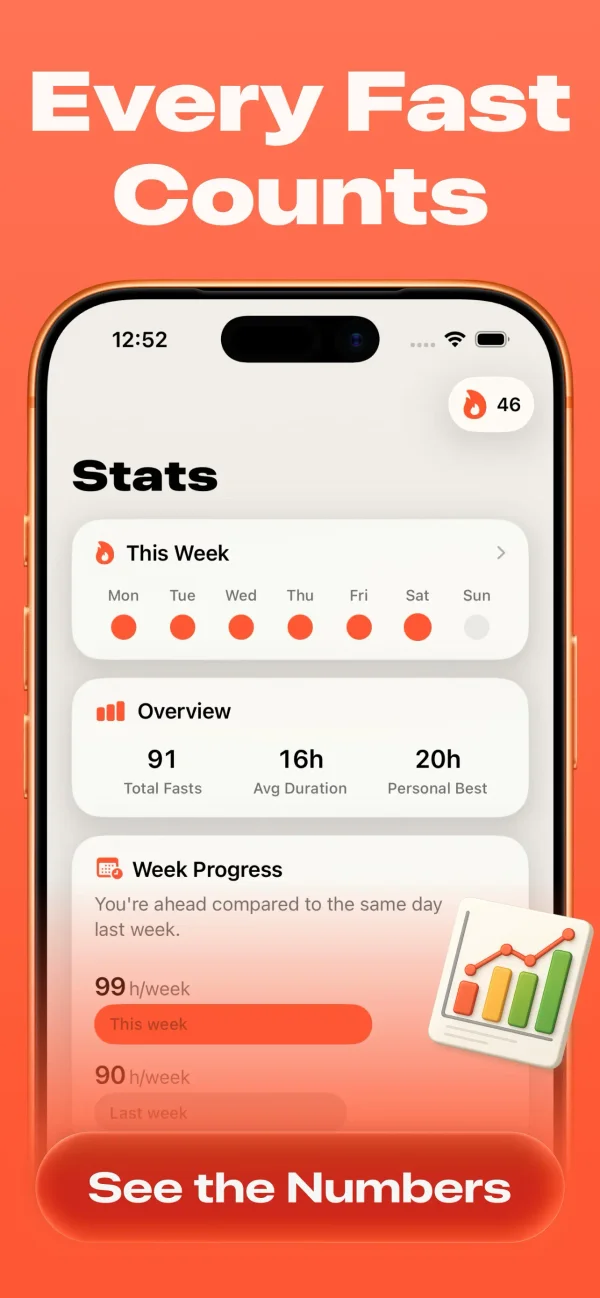
- Stats, streaks, and trends
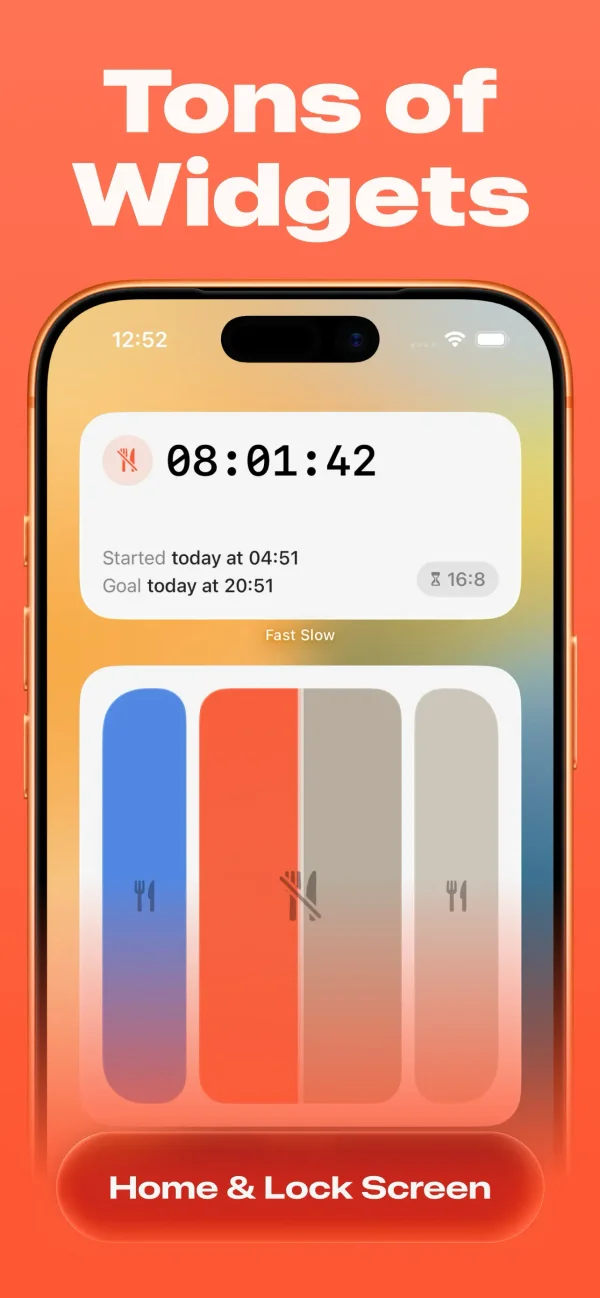
- Widgets (Home Screen and Lock Screen)
- Notifications
- Siri Shortcuts
- iCloud sync
- Data export
FEATURES
Fasting Timer
One tap to start. One tap to stop. A visual timeline shows where you are, what zone you're in, and what comes next.
6 Fasting Schedules
12:12 for beginners, 14:10, 16:8 (the most popular), 18:6, 20:4, and OMAD (one meal a day) for experienced fasters.
Visual Timeline
Color-coded timeline of your fasting and eating windows. Plan meals, training, and recovery at a glance.
Notifications
7 notification types: goal reached, halfway there, one hour left, eating window alerts, and a custom last meal reminder. Nudges, not nags.
Stats & Streaks
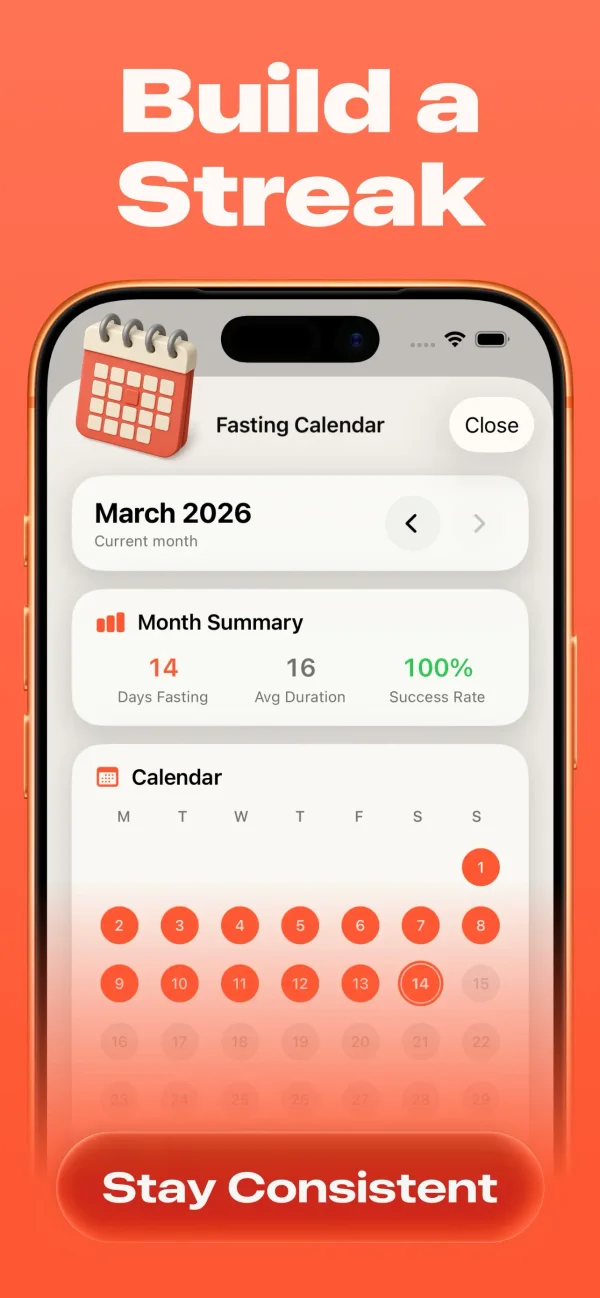
Total fasts, average duration, personal records, weekly trends, and a monthly fasting calendar.
Widgets
Home Screen and Lock Screen widgets with progress rings, timelines, and live timers. Check your fast without opening the app.
Siri Shortcuts
"Hey Siri, start my fast." Start, stop, and check your fasting status hands-free.
Greetings from Apple Intelligence
On supported devices, Apple Intelligence creates personalized messages based on your fasting progress, streak, and time of day.
iCloud Sync
Your fasting data syncs automatically across all your devices.
Data You Own
Export your fasting history as JSON. Delete everything with one tap.
DESIGNED FOR REAL LIFE
Pick a schedule, adjust as needed, and let Fast Slow handle the timing. New to fasting or already have a routine, it works either way.
Built by one developer who fasts every day. There is no company behind it and no tricks to keep you in the app. It is a well-made tool that respects your time and your data.
RESPONSIBLE APPROACH
Intermittent fasting can support weight management, energy, and focus, but results vary. Fast Slow provides tools and information, not medical advice. If you have health conditions, are pregnant, or have a history of eating disorders, please talk to a healthcare professional before starting.
Terms of Use: https://www.apple.com/legal/internet-services/itunes/dev/stdeula/
Privacy Policy: https://cernezan.com/fast-slow/privacy/
What’s new
Version 2.4.1 · Nov 26, 2026
The Timer + Timeline widget now comes in medium size, plus fixes for iCloud sync, reminders and the Fasting Calendar.
New
• Timer + Timeline widget in medium size. It now shows first when you add a widget.
Fixed
• A crash when iCloud sync ran in the background.
• Reminders now follow your Notifications setting on every screen.
• The Fast screen no longer pauses while reminders update.
• The Fasting Calendar opens smoothly.
App privacy
What Zan Cerne declares on the App Store about how this app handles data.
-
Data not linked to you
May be collected but is not linked to your identity.
- Identifiers
- Usage data
Privacy practices may vary, for example with the features you use or your age.
Information
- Seller
- Zan Cerne
- Category
- Health & Fitness
- Version
- 2.4.1
- Updated
- Nov 26, 2026
- Released
- Aug 22, 2025
- Size
- 17.0 MB
- Requires
- iOS 18.0 or later
- Age rating
- 4+
- Price
- Free
- In-app purchases
- Yes
- Languages
- English
- Copyright
- © 2026 Zan Cerne
You might also like
-
 Fasting Tracker: Freedom FastFree Fasting App
-
 Intermittent Fasting: OrbitPrecise Fast Tracker & Timer
-
 FastingCat - Fast tracker (IF)Intermittent Fasting & Ketosis
-
 Intermittent-Fasting Tracker+16:8 Timer, Diet & Weight Loss
-
 Fasting Center: Fast TrackerIntermittent, Extended Fasting
-
 Easy Fast: Fasting TrackerIntermittent Fasting Timer
-
 Nomu - Intermittent FastingTimer, Water & Weight Loss
-
 Rhythm: Fasting TrackerSimple Intermittent Fast Timer
-
 Fast Feast RepeatLearn With Gin Stephens
-
 Easy Fast - Fasting TrackerIntermittent Fasting for body