- Age rating4+
- CategoryHealth & Fitness
- DeveloperLobsag Paredes
- LanguagesEnglish
- Size2.2 MB
Links to the official App Store page
Download.org hosts no file of FastDown. The button opens its official App Store page, published by Lobsag Paredes. Listing last checked on Nov 19, 2026.
Screenshots



About
A fasting countdown. Pick a window - 12 to 48 hours between meals, or any length you set - and hold the line.
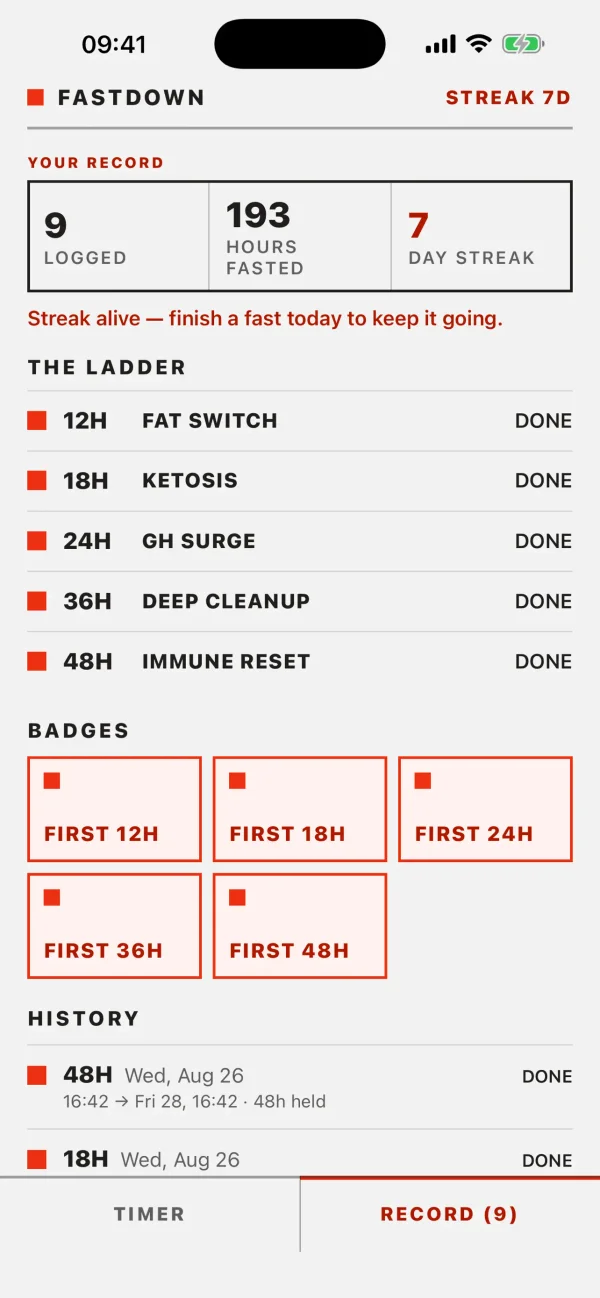
Nothing is gated. Every window is pickable from day one; the ladder (12→18→24→36→48) marks progress, it doesn't lock it. Carry a window to term and it earns its badge and feeds a daily streak.
THE CLOCK RUNS FROM YOUR LAST MEAL, NOT FROM THE TAP. You eat, you remember the app an hour later. FastDown asks — one tap says when you actually started, and the timeline, badge and streak inherit the truth instead of the error.
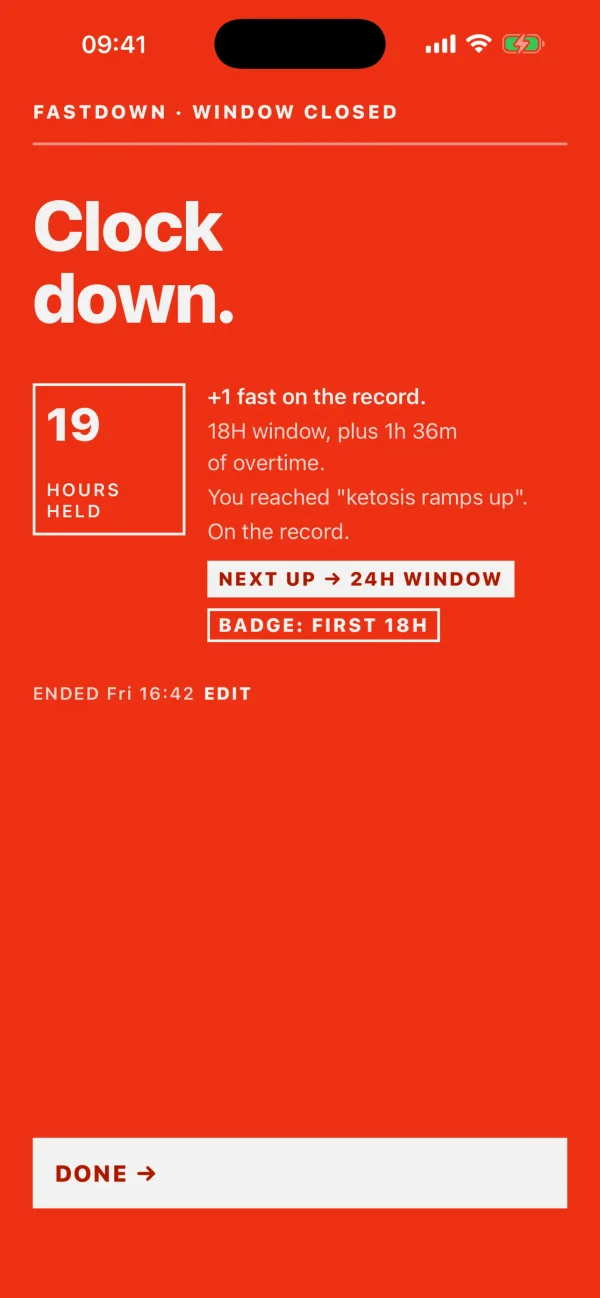
WORKS WITHOUT BEING LOOKED AT. Start your usual window from a Home Screen widget, a notification button, or a Siri phrase. A Live Activity keeps the countdown on your lock screen, with a FINISH button once you're past term. Reaching term never stops the clock - overtime counts up, and the hours count.
IT LEARNS YOU, AND IT ASKS. Start at the same time five days running and it offers that time as your daily reminder. Skip every Sunday and it offers to keep the nudge quiet on Sundays. Give up 16-hour windows around hour nine three times and it offers a word of encouragement at hour eight-thirty. Every finding is offered once, your refusal is remembered, and nothing ever changes without your yes.
A RECORD YOU CAN TRUST. Every window is logged, finished or not. Entries can be corrected, past fasts added by hand, and a hand-logged fast is worth exactly as much as a timed one. Deleting is the only irreversible act in the app, so it gets an undo.
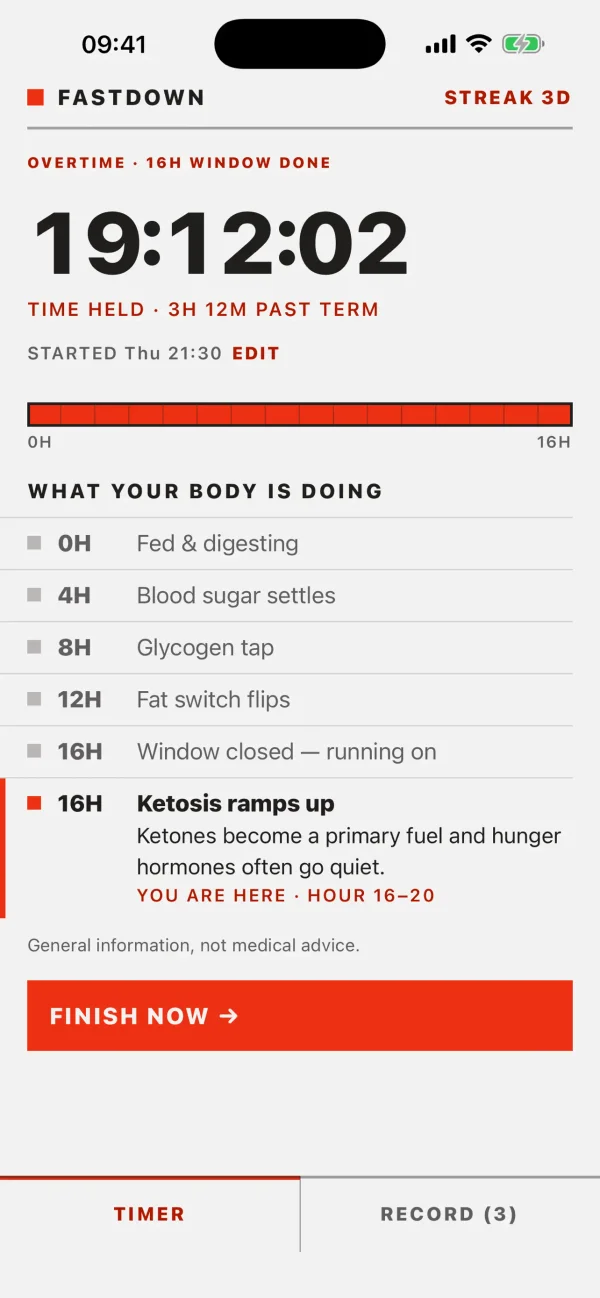
WHAT YOUR BODY IS DOING. A nine-stage timeline tracks the physiology of a fast — blood sugar, the glycogen tap, the fat switch, ketosis — hour by hour, wherever you are in the window. General information, not medical advice.
PRIVATE BY ARCHITECTURE. No account. Your record never leaves your phone. Anonymous usage counts help improve the app — nothing identifies you, and the switch to turn them off is in the open, on the main screen.
This is a timer, not medical advice. Fasting isn't for everyone - check with your doctor, drink water, and stop the moment you feel unwell.
What’s new
Version 1.1.1 · Sep 23, 2026
Your record now survives restarting your phone. After a restart, iOS wakes the app before the phone is unlocked, and FastDown could mistake that moment for a first run and start a fresh record over the old one. It waits for the unlock now.
WHAT EACH STAGE MEANS. Tap any row of the timeline while a window runs to read what that hour is, what the research shows, how settled it is, and where to read more.
The first card says what the app is, and the clock stops when no window is open.
App privacy
What Lobsag Paredes declares on the App Store about how this app handles data.
-
Data not linked to you
May be collected but is not linked to your identity.
- Usage data
Privacy practices may vary, for example with the features you use or your age.
Information
- Seller
- Lobsag Paredes
- Category
- Health & Fitness
- Version
- 1.1.1
- Updated
- Sep 23, 2026
- Released
- Sep 14, 2026
- Size
- 2.2 MB
- Requires
- iOS 17.0 or later
- Age rating
- 4+
- Price
- Free
- Languages
- English
- Copyright
- © 2026 L. Paredes
You might also like
-
 Veras: Face & Body Analysis AILooksmax Score & Improvement
-
 LouneHealth & Fitness
-
 seniorshieldYou partner in active aging
-
 Happy Rising: MindfulnessDaily Morning Rituals
-
 FastMate: Intermittent FastingFast, hydrate, & track weight
-
 IF Timer & Weight Loss tracker16:8 Intermittent fasting
-
 Samarth Care for SeniorsGold standard care for seniors
-
 Intermittent Fasting for Men+ Calorie Counter Weight Loss
-
 Boxa: Shadow Boxing & CombosSolo & bag workout partner
-
 Runnify: Running Plans AppPlans for Running up to 42K