FBNMobile Senegal
FBN Bank Mobile Banking App
Designed for iPhone, iPad, iPod touch
Free
- Age rating4+
- CategoryFinance
- DeveloperFirst Bank of Nigeria Limited
- LanguagesEnglish
- Size63.6 MB
Links to the official App Store page
Download.org hosts no file of FBNMobile Senegal. The button opens its official App Store page, published by First Bank of Nigeria Limited. Listing last checked on Nov 20, 2026.
Screenshots

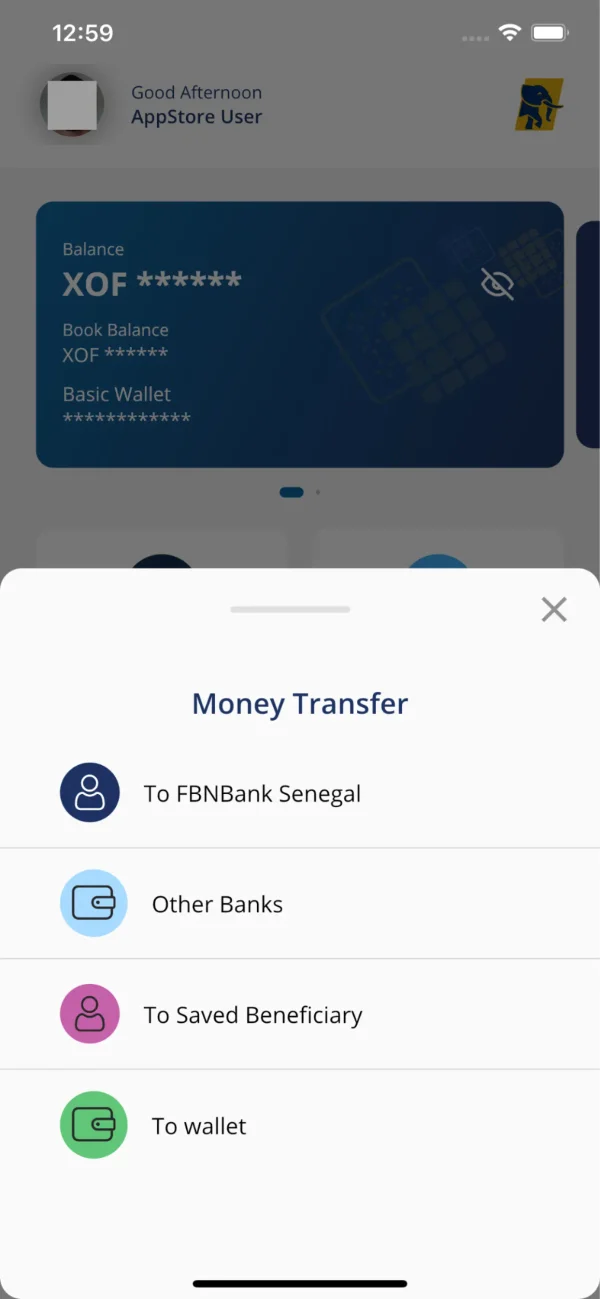
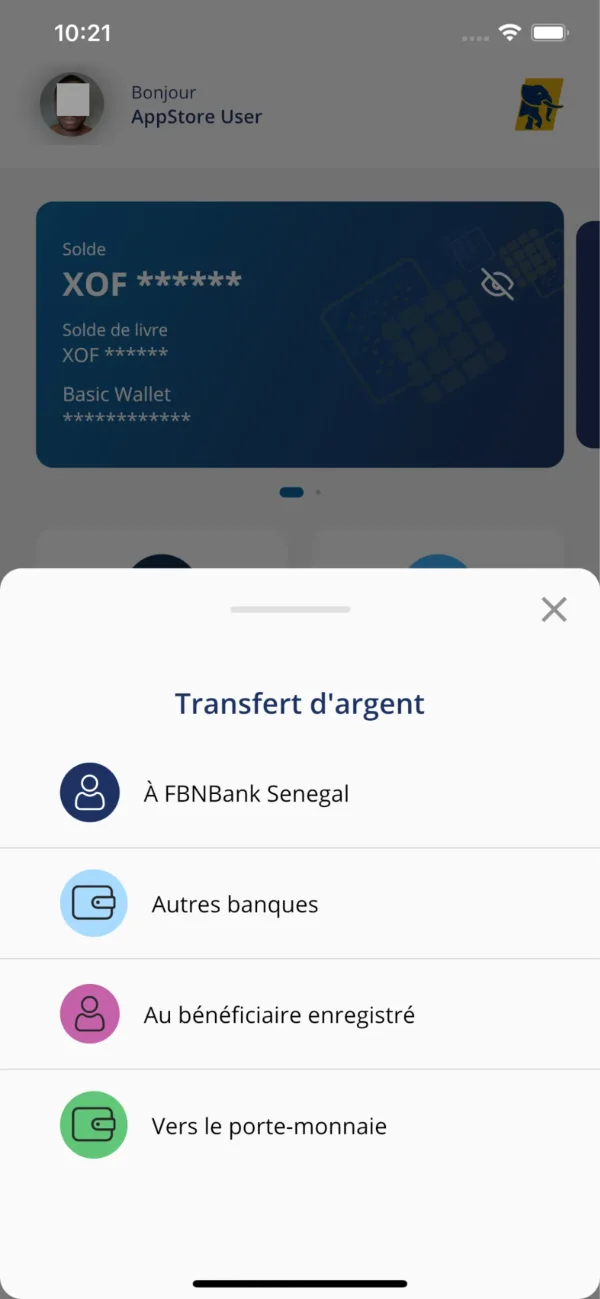
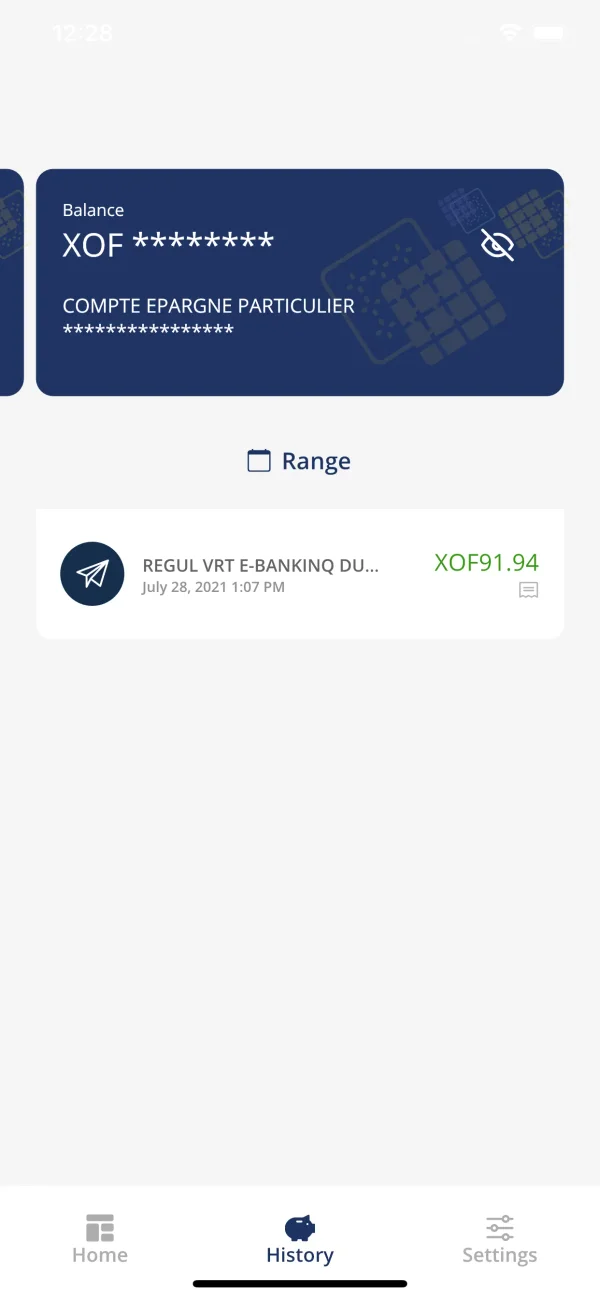

About
The FBN Mobile app is finally here!
FBNMobile Senegal is the official mobile banking application from FBNBank Senegal. It provides convenient access by putting your bank in your pocket. You do not have to be a customer of FBN Bank to have access to the app as long as you have an internet-ready device and a mobile number, you are good to go.
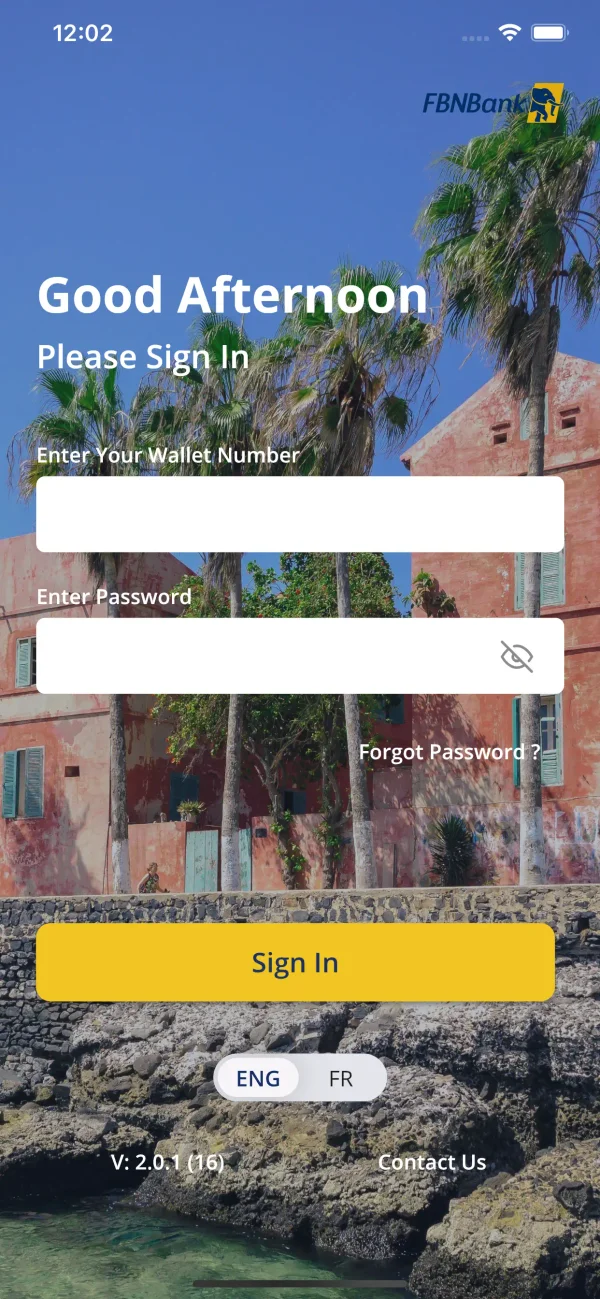
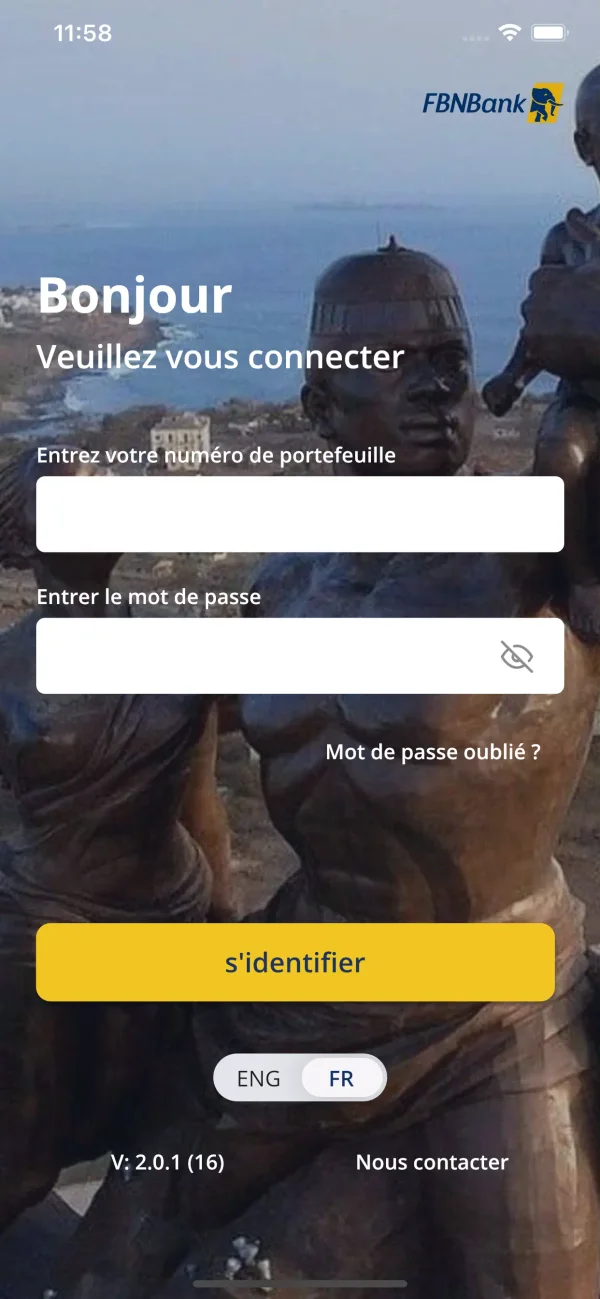
A unique feature of the app is that it gives you access to both your Wallet and account number. It also gives the option of language for transaction as you can switch between English and French.
Creating a wallet is very seamless and a DIY enrolment process that provides you a 24/7 access to financial services.
The App allows you perform transactions and manage your bank account(s) and Wallet from your mobile device. It is secure and very simple to use.
The FBNBank Mobile App allows you:
• Create a wallet all by yourself without visiting the bank
• Take a selfie and upload an identity card
• Existing customers can request for account linkage
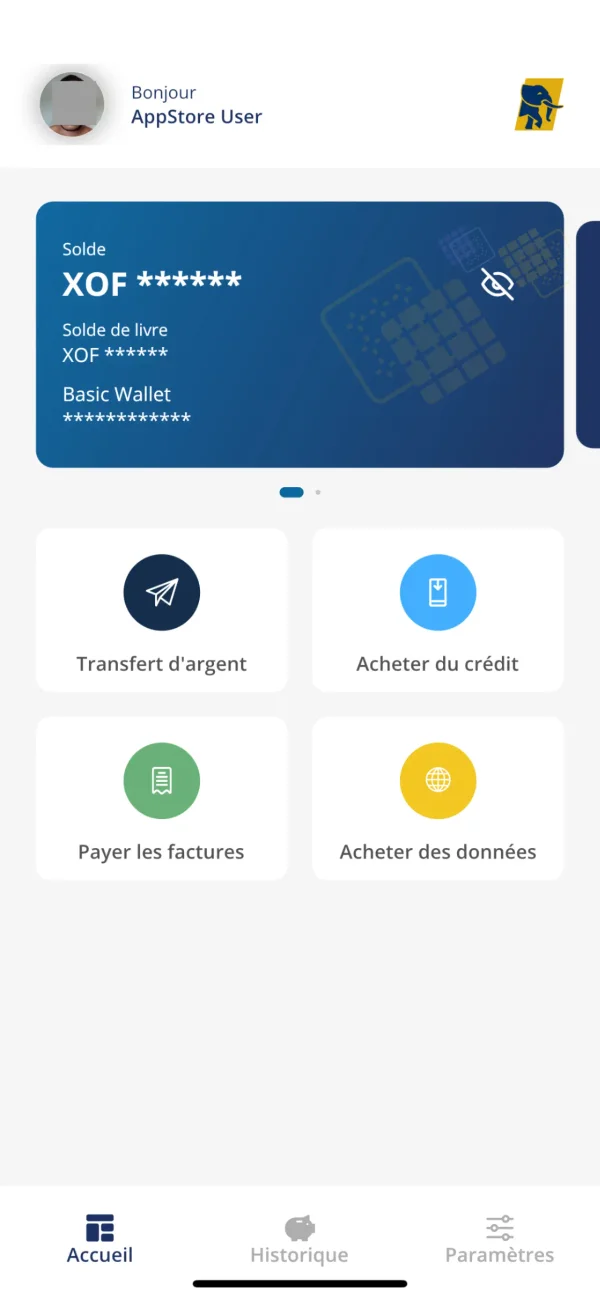
• View the balances on your bank account(s) and wallet.
• Manage your account and preview your transaction history.
• Initiate transfers to own account(s), FBNBank accounts and wallet, also to other bank accounts.
• Verify your transaction securely by using a self-selected PIN
Your phone number is your Wallet ID and you don’t even need to be an account holder of FBNBank to register for FBN Mobile.
To get started:
• Visit your App store, search for FBN Bank mobile, click the install button.
• Launch the App, select language of choice and click on open wallet.
• Accept the terms and condition then input your title, gender, phone number, email, first name, last name and date of birth.
• To validate your identity, you will be prompted to provide your nationality, means of ID and ID card number.
• You will be required to take a selfie. Enter new password and confirm, select a 4 digit PIN and confirm, provide 2 security questions and answers and then a 5 digit to token is sent to verify your mobile number.
• Enter this code in the app and your mobile phone will be successfully verified as your wallet id. Voila! Your Wallet is created and you can fund and start transacting
• You can now login with your mobile number ( wallet ID) and enable your finger print as a login authenticator.
Get onboard the FBN Mobile and experience convenience at your fingertips.
What’s new
Version 2.2.5 · Nov 16, 2026
Digital account opening now available on the FBNMobile Senegal App!
App privacy
What First Bank of Nigeria Limited declares on the App Store about how this app handles data.
-
Data linked to you
May be collected and linked to your identity.
- Contact info
- User content
- Identifiers
-
Data not linked to you
May be collected but is not linked to your identity.
- Contact info
Privacy practices may vary, for example with the features you use or your age.
Information
- Seller
- First Bank of Nigeria Limited
- Category
- Finance
- Version
- 2.2.5
- Updated
- Nov 16, 2026
- Released
- Aug 17, 2020
- Size
- 63.6 MB
- Requires
- iOS 13.0 or later
- Age rating
- 4+
- Price
- Free
- Languages
- English
- Copyright
- © FBNBank